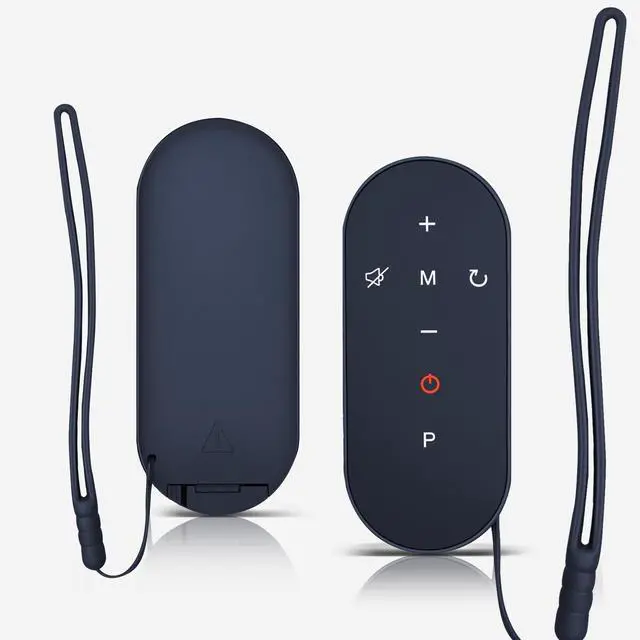
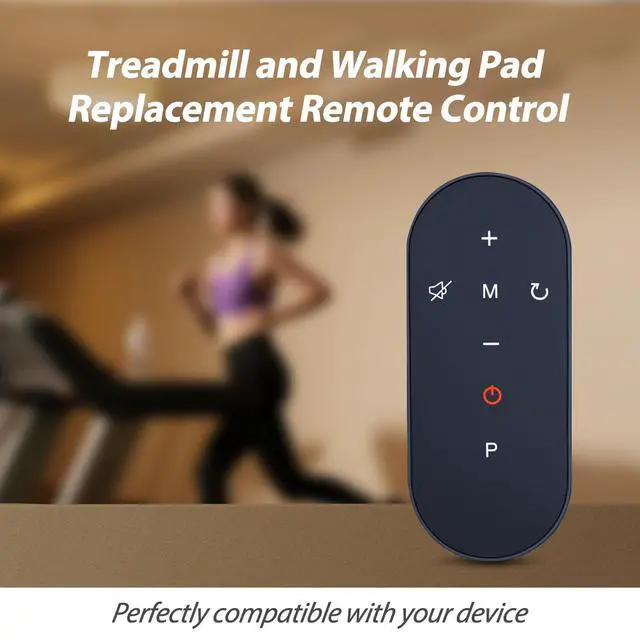
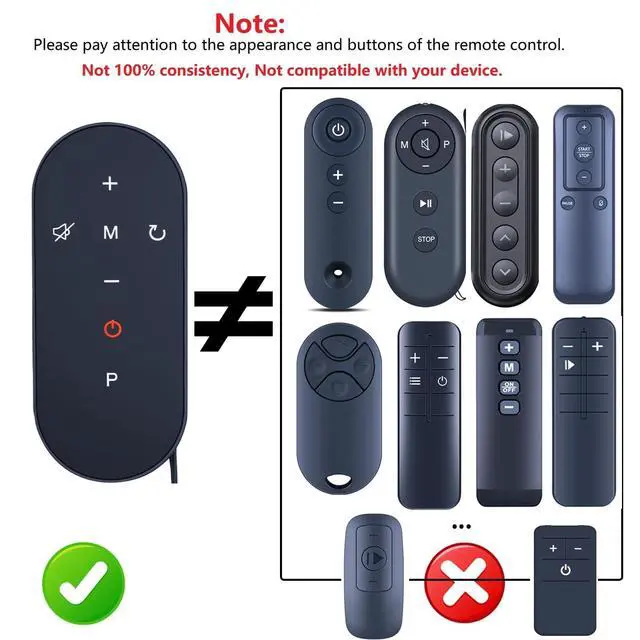
Compatibility TM002 TM003 Under Desk Treadmill Replacement Remote Control
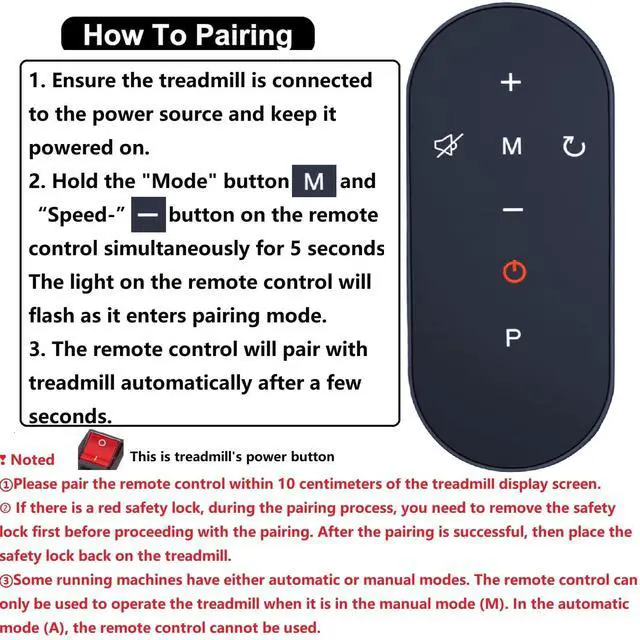
Easy Pairing Install battery(not included). 1. Ensure the treadmill is connected to the power source and keep it powered on. 2. Hold the "Mode" button and "Speed-"button on the remote control simultaneously for 5 seconds. The light on the remote control will flash as it enters pairing mode.3. The remote control will pair with treadmill automatically after a few seconds.
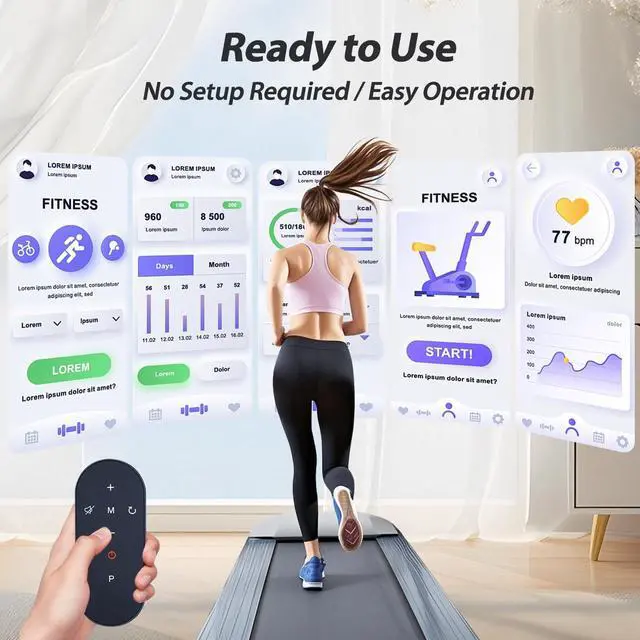
Efficient Control, Easy Operation This remote control offers precise control for your treadmill, allowing you to easily adjust speed, incline, and settings. Whether you're jogging or sprinting, you can effortlessly manage your workout pace, making each session more effective and enjoyable.
ABS materialThis smart remote made of high quality ABS material to make this smart remote more durable. This replacement remote only comes with 0.10kg (0.55lb.),wear-resistant and durable.
Lifetime Warranty & Exceptional ServiceDoesn't match your equ
+
+
Overview
Specs
Reviews
WDZP New Walking Pad Replacement Remote Control fit for Bifanuo Under Desk Treadmill TM002 TM003
Learn more about the Detailed Specifications
Additional Information
First Listed on Newegg
June 12, 2026
There are no reviews yet.
Do you own this product?
Warranty & Returns
Warranty, Returns, And Additional Information
Warranty
Please contact the Seller directly for warranty information. Warranty information may also be found on the Manufacturer's website.