• $55.99
  • Free 30-day Returns
  • Sold by CloudBeast
    Top Rated
    1 (2 seller ratings)

    Shipped by CloudBeast

    Price alert
    Shop it at NeweggBusiness.

    Meet Your Seller

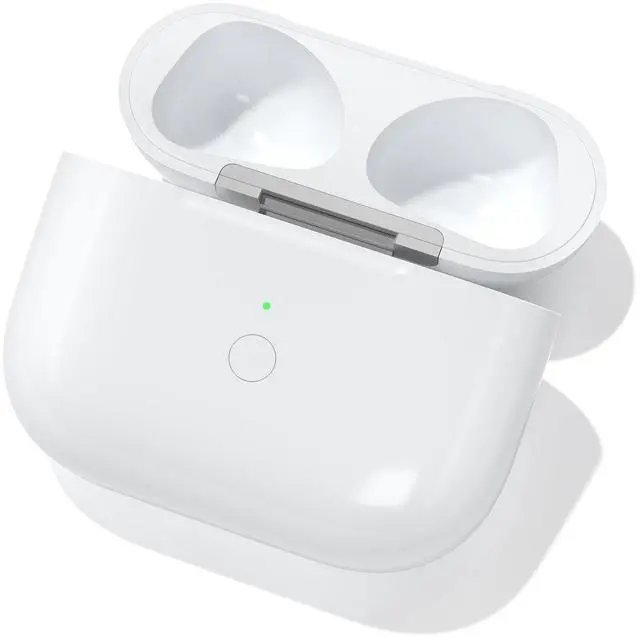
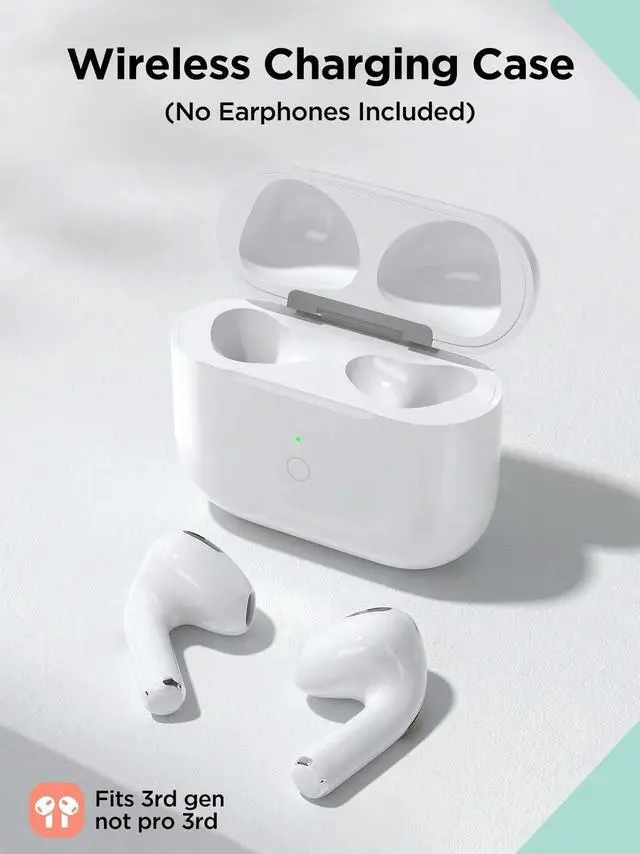
    Wireless Charging Case with AirPods 3rd Generation, Replacement Case for AirPod 3rd Gen with Bluetooth Pairing Sync Button (Not for Pro Mmodels), Earbuds Not Included (L-Port)

    • Replacement Charging Case for 3rd Generation: This wireless charging case is designed as a reliable replacement solution, working similarly to the original. Ideal as an Airpods 3 charging case replacement, fully compatible with Airpods 3rd generation (not for Pro models). Fits earbuds models A2564, A2565 (Earbuds not included)
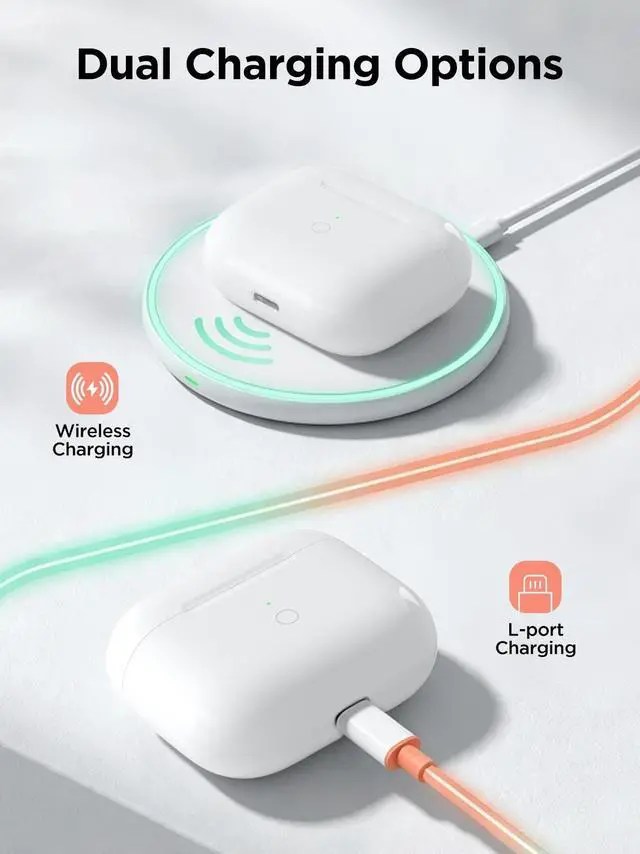
    • Wireless & Wired Dual Charging: Supports both Qi wireless charging and L-Port wired charging for flexible use. This Airpod 3rd generation charging case works with most wireless chargers. For best results, remove thick protective covers, as external cases over 2mm may affect wireless charging efficiency
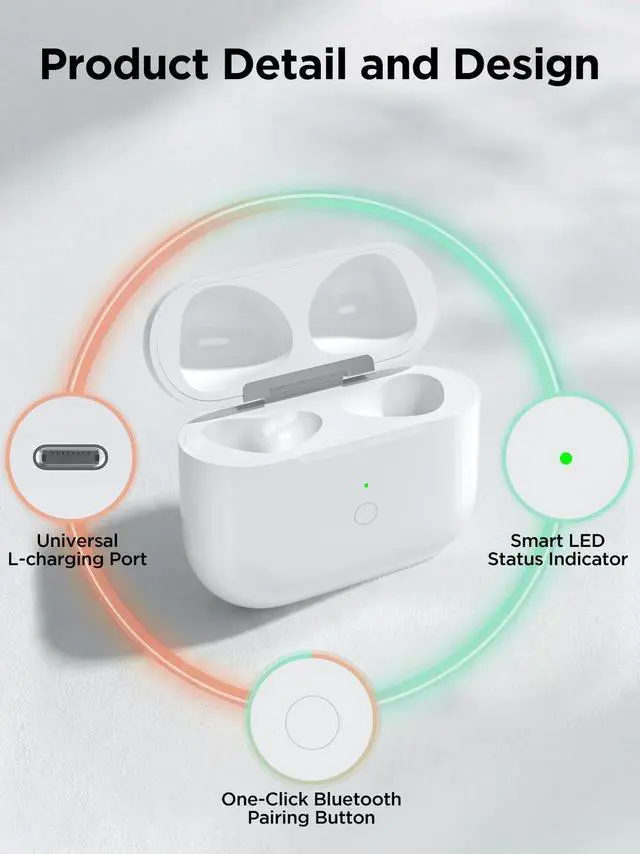
    • Bluetooth Pairing & Auto Sync: Built with a sync button for quick connection. This Airpods 3rd gen charging case supports fast Bluetooth pairing and auto reconnection after first use. Simply open the lid to connect, providing a smooth experience as your daily Airpods 3 case charger
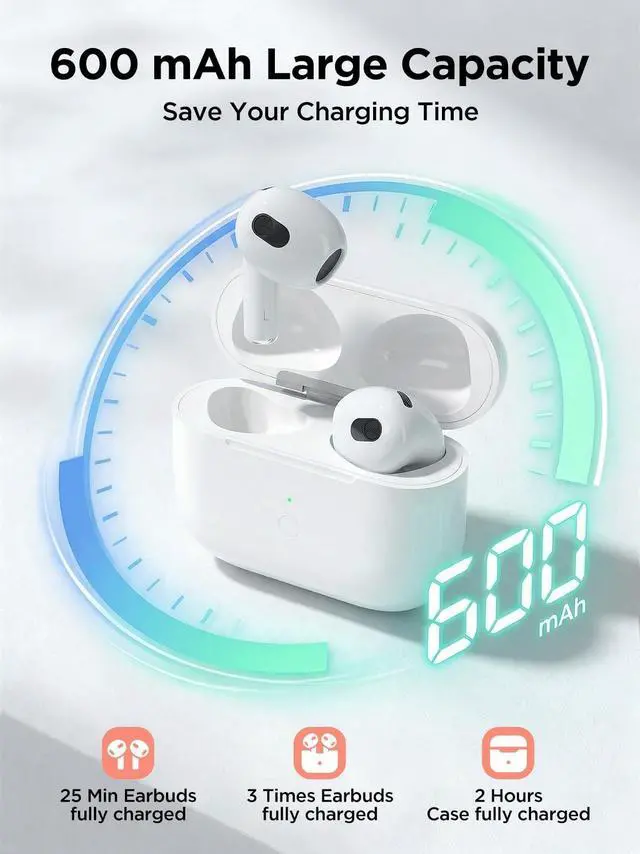
    • Fast Charging & Long Battery Life: Fully
    +
    +
    Overview
    Specs
    Reviews
    avatar

    Any questions? Our AI beta will help you find out quickly.

    Bluetooth Pairing Instructions Note: Do not connect the charger during pairing.
    Initial Charging: Place the earbuds into the charging case and charge for at least 15 minutes before first use.
    Enable Bluetooth: Go to Settings Bluetooth On on your device.
    Enter Pairing Mode: Open the lid, then press and hold the sync button until the white light flashes.
    Connect Device: When the pop-up window appears, tap Connect.
    Complete Pairing: Close the lid and reopen it after 2 seconds. The earbuds will connect automatically. LED Indicator StatusOrange Light ( <10% Battery): Indicates the charging case battery is below 10%. Green Light (> 10%
    Battery): Indicates the battery level is above 10%. White Breathing Light (Pairing
    Mode): Flashing white light means the device is ready to pair.
    Charging Status: When plugged in, the orange light stays on for 10 seconds, then turns off automatically.


    Warranty & Returns

    Warranty, Returns, And Additional Information

    Warranty

    • Please contact the Seller directly for warranty information. Warranty information may also be found on the Manufacturer's website.
    • CONTACT

    Return Policies

    • Return for refund within: 30 days
    • Return for replacement within: 30 days
    • This item is covered by CloudBeast Return Policy

    Manufacturer Contact Info

    LOADING...