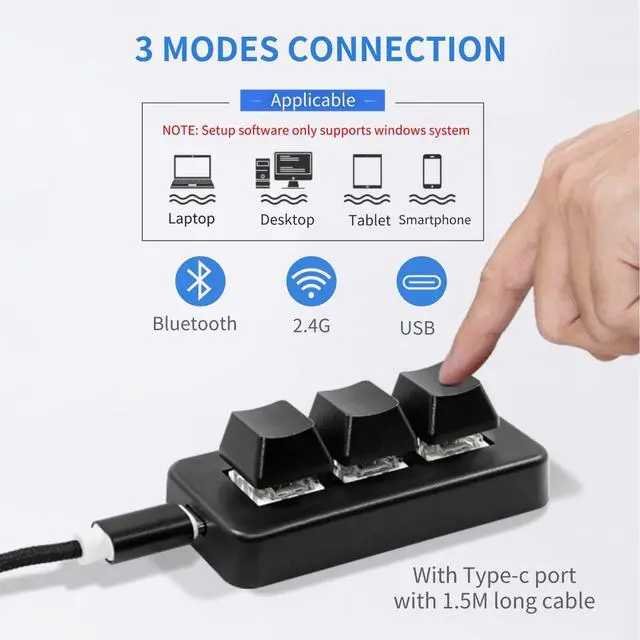
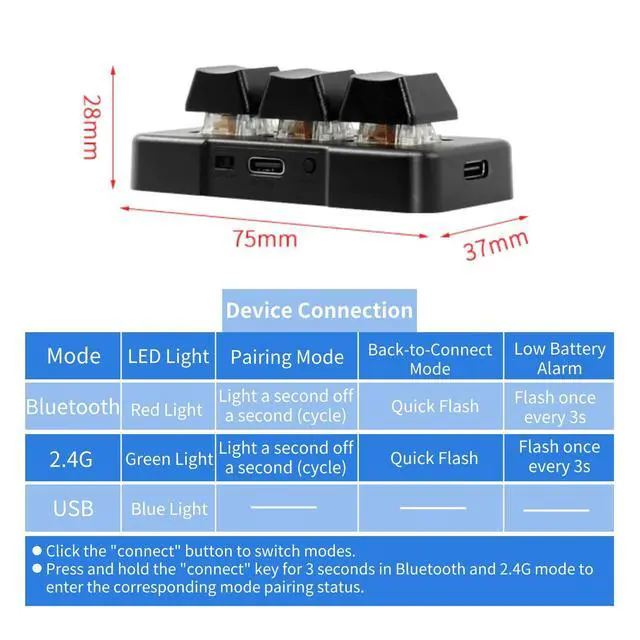
Mode switching: short press the "connect" key (press for no more than three seconds) to switch between the three modes.
Bluetooth mode: Press and hold the "connect" key for three seconds in Bluetooth mode to enter the pairing state (red light flashes slowly), you can use your computer or cell phone and other Bluetooth functions to search for the device with the name You can search for the device with the name "MK321-Pro" by using the Bluetooth function such as computer or mobile phone, click on the name and connect in reverse, the red light of the device will be on for 2 seconds after successful connection and then turn off.
2.4G mode: 2.4G mode long press the "connect" key for three seconds to enter the pairing state (green light slowly flashing), then the receiver into the computer, the device and the receiver will Automatic pairing, after successful pairing device green light will be on for 2 seconds and then turn off.
USB mode: the device USB mode through the USB cable connected to the computer can be used as a wired foot pedal, you can set the function through the software.
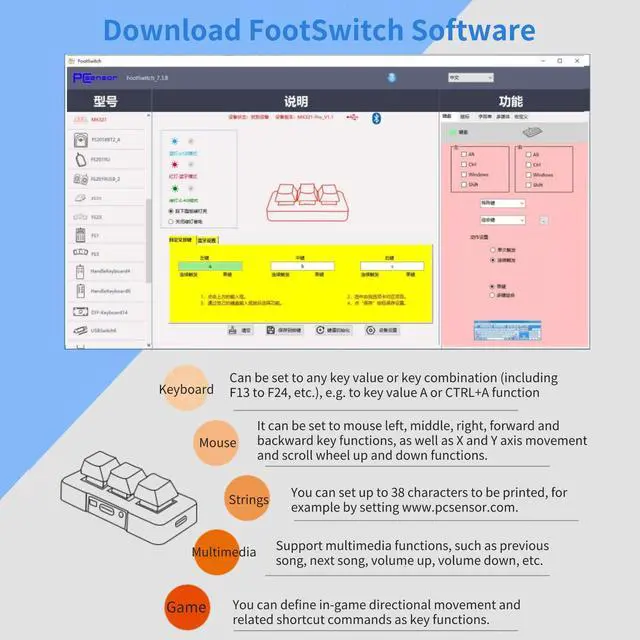
Programming software download website:
https: //pcsensor.
com/article1/download-footswitchSpecification: Item
Type: 3
Keys KeyboardMaterial: ABS
Size: 75x37x28mmLighting
Effect: Color
BacklightConnection: USB Wired, 2.4 g, BluetoothBattery
Type: Built in 140mAh
Lithium Ion BatteryApplicable Equipment: Computer
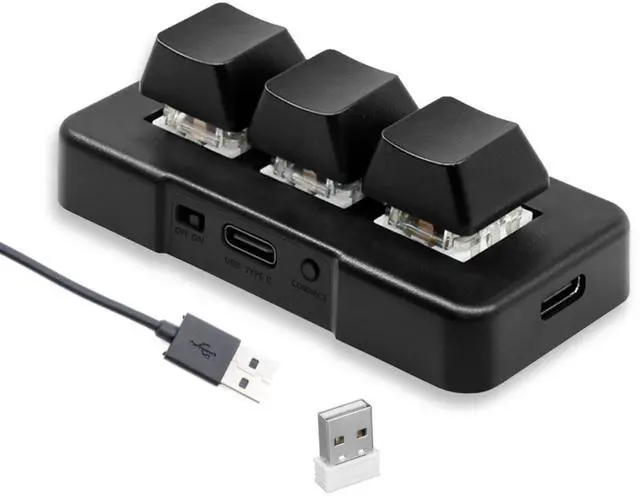
UniversalPackage List: 1 x Mini 3 Keys Keyboard1 x Receiver1 x Data Cable