

Your Browsing History

Meet Your Seller

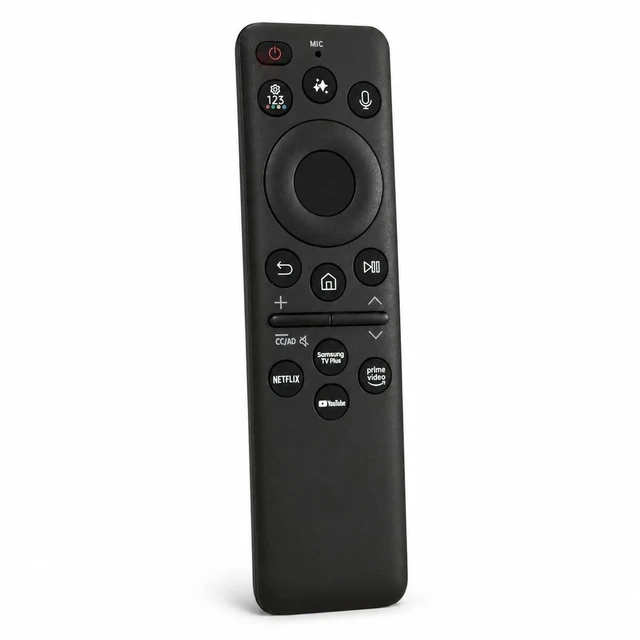


Rechargeable Solar Voice Remote for Samsung OLED S85H Series Vision AI Smart TV TM2660H QN55S85HAEXZA QN48S85HAEXZA QN65S85HAEXZA QN77S85HAEXZA QN83S85HAEXZA
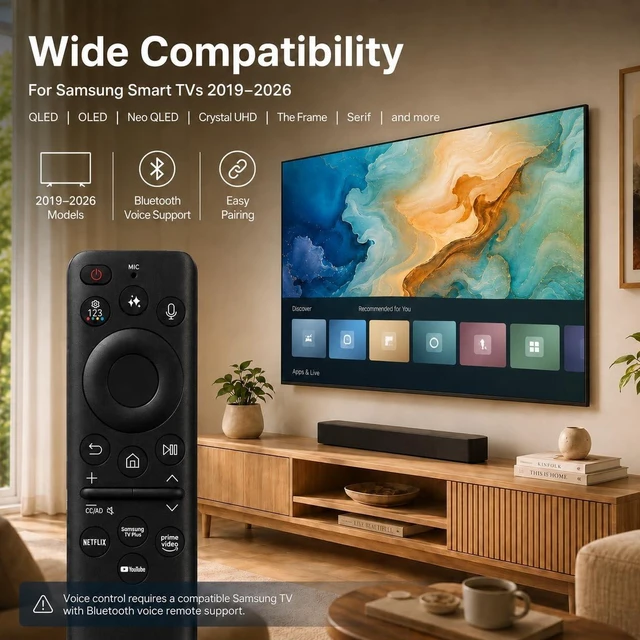
- 1.Wide Compatibility for Samsung Smart TVs: Designed for most Samsung Smart TVs from 2019 to 2026, including QLED, OLED, Neo QLED, Crystal UHD, The Frame, Serif, 4K and 8K series. Voice function requires a compatible Samsung TV that supports voice remote control.
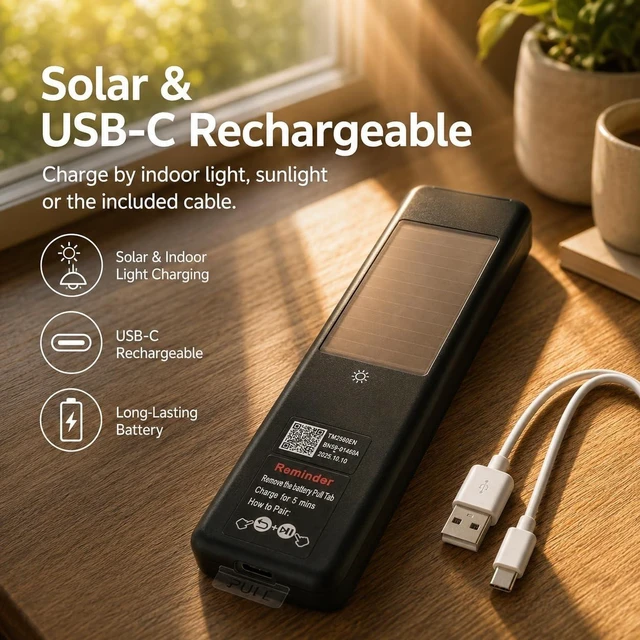
- 2.Solar & USB-C Rechargeable : Stop buying disposable batteries. This Samsung replacement remote features a built-in rechargeable battery, solar charging panel and USB-C charging port. Recharge by indoor light, sunlight or the included USB-C cable for everyday convenience.
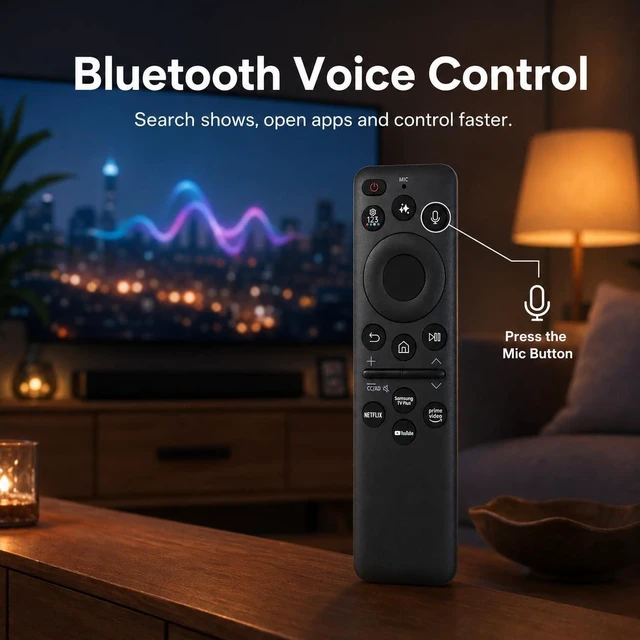
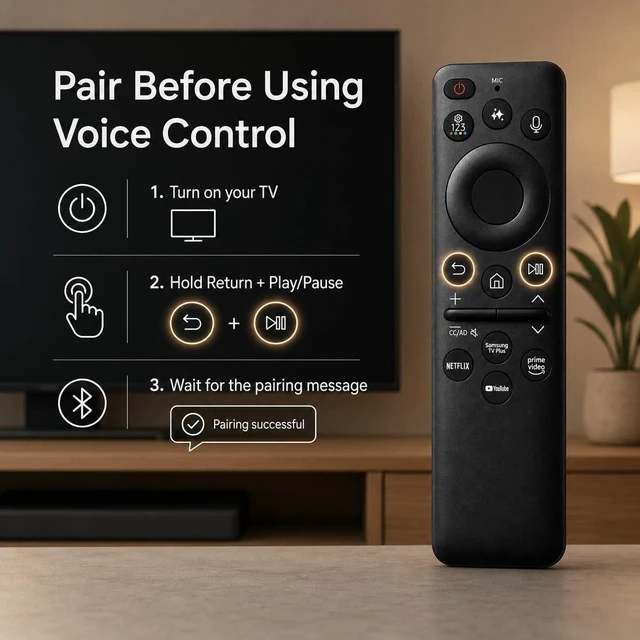
- 3.Bluetooth Voice Control : Press the microphone button to search shows, open apps, adjust settings and control your compatible Samsung Smart TV faster. Pair the remote with your TV before using voice search or voice commands.
- 4.Easy Pairing Setup : Turn on your TV, then press and hold the Return and Play/Pause buttons together for 35 seconds until the pairing message appears. If pairing fails, fully charge the remote,
+
+
Overview
Specs
Reviews

Any questions? Our AI mode will help you find out quickly.
Try me now
Product Description Replace your lost or damaged Samsung Smart TV remote with a rechargeable solar voice remote designed for everyday streaming, fast searching and simple control. This remote is made for most Samsung Smart TVs from 2019 to 2026, including QLED, OLED, Neo QLED, Crystal UHD, The Frame, Serif, 4K and 8K series. It works as a practical replacement for many Samsung SolarCell and Smart TV remotes. The built-in rechargeable battery helps you stop buying disposable batteries. Use indoor light or sunlight for daily solar charging, or recharge quickly with the included USB-C cable when extra power is needed.
With voice control, you can press the microphone button to search shows, open apps, adjust settings and control your compatible Samsung Smart TV faster. Please pair the remote with your TV before using voice search or voice commands. To pair, turn on your TV, then press and hold the Return and Play/Pause buttons together for 35 seconds until the pairing message appears on your screen. If pairing fails, fully charge the remote, restart your TV and try again.
Note: Voice function requires a Samsung TV that supports voice remote control. If your original TV model does not support voice remote control, this remote may not add voice function to your TV.
With voice control, you can press the microphone button to search shows, open apps, adjust settings and control your compatible Samsung Smart TV faster. Please pair the remote with your TV before using voice search or voice commands. To pair, turn on your TV, then press and hold the Return and Play/Pause buttons together for 35 seconds until the pairing message appears on your screen. If pairing fails, fully charge the remote, restart your TV and try again.
Note: Voice function requires a Samsung TV that supports voice remote control. If your original TV model does not support voice remote control, this remote may not add voice function to your TV.
Warranty & Returns
Warranty, Returns, And Additional Information
Warranty
- Please contact the Seller directly for warranty information. Warranty information may also be found on the Manufacturer's website.
- CONTACT
Return Policies
- Return for refund within: 30 days
- Return for replacement within: 30 days
- This item is covered by SmartJoy Shop Return Policy
Manufacturer Contact Info
- For a directory of all our manufacturers, please click below.
- Manufacturers Directory
LOADING...