• $110.99
  • Free 30-day Returns
  • Price alert
    Shop it at NeweggBusiness.

    Meet Your Seller

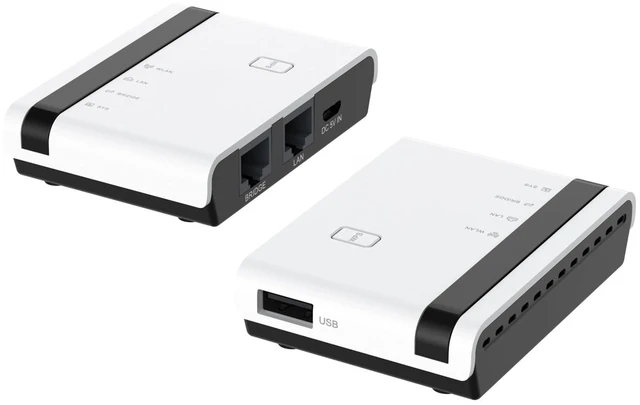
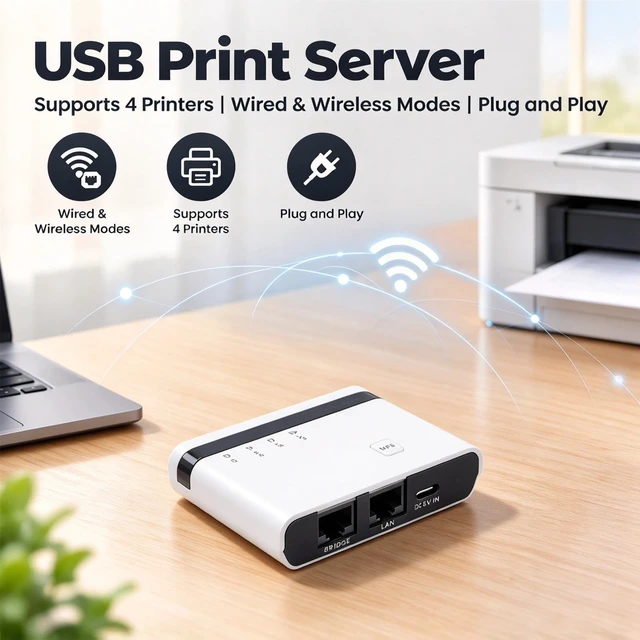
    Diyeeni USB Print Server with 10/100Mbps LAN Bridge Sharing 4 Printers Wireless Wired Standalone Modes Plug and Play for Wins7 8 10 11 OS X (US Plug)

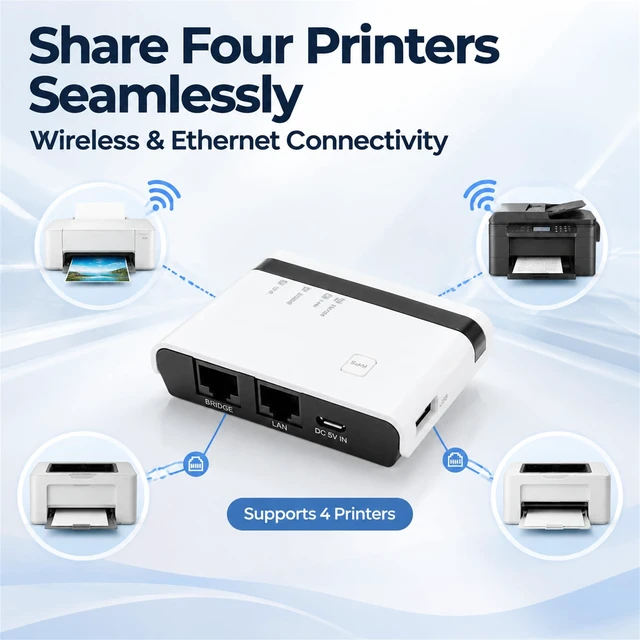
    • [Versatile Printing Solution] This usb print server enables seamless sharing of up to 4 printers simultaneously through wireless or wired ethernet connections. enjoy the freedom to print from multiple computers without being tied to a specific location. perfect for environments where multiple users need access to shared printers.
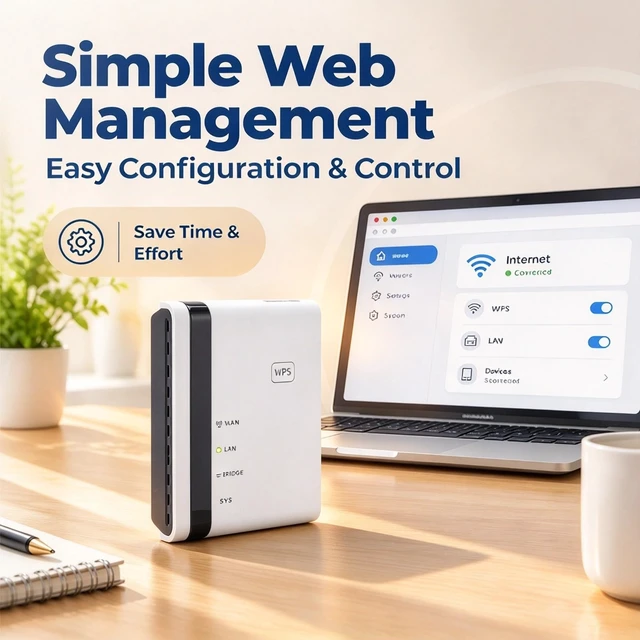
    • [Easy Configuration and Management] Our intuitive web based interface allows for simple setup and effortless management of all connected printers. save valuable time with straightforward configuration that requires minimal technical knowledge making it perfect for small businesses and home offices.
    • [Broad Compatibility] Works seamlessly with most mainstream operating systems including 7 8 10 11 and macos. this universal compatibility ensures you can connect virtually any usb printer making it a future proof investment for your printing needs.
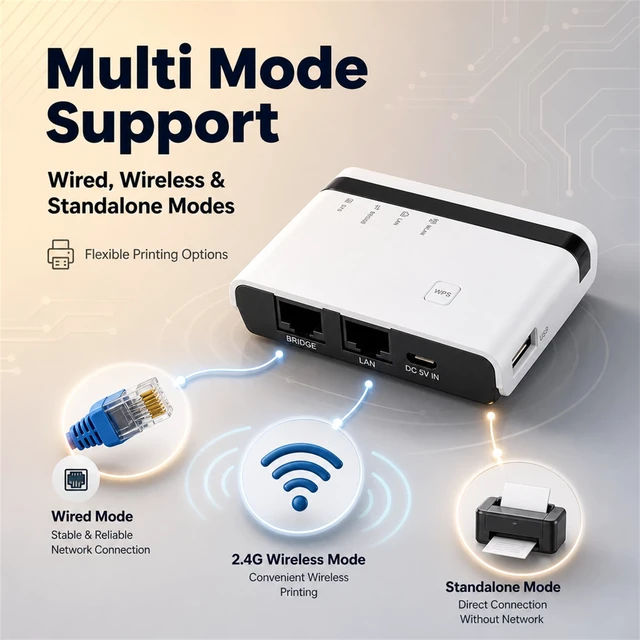
    • [Multiple Operating Modes] Choose from three convenient operation modes to suit your specific needs: wi
    +
    +
    Overview
    Specs
    Reviews

    Any questions? Ask CelesteSM will help you find out quickly.

    Spec: Item
    Type: Wireless
    Print ServerMaterial: ABS
    Network Speed:
    10/100MbpsMode: Wired, 2.4G Wireless Network, and
    Standalone ModeMaximum Supported Printer Quantity: Support 4
    PrintersCompatible Systems: for Wins 7 8 10 11 for
    OS XPackage List: 1 x Print Server1 x Power Cord1 x RJ45 Ethernet Cable1 x Power Adapter1 x User ManualNote1. This product only support for RAW protocol printers. Customers need to check if the port numbers are consistent. Both can be found in the printer properties and port interface.
    2. If the customer wants to work with multiple printers at the same time, they should prepare a USB HUB 3 by themselves. 3. If the printing is slow, you can restart your computer or server. If the file is too large, it will not be printable due to the server\'s memory limit. The IP address can be set to static. Select static IP in the Settings bar, and then remember to click the save button to save. 4. Many Settings will only take effect after restarting the printer or the computer

    Warranty & Returns

    Warranty, Returns, And Additional Information

    Warranty

    • Please contact the Seller directly for warranty information. Warranty information may also be found on the Manufacturer's website.
    • CONTACT

    Return Policies

    • Return for refund within: 30 days
    • Return for replacement within: non-replaceable
    • This item is covered by SIMPLIZED Return Policy

    Manufacturer Contact Info

    LOADING...