Your Browsing History
- Free 30-day Returns
$138.99
Meet Your Seller
ELECROW 10.1 Inch Touchscreen Monitor for Raspberry Pi 1520720 IPS Screen
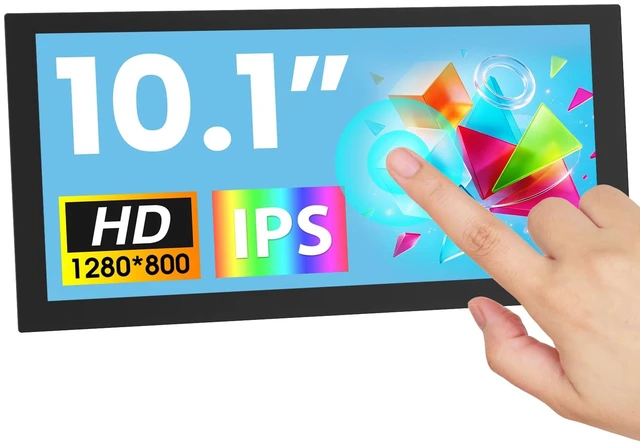
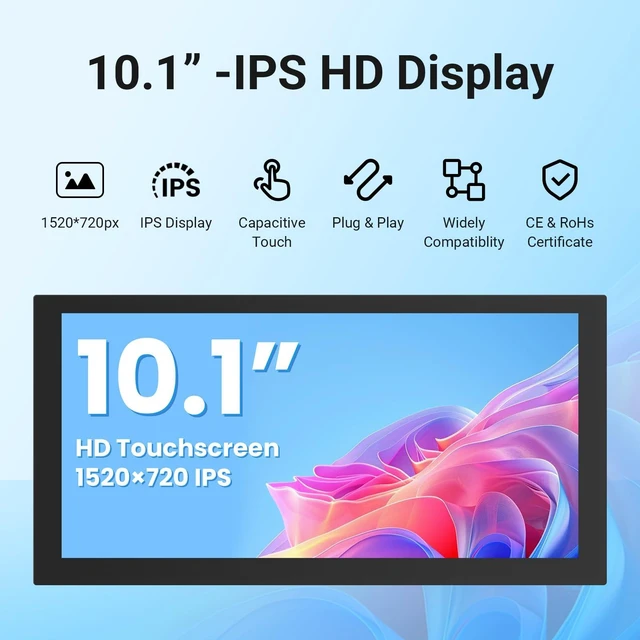
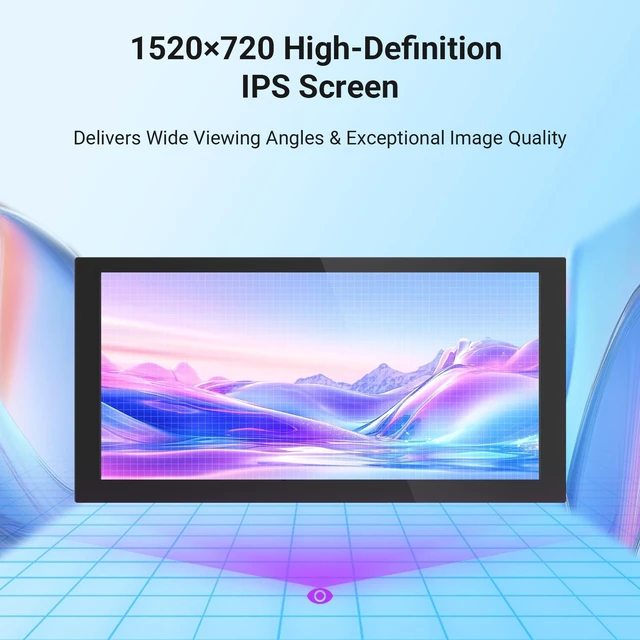
- 10.1" IPS Wide Display: Featuring a 10.1-inch IPS panel with 1520720 resolution, this touchscreen monitor provides a wide horizontal workspace for clear, detailed viewing. The elongated screen design is ideal for displaying code, dashboards, monitoring data, long web pages, or video editing timelines while making efficient use of desk space
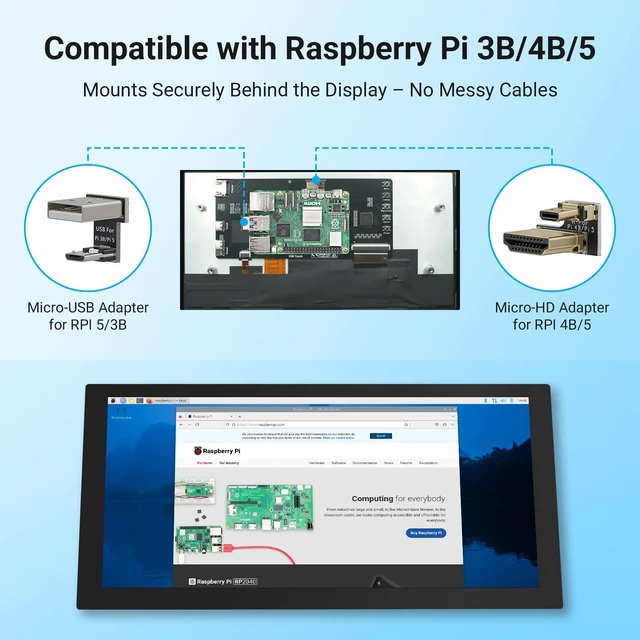
- Designed for Raspberry Pi: Built for Raspberry Pi projects, this raspberry pi touchscreen includes dedicated mounting holes and adapters for a clean back-to-back setup. Connect the display to your Raspberry Pi through HDMI and the touch interface, then power on your system for an integrated touchscreen solution for development and DIY projects
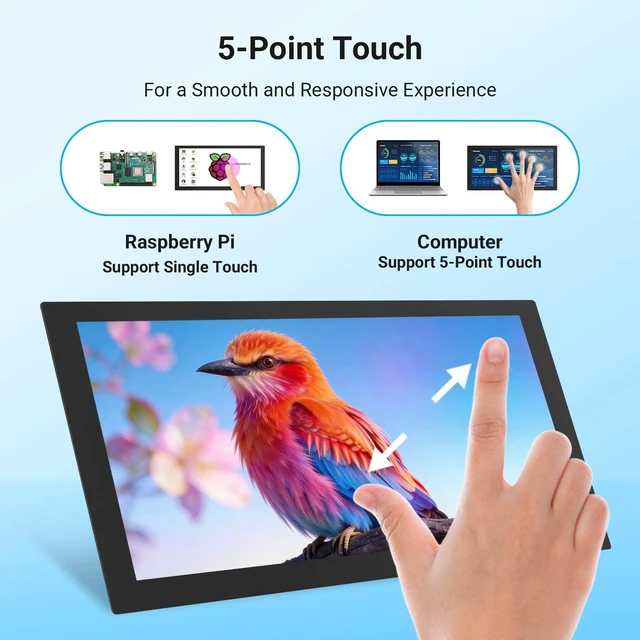
- 5-Point Capacitive Touch: Enjoy responsive 5-point capacitive touch for intuitive on-screen control. Connect the HDMI interface for video and the USB touch interface for touch input. This raspberry pi monitor supports touch operation with Windows, Raspberry Pi OS, and Ubuntu, making it convenient for d
+
+
Overview
Specs
Reviews
Any questions? Ask CelesteSM will help you find out quickly.
Try me now
10.1"
IPS Wide Display: Featuring a 10.1 -inch IPS panel with 1520720 resolution, this touchscreen monitor provides a wide horizontal workspace for clear, detailed viewing. The elongated screen design is ideal for displaying code, dashboards, monitoring data, long web pages, or video editing timelines while making efficient use of desk space ^^ Designed for
Raspberry Pi: Built for Raspberry Pi projects, this raspberry pi touchscreen includes dedicated mounting holes and adapters for a clean back-to-back setup. Connect the display to your Raspberry Pi through HDMI and the touch interface, then power on your system for an integrated touchscreen solution for development and DIY projects ^^ 5-Point
Capacitive Touch: Enjoy responsive 5-point capacitive touch for intuitive on-screen control. Connect the HDMI interface for video and the USB touch interface for touch input. This raspberry pi monitor supports touch operation with Windows, Raspberry Pi OS, and Ubuntu, making it convenient for development, system monitoring, and interactive applications ^^ HDMI Display for
Multiple Devices: Beyond Raspberry Pi, this monitor can serve as a secondary HDMI touchscreen for Windows PCs and other compatible devices. Connect through HDMI for video output and use the USB/Type-C interface for touch and power. Use it as a raspberry pi display for coding, monitoring, office work, gaming, or DIY electronics ^^
Easy Control & Flexible Installation: Designed for convenient operation, this raspberry pi 5 screen features built-in physical buttons for accessing the OSD menu, navigating settings, adjusting the backlight, and powering the display on or off. Multiple mounting holes and included adapters and brackets help create a clean, space-saving setup
IPS Wide Display: Featuring a 10.1 -inch IPS panel with 1520720 resolution, this touchscreen monitor provides a wide horizontal workspace for clear, detailed viewing. The elongated screen design is ideal for displaying code, dashboards, monitoring data, long web pages, or video editing timelines while making efficient use of desk space ^^ Designed for
Raspberry Pi: Built for Raspberry Pi projects, this raspberry pi touchscreen includes dedicated mounting holes and adapters for a clean back-to-back setup. Connect the display to your Raspberry Pi through HDMI and the touch interface, then power on your system for an integrated touchscreen solution for development and DIY projects ^^ 5-Point
Capacitive Touch: Enjoy responsive 5-point capacitive touch for intuitive on-screen control. Connect the HDMI interface for video and the USB touch interface for touch input. This raspberry pi monitor supports touch operation with Windows, Raspberry Pi OS, and Ubuntu, making it convenient for development, system monitoring, and interactive applications ^^ HDMI Display for
Multiple Devices: Beyond Raspberry Pi, this monitor can serve as a secondary HDMI touchscreen for Windows PCs and other compatible devices. Connect through HDMI for video output and use the USB/Type-C interface for touch and power. Use it as a raspberry pi display for coding, monitoring, office work, gaming, or DIY electronics ^^
Easy Control & Flexible Installation: Designed for convenient operation, this raspberry pi 5 screen features built-in physical buttons for accessing the OSD menu, navigating settings, adjusting the backlight, and powering the display on or off. Multiple mounting holes and included adapters and brackets help create a clean, space-saving setup
Warranty & Returns
Warranty, Returns, And Additional Information
Warranty
- Please contact the Seller directly for warranty information. Warranty information may also be found on the Manufacturer's website.
- CONTACT
Return Policies
- Return for refund within: 30 days
- Return for replacement within: 30 days
- This item is covered by HyperCore Return Policy
Manufacturer Contact Info
- For a directory of all our manufacturers, please click below.
- Manufacturers Directory
LOADING...