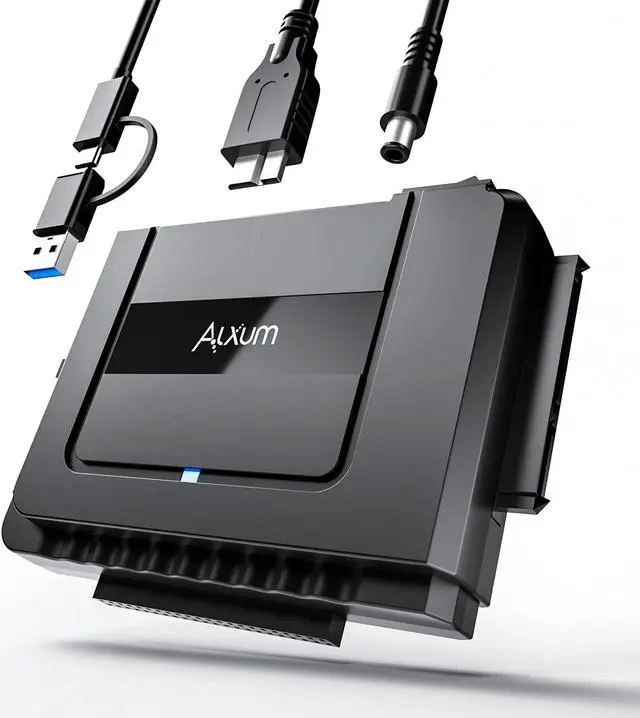
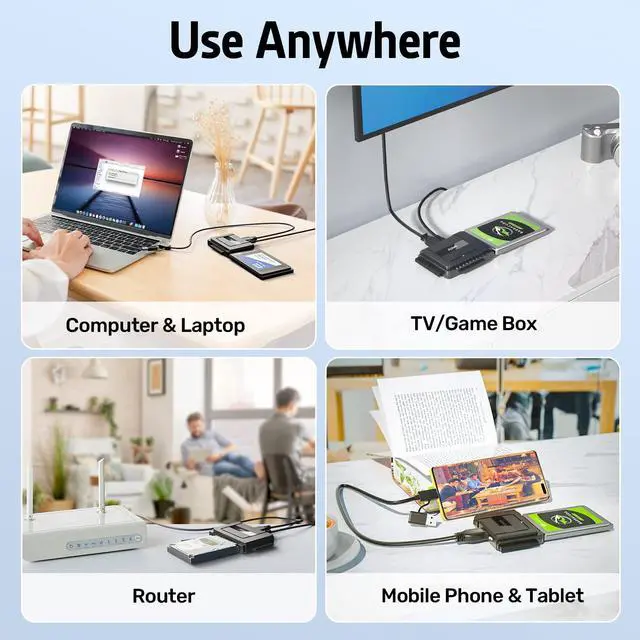
Alxum External Hard Drive Reader
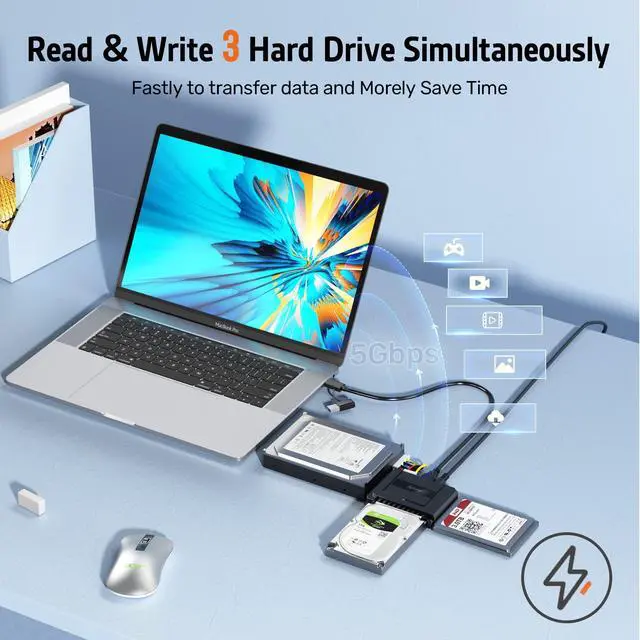
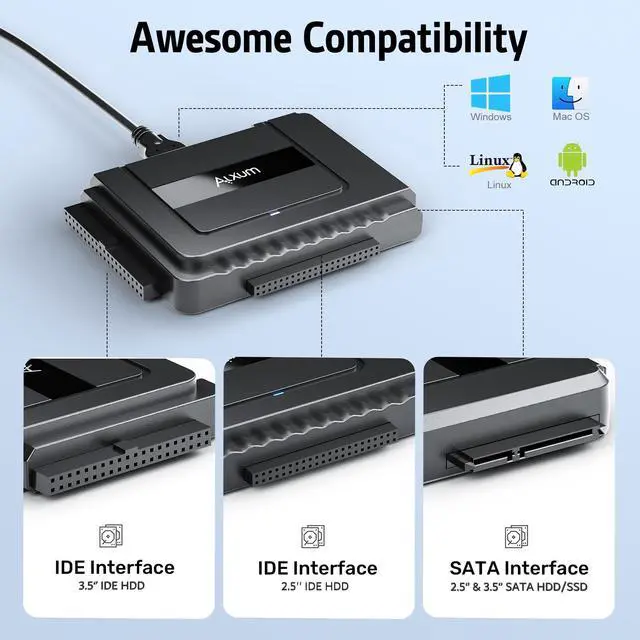
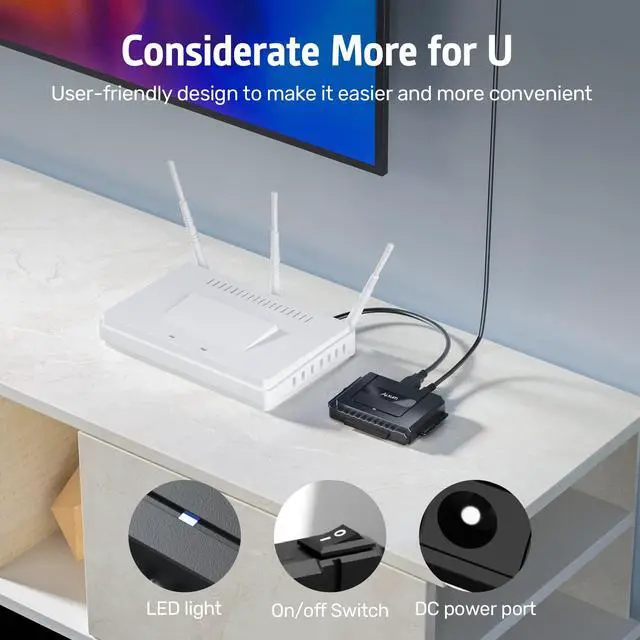
Product Features: 1. Dual-Head IDE Connector (40pin and 44pin) plus one SATA III Connector 2. Support transfer speeds up to 5Gbps through USB 3.0, Backward compatible with USB 2.0 / 1.1. 3. Supports drives with a capacity of up to 6 TB LED Lights indicate Power and USB 3.0 / IDE/SATA LED Show Status, Plug & Play, simple to use 4. On/Off Switch for HDD protection 5. HDD USB Adapter Supports most models of DVD/CD drives comprising of an IDE or SATA interface on the market 6. Hard disk recovery compatible
Systems: Windows XP/Vista/7/ 8/10 (32bit and 64bit); Mac OS 10X. 7. DC Power Supply 12V included for 3.5"" devices 8. Hard drive cloner operate 3 Hard Drives Simultaneously 9. Hard drive recovery device combo supports 2.5"" / 3.5"" SATA HDD and SSD; 2.5"" / 3.5"" IDE HDD; DVD-ROM, CD-ROM, CD-RW, DVD-RW, DVD + RW. The USB 3.0 SATA Adapter with USB 3.0 interface Applications Take advantage of USB 3.0 -enabled laptops or desktops with UASP for faster transfer speeds. Create an external storage solution for desktops, laptops, or Ultrabook computers. Access any 2.5"" or 3.5 '' hard drive or solid-state drive from any USB-enabled computer, for data migration or drive cloning. Back up important data to an external storage device. Retrieve data from an old SATA and HDD drive. Use an SSD drive to externally upgrade your laptop hard drive via USB 3.0. How to connect the IDE drive usb hdd adapter
Step: 1 After plugging in your 12V 2A power cord to the wall outlet, plug in your IDE hard drive to the designated 2.5" or 3.5"IDE port.
Step: 2 Insert your new hard drive into the SATA port. It doesn't matter if it's a hard drive or a solid-state drive. As long as its connection port is 2.5" or 3.5"
Step: 3 After connecting your USB 3.0 to the converter box to your computer, flip the ON/OFF switch to ON. Your computer will read the converter like any other USB. Transfer your files.





 here!
here!