Your Browsing History
Meet Your Seller
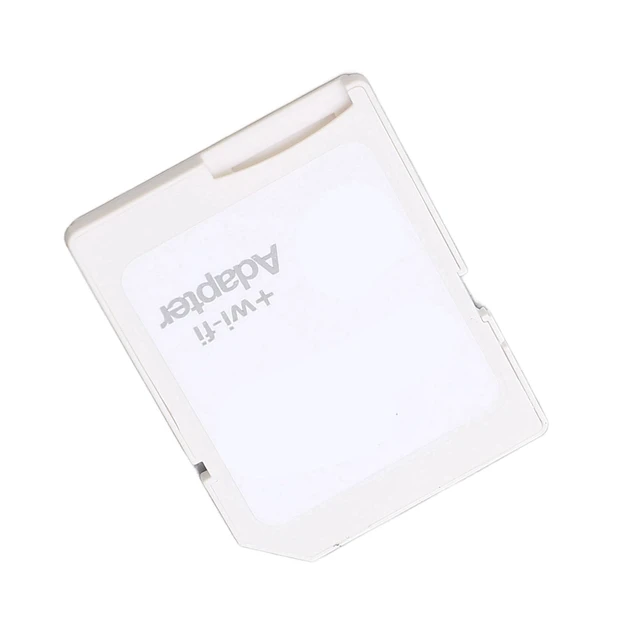
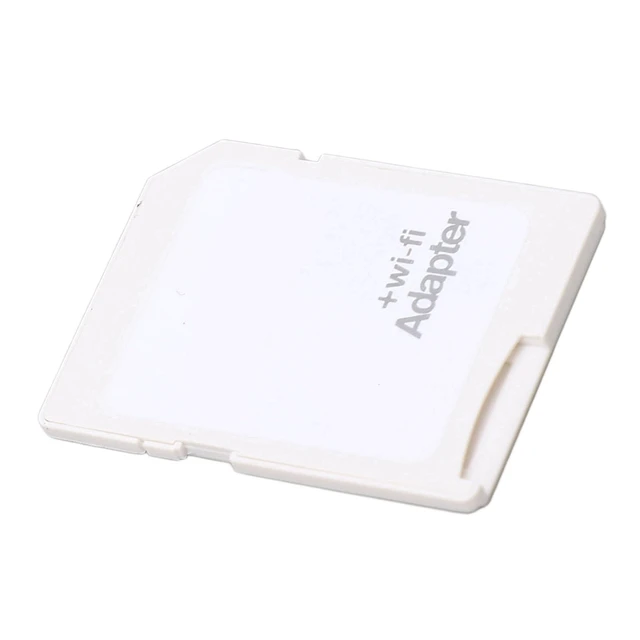
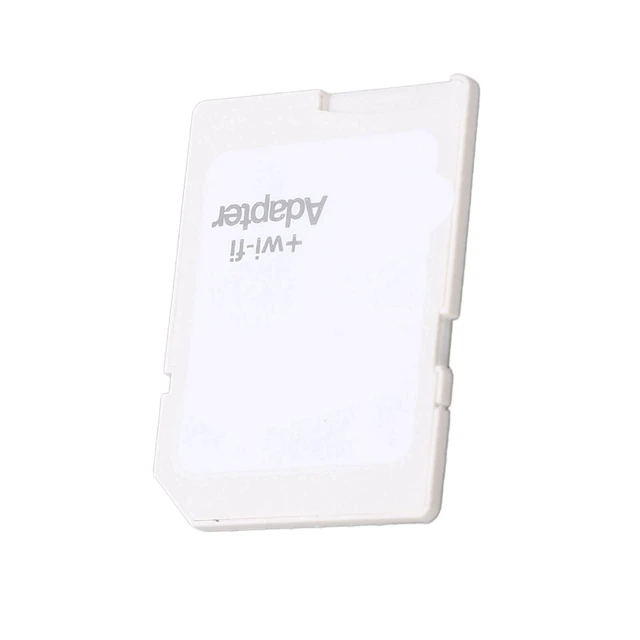
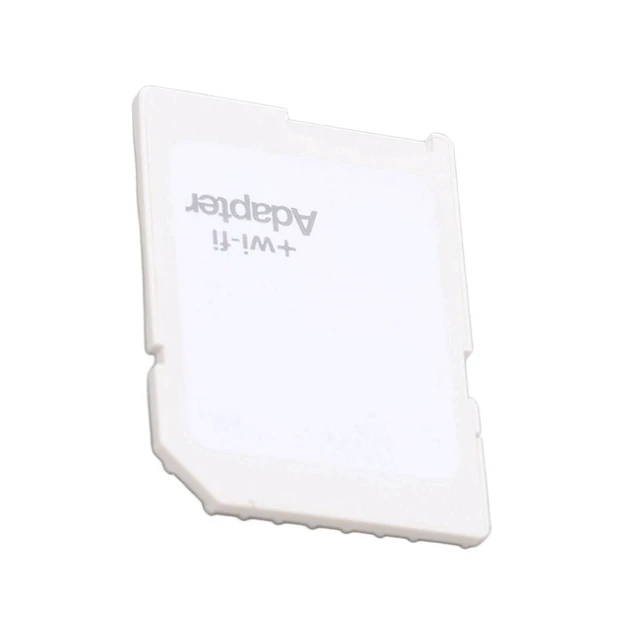
Qiilu for Camera Eye Abs Tf to Adapter Connect Up to 3 Devices Plug and Play Adapter for Phone Tablet
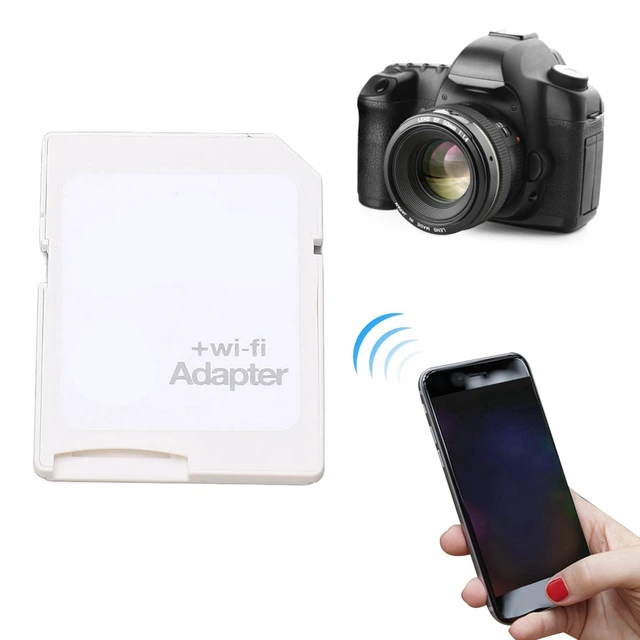
- Applicable Devices ---- Adapter can connect up to 3 devices at the same time, support for Android, for IOS devices.
- Simple ---- Insert your or TF into the adapter, you can access photos and videos sent wirelessly from the camera to your smartphone or tablet via for sharing.
- Support Settings ---- adapter supports , settings, password, AP mode and station mode switching, IP, channel, number or user, SSID.
- Supported Formats ---- adapter supports the function of and viewing, supporting JPG, PNG, BMP photo formats, and supporting MP4, AVI, MOV video formats.
- ABS Material ---- for camera is made of sturdy ABS material, which is wear and , and can be used for a long time.
+
+
Overview
Specs
Reviews
Any questions? Ask CelesteSM will help you find out quickly.
Try me now
SpecificationItem Type: Memory To Storage Card Wifi AdapterMaterial: ABS
Photo Format: JPG, PNG, BMP
Video Format: MP4, AVI, MOV
Music Format: MP3, WAVWIFI/SD
Default Password: 88888888Package List1 x AdapterNote1. To visit the memory card through wifi, you must download the APP on the packaging box, or search the software, and then click on the mobile phone or tablet to view the video pictures of the memory card through WiFi normally. 2. Before use, you need to turn on the switch of the
WiFiSD card: the left side is off, the right side is on; the camera screen is set to a long time to light up the screen state, which is used to supply power to the product in order to facilitate the wifi card to emit wifi signals. 3. Search for "ezshare" APP to download, and install the corresponding APP before you can view the video pictures of the memory card through WiFi on your cell phone or tablet. 4. There are two reasons why you can't find
WiFi: The first one is that the camera screen is not lit up. You need to set the camera screen display time to about half an hour.
The second type: The card holder can only use a TF memory card with a maximum of 32GB. If it exceeds 32GB, there will be no WIFI signal and it can only be used as a regular storage card.
Photo Format: JPG, PNG, BMP
Video Format: MP4, AVI, MOV
Music Format: MP3, WAVWIFI/SD
Default Password: 88888888Package List1 x AdapterNote1. To visit the memory card through wifi, you must download the APP on the packaging box, or search the software, and then click on the mobile phone or tablet to view the video pictures of the memory card through WiFi normally. 2. Before use, you need to turn on the switch of the
WiFiSD card: the left side is off, the right side is on; the camera screen is set to a long time to light up the screen state, which is used to supply power to the product in order to facilitate the wifi card to emit wifi signals. 3. Search for "ezshare" APP to download, and install the corresponding APP before you can view the video pictures of the memory card through WiFi on your cell phone or tablet. 4. There are two reasons why you can't find
WiFi: The first one is that the camera screen is not lit up. You need to set the camera screen display time to about half an hour.
The second type: The card holder can only use a TF memory card with a maximum of 32GB. If it exceeds 32GB, there will be no WIFI signal and it can only be used as a regular storage card.
Warranty & Returns
Warranty, Returns, And Additional Information
Warranty
- Please contact the Seller directly for warranty information. Warranty information may also be found on the Manufacturer's website.
- CONTACT
Return Policies
- Return for refund within: 30 days
- Return for replacement within: 30 days
- This item is covered by Qiangsheng kuajing (Hong Kong) Co., Limi Return Policy
Manufacturer Contact Info
- For a directory of all our manufacturers, please click below.
- Manufacturers Directory
LOADING...