Your Browsing History
Meet Your Seller
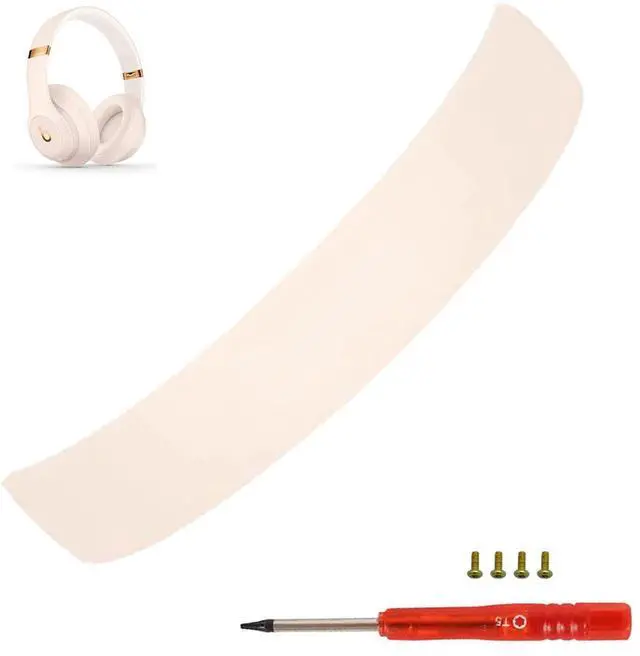
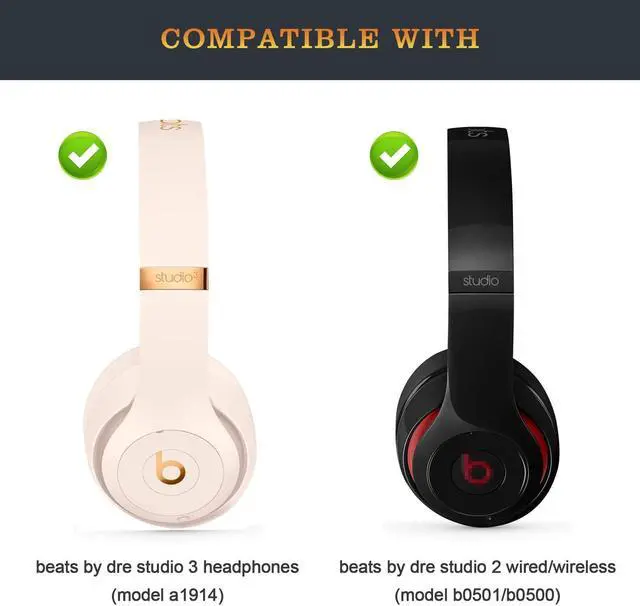
Studio 3 Headband Replacement Arch Band as Same as The OEM Studio3 Parts Accessories Compatible with Beats by Dr. Dre Studio3 Wireless/A1914 and Studio 2 Wired/Wireless Headphones (Porcelain Rose)
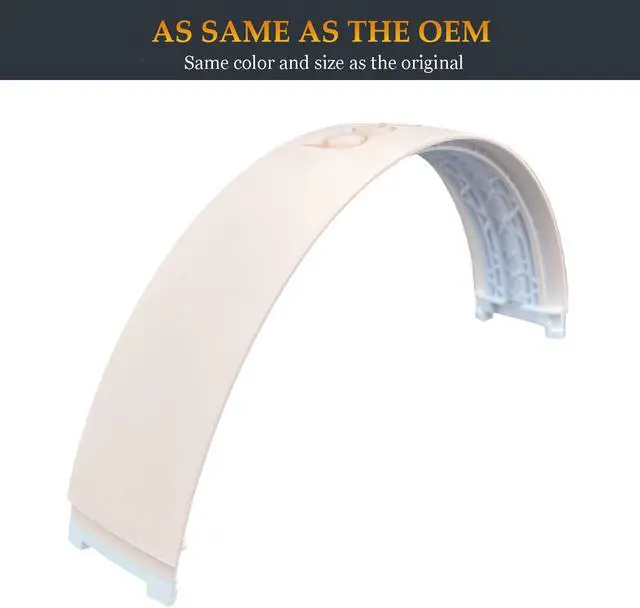
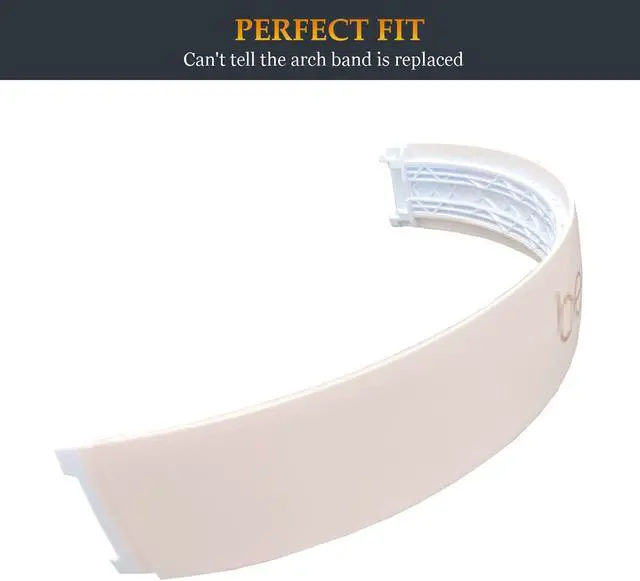
- As Same As The OEM - The color and size exactly match the original studio 3 parts, you can not tell the difference when they are side by side, and after they all back together, you honestly can't tell the arch band is replaced.
- Easy To Install - Come with a necessary magnetic screwdriver and instructions, you can easily replace the Studio 3 headband within 10 minutes. Even people who are not good at taking stuff apart and putting together could replace this.
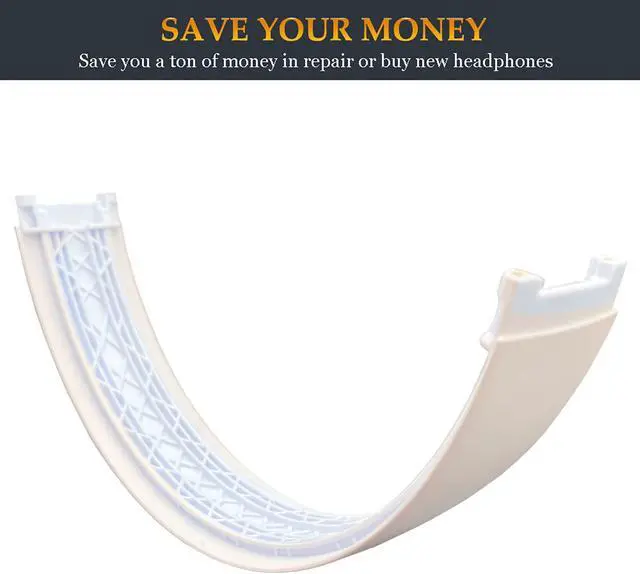
- Save Your Money - If you send your headphones to an official shop to repair, they will charge you $200+ to repair. Ordering these Studio 3 accessories is the most economical way to let your treasured headphones back to work.
- Perfect Fit - Perfect replacement for beats dr dre studio 3 wireless headphones (model a1914) and studio 2 wired/wireless (model b0500/b0501). (Package includes: 1 beat replacement headband+1 screwdriver+4 extra screws+1 instruction). If you need the band for studio pro, find it by search
+
+
Overview
Specs
Reviews
Any questions? Our AI beta will help you find out quickly.
Try me now
Lnvecnc is a company that is committed to offering premium headphone replacement parts, ordering our products is a perfect option to bring old or worn-out headphones back to life.
Have you got those awesome Studio headphones and the headband was broken or have you got bored of that old headband and want to add more style? Lnvence has found the solution with this new replaceable headband.
Same As Original
You do not need to concern about the color, size, and construction, because this studio 3 replacement arch band is just as same as the one that came with headphones.
Magnetic Screwdriver
Given the minuscule size of the screws, the supplied screwdriver to is magnetized which is perfect for keeping the screws in place while assembling.
Worth Every Penny
After the replacement, your headphones will be brand-new again. Therefore, you just need to pay $ 22.99 to renew your headphones instead of spending $200+ for new ones.
Compatible With
Beats Studio 3 (Model A1914)
Studio 2 Wireless/Wired (Model B0501/B0500)
If you need the band for studio pro, find it by searching studio pro headband Lnvecnc
Package Contents:
1x Beat headband
1x Screwdriver
4x Screws
1x Instruction
The Other Parts
Studio 3 Hinge - find it by searching studio 3 hinge pumyog
Studio Pro Hinge - find it by searching studio pro hinge Lnvecnc
Installation Steps:
1. Unscrew the screws from both sides of the metal hinges.
2. Pry the headband and headband rubber off.
3. Remove the headband and the headband rubber.
4. Insert the new headband into the hinges on both sides of the headphones.
5. Clip the headband rubber onto the headband, then screw the screws into the hinge.

Have you got those awesome Studio headphones and the headband was broken or have you got bored of that old headband and want to add more style? Lnvence has found the solution with this new replaceable headband.
Same As Original
You do not need to concern about the color, size, and construction, because this studio 3 replacement arch band is just as same as the one that came with headphones.
Magnetic Screwdriver
Given the minuscule size of the screws, the supplied screwdriver to is magnetized which is perfect for keeping the screws in place while assembling.
Worth Every Penny
After the replacement, your headphones will be brand-new again. Therefore, you just need to pay $ 22.99 to renew your headphones instead of spending $200+ for new ones.
Compatible With
Beats Studio 3 (Model A1914)
Studio 2 Wireless/Wired (Model B0501/B0500)
If you need the band for studio pro, find it by searching studio pro headband Lnvecnc
Package Contents:
1x Beat headband
1x Screwdriver
4x Screws
1x Instruction
The Other Parts
Studio 3 Hinge - find it by searching studio 3 hinge pumyog
Studio Pro Hinge - find it by searching studio pro hinge Lnvecnc
Installation Steps:
1. Unscrew the screws from both sides of the metal hinges.
2. Pry the headband and headband rubber off.
3. Remove the headband and the headband rubber.
4. Insert the new headband into the hinges on both sides of the headphones.
5. Clip the headband rubber onto the headband, then screw the screws into the hinge.
Warranty & Returns
Warranty, Returns, And Additional Information
Warranty
- Please contact the Seller directly for warranty information. Warranty information may also be found on the Manufacturer's website.
- CONTACT
Return Policies
- Return for refund within: 30 days
- Return for replacement within: 30 days
- This item is covered by LingGo Return Policy
Manufacturer Contact Info
- For a directory of all our manufacturers, please click below.
- Manufacturers Directory
LOADING...