

Your Browsing History
- Free 30-day Returns
$70.99

Meet Your Seller


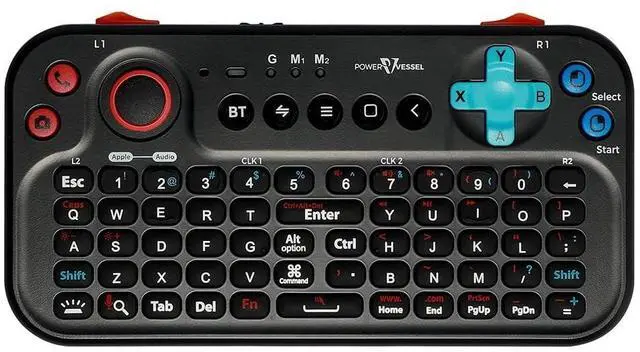
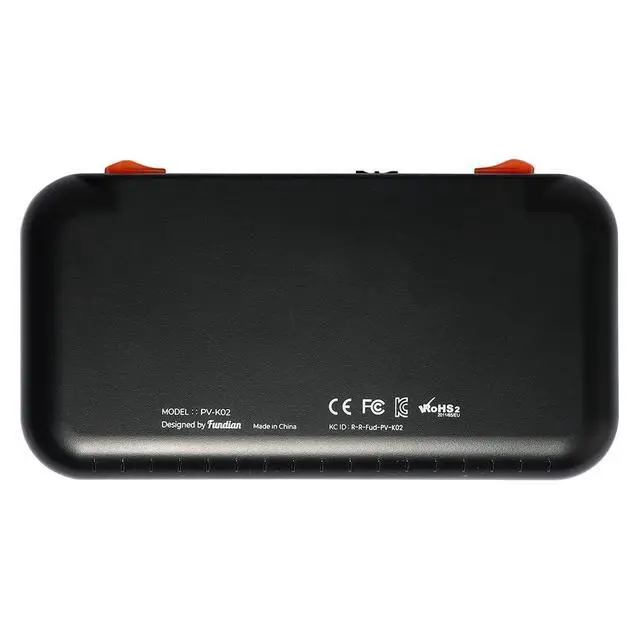
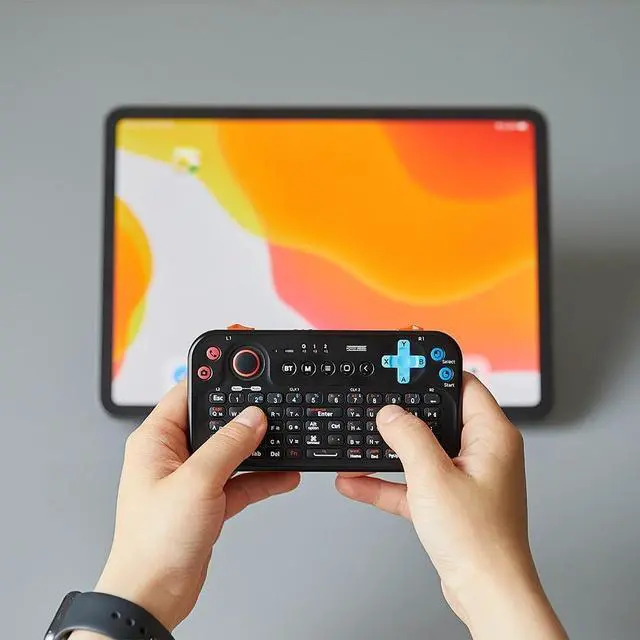
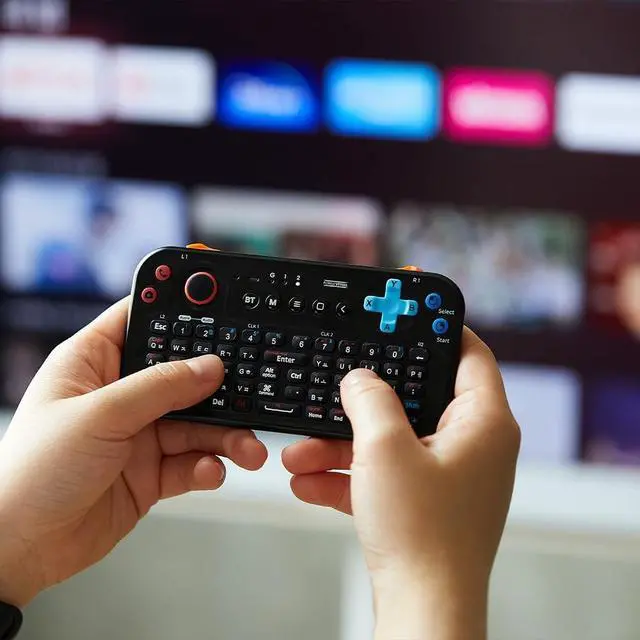
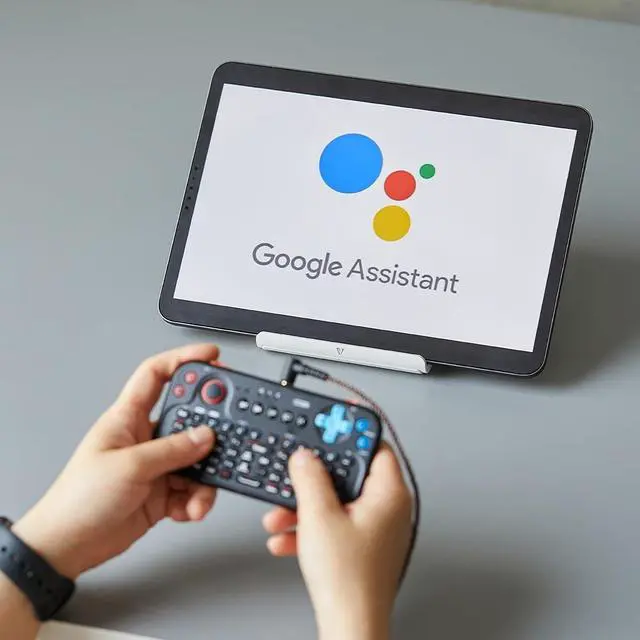


FUNDIAN Bluetooth Pocket Keyboard V2 with Jog Mouse and Audio, Black, Remote Wireless Controller Compatible with Smartphone, Laptop, Tablet, Nvidia Shield TV, Xiaomi TV Stick, Mi Box, Fire TV
- Best for Compatible For Nvidia Shield TV Chromecast with google TV Fire stick new Fire TV Box Xiaomi TV Stick Mi Box Android TV Box Smartphone Tablets (Galaxy Tab) Windows PC Laptop
- (Windows, Linux, Mac-based PC, Android) Basic pairing 'PV-K01' connection available (press and hold the 'Bluetooth' button), If basic pairing 'PV-K01' cannot be connected, 'PV-K01-12' (long press 'Alt' + 'Bluetooth' button) can be connected
- (Android Touch-mapping) Android mobile-only pairing 'PV-K01-ag' (press and hold '5' + 'Bluetooth' button) connection, can play Android Mobile Game by Touch-mapping. need to install 'ShootingPlus V3' app at Google Play
- (iOS-based mobile) iOS-only pairing 'PV-K01-i' (press and hold '1' + 'Bluetooth' button) connection, M1, M2, Audio available to use, G mode is not available at iOS
- (Audio connection) Audio is a separate independent pairing, user can pair and use it only when necessary. ** 'PV-K01-audio' (If it is not found in the pairing list, turn the keyboard
+
+
Overview
Specs
Reviews

Any questions? Our AI mode will help you find out quickly.
Try me now
Best for Compatible For Nvidia Shield TV Chromecast with google TV Fire stick new Fire TV Box Xiaomi TV Stick Mi Box Android TV Box Smartphone Tablets (Galaxy Tab) Windows PC Laptop ^^ (Windows, Linux, Mac-based PC, Android) Basic pairing 'PV-K01' connection available (press and hold the 'Bluetooth' button), If basic pairing 'PV-K01' cannot be connected, 'PV-K01-12' (long press 'Alt' + 'Bluetooth' button) can be connected ^^ (Android Touch-mapping) Android mobile-only pairing 'PV-K01-ag' (press and hold '5' + 'Bluetooth' button) connection, can play Android Mobile Game by Touch-mapping. need to install 'ShootingPlus V3' app at Google Play ^^ (iOS-based mobile) iOS-only pairing 'PV-K01-i' (press and hold '1' + 'Bluetooth' button) connection, M1, M2, Audio available to use, G mode is not available at iOS ^^ (Audio connection) Audio is a separate independent pairing, user can pair and use it only when necessary.
** 'PV-K01-audio' (If it is not found in the pairing list, turn the keyboard power off/on again)
** 'PV-K01-audio' (If it is not found in the pairing list, turn the keyboard power off/on again)
Warranty & Returns
Warranty, Returns, And Additional Information
Warranty
- Please contact the Seller directly for warranty information. Warranty information may also be found on the Manufacturer's website.
- CONTACT
Return Policies
- Return for refund within: 30 days
- Return for replacement within: 30 days
- This item is covered by CloudBeast Return Policy
Manufacturer Contact Info
- For a directory of all our manufacturers, please click below.
- Manufacturers Directory
LOADING...