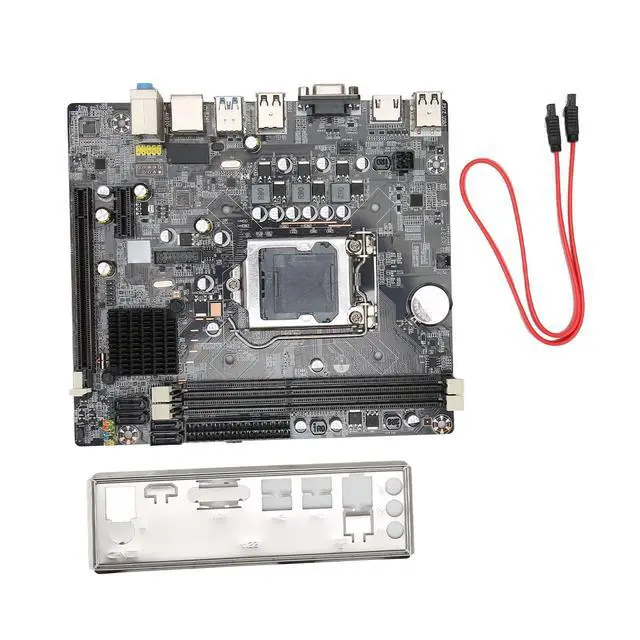
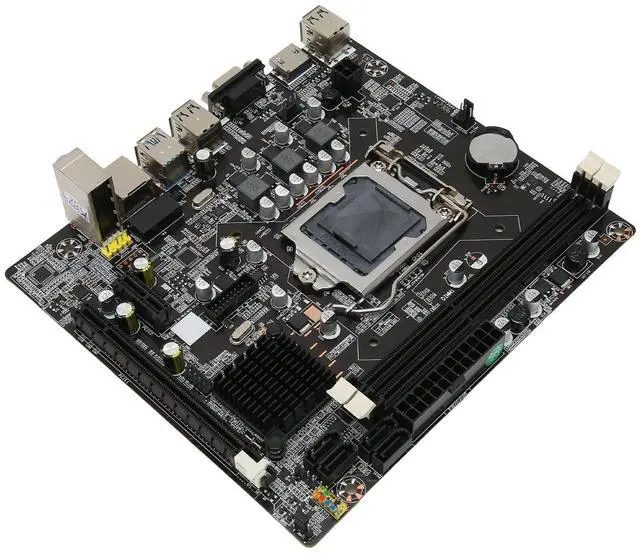
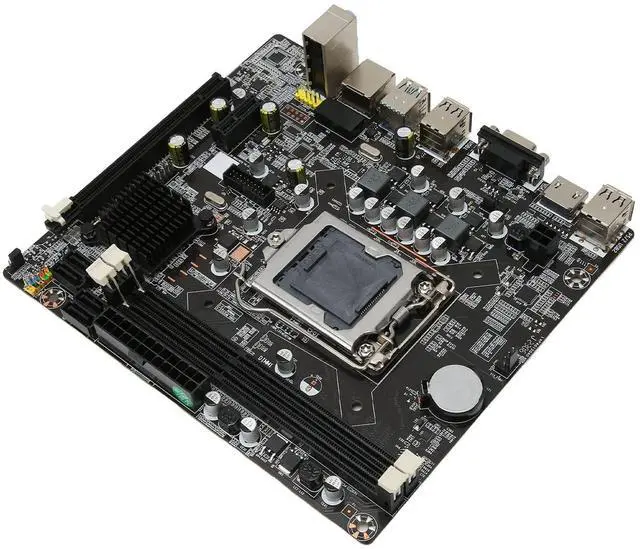
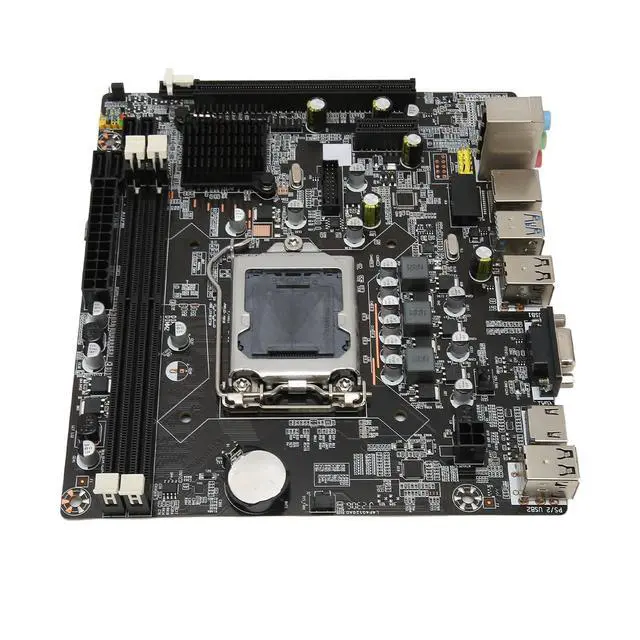
Specification: Item
Type: DDR3
Mainboard Material: PCB
Chipset: H61
Motherboard Architecture: M ATX
Motherboard Size: Approx. 190 x 170mm / 7.5 x 6.7 in
CPU Slot Type: for LGA 1155 (Support for core i7 i5 i3)
Network Card: Card
Graphics Card Slot: PCIE 16Xx1
Support Memory Type: DDR3x2
Interface: SATA 2.0 x3, M.
2x1 USB Interface: USB 3.0 x2, USB 2.0 x4, Front USB 3.0 Pins x1, Front USB 2.0 Pins x1
Sound Card: 5.1 Channel
Maximum Memory Capacity: 16GB
Power Connector: 24pin x 1, 4pin x 1
Expansion Interface: VGA, HD Multimedia Interface, PCIE 1X Expansion Slot x 1
Battery Type: CR2032L Cell (Ship with Inbuilt Battery)
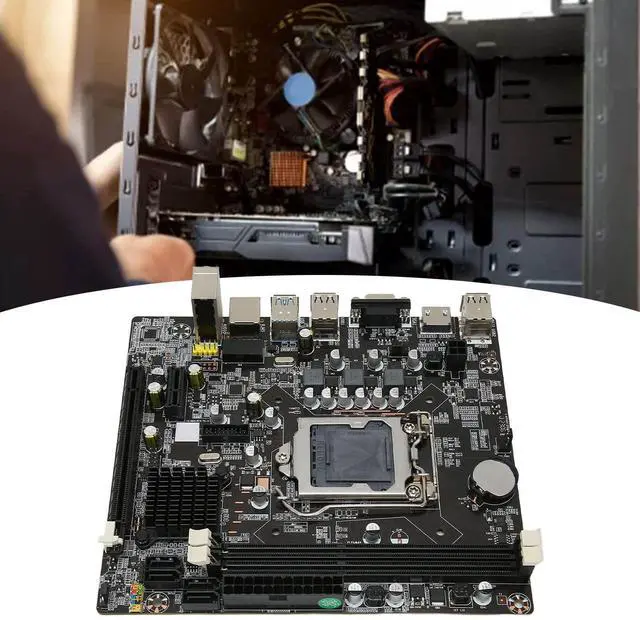
Battery Capacity: 240mAh Fix the motherboard in the main case, and then connect the connectors according to the corresponding.
No power on problem: When the device on and the power indicator doesn't light up, make sure the power supply is connected and working properly. If your CPU fan is installed correctly, you can also determine whether the power supply is working properly by judging whether the fan can work properly.
1. Confirm the power supply of the power adapter a. Please check the connection of the power cord and whether the socket is plugged in as shown in the figure below. If there is a main power switch on the extension cord, please make sure it is on state. b. Replacing the extension cord and socket will help solve the problem. Verify that the motherboard power supply is properly connected:
1. Make sure the poweradapter's power cord is properly plugged into the ATX power connector. The motherboard may contain 24pin EATXPWR and EATX12V, make sure that both EATX12V and 24pin EATXPWR are connected to the power adapter. The location and number of powerconnectors may vary by model, some motherboards may contain 24pin EATXPWR and 4pin EATX12V, both connectors should be linked to the power adapter
Does not power on: When the fan and Q LED indicator/Q do not respond when the power is pressed to start the computer, please follow