Your Browsing History
Meet Your Seller
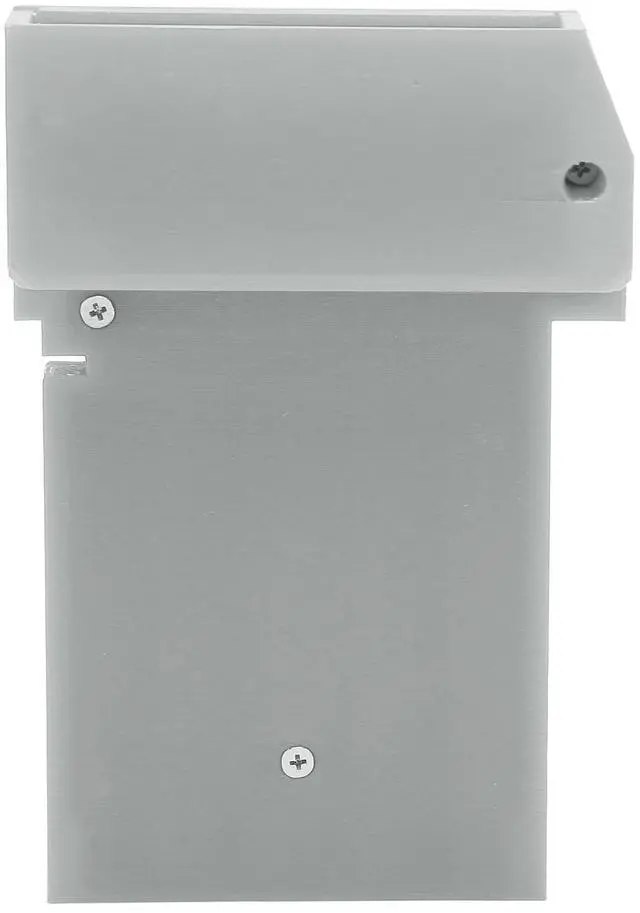
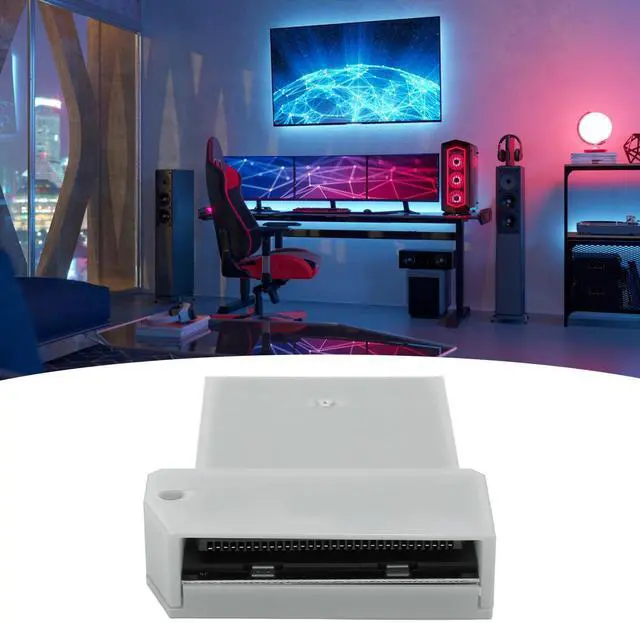
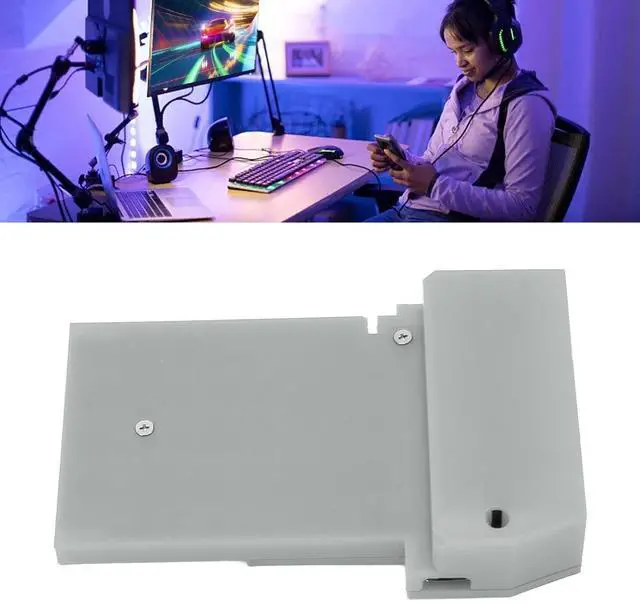
Video Capture Card for Gameboy for GBC for GBA for GBP Game Console, DIY Video Capture Card GB Interceptor Built in Pi rp2040 Board, Plug and Play (Silver Grey)
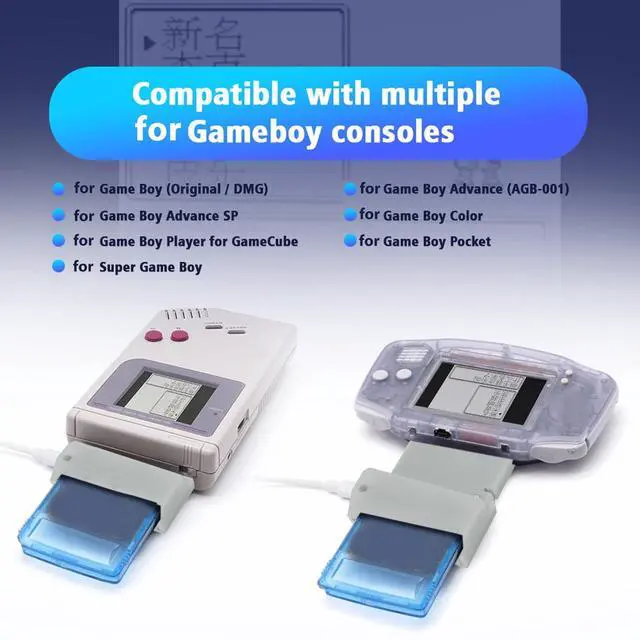
- [Application] For GBC, for GBA, for GBP video capture card for connecting unmodified for Game Boy and cassette tapes, the core processing unit consists of a for rp2040 (microcontroller for Pico), mainly based on the open source project for GB Interceptor.
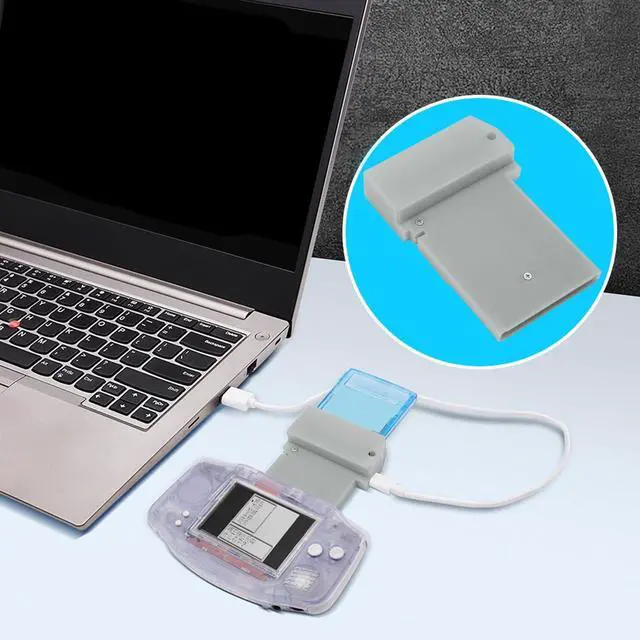
- [Plug And Play] DIY video capture card is easy to use, plug and play. Capture or stream game footage via USB without modifying your for Gameboy, compatible with a wide range of consoles, you don't need to open the video stream first.
- [Important Step] Before the for Game Boy is turned on, the for GBinterceptor is powered via USB, plugged into the console, and then into the game card. Connect the for GbInterceptor to your computer, then turn on the for Gameboy to load the game's video feed onto the video software device.
- [Mode ] Game video capture card, mode (close to LED) toggles between grayscale, green and toggles frame mixing. Each press toggles the color, and each time it returns to grayscale it toggles the frame mix.
- [
+
+
Overview
Specs
Reviews
Any questions? Our AI mode will help you find out quickly.
Try me now
[Application] For GBC, for GBA, for GBP video capture card for connecting unmodified for Game Boy and cassette tapes, the core processing unit consists of a for rp2040 (microcontroller for Pico), mainly based on the open source project for GB Interceptor. ^^ [Plug And Play] DIY video capture card is easy to use, plug and play. Capture or stream game footage via USB without modifying your for Gameboy, compatible with a wide range of consoles, you don't need to open the video stream first. ^^ [Important Step] Before the for Game Boy is turned on, the for GBinterceptor is powered via USB, plugged into the console, and then into the game card.
Connect the for GbInterceptor to your computer, then turn on the for Gameboy to load the game's video feed onto the video software device. ^^ [Mode ] Game video capture card, mode (close to LED) toggles between grayscale, green and toggles frame mixing. Each press toggles the color, and each time it returns to grayscale it toggles the frame mix. ^^ [Flash ] Flash (near center, usually inside case). Used only to refresh to a new firmware version. Simply hold it while plugging in the USB cable. the interceptor should show up as a storage device (such as USB flash drive) into which you can simply drag the new firmware file (uf2 file).

Warranty & Returns
Warranty, Returns, And Additional Information
Warranty
- Please contact the Seller directly for warranty information. Warranty information may also be found on the Manufacturer's website.
- CONTACT
Return Policies
- Return for refund within: 30 days
- Return for replacement within: non-replaceable
- This item is covered by FoundationSurge Return Policy
Manufacturer Contact Info
- For a directory of all our manufacturers, please click below.
- Manufacturers Directory
LOADING...