

Your Browsing History

Meet Your Seller

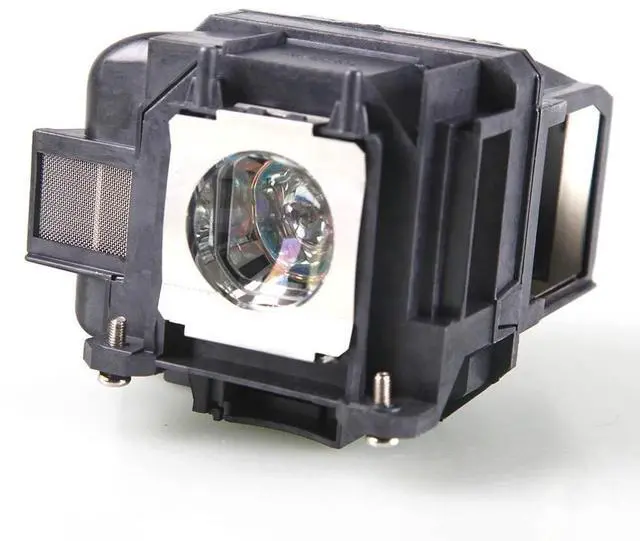
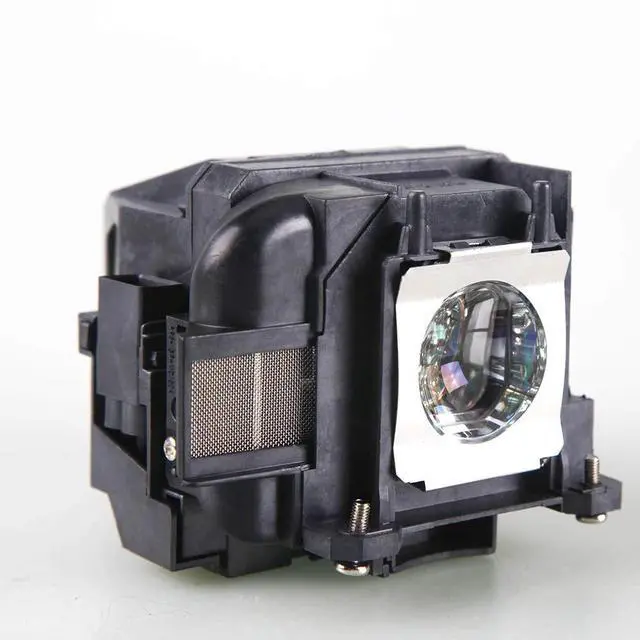
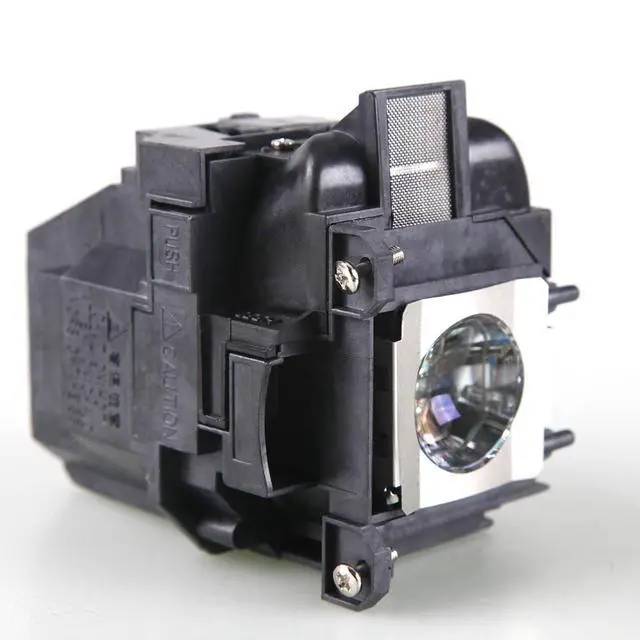
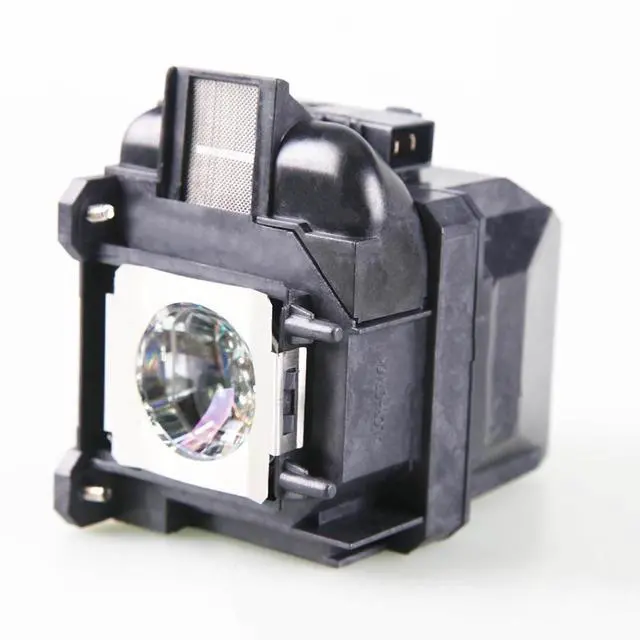
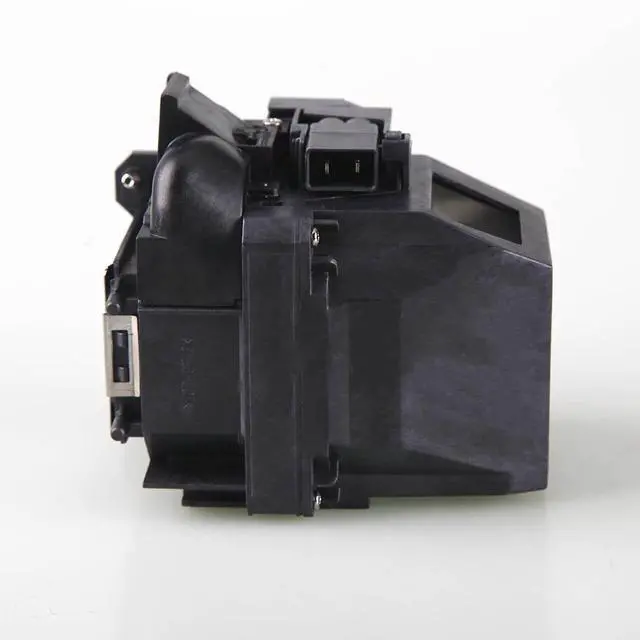


SunnyPro V13H010L87 Projector lamp with housing ELPLP87 Compatible for Epson PowerLite 520/525W/530/535W / BrightLink 536Wi, EB-520/525W/530/530S/535W/536Wi
- Compatible with Epson PowerLite 520/525W/530/535W / BrightLink 536Wi, EB-520/525W/530/530S/535W/536Wi
- Projector Lamp with Housng
- All lamps are produced by our own factory
- All lamps are tested at our factory before leaving the facility
- Cheaper Bare Lamp without Housing Also Available for Sale
+
+
Overview
Specs
Reviews

Any questions? Our AI mode will help you find out quickly.
Try me now
9 steps to replace the projector lamp1. Gather the necessary tools, screwdriver. 2. Turn off TV or Projector. 3. Remove Lamp Compartment Door. 4. Remove Lamp Assembly. Carefully pull out the lamp assembly and disconnect any power cords that may still be connected to the lamp assembly. Put it aside and don't get it confused with your new lamp! 5. Clean Lamp Compartment. Dust gets everywhere and while you have the projector open, use a soft cloth or micro-fiber cleaning cloth to remove any loose dust from the lamp compartment.
6. Insert New Lamp Assembly. Carefully reconnect any power cables to the new lamp if present and slide the new lamp into the compartment in the same orientation that the original lamp came out. 7. Replace Lamp Compartment Door. Set the lamp compartment door back into place and securely screw in the door without screwing it in too tightly. 8. Reset the lamp timer. Instructions on how to do this should be covered by the instruction manual. 9. You're Done! Enjoy your projector or TV again and make sure you have a backup lamp handy in case the lights go out unexpectedly.
6. Insert New Lamp Assembly. Carefully reconnect any power cables to the new lamp if present and slide the new lamp into the compartment in the same orientation that the original lamp came out. 7. Replace Lamp Compartment Door. Set the lamp compartment door back into place and securely screw in the door without screwing it in too tightly. 8. Reset the lamp timer. Instructions on how to do this should be covered by the instruction manual. 9. You're Done! Enjoy your projector or TV again and make sure you have a backup lamp handy in case the lights go out unexpectedly.
Warranty & Returns
Warranty, Returns, And Additional Information
Warranty
- Please contact the Seller directly for warranty information. Warranty information may also be found on the Manufacturer's website.
- CONTACT
Return Policies
- Return for refund within: 30 days
- Return for replacement within: 30 days
- This item is covered by LANMEll Return Policy
Manufacturer Contact Info
- For a directory of all our manufacturers, please click below.
- Manufacturers Directory
LOADING...