Your Browsing History
Meet Your Seller
Sponsored Products
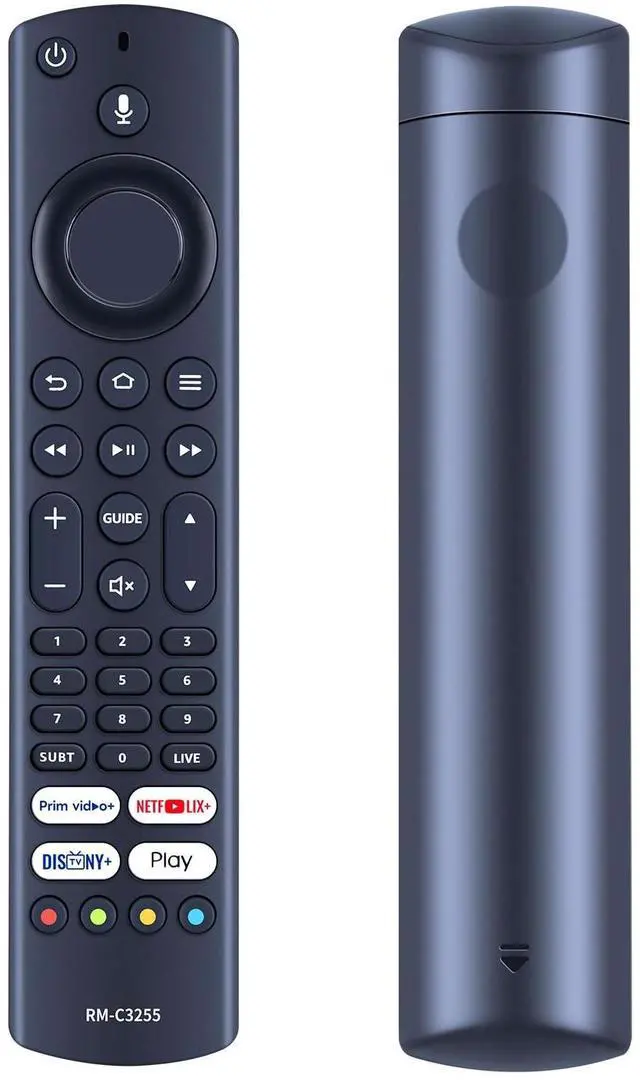
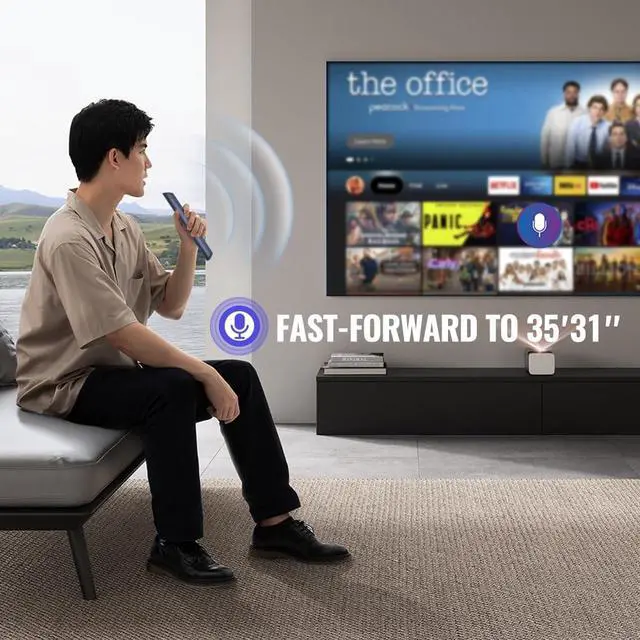
New RM-C3255 Replacement Voice Remote Control Compatible for JVC Smart Edition TV LT-32CF600 LT-40CF700 LT-43CF700
- Applicable Models: New RM-C3255 Replacement Voice Remote Control Compatible with JVC Smart Edition TV LT-32CF600 LT-40CF700 43CF700.
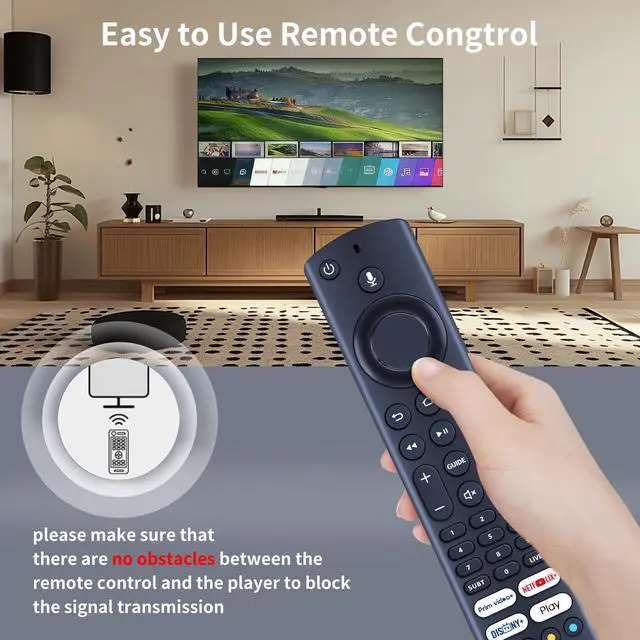
- Easy To PairingPlease be sure to pair the voice remote control with your TV before use. Point the voice remote control to the TV (keep it within 5 meters), and the remote control will automatically pair; if pairing fails, please follow the steps below: Press and hold down simultaneously the BACK , OPTION (three horizontal lines) and the BACK NAVIGATION KEY (the back function on the circular key above the BACK and OPTION KEYS) for 10 seconds and it will be reset.
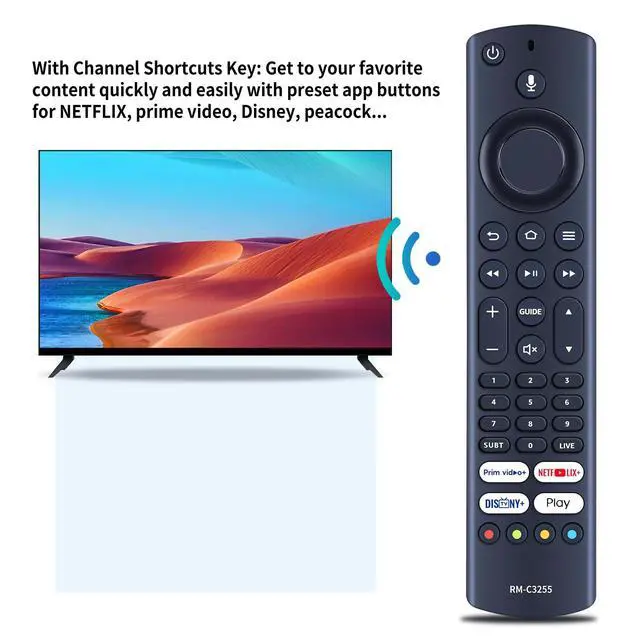
- With 4 Channel Shortcut Keys: get to your favorite content quickly and easily with preset app buttons for Netflix, Prime Video, Disney+, and Play.
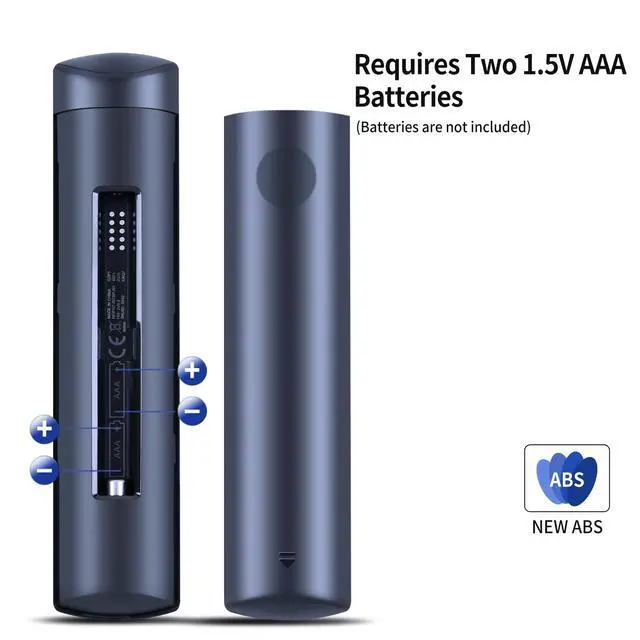
- Power Supply: need 2x1.5V AAA akaline batteries (not included)
- After-sales serviceIf you have any questions, please feel free to contact us through the messaging tool, we promise to help you within 24 hours, thank you!

+
+
Overview
Specs
Reviews
Any questions? Our AI beta will help you find out quickly.
Try me now
Applicable Models: New RM-C3255 Replacement Voice Remote Control Compatible with JVC Smart Edition TV LT-32CF600 LT-40CF700 43CF700. ^^ Easy To PairingPlease be sure to pair the voice remote control with your TV before use. Point the voice remote control to the TV (keep it within 5 meters), and the remote control will automatically pair; if pairing fails, please
follow the steps below: Press and hold down simultaneously the BACK, OPTION (three horizontal lines) and the BACK NAVIGATION KEY (the back function on the circular key above the BACK and OPTION KEYS) for 10 seconds and it will be reset. ^^ With 4
Channel Shortcut Keys: get to your favorite content quickly and easily with preset app buttons for Netflix, Prime Video, Disney+, and Play.
^^ Power Supply: need 2x 1.5V AAA akaline batteries (not included) ^^ After-sales serviceIf you have any questions, please feel free to contact us through the messaging tool, we promise to help you within 24 hours, thank you!
follow the steps below: Press and hold down simultaneously the BACK, OPTION (three horizontal lines) and the BACK NAVIGATION KEY (the back function on the circular key above the BACK and OPTION KEYS) for 10 seconds and it will be reset. ^^ With 4
Channel Shortcut Keys: get to your favorite content quickly and easily with preset app buttons for Netflix, Prime Video, Disney+, and Play.
^^ Power Supply: need 2x 1.5V AAA akaline batteries (not included) ^^ After-sales serviceIf you have any questions, please feel free to contact us through the messaging tool, we promise to help you within 24 hours, thank you!
Warranty & Returns
Warranty, Returns, And Additional Information
Warranty
- Please contact the Seller directly for warranty information. Warranty information may also be found on the Manufacturer's website.
- CONTACT
Return Policies
- Return for refund within: 30 days
- Return for replacement within: 30 days
- This item is covered by LingGo Return Policy
Manufacturer Contact Info
- For a directory of all our manufacturers, please click below.
- Manufacturers Directory
LOADING...