Price alert
Shop it at NeweggBusiness.

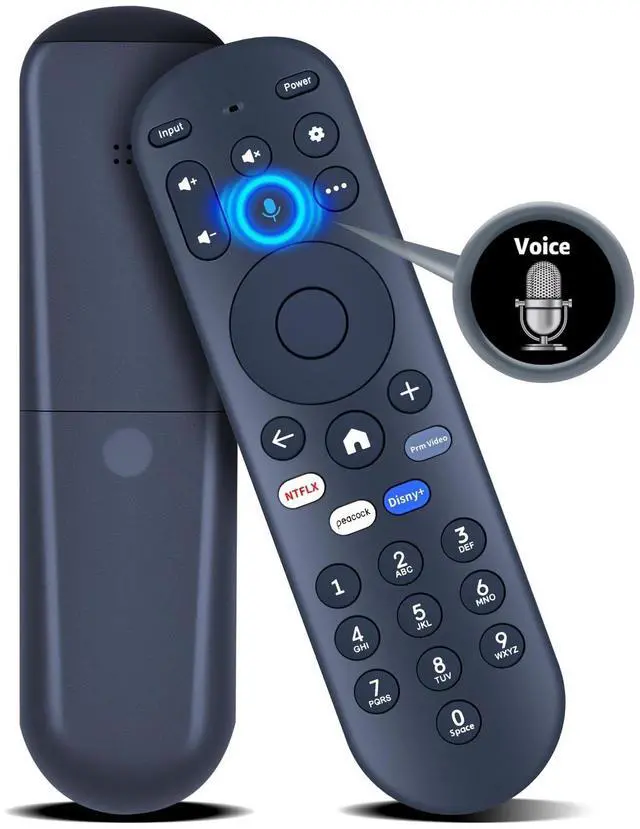
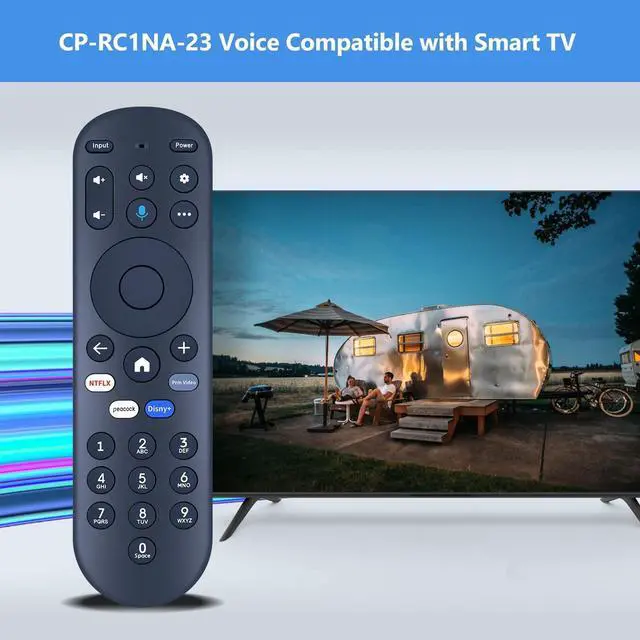
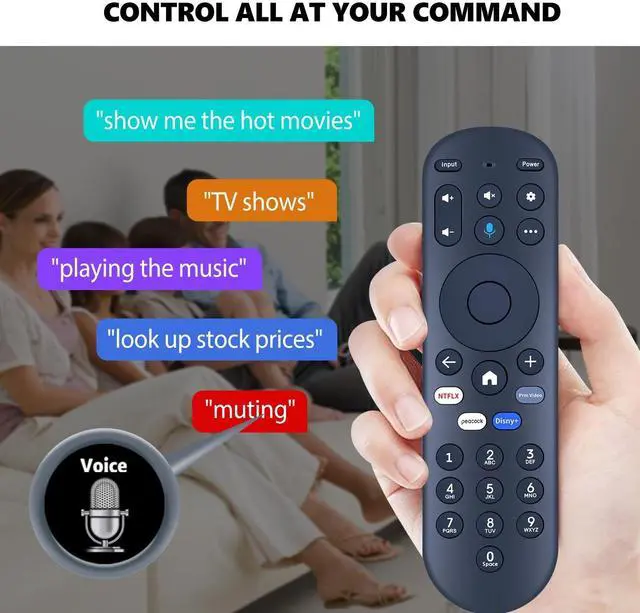
PZL Voice Replacement Remote Control for Pioneer Xumo TV CP-RC1NA-23 PN43-751-24U PN50-751-24U PN55-751-24U PN65-751-24U

Limited time offer, ends 07/06 By ChaoChaoChongWuShangDian

  • Compatible Models: PZL voice replacement remote control for smart TV models - CP-RC1NA-23 PN43-751-24U PN50-751-24U PN55-751-24U PN65-751-24U
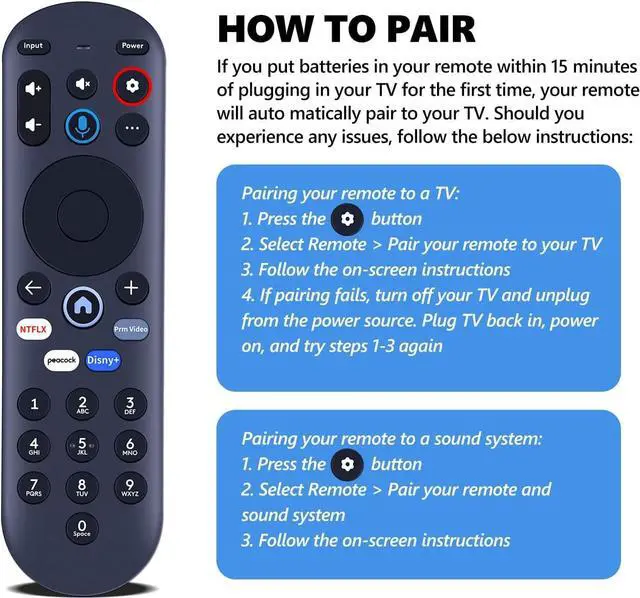
  • How To Pair: 1) Press the [Setting] button. 2) Select Remote > Pair your remote to your TV. 3) Follow the on-screen instructions. 4) If pairing fails, turn off your TV and unplug from the power source. Plug TV back in, power on, and try steps 1-3 again
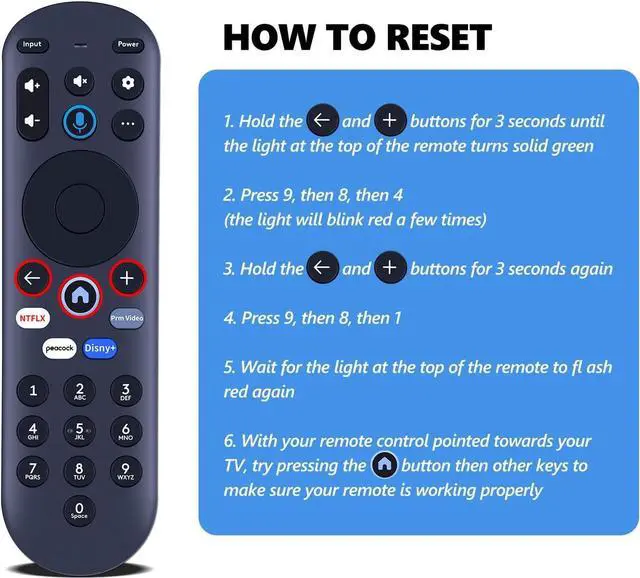
  • How To Reset: See the product description for details on how to do this
  • Package Included: 1 x IR remote control (Batteries and Instructions are Not Included). It can solve the problem when your home remote control doesn't work and becomes your backup remote control.
  • After-sales Service: If you have any questions about your order or model, please let us know and we'll get back to you within 12 hours on weekdays.

+
+
Overview
Specs
Reviews
avatar

Any questions? Our AI beta will help you find out quickly.

Compatible Models: PZL voice replacement remote control for smart TV models - CP-RC1NA-23 PN43-751-24U PN50-751-24U PN55-751-24U PN65-751-24U ^^
How To Pair: 1) Press the [Setting] button. 2) Select Remote > Pair your remote to your TV. 3) Follow the on-screen instructions. 4) If pairing fails, turn off your TV and unplug from the power source. Plug TV back in, power on, and try steps 1-3 again ^^
How To Reset: See the product description for details on how to do this ^^
Package Included: 1 x IR remote control (Batteries and Instructions are Not Included). It can solve the problem when your home remote control doesn't work and becomes your backup remote control.
^^ After-sales Service: If you have any questions about your order or model, please let us know and we'll get back to you within 12 hours on weekdays.

Warranty & Returns

Warranty, Returns, And Additional Information

Warranty

  • Please contact the Seller directly for warranty information. Warranty information may also be found on the Manufacturer's website.
  • CONTACT

Return Policies

Manufacturer Contact Info

LOADING...
LOADING...