• $99.99
  • Free 30-day Returns
  • Price alert
    Sold by StarDragon
    Top Rated
    5 (1 seller ratings)

    Shipped by StarDragon

    Shop it at NeweggBusiness.

    Meet Your Seller

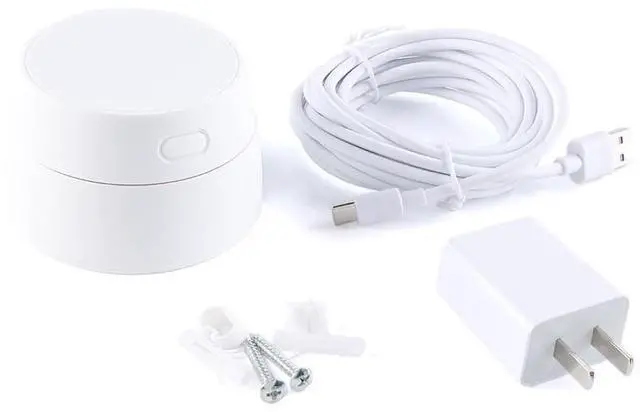
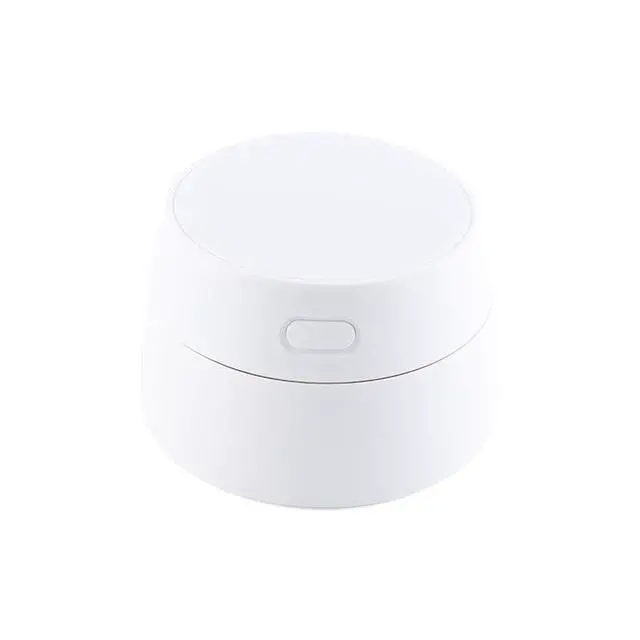
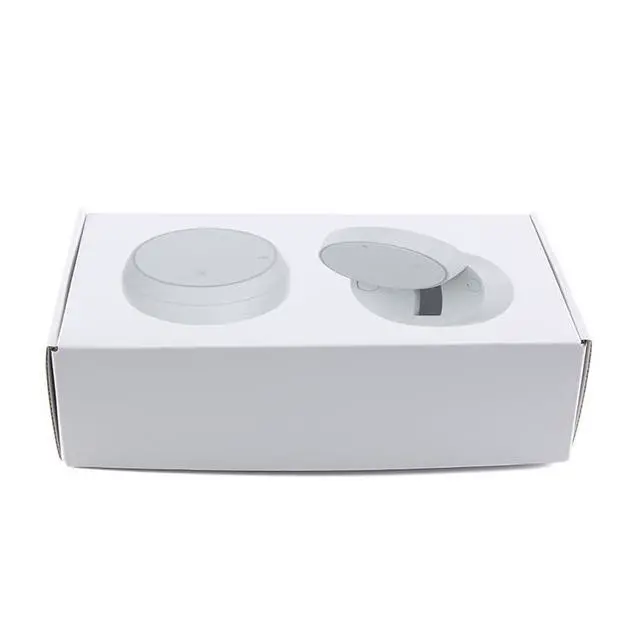
    EC Buying Respiratory Sleep Radar Sensor Sleep Monitoring Radar 60G Respiratory Sleep Monitoring Radar Millimeter Wave Radar Sensor

    • The sleep monitoring radar keeps records of human presence, and performs real-time judgment on the sleep state and breath & heartbeat frequency of the target according to the change in body movement amplitude and breath & heartbeat rate in the course of sleep
    • When the sleep ends, it outputs a score for the sleep, which will be used by health apps along with outputs of sleep parameters
    • Records the sleep states of people, assesses their sleep quality, and records sleep time history, Detects breath and records respiratory rate,Detects heartbeat rate and records heartbeat frequency
    • Install the radar inclined with a tilt angle of 45 above the head of the bed. The recommended height of installation is 1 m above the bed surface. Make sure the main beam of the radar covers the detection zone without noticeable blocks and coverings in front. Depending on the height of installation and the coverage of radar beams, under this mode, the max. distance of human presence detection is L3 ~2.5
    +
    +
    Overview
    Specs
    Reviews
    avatar

    Any questions? Our AI beta will help you find out quickly.

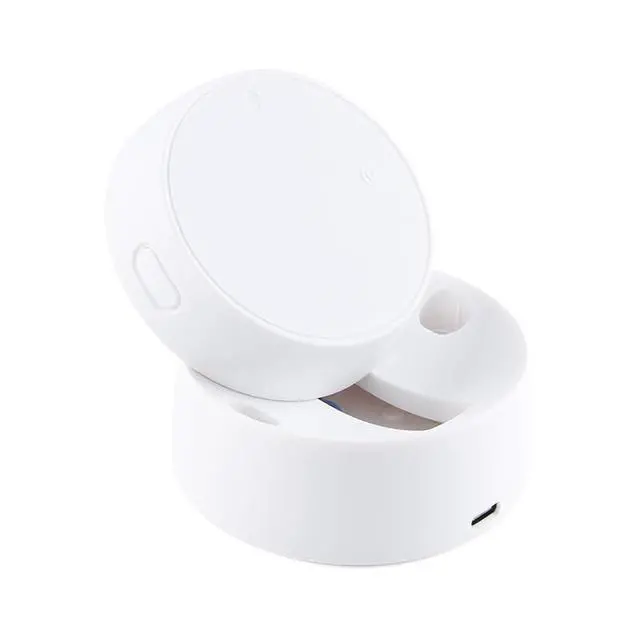
    Instructionson installation (1) Slide upwards the front end of the radar to expose mounting base; (2) Drill the wall with the mounting base, and push in plastic expansion tubes; (3) Push in expansion bolts, fix the radar, and cover the bolts; (4) Power on the device, configure the network, and connect the back end.
    Download via APP Store: Doodle Smart AppLong press the button on the product until it is released when the LED light flashes after it is off. At this time, the radar is reset into the distribution mode. The distribution operation can be performed in two ways:
    (Note: The device needs to be connected to 2.4G WiFi, not 5.8G WiFi)Mode 1 (Bluetooth automatic discovery mode): ""Discover Devices to be
    Added: 1"" will be displayed on the APP interface. After you click Add, the APP will automatically add the device distribution network connection. Method 2 (Wi-Fi
    Fast connection):
    1. On the APP interface, tap the red plus sign in the upper right corner to enter the product category selection page, and tap Automatic Discovery in the upper right corner to enter the Settings Search for the device and click Next.
    2. Fill in the relevant information Fill in the relevant wifi information, click ""Next"" to enter the device distribution network.
    3. Wait for the APP to perform wifi distribution until the distribution network is successful, and then the wifi radar device can be equippedIndicator lamp statesRed lamp flashes: Matching network for the deviceRed lamp off: Normal
    state/No-button stateRed lamp on: Button
    triggeringRed lamp constantly on: The device has connected to a Wi-Fi service, but not to the serverFunctions
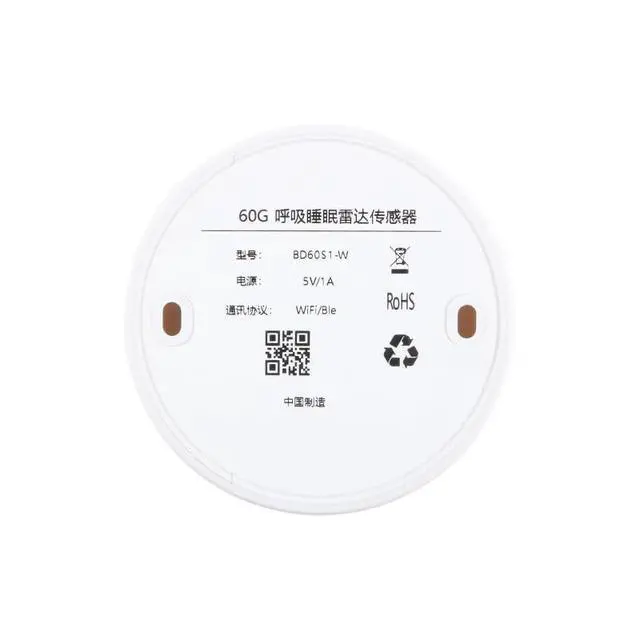
    SpecificationProduct measurements: 808051.8 mmWorking
    Frequency of radar: 61GHz~
    61.5GH zDistance of detection: 1.5 - 2.5 mAngle of detection: 40 horizontally
    & 40 verticallyUSB power supply: 5V/1A, Type-CWorking
    temperature: -10~+60

    Warranty & Returns

    Warranty, Returns, And Additional Information

    Warranty

    • Please contact the Seller directly for warranty information. Warranty information may also be found on the Manufacturer's website.
    • CONTACT

    Return Policies

    • Return for refund within: 30 days
    • Return for replacement within: 30 days
    • This item is covered by StarDragon Return Policy

    Manufacturer Contact Info

    LOADING...