Team Group T-FORCE VULCAN Z 2.5" 1TB SATA III 3D NAND Internal Solid State Drive (SSD) T253TZ001T0C101
  •  
  • $145.99 
  • $65.99
  • Free 30-day Returns
  • Sold by FortressTek

    Shipped by FortressTek

    Price alert
    Shop it at NeweggBusiness.

    Meet Your Seller

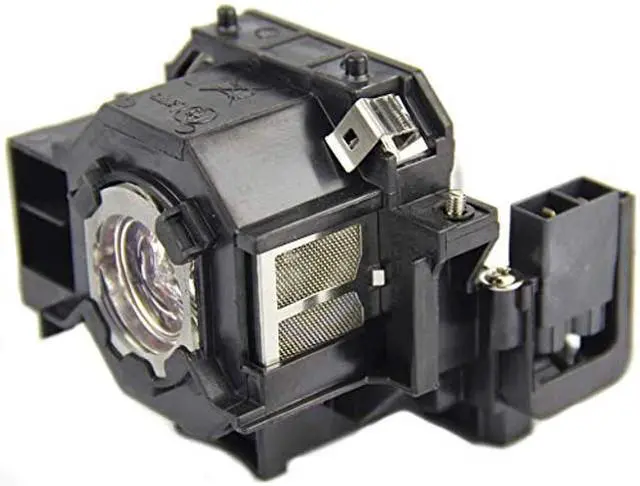
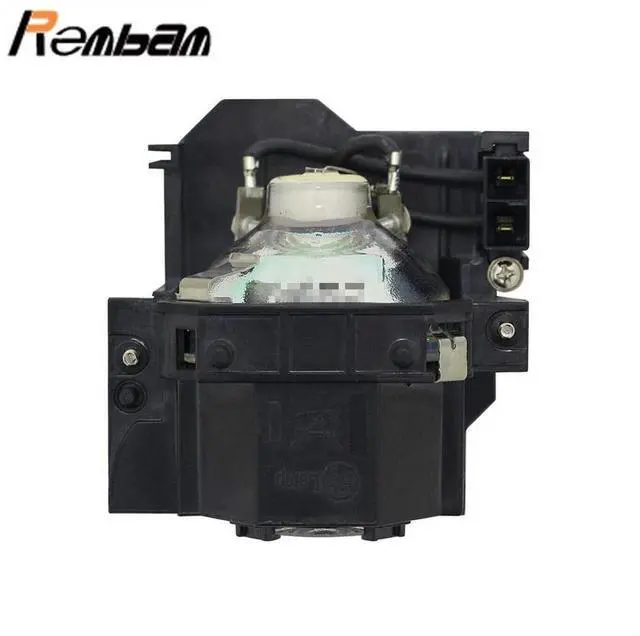
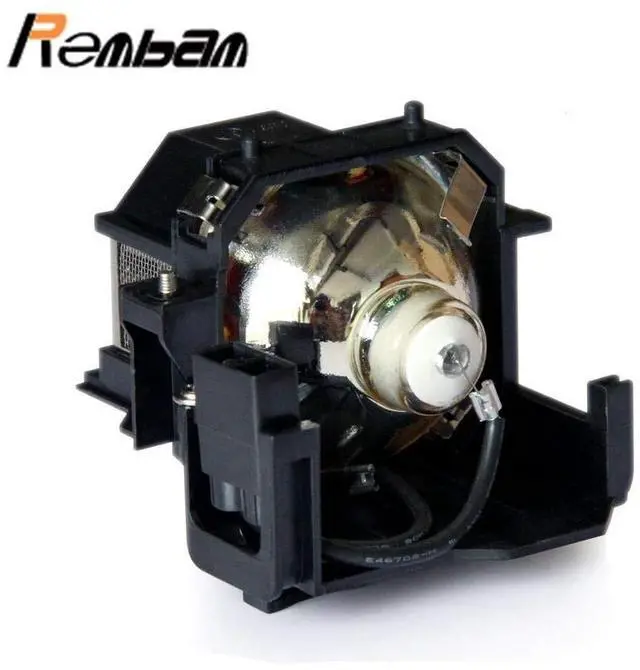
    Rembam V13H010L42 for Epson-ELPLP42 PowerLite 83+ 83C EMP-400W 410W 822P EX90 EB-410W Projector Replacement Lamp with Housing

    • Rembam all items are 100% New(New and Improved Technology).And will be packaged in good condition before dispatch
    • Lifetime:Premium quality,high brightness,long Life replacement projector lamp,lamp lifetime approximately 2000 hours
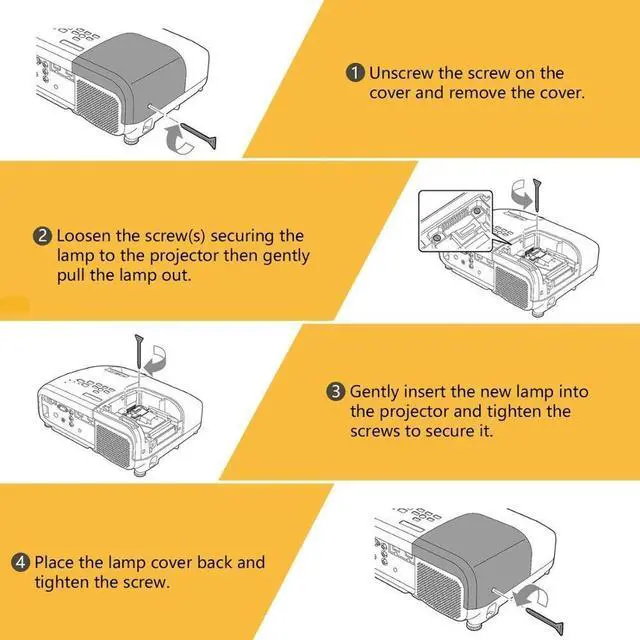
    • Install:is easy and quick for your installation to make sure your device is back in action
    • Guar antee:Take strict test before delivery.Excellent return service and friendly customer service.Any other problems with the projector lamp,please contact us.
    • Compatible projector:for Epson EX90 PowerLite 83+ EMP-X56 EMP-280 EMP-400 EMP-400W EMP-822 EMP-822H EMP-83 EMP-83C EMP-83H EMP-400WE EMP-822P EMP-83E EMP-410W EB-410W EMP-83HE EB-410WE EMP-410WE
    +
    +
    Overview
    Specs
    Reviews
    avatar

    Any questions? Our AI beta will help you find out quickly.

    Rembam Information: Rembam has own factory and many experienced workers. Every lamp will be take strict quality test before leaving factory. So you don't need to doubt the quality.

    Specifications

    : Part
    number: ELP-LP42
    V13H010L42Application:
    Business/Education/Home/SchoolCompatible: for PowerLite 83+ EMP-X56 EMP-280EMP-400 EMP-400W EMP-822EMP-822H EMP-83 EMP-83CEMP-83H EMP-400WE EMP-822PEMP-83E EMP-410W EB-410WEMP-83HE EB-410WE EMP-410WE EX90Package: 1 bulb with housing1
    Instructions sheetInstallation: 1. Turn off the projector and unplug the power cord. 2. Let the projector cool for at least an hour. The lamp is extremely hot immediately after use. 3. Loosen the lamp cover screw. Then slide the lamp cover off. 4. Loosen the two screws holding the lamp in place. 5. Hold the lamp as shown and pull it straight out. 6. Gently insert the new lamp. Then tighten its screws. 7. Replace the lamp cover, then tighten its screw.
    Notes: 1. To avoid burns, allow the projector to cool for at least 60 minutes before replacing the lamp. 2. We provide excellent re fund service with no any contidition with 12 hours feedback. If you have any questions, please contact us. We will try our best to sole your problem as soon as possible.

    Warranty & Returns

    Warranty, Returns, And Additional Information

    Warranty

    • Please contact the Seller directly for warranty information. Warranty information may also be found on the Manufacturer's website.
    • CONTACT

    Return Policies

    Manufacturer Contact Info

    LOADING...