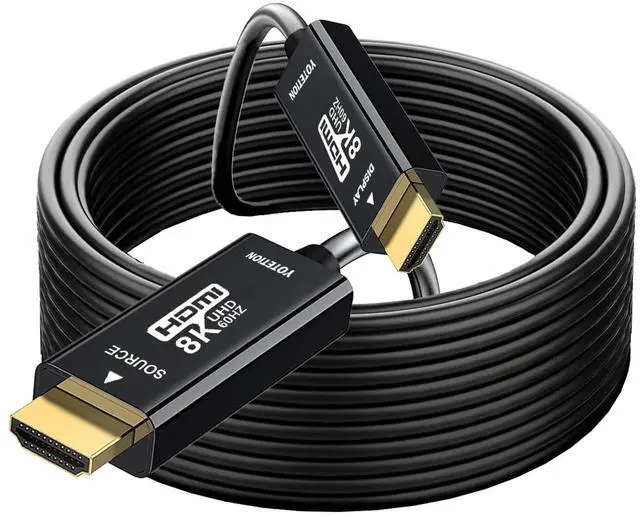
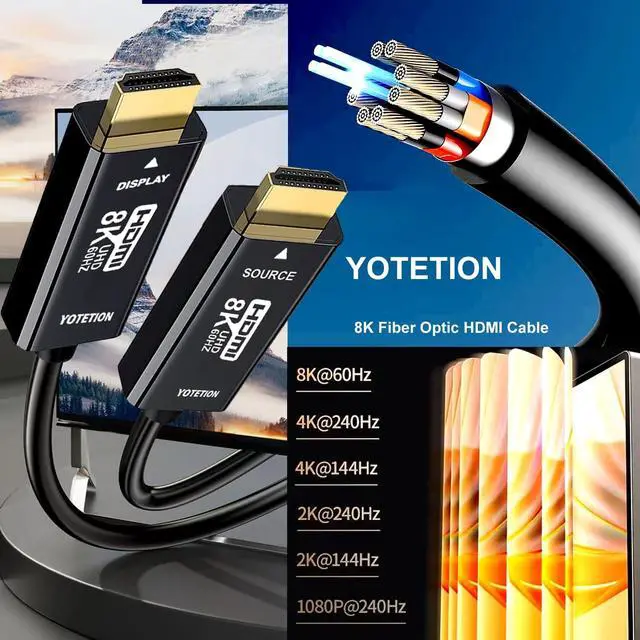
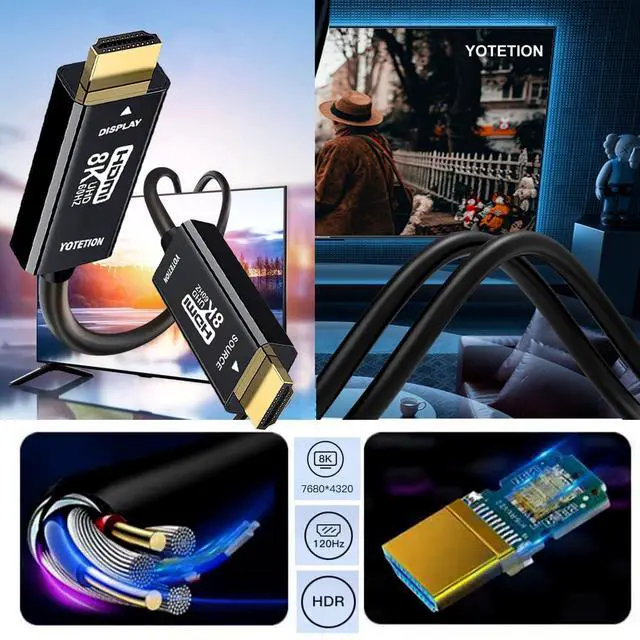
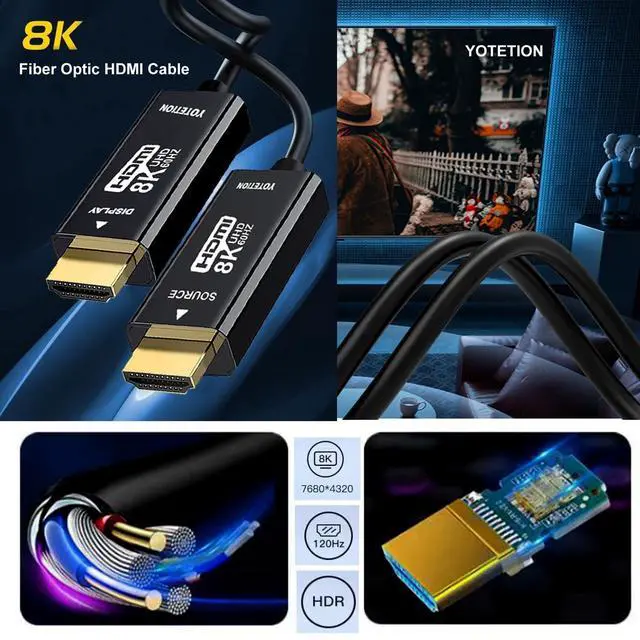
YOTETION 8K
HDMI FIBER OPTIC CABLE: Precautions
for use: Although this HDMI fiber optic cable supports hot plugging, it is recommended to turn off the power of the device for plugging and unplugging. When not shutting down, plug in the "source" end first. In most cases, you can directly replace the original ordinary HDMI cable. For some displays, turn on Enhanced Mode or Game Mode or Advanced Mode, or select HDMI Dark. Start by closing Dolby Vision for testing. Change the graphics settings to Variable refresh rate if this option is available. When the TV is connected to the AVR receiver and does not work, confirm that the HDMI cable is connected to the HDMI ARC/eARC port of the receiver, and then enable the ARC (eARC) function in the TV settings.
Note: Select the correct input source in the device settings. Free switching saves your time by taking care of both learning and entertainmentEasily expand your screen for a greater display effectEnjoy your game time, perfect picture quality and soundSupports ultra high speed transfer rate up to 48Gbps. It is 2.5X the Bandwidth of HDMI 4K 2.0 cables. much faster than HDMI 2.0 and HDMI 1.4. Supports Dynamic HDR





 here!
here!