

Your Browsing History
- Free 30-day Returns
$144.99

Meet Your Seller


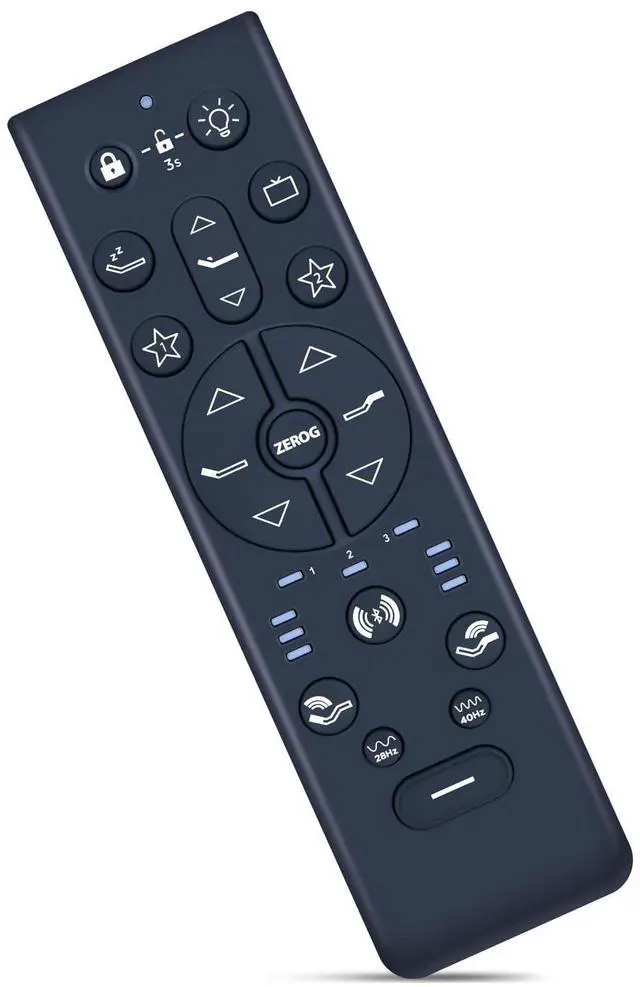
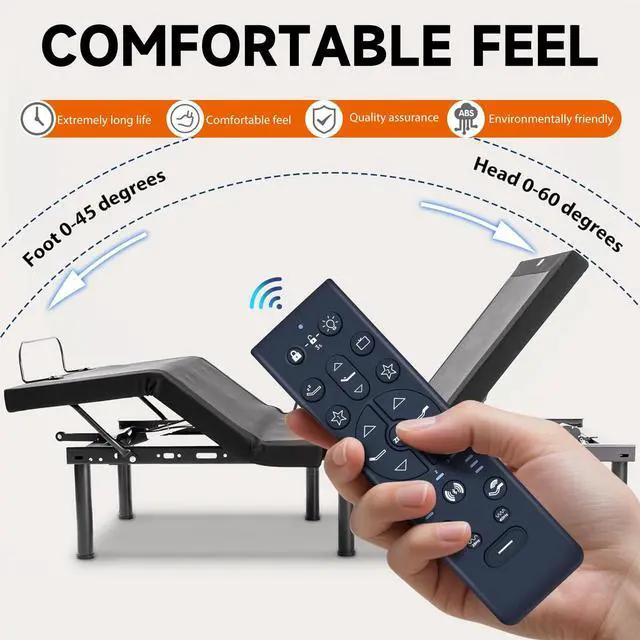
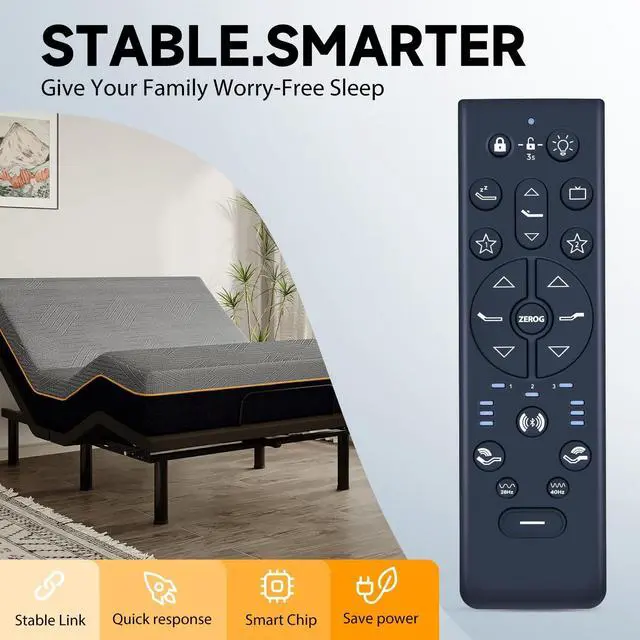
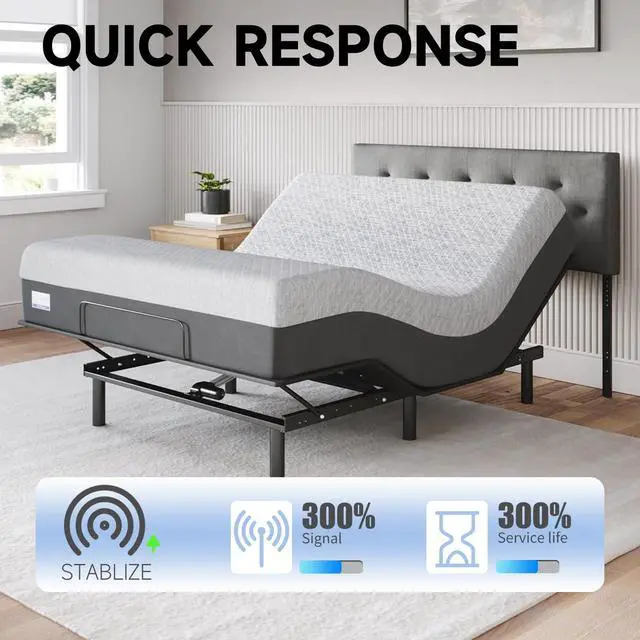
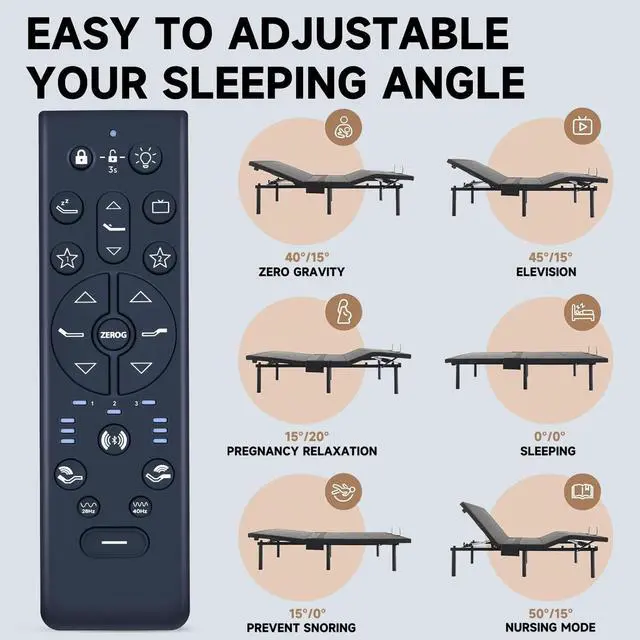


ZWP RF396E Replacement Remote Control Compatible for TEMPUR-Pedic Tempur-Ergo ProSmart Base Keeson RF396E JLDK.111.19.01 Adjustable Bed
- Compatible with TEMPUR-PEDIC Tempur-Ergo ProSmart Base Keeson RF396E JLDK.111.19.01 Adjustable Bed
- Step 1:Remove the rear cover of the remote control by sliding it down to expose the PAIR button. Step 2:Unplug the Power Cord from your power outlet. Wait 1 minute, then plug it back into your power outlet. Step 3:The Soundbar will provide the verbal cue 'Bluetooth Mode' to indicate it is ready for pairing. Perform Step 4 within 10 seconds, while the control box light is flashing. Step 4:Press and hold the PAIR button on the back of the remote. The PAIR button will illuminate and start to flash.
- Step 5: When the PAIR button stops flashing, the LED light on the control box will stop flashing. The Soundbar will provide the verbal cue 'Connected' to indicate the remote has paired successfully to the control box. Release the PAIR button. Step 6: If you are unable to adjust the base with your remote, please repeat the process again, or try the steps to disable Child Lock on the base beca
+
+
Overview
Specs
Reviews

Any questions? Our AI mode will help you find out quickly.
Try me now
How to pairing
Step 1: Remove the rear cover of the remote control by sliding it down to expose the PAIR button.
Step 2: Unplug the Power Cord from your power outlet. Wait 1 minute, then plug it back into your power outlet.
Step 3: The Soundbar will provide the verbal cue 'Bluetooth Mode' to indicate it is ready for pairing. Perform Step 4 within 10 seconds, while the control box light is flashing.
Step 4: Press and hold the PAIR button on the back of the remote. The PAIR button will illuminate and start to flash.
Step 5: When the PAIR button stops flashing, the LED light on the control box will stop flashing. The Soundbar will provide the verbal cue 'Connected' to indicate the remote has paired successfully to the control box. Release the PAIR button.
Step 6: If you are unable to adjust the base with your remote, please repeat the process again, or try the steps to disable Child Lock on the base because the remote may be locked. You can find the instructions for deactivating Child Lock
Step 1: Remove the rear cover of the remote control by sliding it down to expose the PAIR button.
Step 2: Unplug the Power Cord from your power outlet. Wait 1 minute, then plug it back into your power outlet.
Step 3: The Soundbar will provide the verbal cue 'Bluetooth Mode' to indicate it is ready for pairing. Perform Step 4 within 10 seconds, while the control box light is flashing.
Step 4: Press and hold the PAIR button on the back of the remote. The PAIR button will illuminate and start to flash.
Step 5: When the PAIR button stops flashing, the LED light on the control box will stop flashing. The Soundbar will provide the verbal cue 'Connected' to indicate the remote has paired successfully to the control box. Release the PAIR button.
Step 6: If you are unable to adjust the base with your remote, please repeat the process again, or try the steps to disable Child Lock on the base because the remote may be locked. You can find the instructions for deactivating Child Lock
Warranty & Returns
Warranty, Returns, And Additional Information
Warranty
- Please contact the Seller directly for warranty information. Warranty information may also be found on the Manufacturer's website.
- CONTACT
Return Policies
- Return for refund within: 30 days
- Return for replacement within: 30 days
- This item is covered by HyperCore Return Policy
Manufacturer Contact Info
- For a directory of all our manufacturers, please click below.
- Manufacturers Directory
LOADING...