• $51.99
  • Free 30-day Returns
  • Shipped by FoundationSurge

    Price alert
    Shop it at NeweggBusiness.

    Meet Your Seller

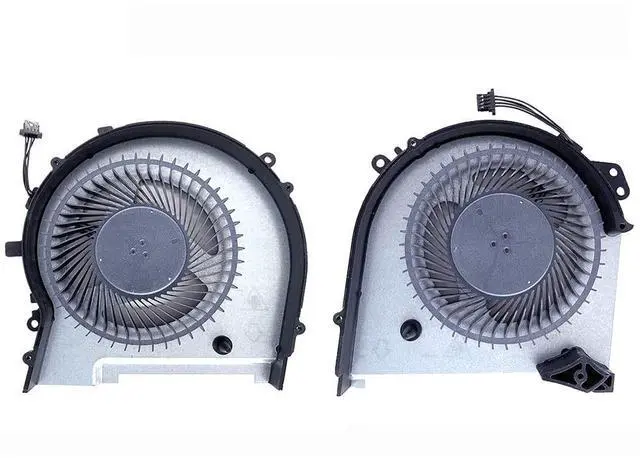
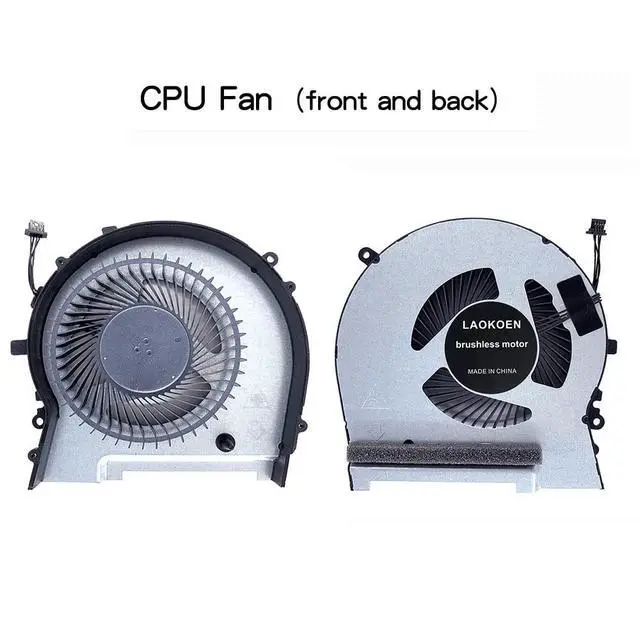
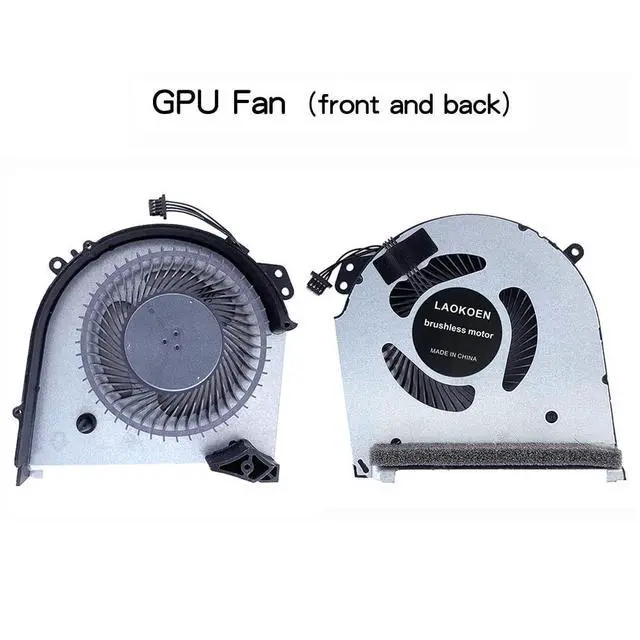
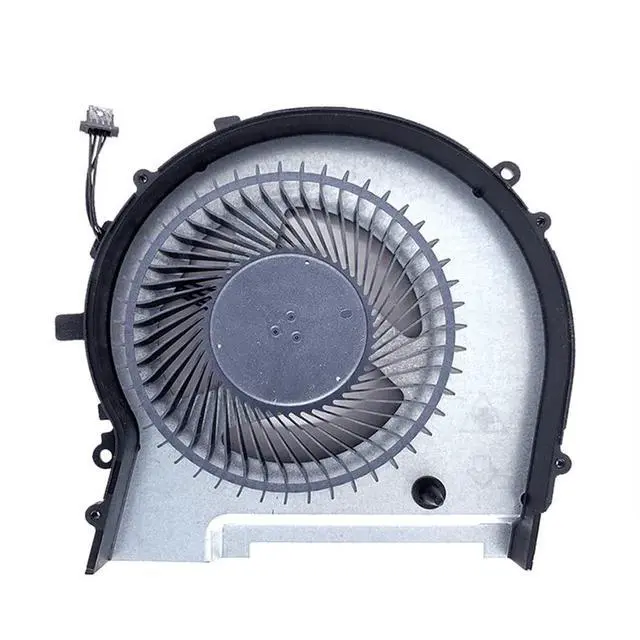
    New Replacement Cooling Fans for HP OMEN 15-dh 15-DH1059NR 15-dh1012TX 15-dh0009TX 15-dh1011TX 15-dh002NR 15-dh0015NR 15-dh0161TX TPN-C143 Series Laptop ND8CC01-18L04 ND8CC01-18L05 Fan

    • Compatible models:For HP OMEN 15-dh 15-DH1059NR 15-dh1012TX 15-dh0007TX 15-dh0009TX 15-dh0008tx 15-dh1011TX 15-dh002NR 15-dh0015NR 15-dh0161TX TPN-C143 Series Laptop ND8CC01-18L04 ND8CC01-18L05 ND8CC01-18L06 ND8CC01-18L07 Fan.
    • Fan description: brand new, 12V0.6A.
    • Applicable scenarios:Solve the error, abnormal noise, and high temperature of your laptop fan, so that your laptop fan can operate normally again!
    • Worry-free service: Brand new, every fan has been tested before shipment and packed in a shockproof box. Ensure safety during transportation! In addition, we also provide a 90-day warranty for the product.
    • Note: Please check the compatible models before purchasing and compare the sample fan Pictures If you have any questions about what kind of fan you need, please contact us.
    +
    +
    Overview
    Specs
    Reviews
    Please check the compatible model and compare the sample pictures, make sure this is the correct Cooling Fans you need! Please contact us if you have any issue! *Parameter: 12V 0.6A *Old and
    New: brand
    new*Warranty time: 90 days*Package
    Include: 2 x Fan.
    *Compatible Models: For HP OMEN 15-dh 15-DH1059NR 15-dh1012TX 15-dh0007TX 15-dh0009TX 15-dh0008tx 15-dh1011TX 15-dh002NR 15-dh0015NR 15-dh0161TX TPN-C143 Series Laptop ND8CC01-18L04 ND8CC01-18L05 ND8CC01-18L06 ND8CC01-18L07 Fan.
    *Applicable scenarios: Solve the error, abnormal noise, and high temperature of your laptop fan, so that your laptop fan can operate normally again! *Special attention: 1. Disassembly is risky, and installation needs to be cautious. If you cant install it yourself, its best to ask a professional to help install it. 2. Before replacing the notebook fan, remember to shut down the computer and power off the computer to avoid damage to the motherboard due to static electricity. In addition, do not reverse The fan plug is installed to avoid burning the fan.

    Warranty & Returns

    Warranty, Returns, And Additional Information

    Warranty

    • Please contact the Seller directly for warranty information. Warranty information may also be found on the Manufacturer's website.
    • CONTACT

    Return Policies

    Manufacturer Contact Info

    LOADING...