Your Browsing History
Meet Your Seller
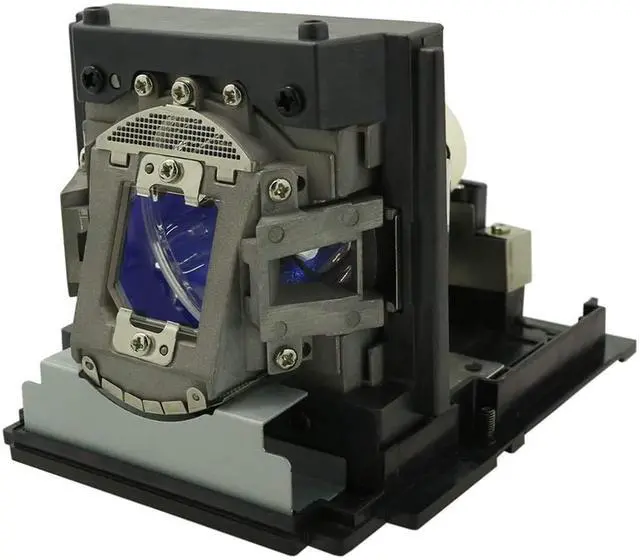
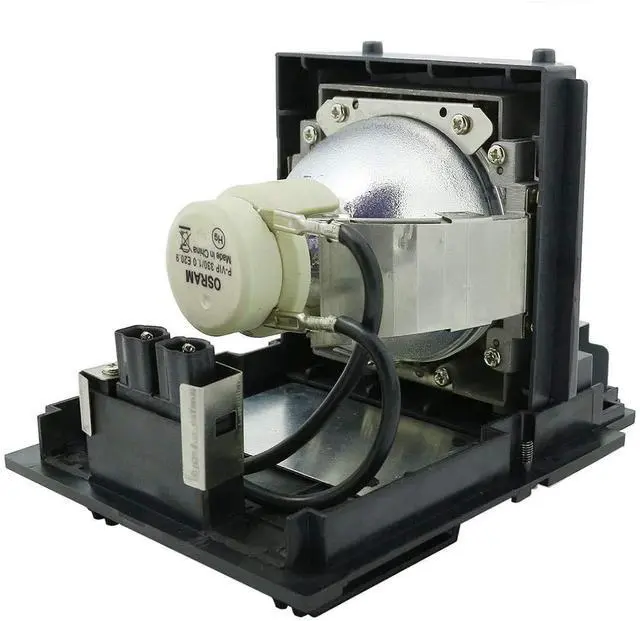
ZECARFA Original Lamp 003-004449-01 Projector Lamp VIP330W with Housing for Christie DHD670-E DHD675-E DWU670-E DWU675-E Projectors Lamp
- ZECARFA Original Lamp 003-004449-01 Projector Lamp with Housing for Christie DHD670-E DHD675-E DWU670-E DWU675-E Projectors
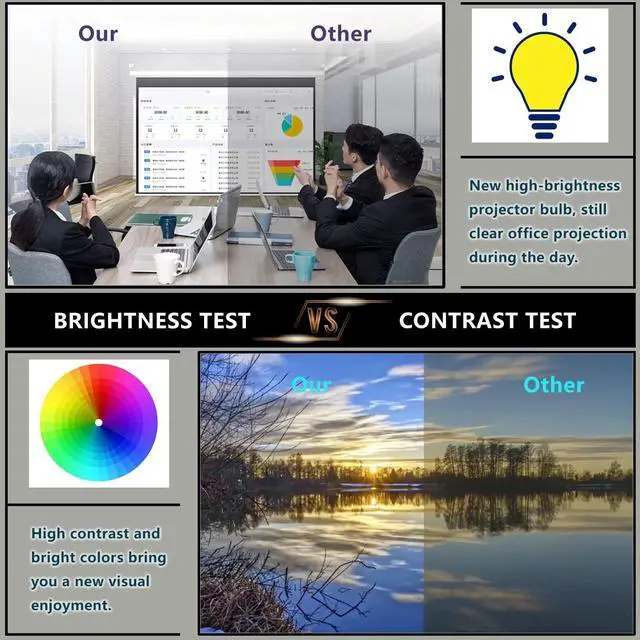
- Premium OEM Bulb P-VIP330 Watts Delivers Sharp Image, Amazing Color and quality image picture
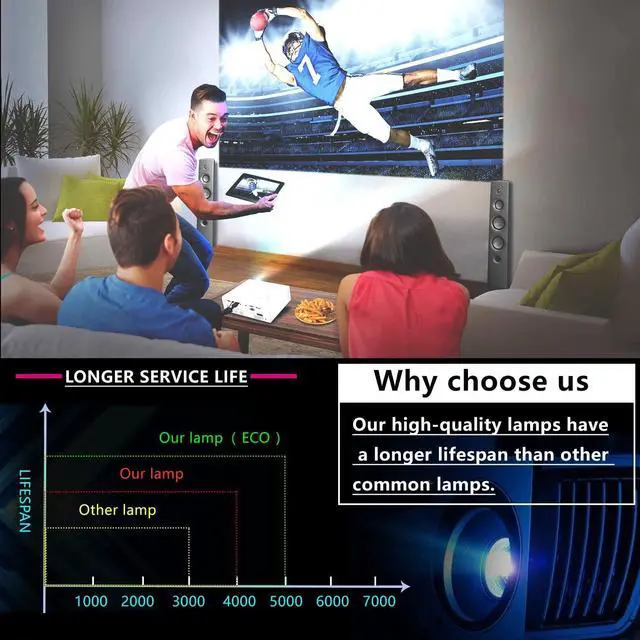
- This Replacement Lamp 003-004449-01 comes with a 180-day long warranty for Christie DHD670-E DHD675-E DWU670-E DWU675-E Projectors
- Easy install: Housing included, minimize installation time to make sure your device is back in action.All Lamps will be test before delivery
- Respond to customer inquiries and issues promptly, 7X 24 hours instant response.If you need any more information, please feel free to contact us
+
+
Overview
Specs
Reviews
Any questions? Our AI beta will help you find out quickly.
Try me now
Lamp Part Number: 003-004449-01Lamp
Type: Original Lamp with HousingWorking for
Following projectors: for Christie DHD670-E DHD675-E DWU670-E DWU675-E ProjectorsWarranty: 180 days from the date of purchasing**** If any question or quality problem, please don't hesitate to contact us at the first timeInstallation
Guide: To install a projector lamp with the housing, just follow the easy steps below: 1. Make sure the projector is unplugged and sitting on a flat surface2. Loosen the screw holding the projector lamp module cover in place and remove the panel3. Unplug the old projector lamp and remove it from the projector4. Plug the new projector lamp securely into place5. Attach the panel back onto the projector and tighten the screw

Type: Original Lamp with HousingWorking for
Following projectors: for Christie DHD670-E DHD675-E DWU670-E DWU675-E ProjectorsWarranty: 180 days from the date of purchasing**** If any question or quality problem, please don't hesitate to contact us at the first timeInstallation
Guide: To install a projector lamp with the housing, just follow the easy steps below: 1. Make sure the projector is unplugged and sitting on a flat surface2. Loosen the screw holding the projector lamp module cover in place and remove the panel3. Unplug the old projector lamp and remove it from the projector4. Plug the new projector lamp securely into place5. Attach the panel back onto the projector and tighten the screw
Warranty & Returns
Warranty, Returns, And Additional Information
Warranty
- Please contact the Seller directly for warranty information. Warranty information may also be found on the Manufacturer's website.
- CONTACT
Return Policies
- Return for refund within: 30 days
- Return for replacement within: 30 days
- This item is covered by LANMEll Return Policy
Manufacturer Contact Info
- For a directory of all our manufacturers, please click below.
- Manufacturers Directory
LOADING...