How to Fix Android Auto Disconnection Issues? Please follow the steps below to complete the setup:
1. Uninstall EveLink APP from your phone and download the latest version;
2. Switch to [SuperLink-Android] mode on the smart screen; Connect to the smart screen;
4. Once connected, if your phone displays "Android 16 Auto Connect issue Fixed, " this indicates that the issue has been successfully resolve; If needed, reach out to us, and we will provide a video guide ^^ Seamless Connectivity with
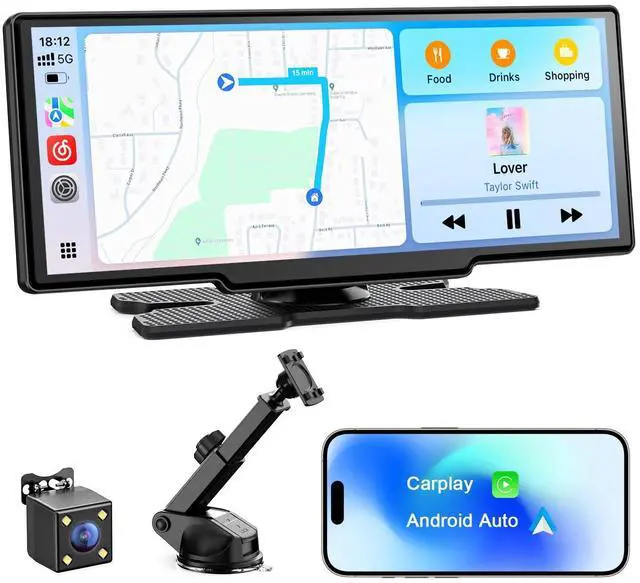
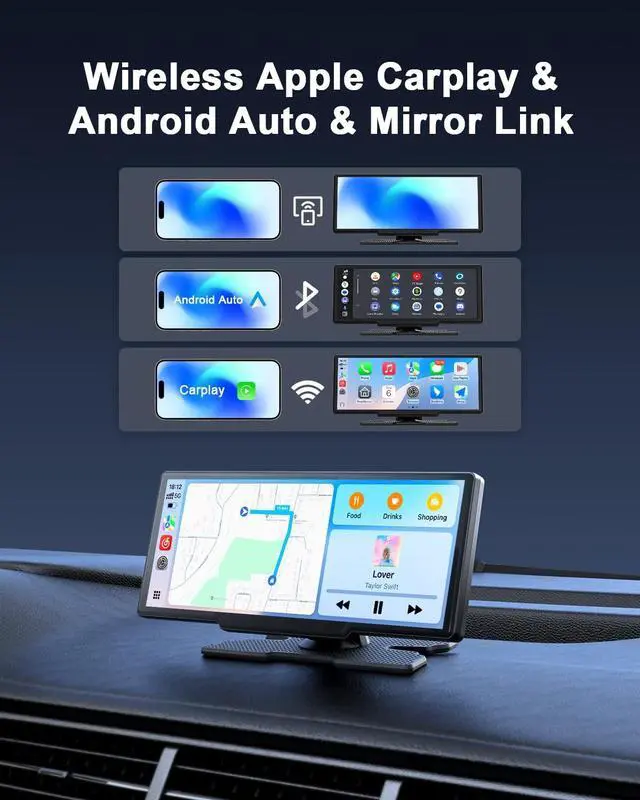
Apple CarPlay & Android Auto: Connect your smartphone to the 8.1 -inch display via Apple CarPlay or Android Auto for easy access to navigation, music, and calls; Once paired, it auto-connects every time you enter your carno reconfiguration needed; Enjoy a smooth, connected driving experience ^^ Smart Voice Control & Live
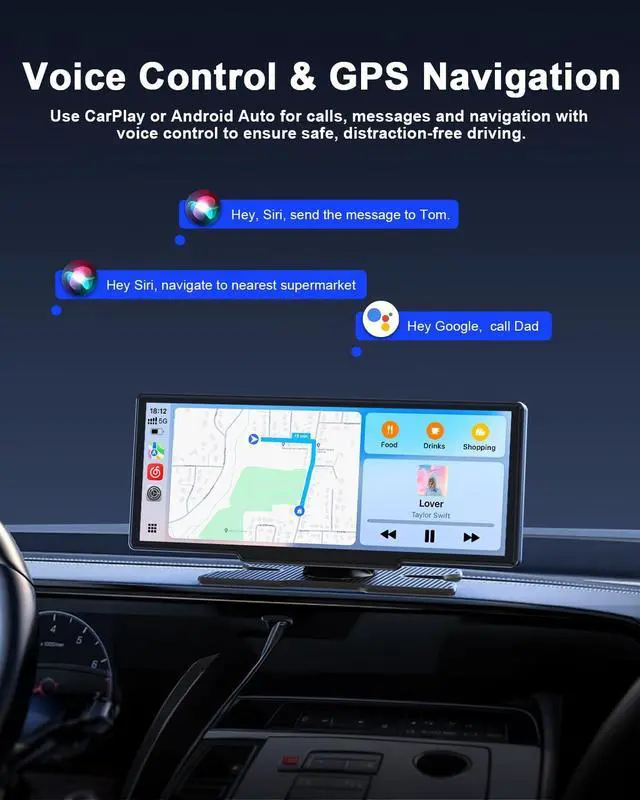
GPS Navigation: Use Siri or Google Assistant for hands-free control of navigation, calls, messaging, and multimedia; The 8.1 -inch HD display integrates with Apple CarPlay and Android Auto, syncing with Apple Maps, Google Maps, and Waze; Enjoy a larger, clearer map view for better convenience and safety, keeping you connected while focusing on the road ^^ Rear Camera with 19.7 ft Cable &
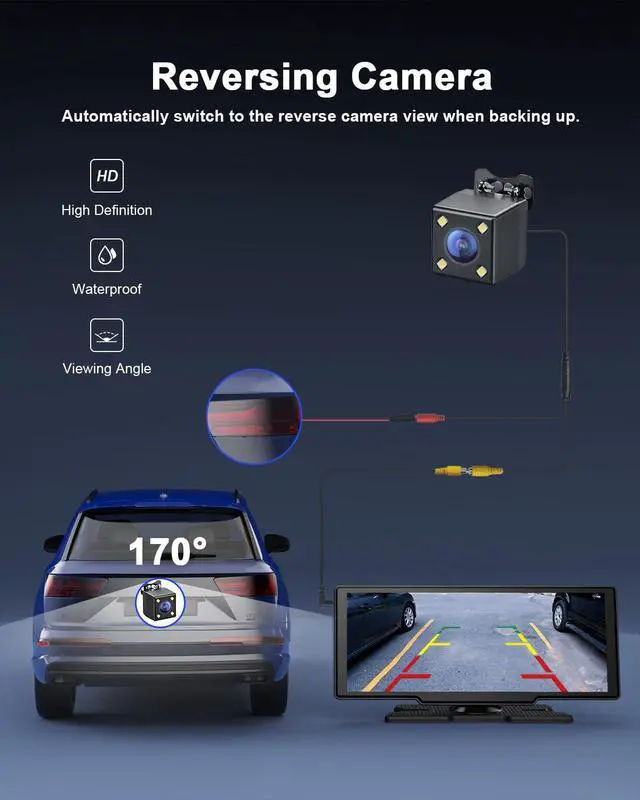
Reversing Assistance: Easy Parking Made Simple; This car radio screen pairs with a high-definition, IP67 waterproof rear camera to simplify parking and reversing; When the camera's red wire is connected to the reverse light, the screen automatically shows the reverse image, making backing up smoother and safer;
Note: Connect the red wire to the reverse lights positive lead for parking aid only, not for recording ^^
OTA Upgrade: Enhance Your Experience with Seamless Over-the-Air Updates; Embrace the future with our CarPlay screen's OTA (Over-the-Air) update capability; Regular firmware updates ensure that your software remains up-to-date, unlocking new features, refining existing ones, and boosting overall performance; Simply enter super link mode, and effortlessly upgrade your CarPlay screen system, enjoying the latest enhancements without the hassle ^^ 4
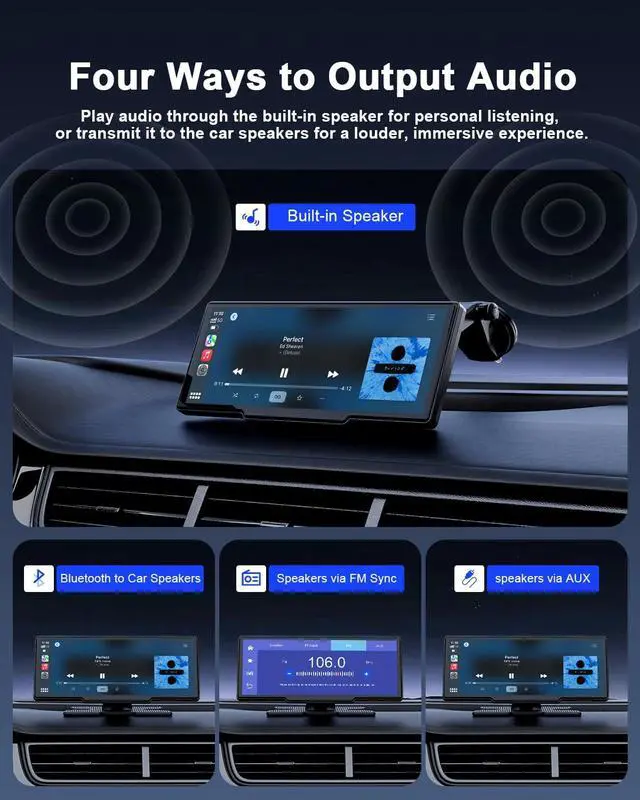
Audio Output Options: Enjoy flexible audio output with this system: use the built-in speakers, or wirelessly connect to your car speakers via Bluetooth or FM sync for enhanced volume and clarity when using Apple CarPlay or Android Auto; For an even richer, lossless audio experience, connect via the included AUX cable directly to your car's AUX input ^^ Compact 8.1 -inch
Screen: The 8.1 -inch CarPlay is compact and space-saving, providing a clear front view that prevents obstructing the driver's line of sight; With a resolution of 1600*600 and a touch screen interface, it offers a clear visual experience; The adjustable mounting bracket allows for angle adjustment, further enhancing your safe driving ^^ Super Link &
Mirror Link: After connecting your phone to the CarPlay WiFi, enjoy AirPlay and Super Link features; Mirror your phone screen to the 8.1 -inch 1600x900 HD display for a larger, clearer view; Super Link touch control lets you operate content directly, turn off your phone screen, or multitask with ease; You can mirror your phone screen to the device and play AirDrop photos or videos from your phone (Note: In iOS mode, control is limited to the phone itself) ^^ Easy Installation & Compatible with
Most Vehicles: No need to remove the original radioinstallation takes just a few minutes; Use the included mount to secure the product on the dashboard or windshield, allowing easy removal for anti-theft purposes; No complex wiring required; simply plug the power cable into the cigarette lighter socket (12-32V); This Carplay is compatible with nearly all vehicle types, including cars, trucks, SUVs, and older models without smart screens etc ^^ Custom Boot Animation & Two-Year Warranty: Avylet CarPlay lets you personalize your boot animationjust send your favorite images (brands, family, scenery, pets, etc. ) to our official email, and we'll create a custom animation just for you; Plus, enjoy peace





 here!
here!