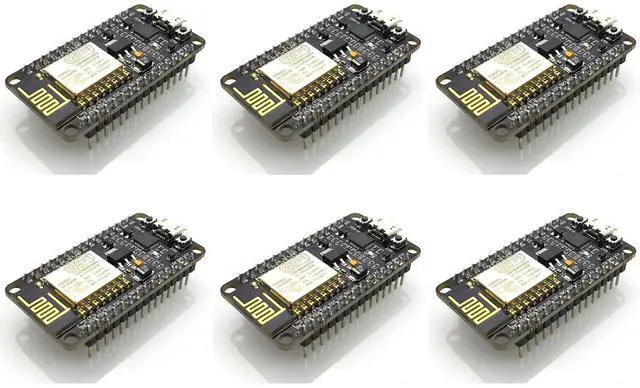
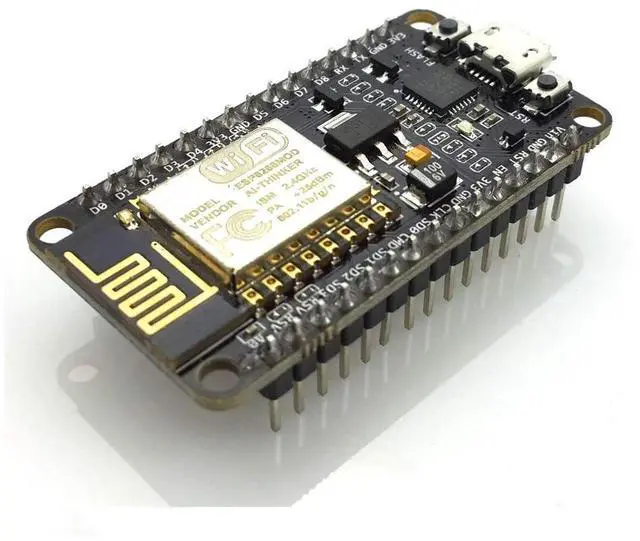
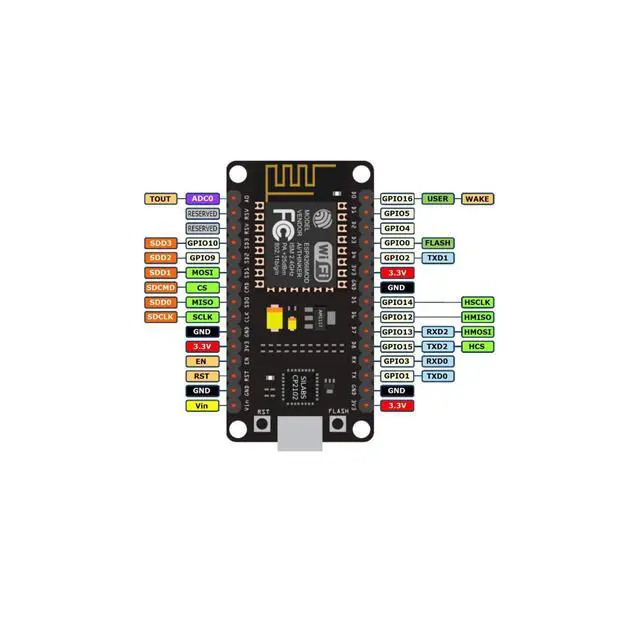
Product DescriptionThe ESP8266 is a highly integrated chip engineered for the new interconnected world, offering a comprehensive standalone network solution that enables application hosting or offloading from another application processor. ^^ IDE SetupDownload and install the latest Arduino IDE. Go to File -> Preferences, copy the URL arduino. esp8266. com/stable/package_esp8266com_index. json for the ESP Board Manager extension. ^^ Board ConfigurationIn the Arduino IDE, navigate to Tools > Board > Board Manager, type "esp8266", download and install the community esp8266.
Configure the chip settings: Tools -> Board -> NodeMCU 1.0 (ESP-12E Module), Tools -> Flash Size -> 4M (3M SPIFFS), Tools -> CPU Frequency -> 80 Mhz, Tools -> Upload Speed -> 921600, and Tools Port -> (as appropriate). ^^ Flashing ProcedureOn Github (search for nodemcu/nodemcu-flasher/tree/master/), visit github. com/nodemcu/nodemcu-flasher/tree/master/Win32/Release or download and run the 64-bit flasher exe from github. com/nodemcu/nodod. emcu-flasemcu-Her/tree/Master/Win64/Release. ^^ Program Execution and SupportIn the Arduino IDE, locate the classic Blink program, load, compile, and upload it via File > Examples > ESP8266 > Blink. Contact us if you need drivers or encounter issues, as we offer 100% satisfactory service.





 here!
here!