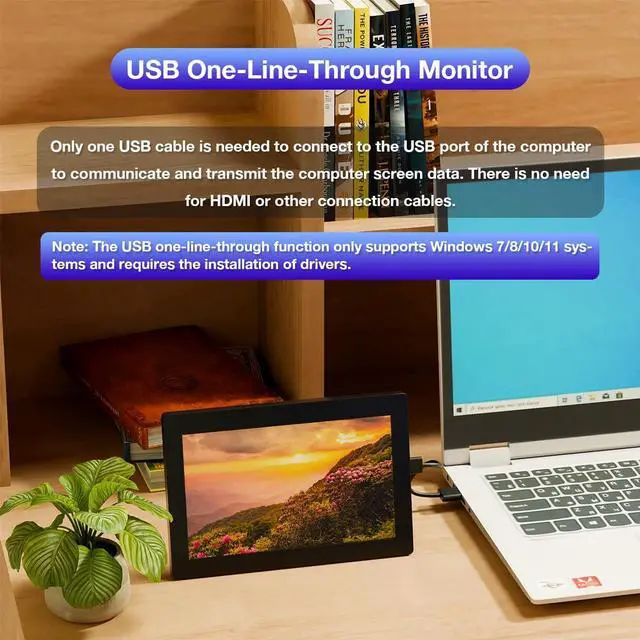
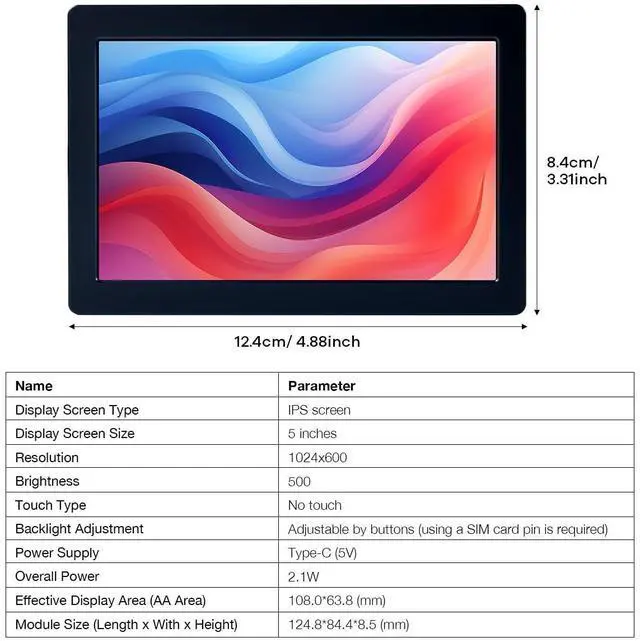
Note: This screen only supports the Windows system. The driver needs to be installed on the computer for the first use.
Parameters:
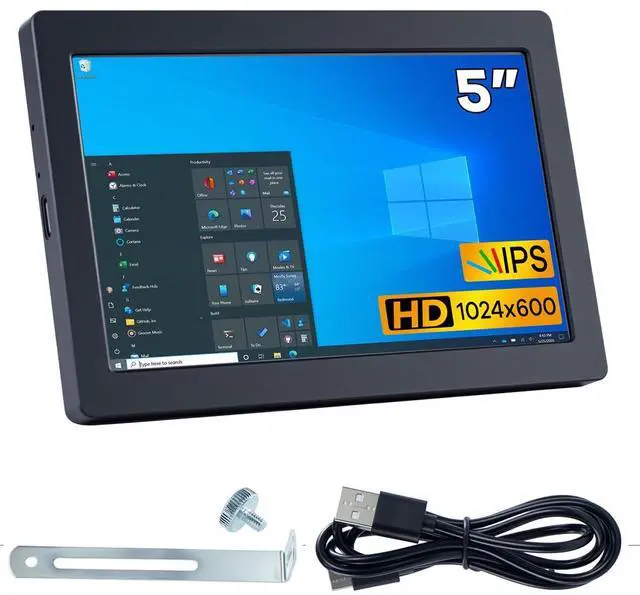
Display type: IPS screen
Display size: 5 inches
Resolution: 1024x600
Brightness: 500
Touch type: No touch
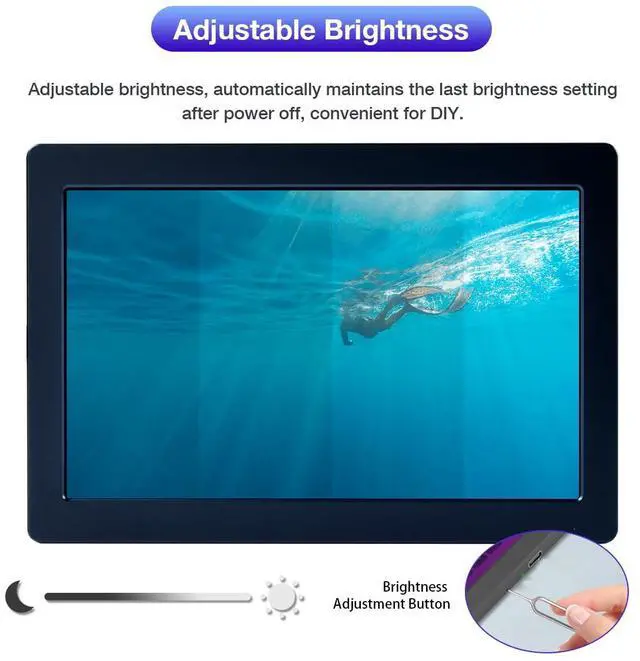
Backlight adjustment: Adjustable by button (requires mobile phone card pin)
Power supply: Type-C (5V)
Total power: 2.1W
Module Size (Length x Width x Height): 124.8 * 84.4 * 8.5 (mm)
Product Weight (Including Packaging): 208 (g)
Common problems:
If you encounter the problem of flower screen/black screen
Solution:
1. When the screen is black, first check whether the light is on; if the light is not on, replace the Type-C data cable/switch the USB interface on the computer, and then test;
2. Right-click the desktop to check whether the display settings detect the screen; if the screen is not detected, replace the Type-C data cable/switch the USB interface on the computer, and then test;
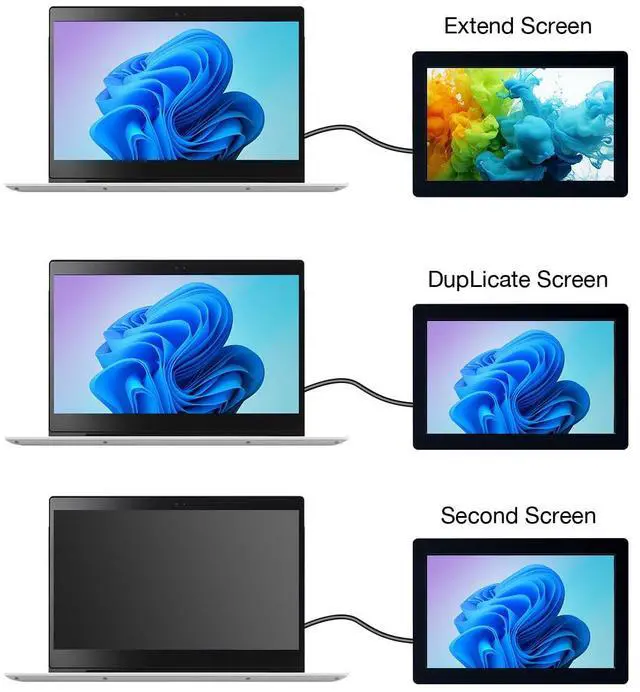
3. Confirm whether it is in copy mode in the display settings; if it is in copy mode, please change it to extended mode;
4. Open the task manager, in the process, close the MS USB Display process, and then restart the program;
5. Confirm whether the config. int file has been replaced.