• $35.99
  • Free 30-day Returns
  • Price alert
    Newegg PC Builder
    Shop it at NeweggBusiness.

    Meet Your Seller

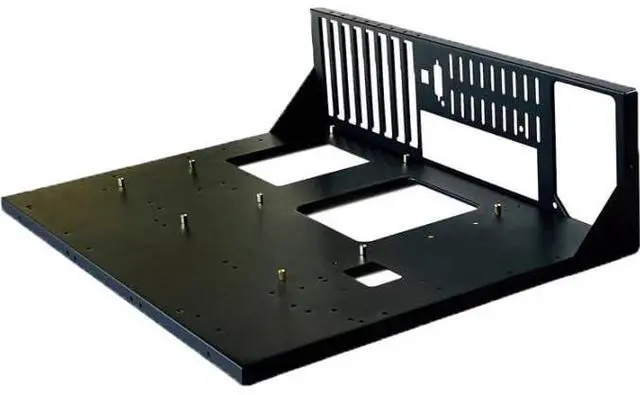
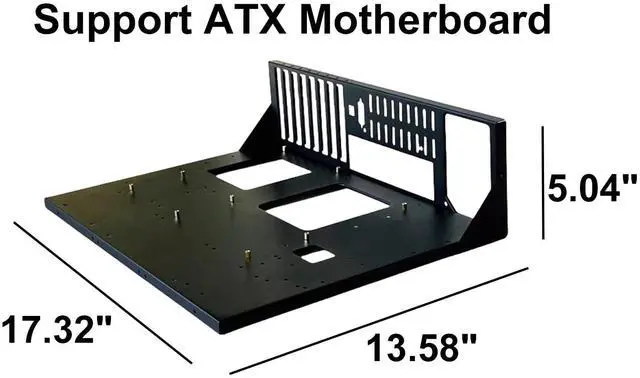
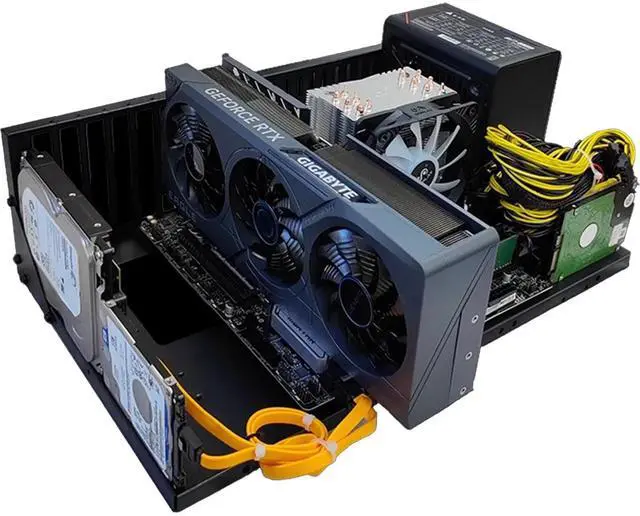
    Open Air Frame Computer Case, DIY PC Test Bench Chassis Case Rack, ATX Power Supply Unit, SPCC Material Thickened Motherboard Widely Body Heat Dissipation Design, 2 Pcs

    🔥Don't forget your OS, we have Windows 11 OEM, Download and USB versions available
    +
    +
    Overview
    Specs
    Reviews
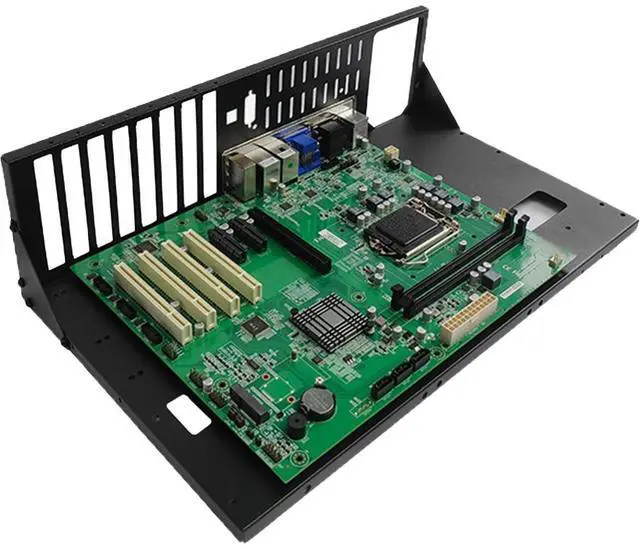
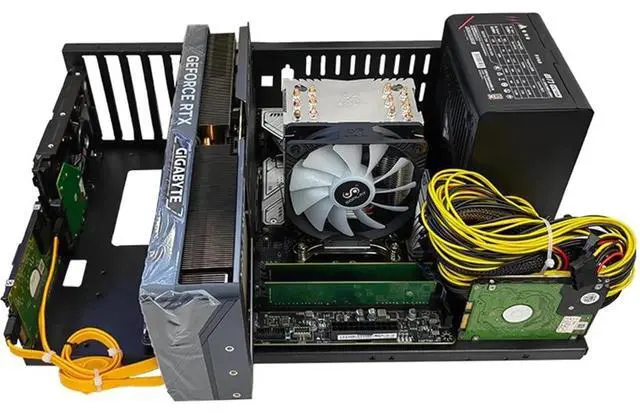
    Installation Steps: Step 1, when placing the chassis, the bottom groove should face downwards and the plane should face upwards Step 2, lift the side panel and lean it against the bottom plate (with the side panel groove facing outward), and use hexagonal bracket screws to secure the side panel to the bottom plate Step 3, fix the two triangular plates at the connection between the bottom plate and the side plate with hexagonal bracket screws Step 4, install copper bolts according to the empty space of screws on the base plate Step 5, install the motherboard with screws and install the power supply with hexagonal bracket screws Step 6, Install hard drive, graphics card, host, etc. according to your needs

    Warranty & Returns

    Warranty, Returns, And Additional Information

    Warranty

    • Please contact the Seller directly for warranty information. Warranty information may also be found on the Manufacturer's website.
    • CONTACT

    Return Policies

    • Return for refund within: 30 days
    • Return for replacement within: 30 days
    • This item is covered by CloudBeast Return Policy

    Manufacturer Contact Info

    LOADING...