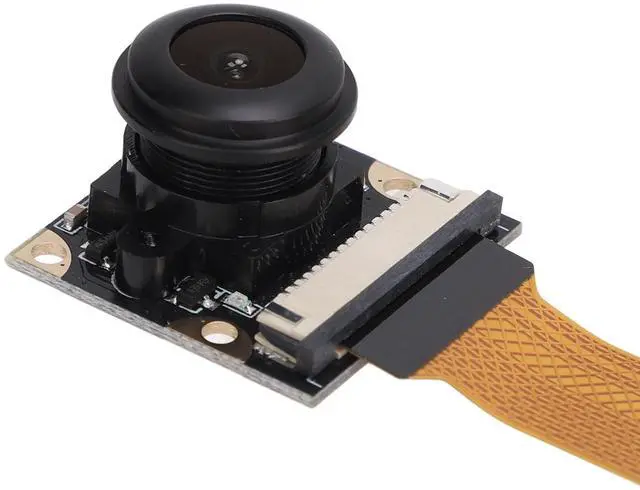
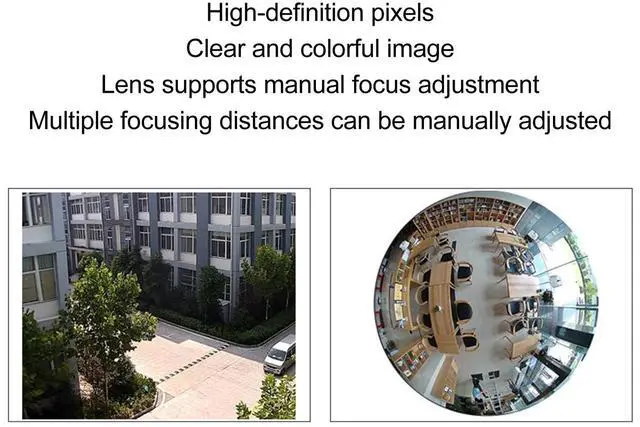
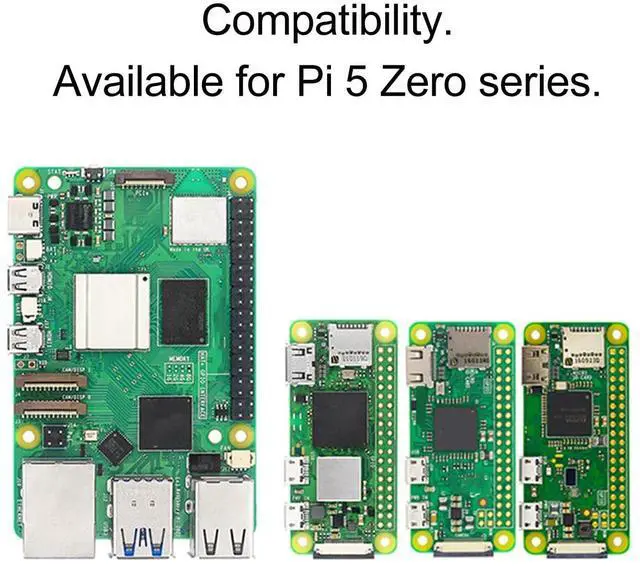
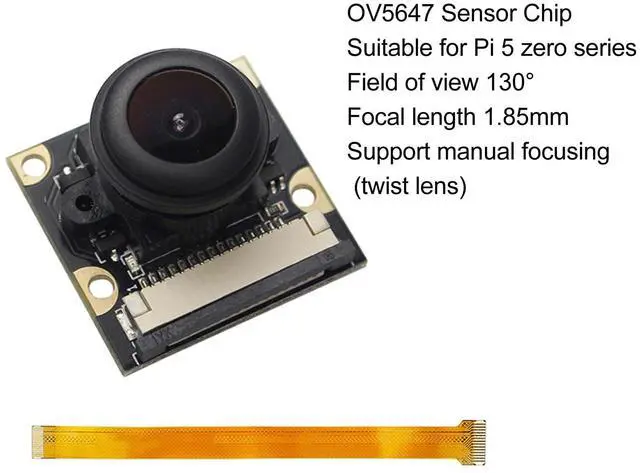
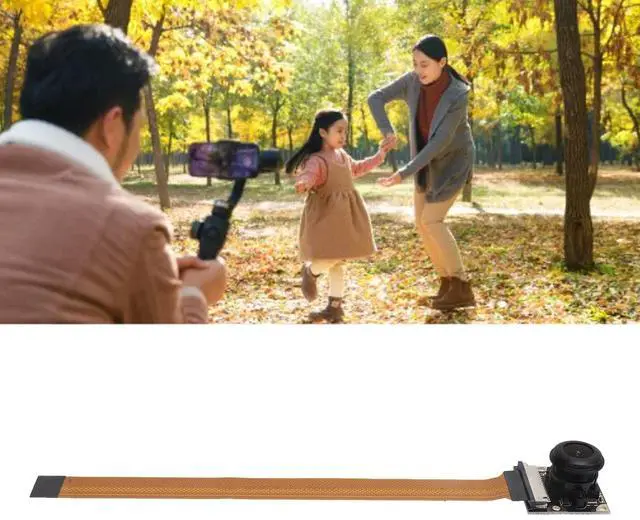
DescriptionSpecification: Item
Type: Camera
ModuleMaterial: ABS, Optical
GlassWeight: Approx. 14g / 0.5 ozLens
Pixel: 5MPFocal
Length: 1.85MMF ocusing
Mode: ManualLens
Angle: 130CMOS
Size: 1/4
inchResolution: 2592x1944Mounting
Screw Model: M2x6 ScrewsHow to
Use: 1. Power off and unlock the for
RasPi: First, make sure the for RasPi is powered off, then use an appropriate tool (e. g., a toothpick) to remove the clasp from the CSI slot so that it can be lifted. 2. Install the camera cable and connecting cable: Insert one end of the cable into the CSI connector, making sure that the side of the cable with the metal contacts on it is facing the diagonal of the connector. Then insert the camera module's connecting cable into the corresponding port on the cable.
Fixing the camera: Install the camera module correctly on the for RasPi and make sure all connections are firm and reliable, then power on the device to update the system and camera driver.
packing list: 1 xCamera Module