

Your Browsing History

Meet Your Seller

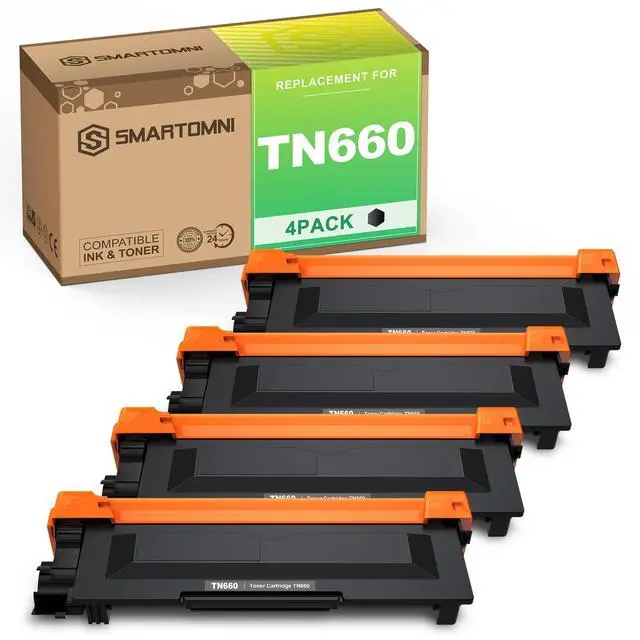



TN660 Compatible Toner Cartridge Replacement for Brother TN660 TN630 use for Brother DCP-L2500D L2305W HL-L2300D L2360DN MFC-L2680W L2705DW MFC L2740DW l2720DW Toner
- Package: TN660 black toner cartridge, and an installation guide.
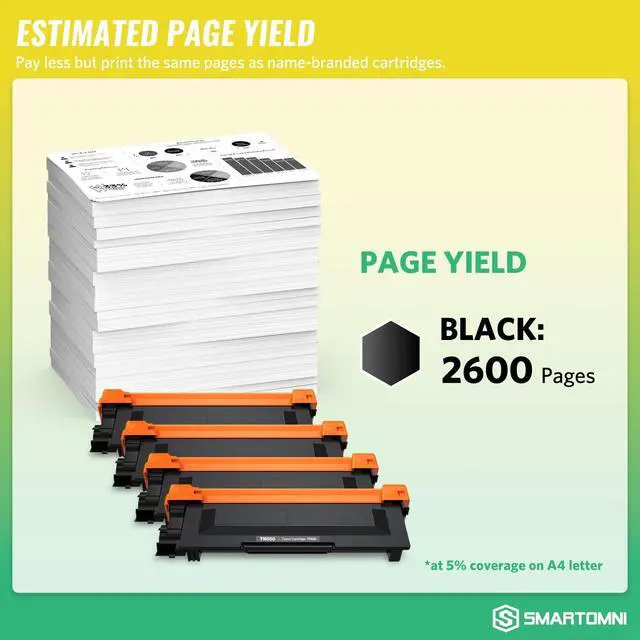
- Estimated Page Yield: Per TN660 toner can print 2600 pages at 5% coverage of letter/A4 as usual.
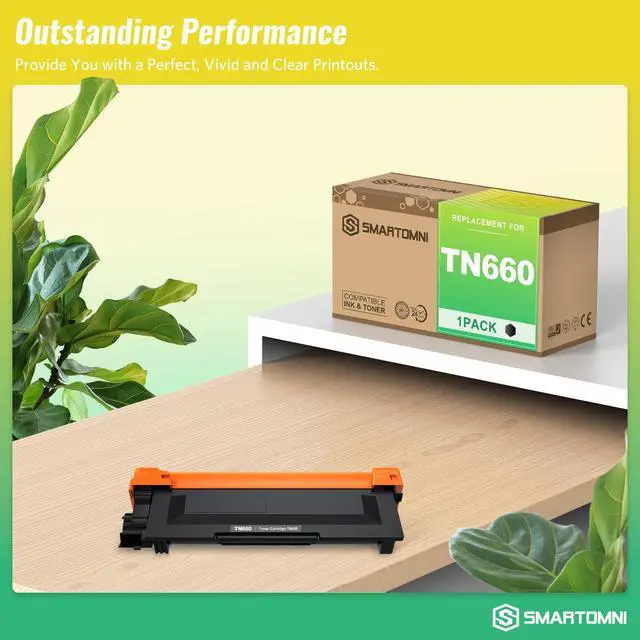
- S SMARTOMNI compatible toner cartridge makes your printouts perfect, vivid and clear.
- All S SMARTOMNI toner cartridges are in strict accordance with a high-quality standard and manufacturing process.
- We attach importance to the quality and would like to supply suitable products to our customer.
+
+
Overview
Specs
Reviews

Any questions? Our AI mode will help you find out quickly.
Try me now
OEM Model Name: E-CONER Compatible TN660 High Yield Toner Cartridge Compatible with these printers: Brother-DCP Printer DCP-L2520DW; DCP-L2540DW; Brother-HL Printer HL-L2300D; HL-L2320D; HL-L2340DW; HL-L2360DW; HL-L2380DW; Brother MFC Multi-Function Printer MFC-L2700DW; MFC-L2720DW; MFC-L2740DW.
What's in the package: 4 Pack Black Toner Cartridge High Page Yield: Black Toner- 2600 Pages at 5% coverage of Letter/A4Steps of
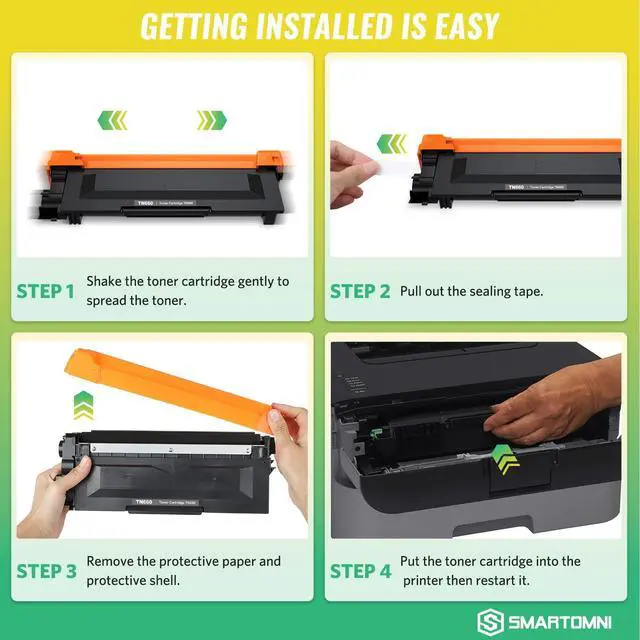
Installation: Step
1: Power off the printer and open the front cover.
Step 2: Remove the used cartridge out of printer
Step 3: Remove the packaging of new toner cartridge and then gently shake it from side to side to distribute toner evenly.
Step 4: Pull out the sealing tape and remove the covers.
Step 5: Insert the toner cartridge in the printer, and push until firmly seated, close the front cover, power on the printer and make a print test. If print out with any lines or smudge, please ran the cleaning program of the printer and then print around 10
test pages.: 2-Year 100% Quality Satisfaction
Product Notes: The TN660 toner cartridges are compatible replacement product only, non-OEM.
What's in the package: 4 Pack Black Toner Cartridge High Page Yield: Black Toner- 2600 Pages at 5% coverage of Letter/A4Steps of
Installation: Step
1: Power off the printer and open the front cover.
Step 2: Remove the used cartridge out of printer
Step 3: Remove the packaging of new toner cartridge and then gently shake it from side to side to distribute toner evenly.
Step 4: Pull out the sealing tape and remove the covers.
Step 5: Insert the toner cartridge in the printer, and push until firmly seated, close the front cover, power on the printer and make a print test. If print out with any lines or smudge, please ran the cleaning program of the printer and then print around 10
test pages.: 2-Year 100% Quality Satisfaction
Product Notes: The TN660 toner cartridges are compatible replacement product only, non-OEM.
Warranty & Returns
Warranty, Returns, And Additional Information
Warranty
- Please contact the Seller directly for warranty information. Warranty information may also be found on the Manufacturer's website.
- CONTACT
Return Policies
- Return for refund within: 30 days
- Return for replacement within: 30 days
- This item is covered by UsaLogic Return Policy
Manufacturer Contact Info
- For a directory of all our manufacturers, please click below.
- Manufacturers Directory
LOADING...