

Your Browsing History

Meet Your Seller

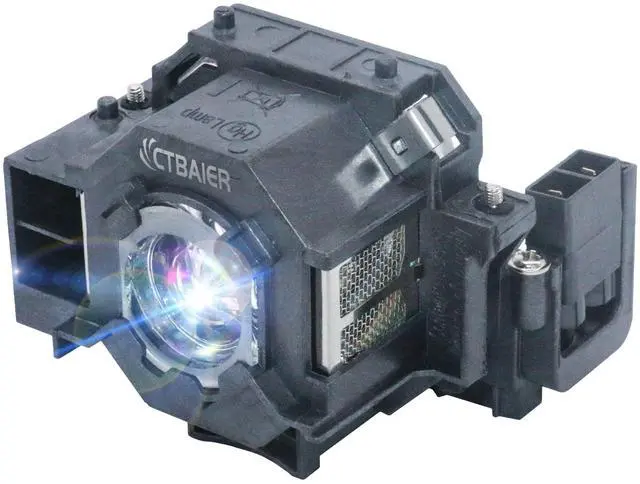



CTBAIER ELP42 for EPSON ELPLP42 powerLite Home Cinema EMP-X56 280 400 400W 822 822H 83 83C 83H 400WE 822P 83E 410W 410W 83HE 410WE EX9 83+ V13H010L42 Replacement Projector Lamp Bulb
+
+
Overview
Specs
Reviews

Any questions? Our AI mode will help you find out quickly.
Try me now
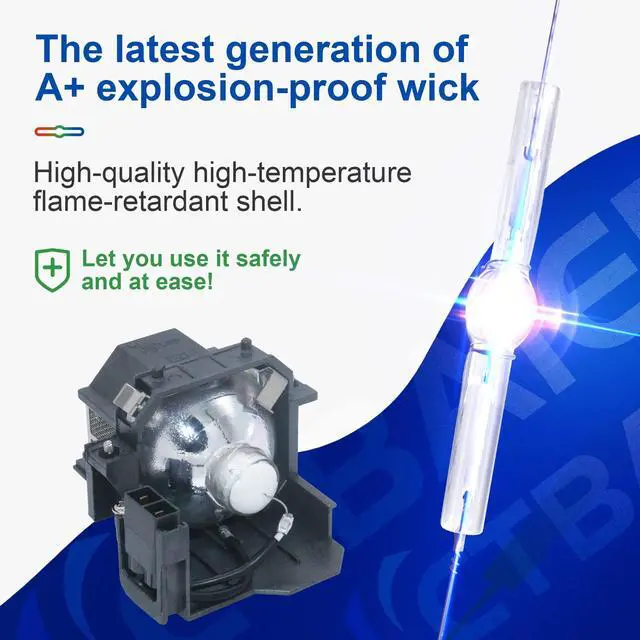
This is a high quality projector wick, high brightness, long life, excellent visual effects, so that you can experience the same hd images as the cinema at home.
Bulb model: ELPLP42//V13H010L42Working
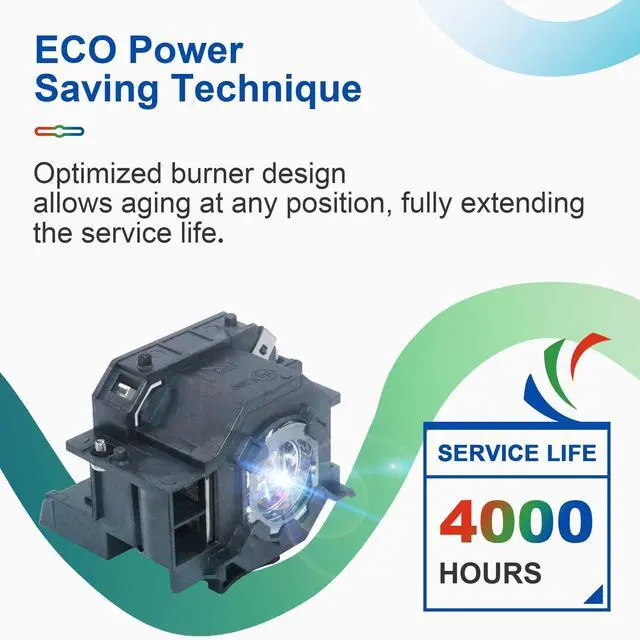
hours: 4500
hoursWarranty period: 200
daysBulb type: Projector Lamp Bulb with housingApplicable model: For EPSON PowerLite 83+ PowerLite 83V PowerLite 83c PowerLite 83 PowerLite 822p PowerLite 822p PowerLite 410W PowerLite 400WE PowerLite 400W PowerLite 280, H371A H330C H330B H330a H281B EX90 EMP-X68 EMP-X56 EMP-83HE EMP-83H EMP-83C EMP-83 EMP-822H EMP-822 EMP-400 EMP-410W EMP-400WE EMP-400W EMP-400 EMP-280 EMP-270 EB-410WE EB-410W EB-400WE EB-400WWhen to change projector bulbs: When the projector indicator light flashes orange, the projected image becomes darker or blurrier than before. When the projector is on, the message to change the light bulb will appear on the screen. In order to get a good projection effect, it is recommended that you change the light bulb.
How to replace projector bulbs: 1. Turn off the projector and unplug the power cord2. Let the projector cool for at least an hour. The bulb is very hot after use3. Use a screwdriver to remove the screws from the lid and slide the lampshade openLoosen the two screws holding the bulb in place5. Hold the bulb and pull it out straight6. Use the opposite steps to place the new bulb back in the projector and tighten the screws7. Reinstall the lampshade and reset the life of the bulb8.
Installation is completeNote: 1. Before purchase, please confirm that the bulb of this projector is compatible with the projector. If you cannot find the model of the projector on the page, please contact us2. To avoid burns, allow the projector to cool for at least 60 minutes before changing the bulb
Bulb model: ELPLP42//V13H010L42Working
hours: 4500
hoursWarranty period: 200
daysBulb type: Projector Lamp Bulb with housingApplicable model: For EPSON PowerLite 83+ PowerLite 83V PowerLite 83c PowerLite 83 PowerLite 822p PowerLite 822p PowerLite 410W PowerLite 400WE PowerLite 400W PowerLite 280, H371A H330C H330B H330a H281B EX90 EMP-X68 EMP-X56 EMP-83HE EMP-83H EMP-83C EMP-83 EMP-822H EMP-822 EMP-400 EMP-410W EMP-400WE EMP-400W EMP-400 EMP-280 EMP-270 EB-410WE EB-410W EB-400WE EB-400WWhen to change projector bulbs: When the projector indicator light flashes orange, the projected image becomes darker or blurrier than before. When the projector is on, the message to change the light bulb will appear on the screen. In order to get a good projection effect, it is recommended that you change the light bulb.
How to replace projector bulbs: 1. Turn off the projector and unplug the power cord2. Let the projector cool for at least an hour. The bulb is very hot after use3. Use a screwdriver to remove the screws from the lid and slide the lampshade openLoosen the two screws holding the bulb in place5. Hold the bulb and pull it out straight6. Use the opposite steps to place the new bulb back in the projector and tighten the screws7. Reinstall the lampshade and reset the life of the bulb8.
Installation is completeNote: 1. Before purchase, please confirm that the bulb of this projector is compatible with the projector. If you cannot find the model of the projector on the page, please contact us2. To avoid burns, allow the projector to cool for at least 60 minutes before changing the bulb
Warranty & Returns
Warranty, Returns, And Additional Information
Warranty
- Please contact the Seller directly for warranty information. Warranty information may also be found on the Manufacturer's website.
- CONTACT
Return Policies
- Return for refund within: 30 days
- Return for replacement within: 30 days
- This item is covered by LANMEll Return Policy
Manufacturer Contact Info
- For a directory of all our manufacturers, please click below.
- Manufacturers Directory
LOADING...