• $99.99
  • Price alert
    Sold by Aptly Tech

    Shipped by Aptly Tech

    Shop it at NeweggBusiness.

    Meet Your Seller

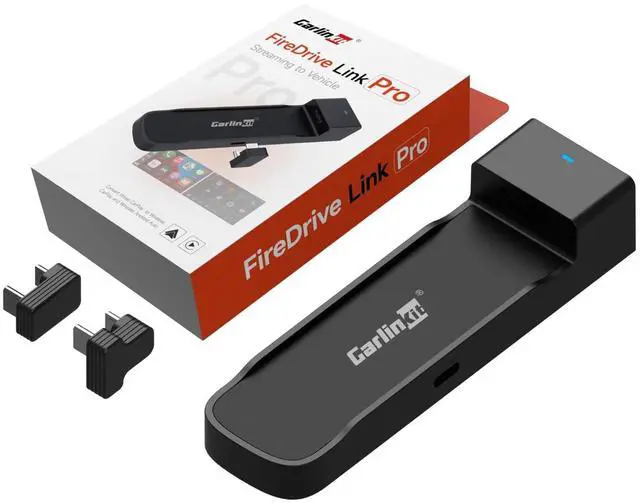
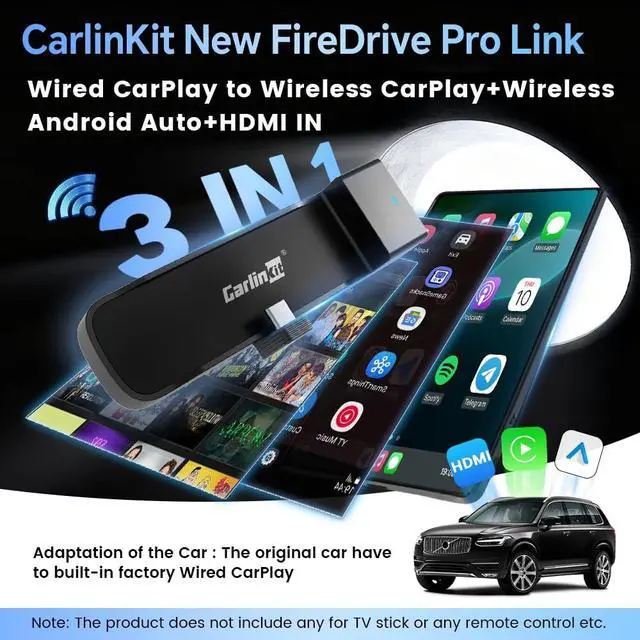
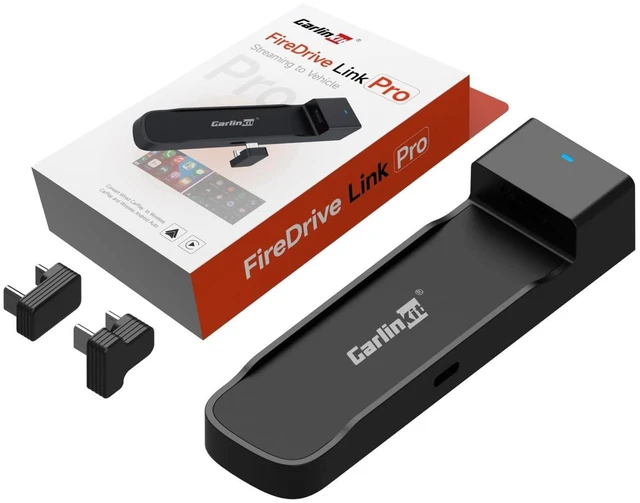
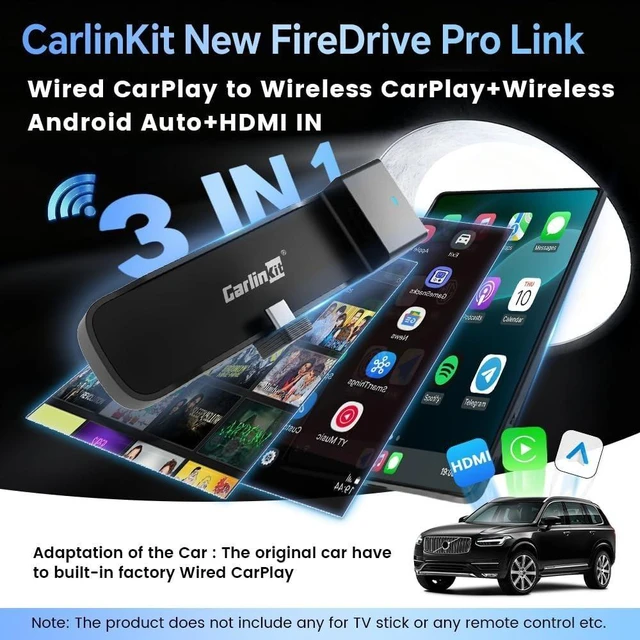
    Carlinkit FireDrive Link Pro Car TV Mate, Convert Wired to Wireless Android Auto & CarPlay Adapter, Compatible with Wired CarPlay for Fire TV Stick Streaming, 5GHz WiFi/Plug & Play

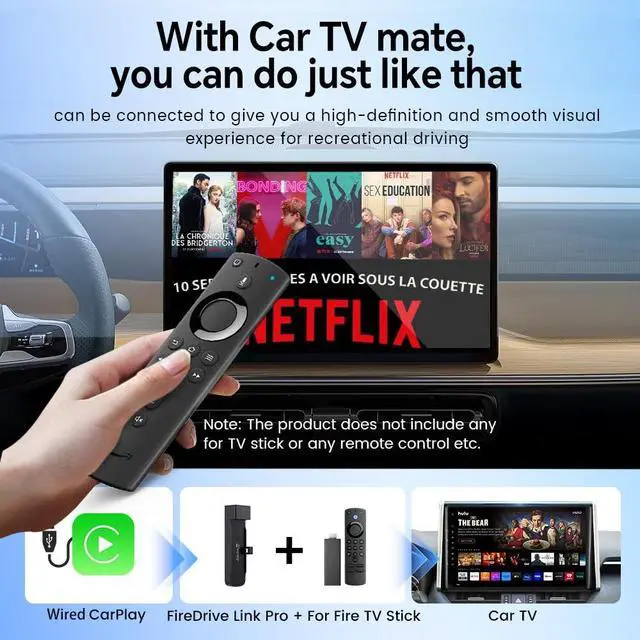
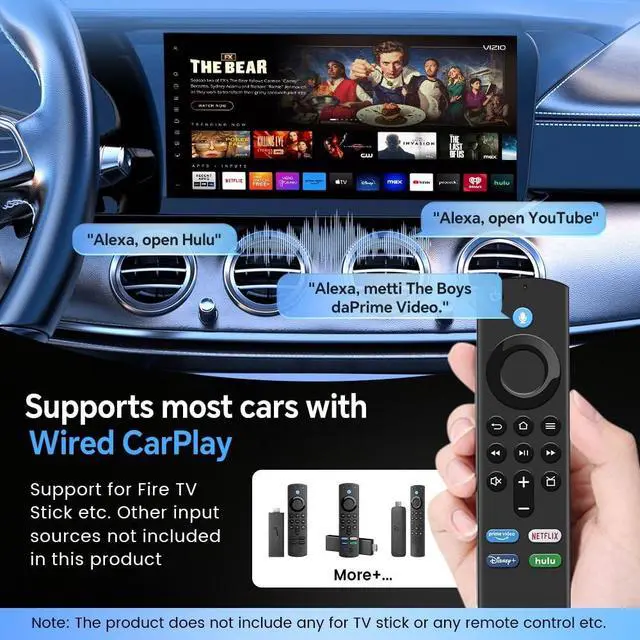
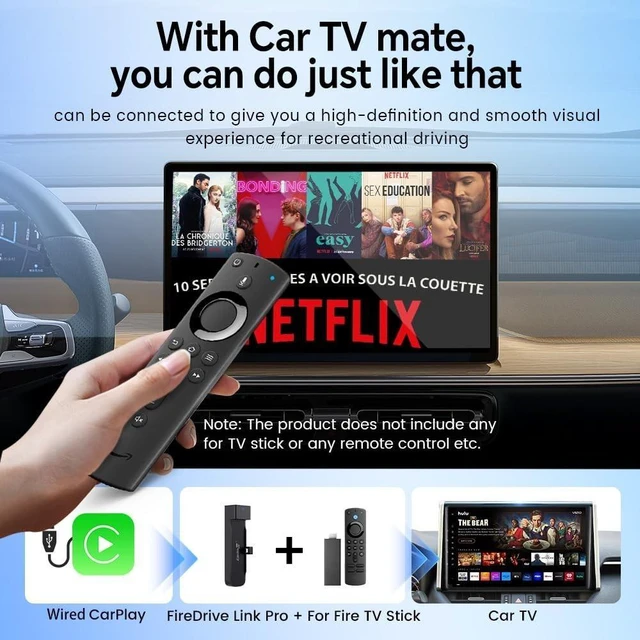
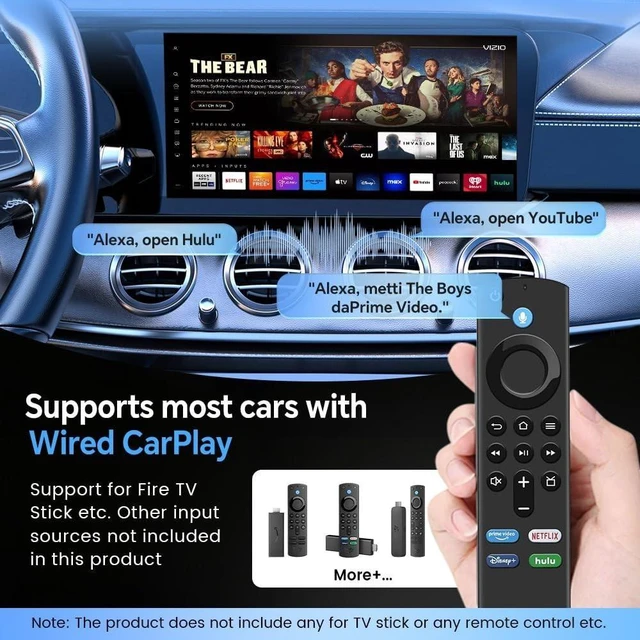
    • 1. Elevate your in-car entertainment by connecting a compatible with Fire TV Stick to the CarlinKit FireDrive Link's HDMI port. Stream videos and games seamlessly to your vehicle's display and enjoy a vast library of content from Netflix, YouTube, and more
    • 2. Designed specifically for Fire TV Stick, this adapter enables a smarter driving experience. It also supports Wireless CarPlay & Wireless Android Auto, offering broad compatibility for most smartphones(Running iOS 10+ and Android 11.0+)
    • 3.Designed for Fire TV, this accepts HDMI input from various sources. It supports content in crisp 2K quality at a smooth 30Hz refresh rate, ensuring a responsive and immersive in-car theater
    • 4.Easy to use Step 1: Connect the long end of the Y -shaped data cable of Carlinkit car TV HDMI adapter to your car power supply, and the shorter end is connected to your car's USB CarPlay port. Step 2: Connect the HDMI output device (such as a TV rod) to the adapter. Step 3: After the car is recognize
    +
    +
    Overview
    Specs
    Reviews
    avatar

    Any questions? Our AI beta will help you find out quickly.

    1. Elevate your in-car entertainment by connecting a compatible with Fire TV Stick to the CarlinKit FireDrive Link's HDMI port. Stream videos and games seamlessly to your vehicle's display and enjoy a vast library of content from Netflix, YouTube, and more ^^ 2. Designed specifically for Fire TV Stick, this adapter enables a smarter driving experience. It also supports Wireless CarPlay & Wireless Android Auto, offering broad compatibility for most smartphones(Running iOS 10+ and Android 11.0 +) ^^ 3. Designed for Fire TV, this accepts HDMI input from various sources.

    It supports content in crisp 2K quality at a smooth 30Hz refresh rate, ensuring a responsive and immersive in-car theater ^^ 4. Easy to use
    Step 1: Connect the long end of the Y -shaped data cable of Carlinkit car TV HDMI adapter to your car power supply, and the shorter end is connected to your car's USB CarPlay port.
    Step 2: Connect the HDMI output device (such as a TV rod) to the adapter.
    Step 3: After the car is recognized, you can enter the product interface of the Fire TV Stick ^^ 5.
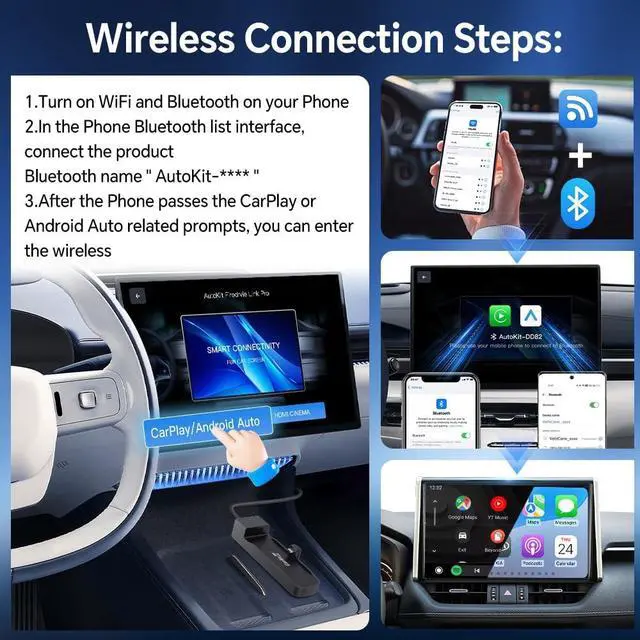
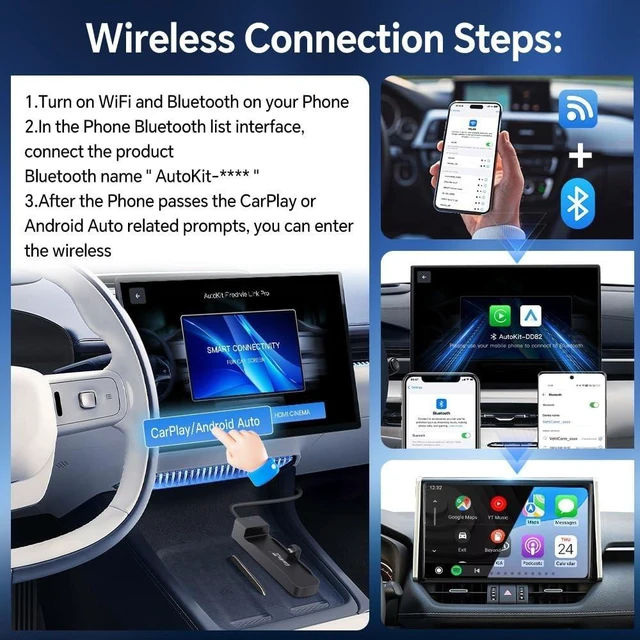
    Wireless Connection Steps: 1. Turn on WiFi and Bluetooth on your Phone, 2. In the Phone Bluetooth list interface, connect the product Bluetooth name '' AutoKit-**** '', 3. After the Phone passes the CarPlay/Android Auto related prompts, you can enter the wireless ^^ 6. Supported Vehicles and Customer Online SupportPlease check if your car supports Wired CaPlay before using it, and our customer service staff can help you find a solution for compatibility issues ^^
    Note: This device is not currently compatible with BMW, Tesla ect.

    Warranty & Returns

    Warranty, Returns, And Additional Information

    Warranty

    • Please contact the Seller directly for warranty information. Warranty information may also be found on the Manufacturer's website.
    • CONTACT

    Return Policies

    Manufacturer Contact Info

    LOADING...