

Your Browsing History

Meet Your Seller

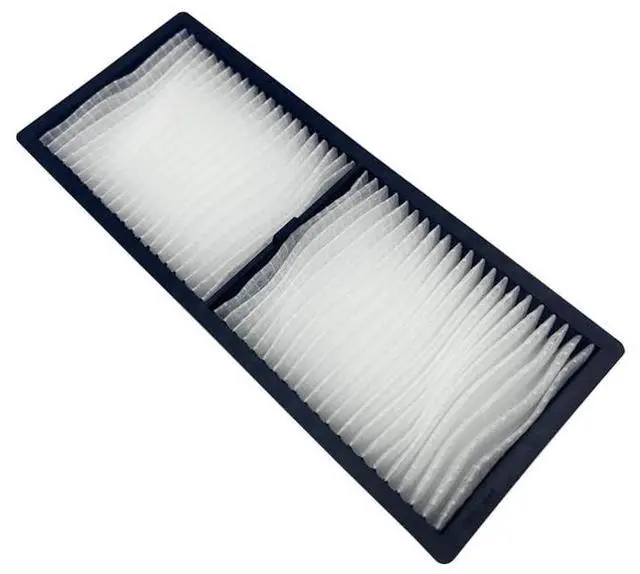
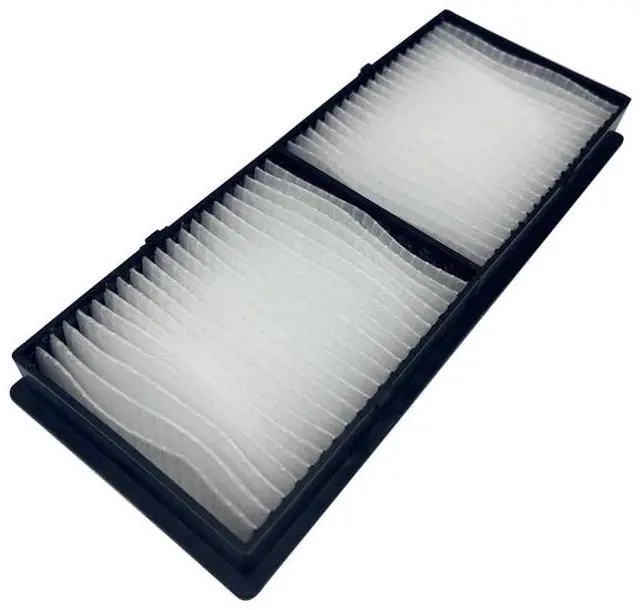
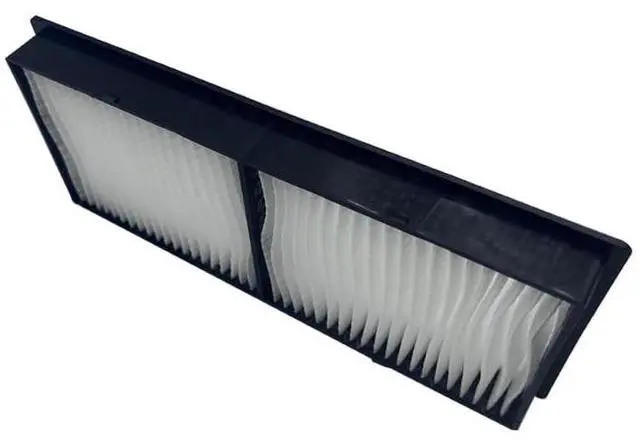
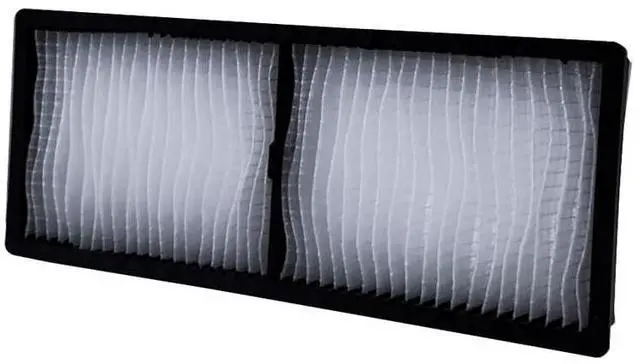
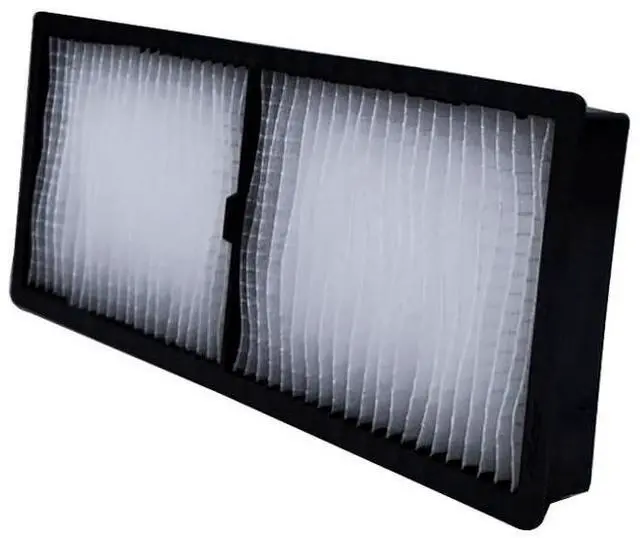


Hoesthic Replacement for ELPAF56 CB-L500 CB-L500W CB-L510U CB-L520W CB-L520U CB-L570U B-L610W CB-L610U CB-L530U CB-L630U CB-800F CB-805F CB-1485F CB-LS500W CB-LS500B Projector Air Filter V13H134A56
- Hoesthic Professional replacement projector filters, compatible with the following models: BRIGHTLINK 1485Fi+ 1485Fi CB-L500 CB-L500W CB-L510U CB-L520W CB-L520U CB-L530U CB-L570U CB-L610 CB-L610W CB-L610U CB-L630U CB-L630SU CB-L630W CB-L635SU CB-L730U CB-L735U CB-L775U CB-800F CB-805F CB-1485F CB-LS500W CB-LS500B.
- This filter is like the "lungs" of the projector. During its operation, it is responsible for heat dissipation and can also block tiny dust and impurities.
- This projector filter uses HEPA high-efficiency filtration (which can effectively filter 99.97% of particles) to remove even smaller particles and dust, preventing them from entering the projector and causing problems such as poor heat dissipation, blurry image quality, or damage to the internal components of the projector.
- This projector accessory is precisely matched with the specified projector model. After installation, there are no unnecessary gaps.
- This projector accessory is easy to replace. Just follow
+
+
Overview
Specs
Reviews

Any questions? Our AI mode will help you find out quickly.
Try me now
Hoesthic Professional replacement projector filters, compatible
with the following models: BRIGHTLINK 1485Fi+ 1485Fi CB-L500 CB-L500W CB-L510U CB-L520W CB-L520U CB-L530U CB-L570U CB-L610 CB-L610W CB-L610U CB-L630U CB-L630SU CB-L630W CB-L635SU CB-L730U CB-L735U CB-L775U CB-800F CB-805F CB-1485F CB-LS500W CB-LS500B. ^^ This filter is like the "lungs" of the projector. During its operation, it is responsible for heat dissipation and can also block tiny dust and impurities. ^^ This projector filter uses HEPA high-efficiency filtration (which can effectively filter 99.97 % of particles) to remove even smaller particles and dust, preventing them from entering the projector and causing problems such as poor heat dissipation, blurry image quality, or damage to the internal components of the projector. ^^ This projector accessory is precisely matched with the specified projector model. After installation, there are no unnecessary gaps. ^^ This projector accessory is easy to replace.
Just follow these three steps: 1. Turn off the power. 2. Locate the position of the projector's air filter and open the filter cover. Remove the old filter and install the new one. 3. Close the filter cover.
with the following models: BRIGHTLINK 1485Fi+ 1485Fi CB-L500 CB-L500W CB-L510U CB-L520W CB-L520U CB-L530U CB-L570U CB-L610 CB-L610W CB-L610U CB-L630U CB-L630SU CB-L630W CB-L635SU CB-L730U CB-L735U CB-L775U CB-800F CB-805F CB-1485F CB-LS500W CB-LS500B. ^^ This filter is like the "lungs" of the projector. During its operation, it is responsible for heat dissipation and can also block tiny dust and impurities. ^^ This projector filter uses HEPA high-efficiency filtration (which can effectively filter 99.97 % of particles) to remove even smaller particles and dust, preventing them from entering the projector and causing problems such as poor heat dissipation, blurry image quality, or damage to the internal components of the projector. ^^ This projector accessory is precisely matched with the specified projector model. After installation, there are no unnecessary gaps. ^^ This projector accessory is easy to replace.
Just follow these three steps: 1. Turn off the power. 2. Locate the position of the projector's air filter and open the filter cover. Remove the old filter and install the new one. 3. Close the filter cover.
Warranty & Returns
Warranty, Returns, And Additional Information
Warranty
- Please contact the Seller directly for warranty information. Warranty information may also be found on the Manufacturer's website.
- CONTACT
Return Policies
- Return for refund within: 30 days
- Return for replacement within: non-replaceable
- This item is covered by VersaCom Return Policy
Manufacturer Contact Info
- For a directory of all our manufacturers, please click below.
- Manufacturers Directory
LOADING...