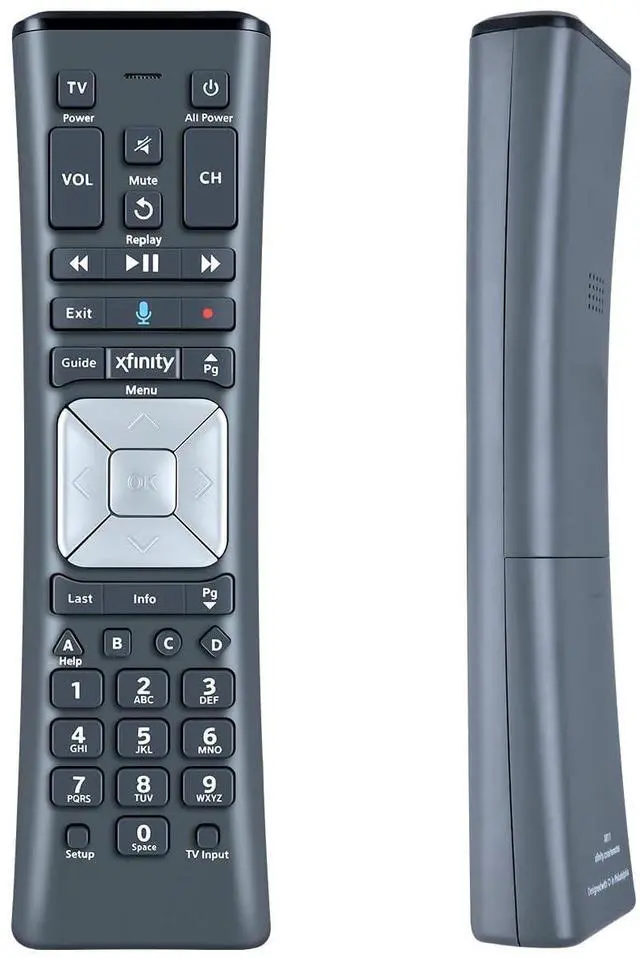
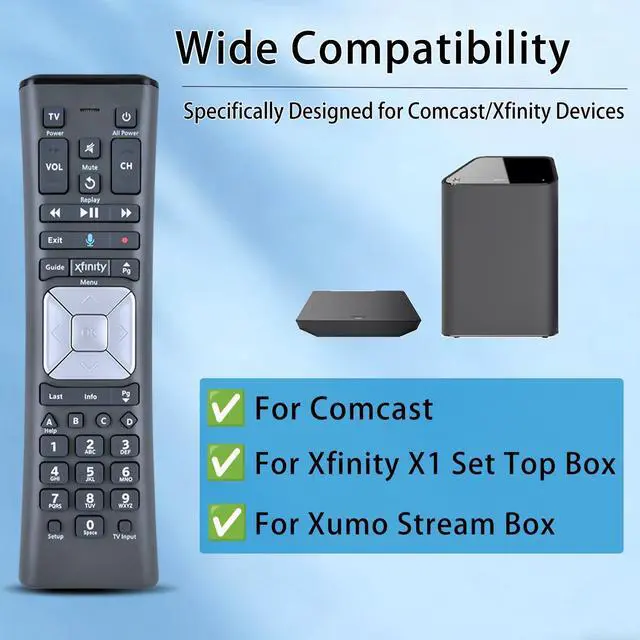
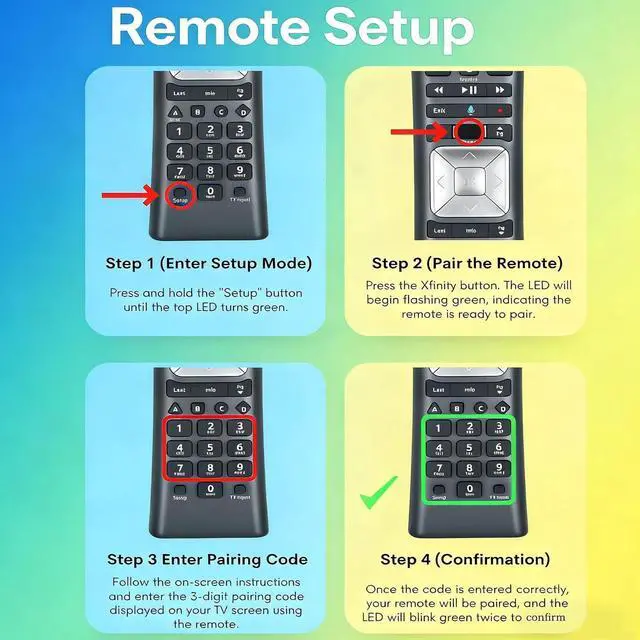
Compatible with Comcast/Xfinity XR11 Premium Voice Activated Cable TV Backlit. ^^ Pair set-top box for Aim Anywhere Control 1. Press and hold the Setup button (about 3 seconds) until the Status LED changes from red to green. 2. Press the XFINITY button. 3. Follow the on-screen instructions to enter the 3-digit code that appears. Once the code is correctly entered, your Remote is paired with the device. once the remote is paired to a set-top box it can only control that Need to remove Aim Anywhere control? Press and hold the Setup button on the remote until the status LED changes from red to green.
Press A on the remote. If the status LED blinks green twice, you have successfully removed Aim Anywhere. ^^ Control Your TVs Power and Volume program the remote to your TV 1. Using the list on the code, find the first 5-digit code for your TV manufacturer. 2. Press and hold the Setup button (about 3 seconds) until the Status LED changes from red to green. 3. Enter the first 5-digit code for your TV manufacturer. The Status LED should flash green twice. 4. Verify that the code was accepted by using your remote to adjust volume and turn the TV on and off.
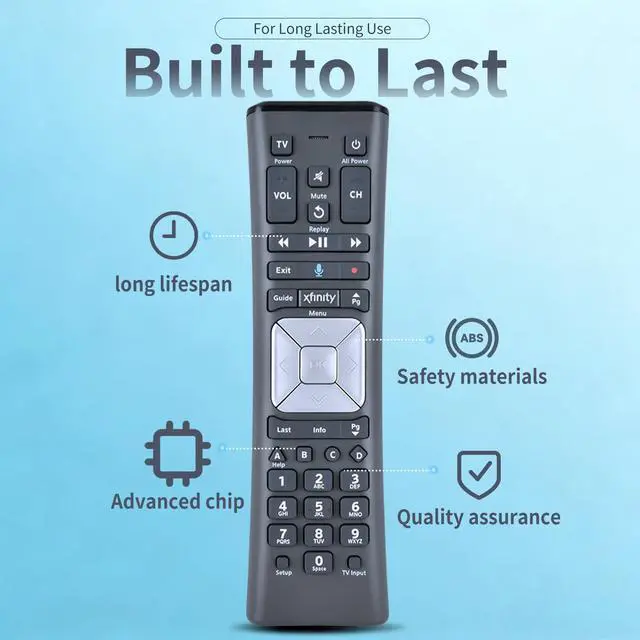
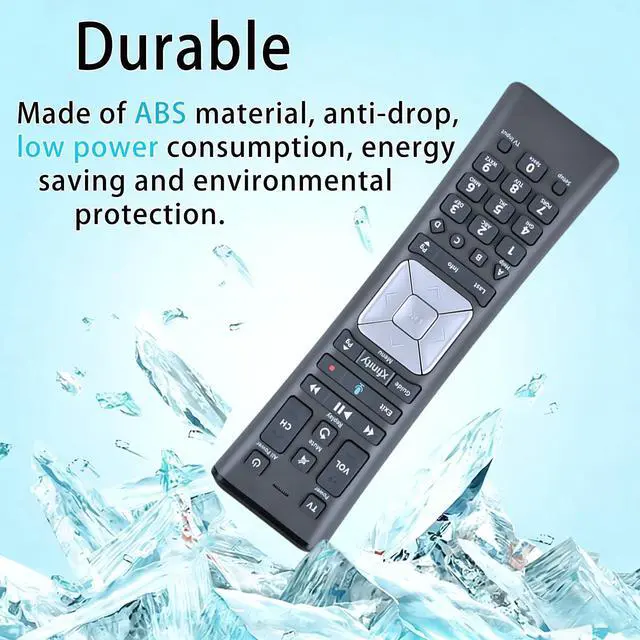
Popular Manufacturer Codes for LG 10178, 11265 for Panasonic 10051, 10250 for Samsung 10812, 10060 for Sanyo 10154, 10159 for Sony 10000, 11100 for Sharp 10093, 10165 for Toshiba 10156, 11156 for Vizio 11758, 11756 ^^ High QualityMade of High Quality ABS material, which is resistant to falling and has no peculiar smell, Built to Last for Long Lasting Use, and also keeps you and your children away from harm. ^^ Easy to useEasy to Pairing or setup, After inserting the battery (Not included), Simply follow the pairing steps until successful, and it will perfectly replace your original remote ^^ Premium After-saleWe provide a 1 year warranty return service.
If you have any questions about your order, please feel free to contact us directly and we will get back to you within 12 hours.