

Your Browsing History
- Free 30-day Returns
$65.99


Meet Your Seller

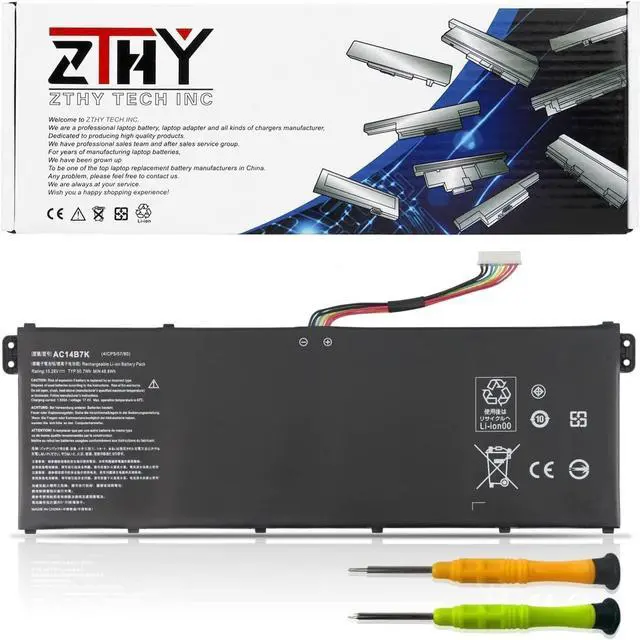
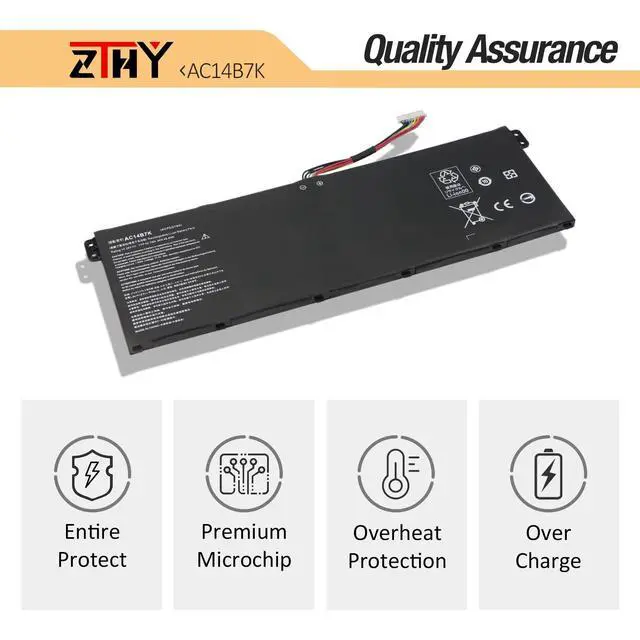


AC14B7K Laptop Battery Replacement for Acer Swift 3 SF313-51 SF314-55 SF314-55G SF314-56 SF314-56G Spin 5 SP515-51GN SP515-51GN-84KQ SF313-51-87FH SF313-51-52CA SF314-55G-51ST SF314-56G-501T 50.7Wh
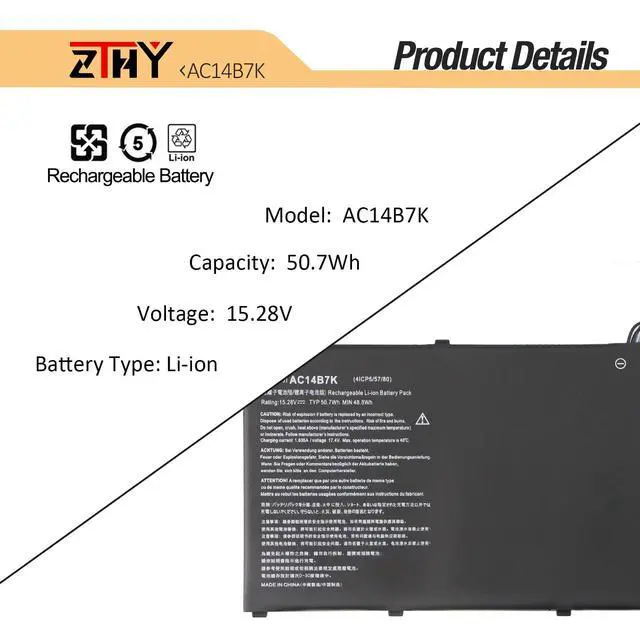
- Specifications: Battery type: Li-ion. Color: Black. Voltage: 15.28V. Capacity: 50.7Wh/3320mAh
- Compatible Part Number: AC14B7K KT.00407.003 KT.00407.006 41CP5/57/80
- Compatible Models: Replacement for Acer Spin 5 SP515-51GN Series, Replacement for Acer Swift 3 SF313-51 SF314-55 SF314-55G SF314-56 SF314-56G Series
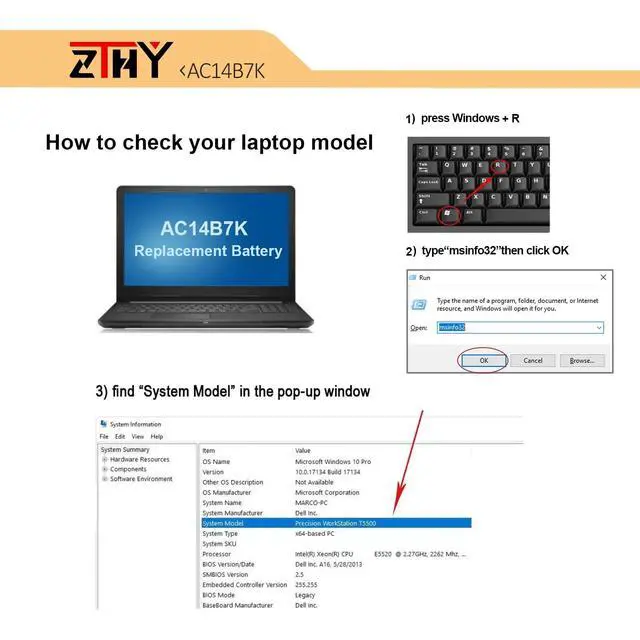
- Critical Compatibility Reminder: Acer laptop models often share nearly identical battery appearances and connectors, making incorrect purchases extremely common. Even if a non-original battery physically fits, it may suffer from poor compatibility issues. For seamless performance, we strongly advise you to check the exact model number of your original battery and order the matching one
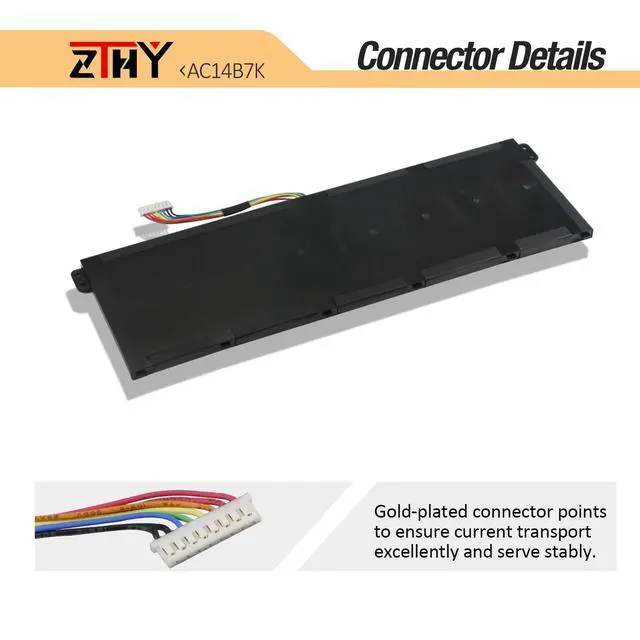
- Note: If the new battery is not recognized during the initial installation, please reinstall and check if the interface is fully connected. Discharge the new battery to 10-20% (not 0%), then charge and cycle 3-4 times to wake up the new battery
+
+
Overview
Specs
Reviews

Any questions? Our AI mode will help you find out quickly.
Try me now
Specifications
: Batterytype: Li-ion.
Color: Black.
Voltage: 15.28V.
Capacity: 50.7W h/3320mAh ^^
Compatible Part Number: AC14B7K KT. 00407.003 KT. 00407.006 41CP5/57/80 ^^
Compatible Models: Replacement for Acer Spin 5 SP515-51GN Series, Replacement for Acer Swift 3 SF313-51 SF314-55 SF314-55G SF314-56 SF314-56G Series ^^ Critical
Compatibility Reminder: Acer laptop models often share nearly identical battery appearances and connectors, making incorrect purchases extremely common. Even if a non-original battery physically fits, it may suffer from poor compatibility issues. For seamless performance, we strongly advise you to check the exact model number of your original battery and order the matching one ^^
Note: If the new battery is not recognized during the initial installation, please reinstall and check if the interface is fully connected. Discharge the new battery to 10-20% (not 0%), then charge and cycle 3-4 times to wake up the new battery
Warranty & Returns
Warranty, Returns, And Additional Information
Warranty
- Please contact the Seller directly for warranty information. Warranty information may also be found on the Manufacturer's website.
- CONTACT
Return Policies
- Return for refund within: 30 days
- Return for replacement within: 30 days
- This item is covered by FortressTek Return Policy
Manufacturer Contact Info
- For a directory of all our manufacturers, please click below.
- Manufacturers Directory
LOADING...