

Your Browsing History


Meet Your Seller


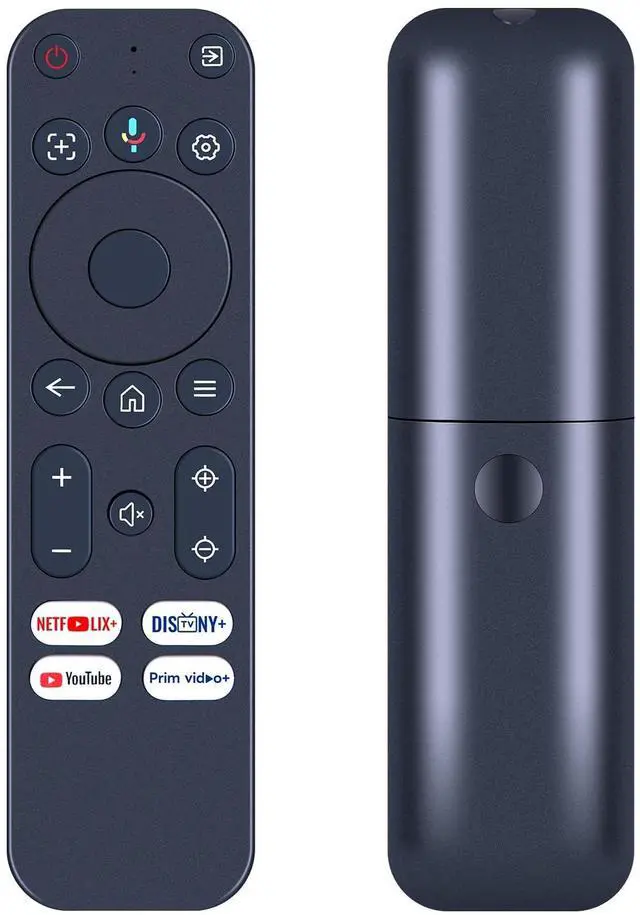
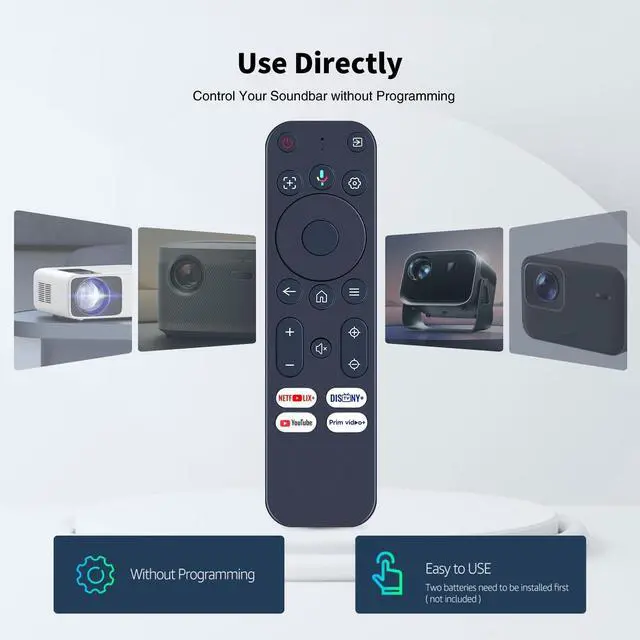


Snrigw Replacement Remote Control for Yaber K3, K3 pro, K2s, T2, T2 Plus Projector, for TOPTRO TP3
- Perfect Compatibility with Projector Models:This replacement remote control is expertly designed for seamless compatibility with K3, K3 pro, K2s, T2, and T2 Plus projectors. It delivers full functionality and reliable performance, ensuring every feature works just like the original remote. No need to worry about compatibility issuesthis remote is your perfect match for enhancing your projector experience.
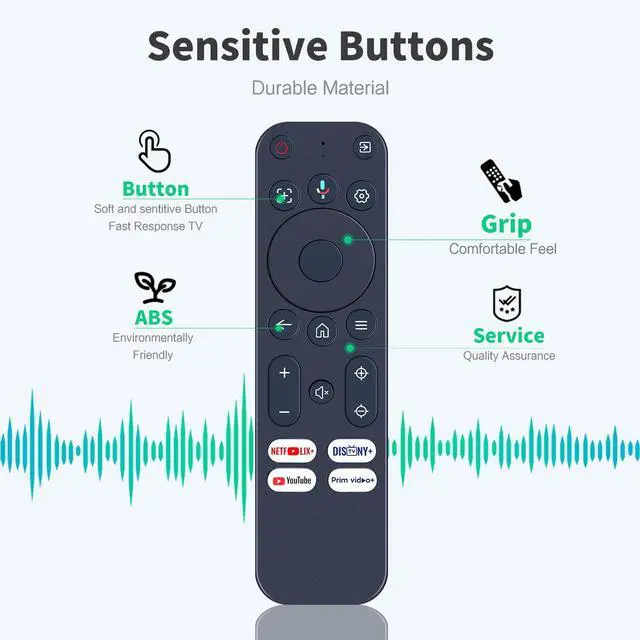
- Easy to Use with Intuitive Design:Enjoy effortless control with our user-friendly remote, designed for simplicity and convenience. Its clearly labeled buttons and ergonomic layout make it easy to navigate menus, adjust settings, and operate your projector. Whether youre streaming movies or giving presentations, this remote ensures a smooth and hassle-free experience.
- Simple Pairing Process:1.Pairing a New Remote Method:(1) Press "POWER" key to turn on the TV box(2)Press and Hold "Left" key and "Home" key togetherfor 3-5 seconds,the indicator light flashes and enters the pairing
+
+
Overview
Specs
Reviews

Any questions? Our AI mode will help you find out quickly.
Try me now
Perfect Compatibility with
Projector Models: This replacement remote control is expertly designed for seamless compatibility with K3, K3 pro, K2s, T2, and T2 Plus projectors. It delivers full functionality and reliable performance, ensuring every feature works just like the original remote. No need to worry about compatibility issuesthis remote is your perfect match for enhancing your projector experience. ^^ Easy to Use with
Intuitive Design: Enjoy effortless control with our user-friendly remote, designed for simplicity and convenience. Its clearly labeled buttons and ergonomic layout make it easy to navigate menus, adjust settings, and operate your projector. Whether youre streaming movies or giving presentations, this remote ensures a smooth and hassle-free experience.
^^ Simple Pairing Process: 1. Pairing a New
Remote Method: (1) Press "POWER" key to turn on the TV box (2) Press and Hold "Left" key and "Home" key togetherfor 3-5 seconds, the indicator light flashes and enters the pairing status after the pairingis successful, the indicator light will go out. ^^ Connected New Remote with
A Paired Remote: 1) Press HOME key, then select SETTING -Remotes & accessories. 2) Selcect Add accessory then Press OK keyto confirm to pair. 3)Press and HoldBACK)key and (HOME) key together for 3-5 seconds, the indicator light flashes and enters the pairing status, after the pairing is successful, the indicatorlight will go out. ^^ Backed by Reliable After-Sales Service Please feel free to contact us if you have any query, thanks!
Projector Models: This replacement remote control is expertly designed for seamless compatibility with K3, K3 pro, K2s, T2, and T2 Plus projectors. It delivers full functionality and reliable performance, ensuring every feature works just like the original remote. No need to worry about compatibility issuesthis remote is your perfect match for enhancing your projector experience. ^^ Easy to Use with
Intuitive Design: Enjoy effortless control with our user-friendly remote, designed for simplicity and convenience. Its clearly labeled buttons and ergonomic layout make it easy to navigate menus, adjust settings, and operate your projector. Whether youre streaming movies or giving presentations, this remote ensures a smooth and hassle-free experience.
^^ Simple Pairing Process: 1. Pairing a New
Remote Method: (1) Press "POWER" key to turn on the TV box (2) Press and Hold "Left" key and "Home" key togetherfor 3-5 seconds, the indicator light flashes and enters the pairing status after the pairingis successful, the indicator light will go out. ^^ Connected New Remote with
A Paired Remote: 1) Press HOME key, then select SETTING -Remotes & accessories. 2) Selcect Add accessory then Press OK keyto confirm to pair. 3)Press and HoldBACK)key and (HOME) key together for 3-5 seconds, the indicator light flashes and enters the pairing status, after the pairing is successful, the indicatorlight will go out. ^^ Backed by Reliable After-Sales Service Please feel free to contact us if you have any query, thanks!
Warranty & Returns
Warranty, Returns, And Additional Information
Warranty
- Please contact the Seller directly for warranty information. Warranty information may also be found on the Manufacturer's website.
- CONTACT
Return Policies
- Return for refund within: 30 days
- Return for replacement within: non-replaceable
- This item is covered by VersaCom Return Policy
Manufacturer Contact Info
- For a directory of all our manufacturers, please click below.
- Manufacturers Directory
LOADING...