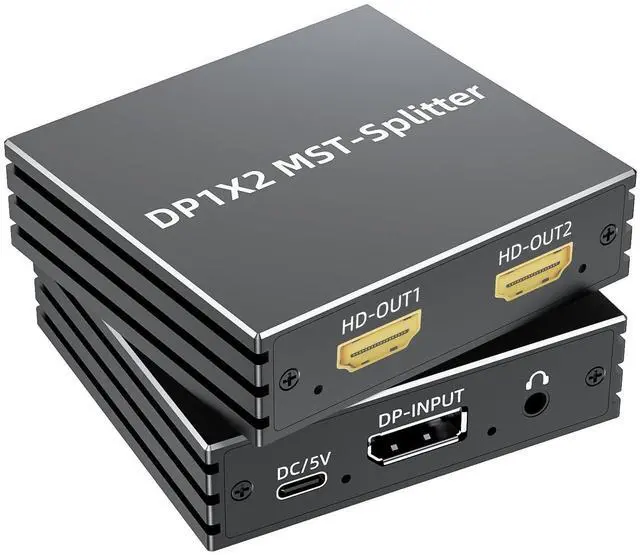
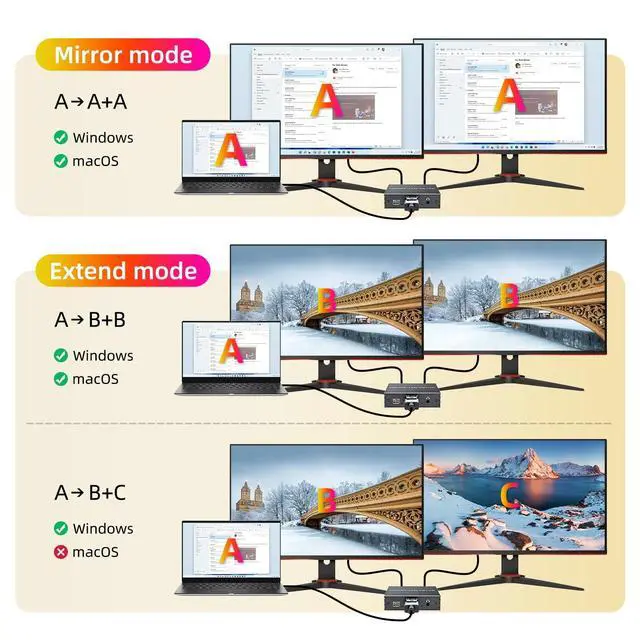
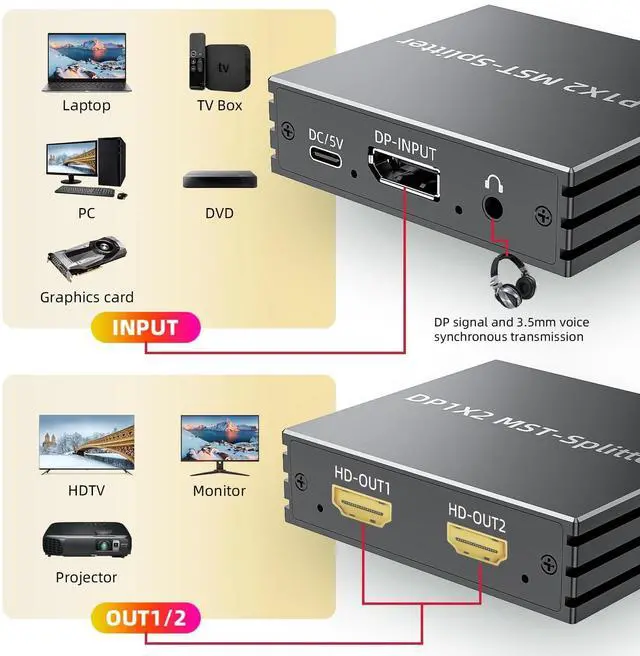
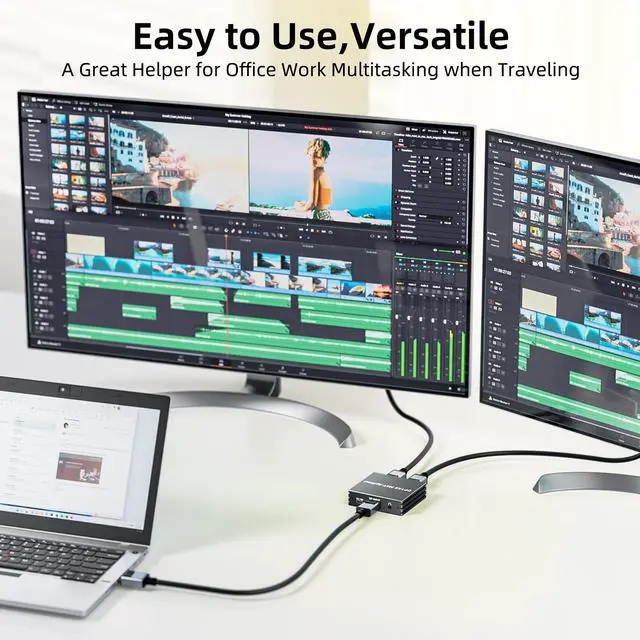
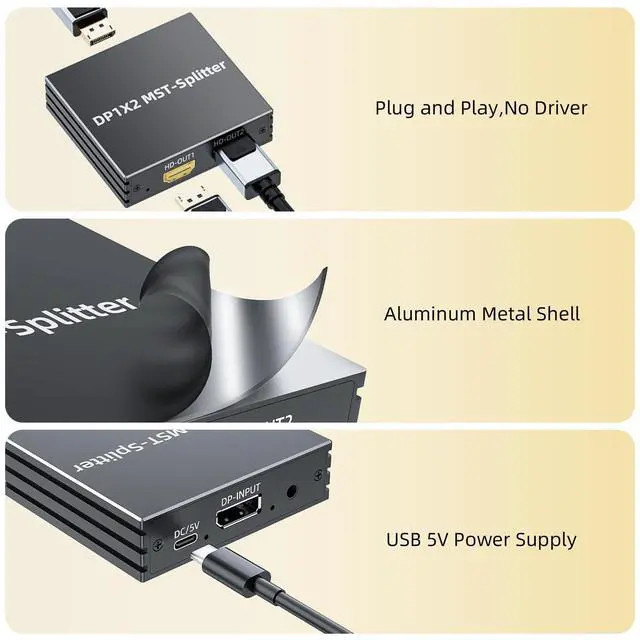
BolAAzuL MST DisplayPort Splitter to 2 HDMI Adapter 1 in 2 out with Audio Synchronization for Dual Monitors4K60Hz Display Port to Dual HDMI Monitors Multi-stream Transport Splitter1 to 2 Multitasking Extended Mirror Display for MacBook PC Desktop Displayport to dual HDMI Adapter for 2 Monitor Displays Multi-ScreenThis DisplayPort 1.4 to dual HDMI MST Hub with audio out allows a DisplayPort MST-enabled device to connect to two displays with HDMI ports for video mirroring, video extension, or viewing a single video image across two displays. The DisplayPort to HDMI MST hub is perfect for graphic design, spreadsheet analysis, and digital signage applications.
Important to
Know: This DisplayPort to HDMI adapter splitter 1 in 2 out with audio out has limits. Please kindly check the note below: 1) This dual monitor displayport splitter cannot increase the video outputs of your PC or laptop if they do not support MST2) Pls kindly check the documents of your video cards carefully to make sure they support DisplayPort MST3) The DisplayPort to HDMI cable splitter for dual display does not support MST mode when used with Mac OS, such as MacBook Pro, MacBook Air, and Mac mini. It is also true when your Macs are running windows & mac Os4) When using with Mac os, you can only switch the mode to SST mode, otherwise, there will not be a video out5) The Max. Resolutions are 4K (3840X2160) @60Hz6) The resolutions and other features are subject to the capabilities of all connected devices7) Pls use standard DisplayPort 1.4 / HDMI 2.0 cables or higher version DP / HDMI cables with our DP to dual HDMI splitter for 2 monitors. Most sync issues are caused by poor cables8) A 5V 1A External power supply is always neededFeatures: DisplayPort to 2 HDMI Dual Monitor SplitterDisplayPort Female to 2-Port HDMI FemaleIndependent audio output portSupports MST and SST modesSupports resolutions up to 4K@60HzWindows & Mac OS compatible (pls check limits) 5V External power supply for reliabilityPacking
List: DisplayPort to dual HDMI MST Hub X1Power Adapter X1User Manual X1





 here!
here!