Your Browsing History
Meet Your Seller
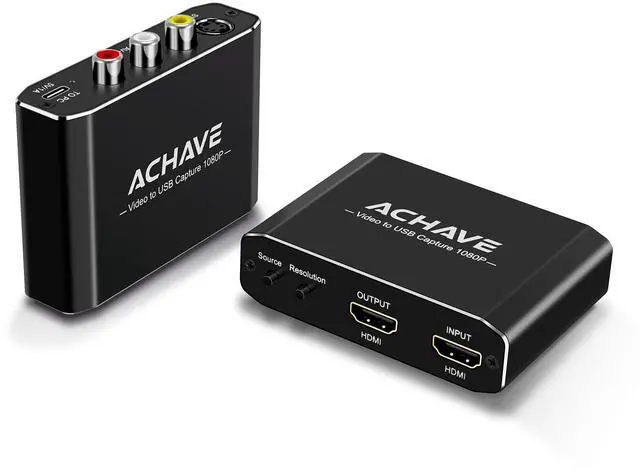
ACHAVE Video to USB Audio Video Capture with HDMI Output,VHS to Digital Converter-Input HDMI, AV, RCA, S-Video, VCR, VHS, Camcorder, Video8, Hi8, DVD, Gaming Systems - USB-C Plug & Play
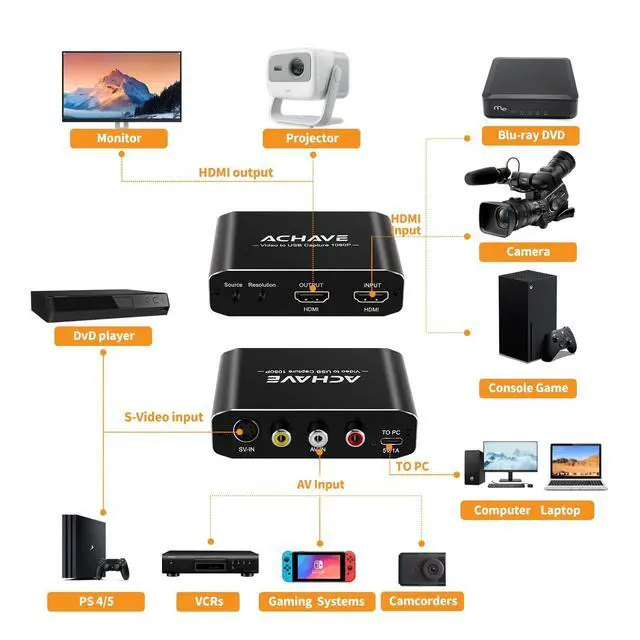
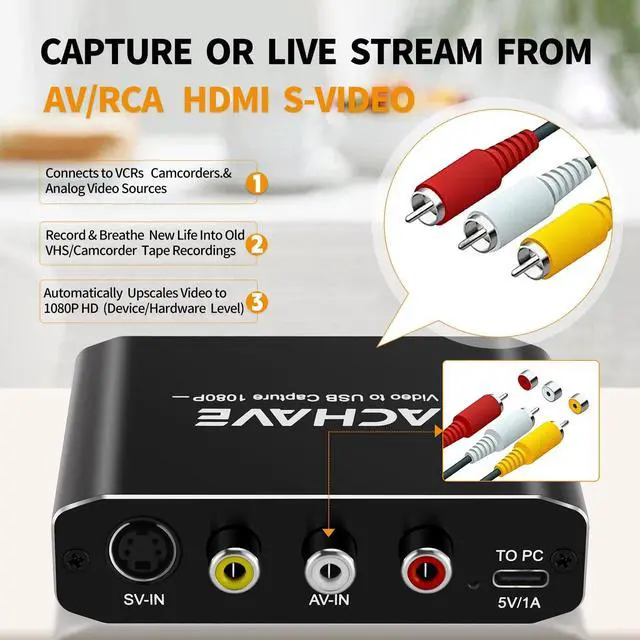
- VERSATILE INPUT SUPPORT: Captures video from HDMI, AV/RCA, S-Video, and more compatible with VCRs, camcorders, DVD players, gaming consoles, and cameras.
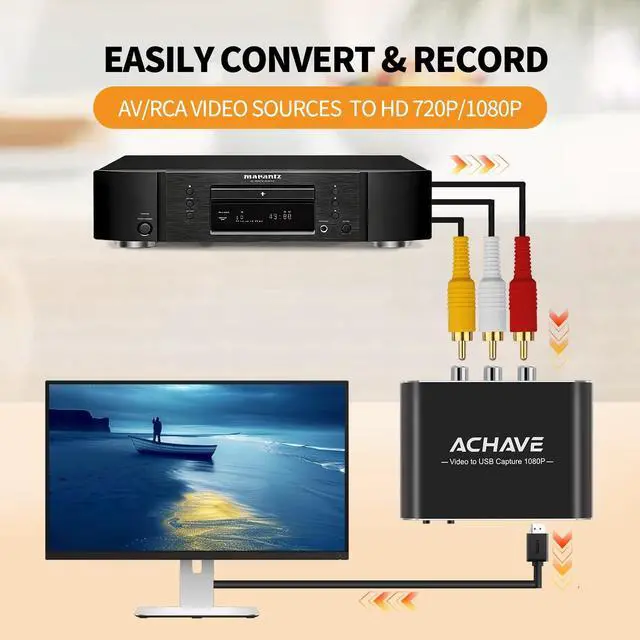
- HD VIDEO CONVERSION: Easily converts and records AV/RCA video sources to crisp HD 720P or 1080P quality via HDMI output to a monitor or projector.
- PLUG & PLAY USB-C CONNECTION: Simply connect to your Windows or Mac computer via USB-C no drivers needed, with minimum requirement of a USB 3.0 port.
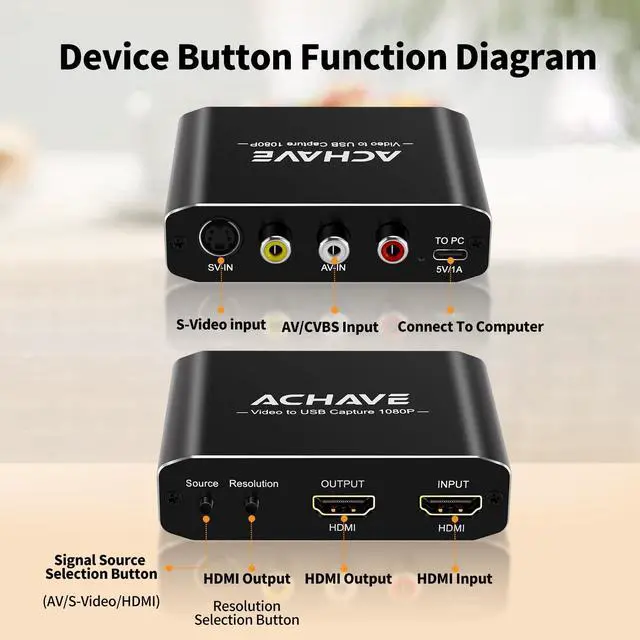
- SIGNAL SOURCE SELECTION: Built-in Source and Resolution selection buttons let you quickly switch between AV, S-Video, and HDMI inputs with ease.
- WIDE COMPATIBILITY: Works with PS4/5, Xbox, Nintendo Switch, VCRs, Blu-ray DVD players, camcorders, cameras, and connects to desktop or laptop computers.
+
+
Overview
Specs
Reviews
Any questions? Our AI beta will help you find out quickly.
Try me now
The ACHAVE Video to USB 1080P Capture Card is the ultimate all-in-one solution for capturing, converting, and live streaming video from virtually any source. Whether you're digitizing old VHS tapes, recording gameplay from a PS4/5 or Xbox console, or streaming live from a camera or camcorder, this versatile device has you covered. It supports multiple input formats including HDMI, AV/RCA, S-Video, and CVBS, making it compatible with DVD players, Blu-ray players, VCRs, gaming systems, and more. The HDMI output lets you simultaneously display your content on a monitor or projector in crisp HD 720P or 1080P resolution.
A dedicated signal source selection button lets you easily switch between AV, S-Video, and HDMI inputs, while the resolution selection button gives you full control over output quality. Simply plug in via the USB-C port no drivers needed for Windows or Mac OS. Ideal for content creators, gamers, and anyone looking to preserve or broadcast their video content with ease.

Warranty & Returns
Warranty, Returns, And Additional Information
Warranty
- Please contact the Seller directly for warranty information. Warranty information may also be found on the Manufacturer's website.
- CONTACT
Return Policies
- Return for refund within: 30 days
- Return for replacement within: 30 days
- This item is covered by LingGo Return Policy
Manufacturer Contact Info
- For a directory of all our manufacturers, please click below.
- Manufacturers Directory
LOADING...