Your Browsing History
- Free 30-day Returns
$118.99
Meet Your Seller
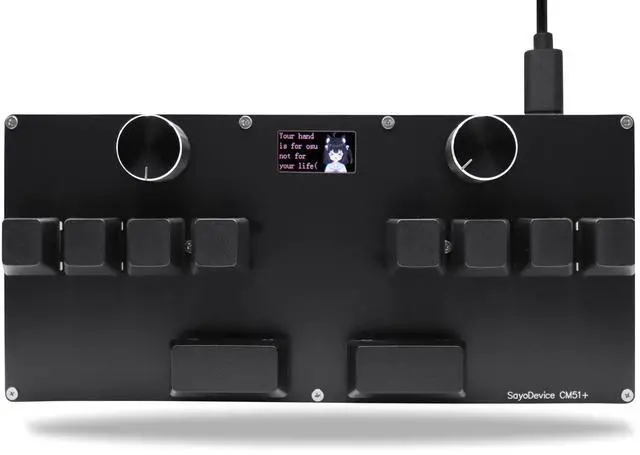
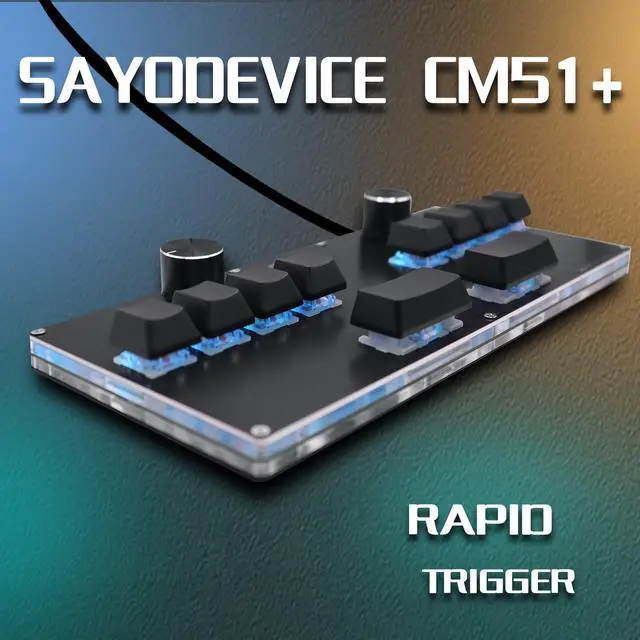
BTXETUEL SayoDevice CM51+ Rapid Trigger Keyboard for OSU!, djmax... Rhythm Game with GATERON Hall Magnetic Linear Switches with Knob Custom Programmable Keypad (Black-GATERON White Switches, CM51+)
- [(SayoDevice CM51+ Keyboard)] Suitable for OSU!, djmax...Rhythm game! Make you better and confident!
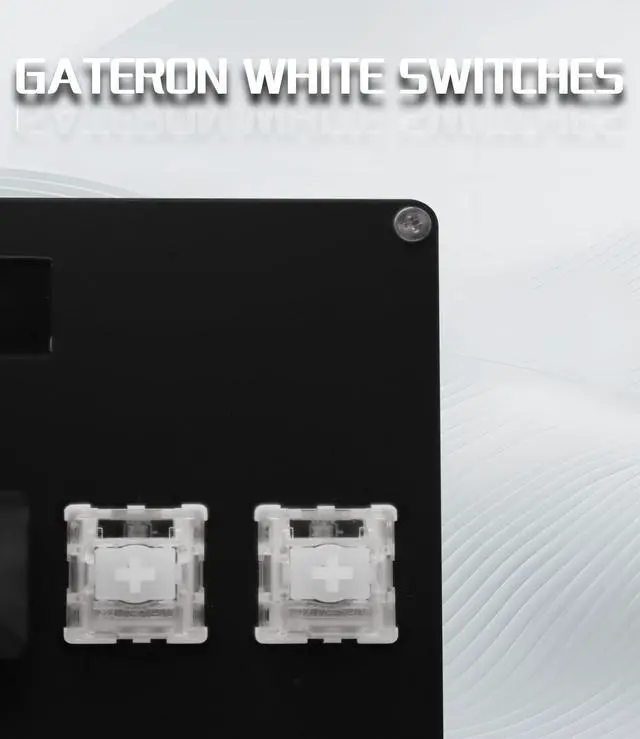
- [(Switches)] 10 GATERON white switches,Rapid Trigger Hall magnetic Linear Switches.
- [(Software Version)] Web Version (Recommended):No need to download, just open "https://app.sayodevice.com" with your browser to set the function.
- [(Manual)] "https://manual.sayodevice.com" You can get a complete operation guide(Applicable to the entire series of sayodevice) that describes all the functions.
- [(NOTICE)] Sometimes, the keyboard needs to do "CALIBRATION" ( The steps are shown in the figure ) before use for the first time or after firmware upgrade.

+
+
Overview
Specs
Reviews
Any questions? Our AI beta will help you find out quickly.
Try me now
[(SayoDevice CM51+ Keyboard)] Suitable for OSU!, djmax... Rhythm game! Make you better and confident!
[ (Switches) ] 10 GATERON white switches, Rapid Trigger Hall magnetic Linear Switches.
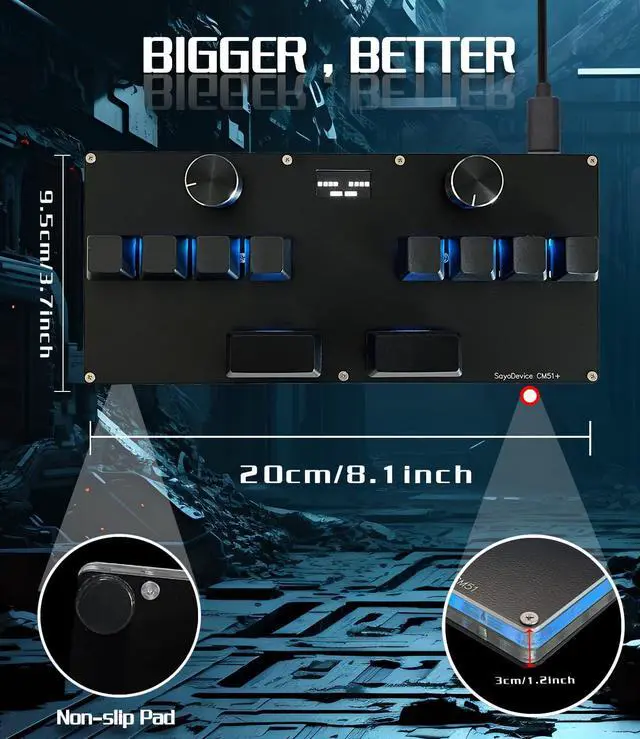
[ (Screen) ] With 0.96 inch IPS color screen, 160*80 Resolution. The screen can be customized, such as writing your own ID and custom picture.
[ (Software Version) ] Web Version (Recommended): No need to download, just
open "https: //app. sayodevice. com" with your browser to set the function.
[ (Manual) ] "https: //manual. sayodevice. com" You can get a complete operation guide (Applicable to the entire series of sayodevice) that describes all the functions.
[ (NOTICE) ] Sometimes, the keyboard needs to do "CALIBRATION" ( The steps are shown in the figure ) before use for the first time or after firmware upgrade.
[ (Switches) ] 10 GATERON white switches, Rapid Trigger Hall magnetic Linear Switches.
[ (Screen) ] With 0.96 inch IPS color screen, 160*80 Resolution. The screen can be customized, such as writing your own ID and custom picture.
[ (Software Version) ] Web Version (Recommended): No need to download, just
open "https: //app. sayodevice. com" with your browser to set the function.
[ (Manual) ] "https: //manual. sayodevice. com" You can get a complete operation guide (Applicable to the entire series of sayodevice) that describes all the functions.
[ (NOTICE) ] Sometimes, the keyboard needs to do "CALIBRATION" ( The steps are shown in the figure ) before use for the first time or after firmware upgrade.
Warranty & Returns
Warranty, Returns, And Additional Information
Warranty
- Please contact the Seller directly for warranty information. Warranty information may also be found on the Manufacturer's website.
- CONTACT
Return Policies
- Return for refund within: 30 days
- Return for replacement within: 30 days
- This item is covered by mafengkeji Return Policy
Manufacturer Contact Info
- For a directory of all our manufacturers, please click below.
- Manufacturers Directory
LOADING...