Product Description:
Overview:
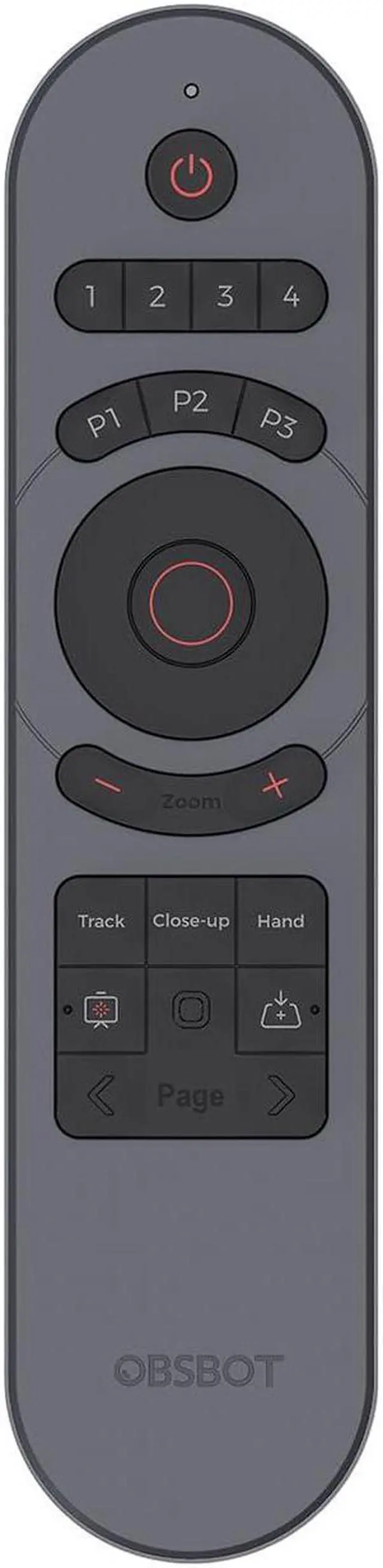
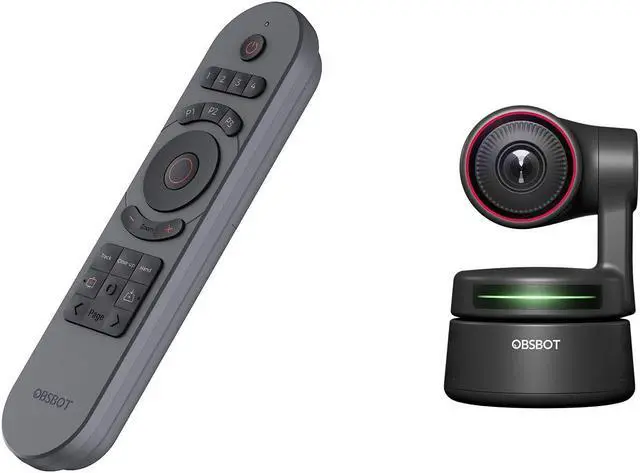
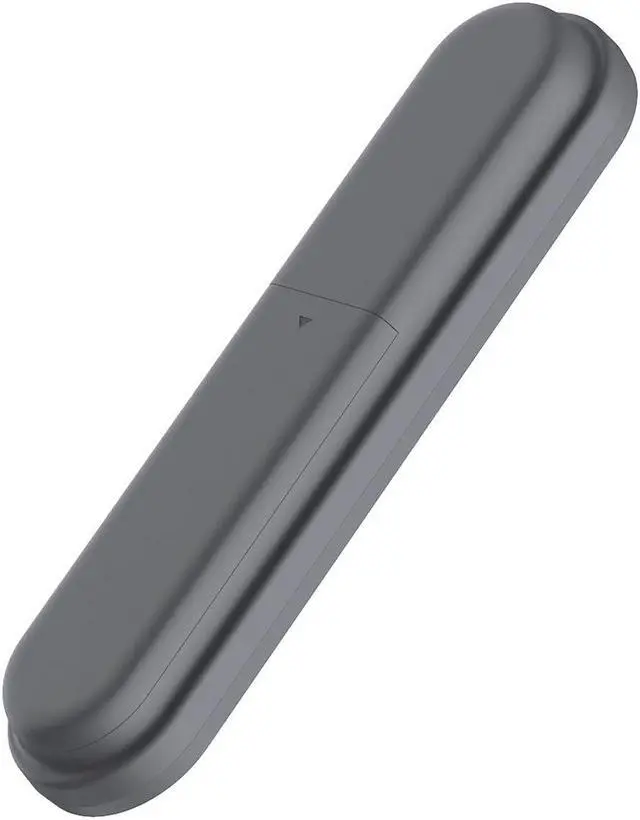
Designed for OBSBOT Tiny 2, an incredible upgrade of the OBSBOT Tiny remotecontroller, now
adds new smart features to the remote control. A hybrid of apresentation clicker and webcam remotecontroller,
controls the cam era andpresents with just one controller
Features:
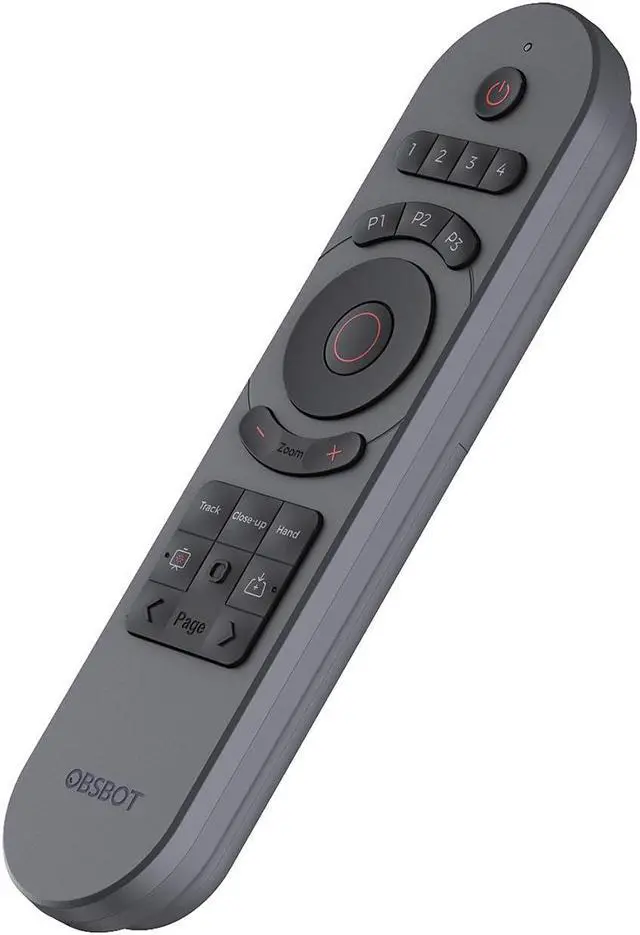
Specially designed for the OBSBOT Tiny series, with intuitive buttons and elegantdesign, offer you
a more pleasant and convenient usage.
Activate Al Features with A Push:
Embedded more Al features into the remote controller, now you can easily controlthe OBSBOT
Tiny 2 to enter Close-up Mode, Desk Mode, and other Al features.
Combination of a Remote Control and a Presentation Clicker:
Not just for remotelycontrolling the OBSBOT Tiny 2, we combined the feature ofapresentation
clicker with the remote, so now you can use the remote controltobetter present your idea.
General Specification::
Color: Black
Weight: about 33g
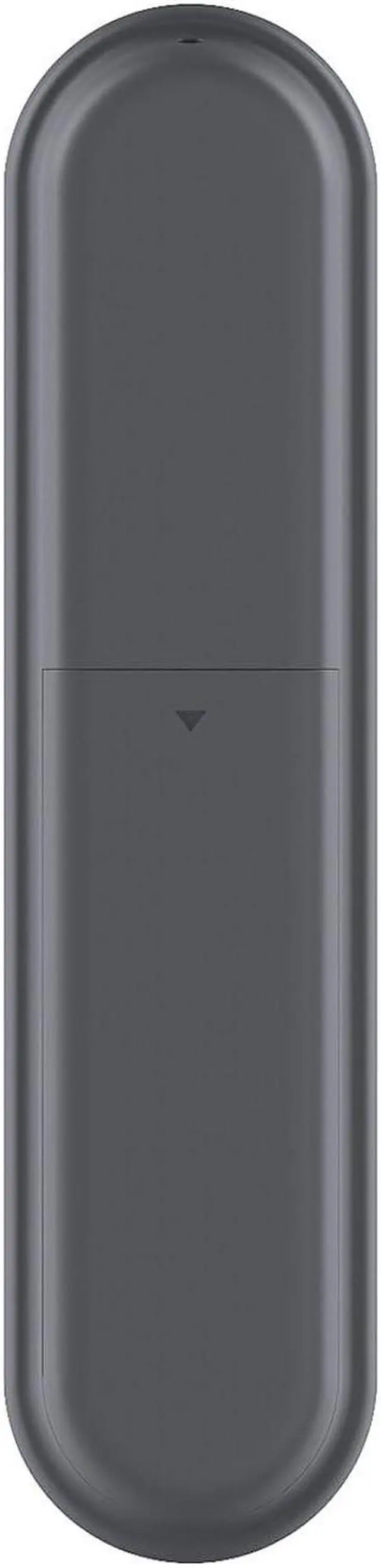
Battery Type: 2pcs AAA battery required (Not Included in package)
Max.
Control Range: 10m
Compatibility:
1/ The Remote Controller is exclusively designed for the OBSBOT Tiny Series(Tiny 2, Tiny 4K and Tiny included ).
2/ Support controlling up to 4 OBSBOT Tinys at the same time;
3/ Well compatible with Windows and macOS computers
4/ Compatible with OBSBOT TinyCam App
V 1.1. 2.12 and above
Before You Use:
Step 1: Put two batteries into the remote control
Step 2: Plug the USB receiver into your computer
Step 3: Connect OBSBOT Tiny to your computer
Step 4: Open TinyCam software, enable remote control in the [System Setting]
*Note:
a. Turning on the Remote Control setting will cause some keys on your computer's keyboard to work improperly,
this is a normal situation, the keyboard will work normally after you turn off the Remote