• $74.99
  • Free 30-day Returns
  • Ships from China.
    Price alert

    Best Sellers

    Top Rated
    3.8 (10 total ratings)
    • $73.49
    • + FREE SHIPPING
    Shop it at NeweggBusiness.

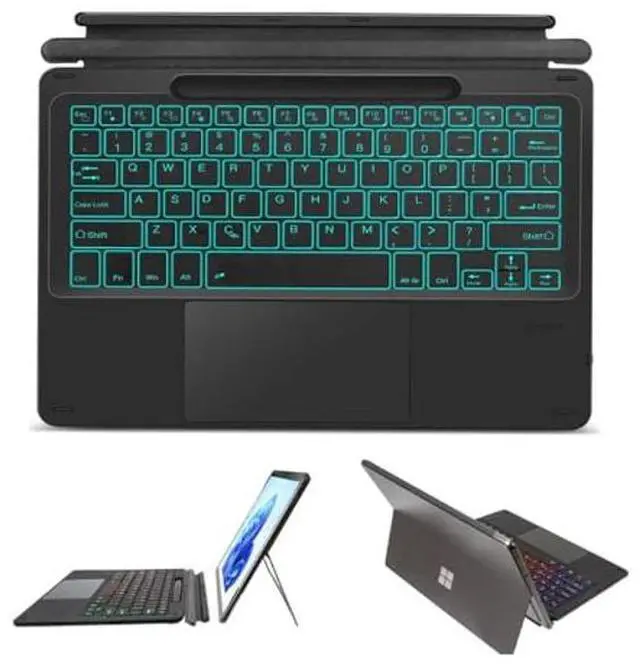
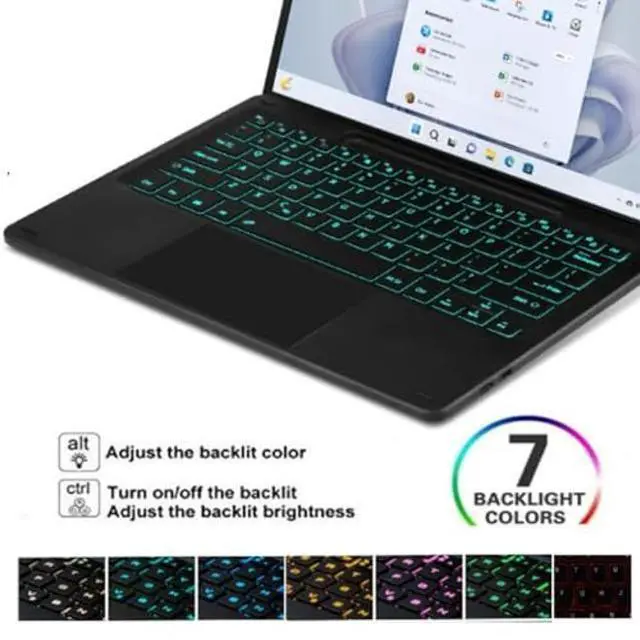
    Bluetooth Keyboard for Microsoft Surface Pro 11/Pro 10 2024/Pro 9/Pro 8/Pro X 13 Inch, Wireless Touch Trackpad Thin Keyboard, 7 Colors Backlit Detachable with Pen Holder

    Limited time offer, ends 01/05 By Fashion Technology

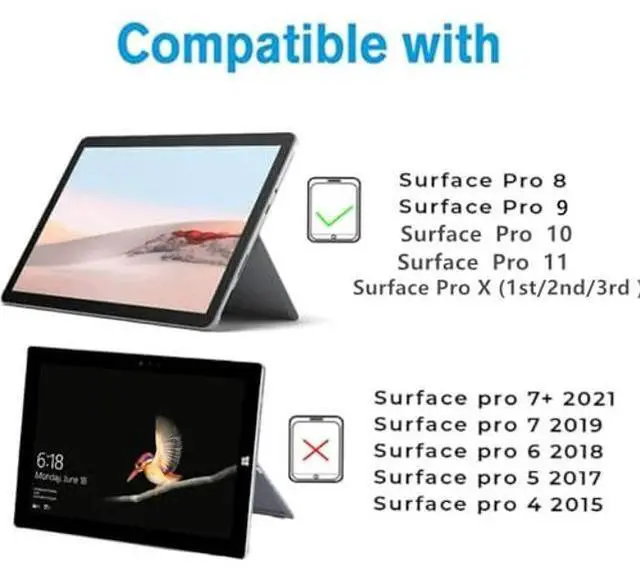
    • COMPATIBILITY MODEL:Specifically designed for Microsoft Surface Pro 11(2024), Microsoft Surface Pro 10(2024), Microsoft Surface Pro 9(2022), Microsoft Surface Pro 8(2021)and Microsoft Surface Pro X (1st/2nd/3rd generation) 13 inch tablet.
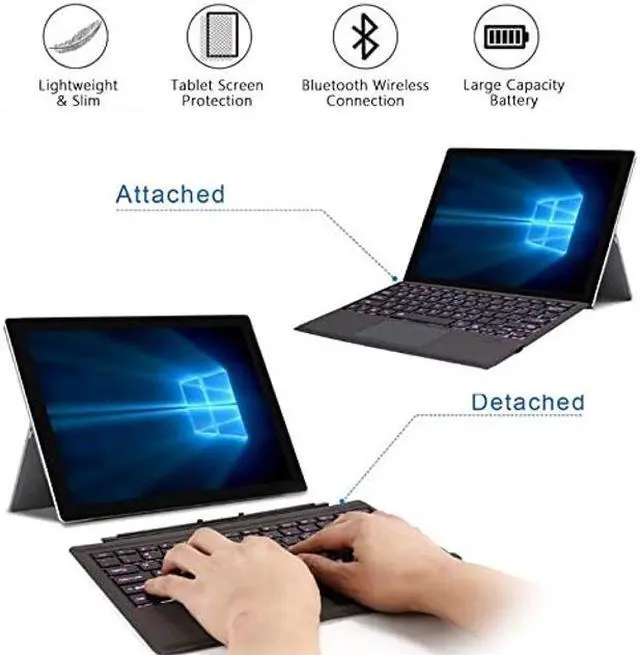
    • ULTRA THIN DESIGN: Protect your device's display on the go. Flip the keyboard over to guard the screen against bumps and scratches. It is extremely convenient to carry your tablet to office and travel.
    • BACKLIT KEYBOARD: 7 Colors back light options, 3 level Brightness. You can change the backlights on the keys to different colors. Typing in the dark or dim light is so much easier.
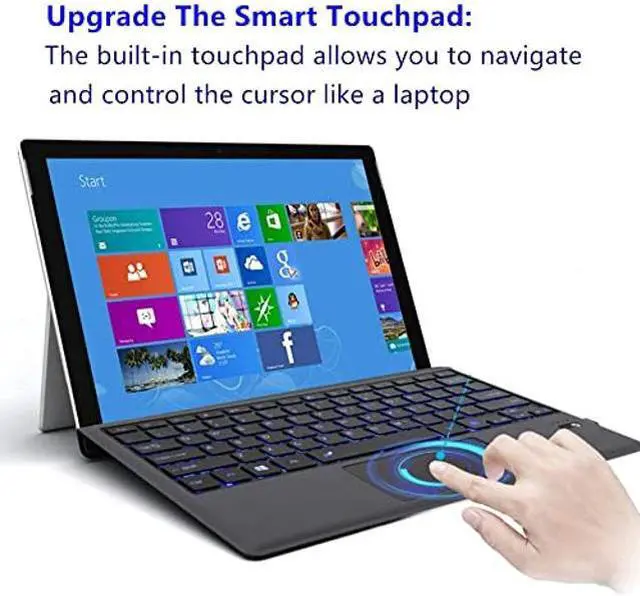
    • BUILD-IN TOUCHPAD Function :keyboard comes with a touchpad, no more extra mouse needed, turn your tab to a real laptop. which is very convenient for your watching, wroking and carrying.
    • RECHARGEABLE BATTERY: Lithium battery provides continuous 70 hour working time with 2 hour of charging.
    +
    +
    Overview
    Specs
    Reviews
    avatar

    Any questions? Our AI beta will help you find out quickly.

    Specifications

    :
    Working distance: 10m
    Charging time: 2-3 hours
    Standby time: 100 days
    Working time: 70 hours
    Charging current: 200mA
    Lithium battery life: 3years
    Chip: Broadcom chip Bluetooth version 3.0
    Support system: IOS system
    Net weight: 0.65 kg

    Package Includes
    1 x Keyboard Case
    1 x Micro USB Charging Cable
    1 x English Instructional Manual

    How to get the keyboard sync with iPad:
    1. Please fully charge the keyboard and open it, the light comes on and then goes off.
    2. Hold on Fn+C to open keyboard's bluetooth.
    3. Go to your iPad settings, click on bluetooth and look for the keyboard.
    4. Click on the keyboard and it will connect.

    Warranty & Returns

    Warranty, Returns, And Additional Information

    Warranty

    • Please contact the Seller directly for warranty information. Warranty information may also be found on the Manufacturer's website.
    • CONTACT

    Return Policies

    Manufacturer Contact Info

    LOADING...
    LOADING...