

Your Browsing History
- Free 30-day Returns
$159.99

Meet Your Seller

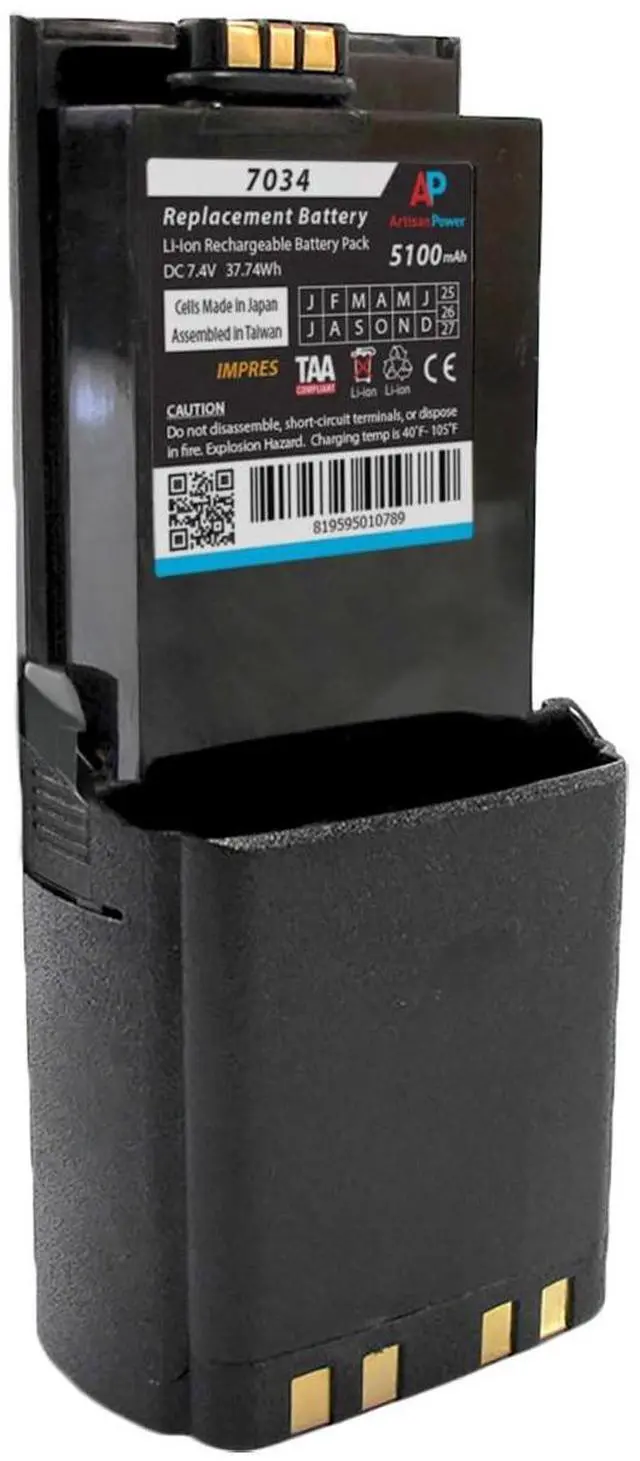
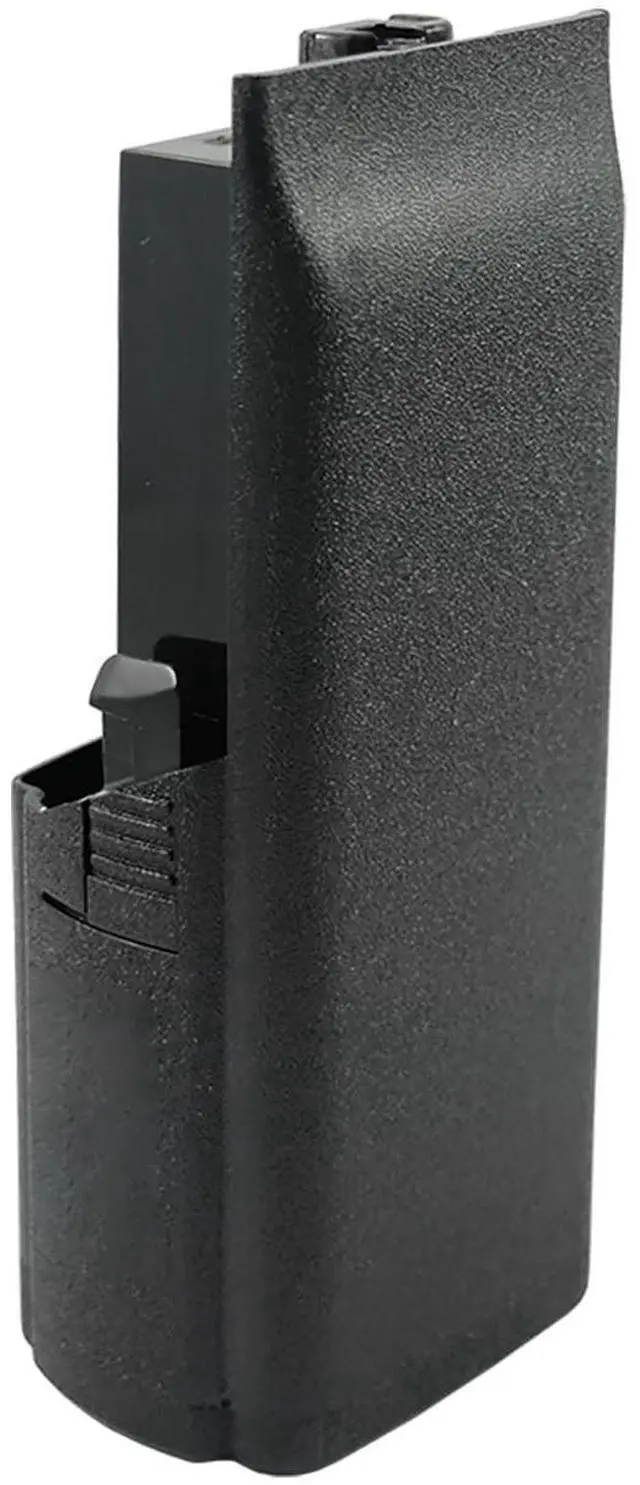
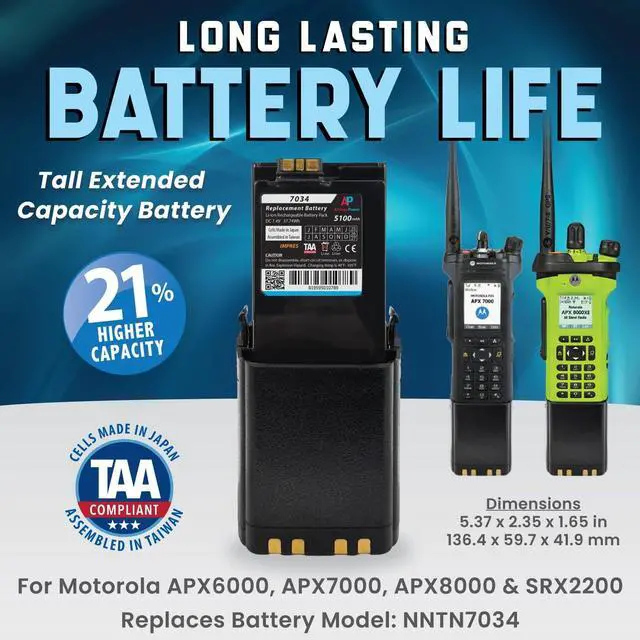


Artisan Power Replacement IMPRES Battery for Motorola APX7000, APX6000 and SRX2200. Super Extended Capacity 5100 mAh - Full Shift Capacity - Replaces NNTN7034 - TAA-Compliant
- APX7000, APX7000XE, APX6000, APX600XE, and SRX2200 Super Extended Replacement Battery
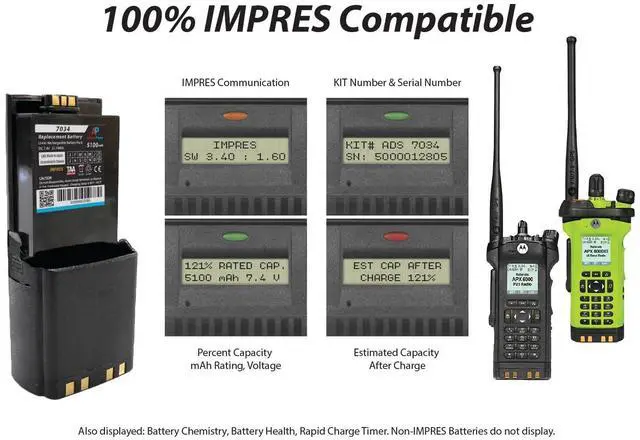
- IMPRES COMPATIBLE: Fully replaces battery number NNTN7034
- FULL SHIFT CAPACITY: 5100 mAh capacity rating 21% higher than the OEM battery. Lithium Ion Rechargeable Battery Pack, 7.4 Volt
- TAA COMPLIANT: Cells Made in Japan & Assembled in Taiwan
- Manufactured by Artisan Power, a global leader in replacement battery packs
+
+
Overview
Specs
Reviews

Any questions? Our AI mode will help you find out quickly.
Try me now
Replacement battery for the Motorola APX7000 APX7000XE, APX6000, APX600XE, and SRX2200 two way radios. Replaces OEM battery number NNTN7034. The Artisan Power battery is TAA Compliant, manufactured in Taiwan, and utilyzing power cells made in Japan. The 5100 mAh capacity rating is 21% higher than the OEM's 4200 capacity, translating to more radio operating time for full shift battery life per charge AND more total charge cycles over the lifespan of the battery pack. The battery is 100% IMPRES compatible. Please make sure to follow these instructions prior to using your battery for the first time: In order for the features of IMPRES Smart Batteries and the Adaptive Charging System to be fully available, the data contained in the Batteries must be initialized by the charger the first time it is charged. Please make sure to follow these steps to ensure your IMPRES Battery performs properly. 1. Put the battery into the IMPRES charger. Make sure the charger indicator light shows a STEADY YELLOW. If the charger indicator shows differently, insert the battery again to get the STEADY YELLOW light. You may have to insert the battery a few times. 2. Leave the battery in the charger overnight. (12 Hours recommended for the first time. ) If for some reason an interruption occurs, please repeat steps 1 and 2.3. When the battery has finished calibration and initiation, you will be able to read capacity and other battery data from your device.
Warranty & Returns
Warranty, Returns, And Additional Information
Warranty
- Please contact the Seller directly for warranty information. Warranty information may also be found on the Manufacturer's website.
- CONTACT
Return Policies
- Return for refund within: 30 days
- Return for replacement within: 30 days
- This item is covered by DuronTechnologies Return Policy
Manufacturer Contact Info
- For a directory of all our manufacturers, please click below.
- Manufacturers Directory
LOADING...