Your Browsing History
Meet Your Seller
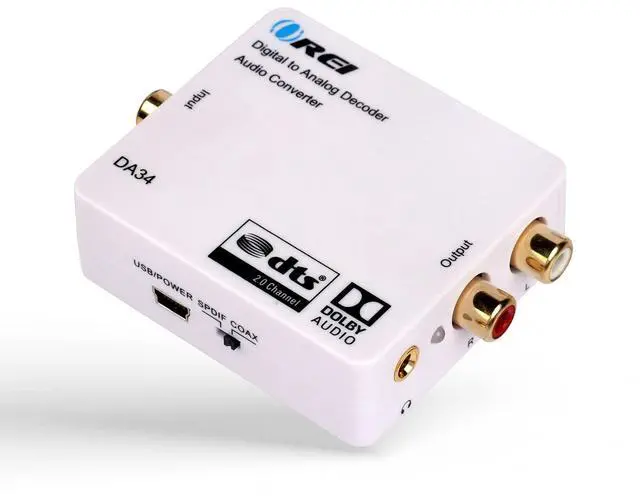
OREI Digital to Analog Audio Decoder by OREI, Convert & Decode Dolby Digital Audio SPDIF/Coaxial 5.1-Channel Input to RCA L/R/3.5mm Headphone Output Converter (DA34)
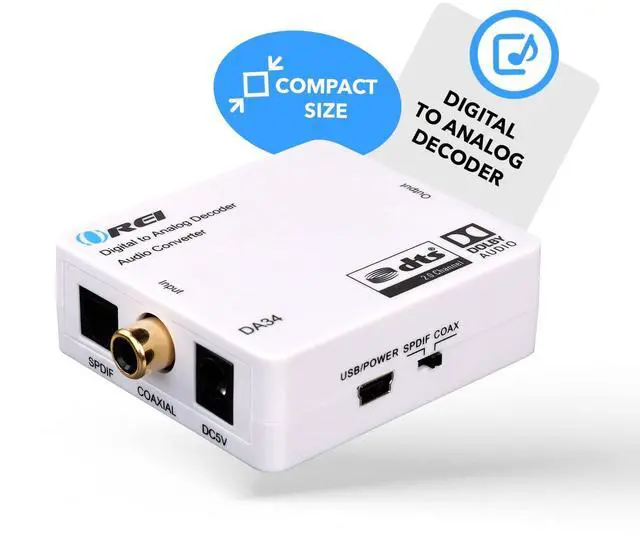
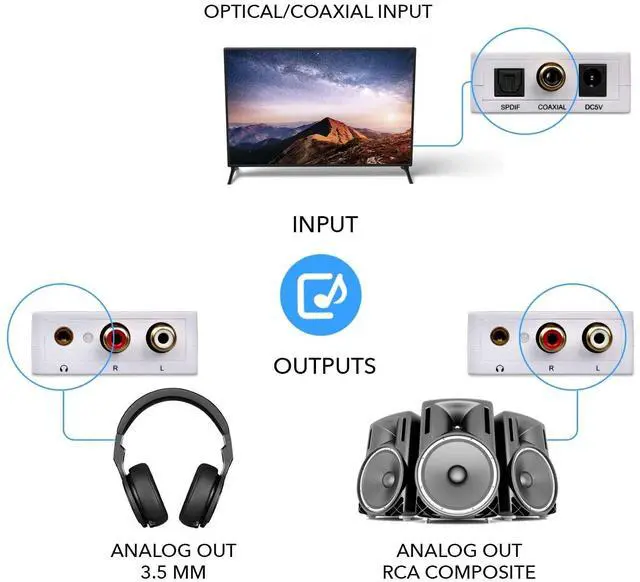
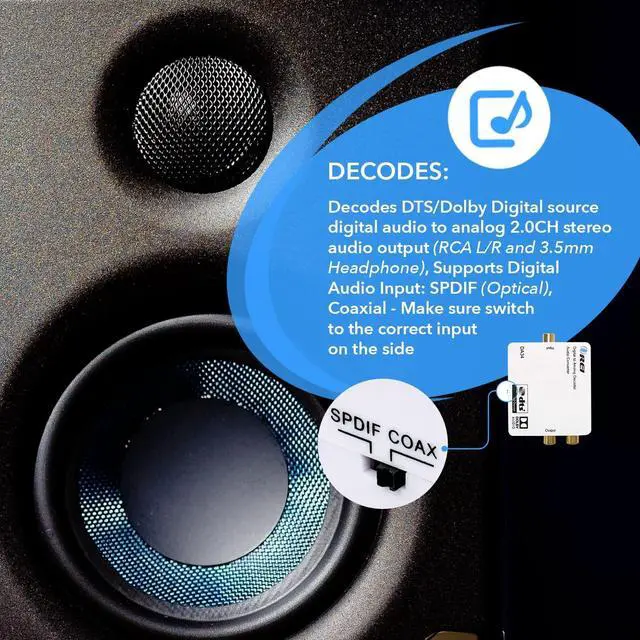
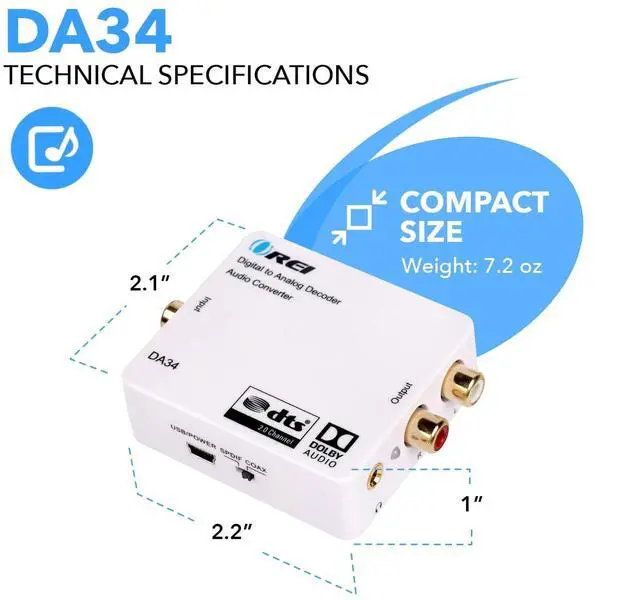
- Decodes DTS/Dolby Digital source digital audio to analog 2.0CH stereo audio output (RCA L/R and 3.5mm Headphone), Supports Digital Audio Input: SPDIF (Optical), Coaxial - Make sure switch to the correct input on the side
- Supports simultaneous RCA L/R and 3.5mm Headphone outputs
- Make sure the the plastic removed. And the Optical Cable is pushed in completely.
- TROUBLESHOOT: Signal from the TV goes into SPDIF (Optical), or Coxial input of the DA34 and The output of RCA or Headphones will go into your analog speakers or headphones. Make sure the power adapter is connect properly. And all the cables are inserted all the way in. If there is still no sound, please change the TV Audio out to PCM Only from the TV Menu.

+
+
Overview
Specs
Reviews
Any questions? Our AI beta will help you find out quickly.
Try me now
Decodes DTS/Dolby Digital source digital audio to analog 2.0CH stereo audio output (RCA L/R and 3.5 mm Headphone), Supports Digital
Audio Input: SPDIF (Optical), Coaxial - Make sure switch to the correct input on the side ^^ Supports simultaneous RCA L/R and 3.5 mm Headphone outputs ^^ Make sure the the plastic removed. And the Optical Cable is pushed in completely.
^^ TROUBLESHOOT: Signal from the TV goes into SPDIF (Optical), or Coxial input of the DA34 and The output of RCA or Headphones will go into your analog speakers or headphones. Make sure the power adapter is connect properly. And all the cables are inserted all the way in. If there is still no sound, please change the TV Audio out to PCM Only from the TV Menu.
Audio Input: SPDIF (Optical), Coaxial - Make sure switch to the correct input on the side ^^ Supports simultaneous RCA L/R and 3.5 mm Headphone outputs ^^ Make sure the the plastic removed. And the Optical Cable is pushed in completely.
^^ TROUBLESHOOT: Signal from the TV goes into SPDIF (Optical), or Coxial input of the DA34 and The output of RCA or Headphones will go into your analog speakers or headphones. Make sure the power adapter is connect properly. And all the cables are inserted all the way in. If there is still no sound, please change the TV Audio out to PCM Only from the TV Menu.
Warranty & Returns
Warranty, Returns, And Additional Information
Warranty
- Please contact the Seller directly for warranty information. Warranty information may also be found on the Manufacturer's website.
- CONTACT
Return Policies
- Return for refund within: 30 days
- Return for replacement within: 30 days
- This item is covered by HyperCore Return Policy
Manufacturer Contact Info
- For a directory of all our manufacturers, please click below.
- Manufacturers Directory
LOADING...