LGA 1200
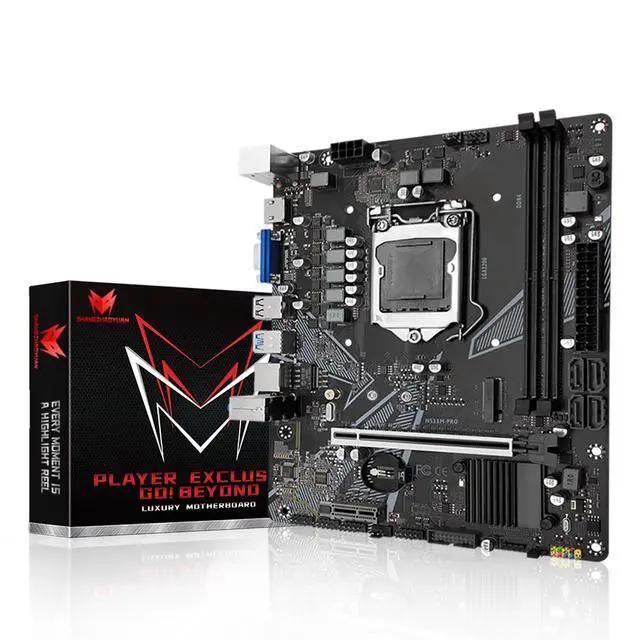
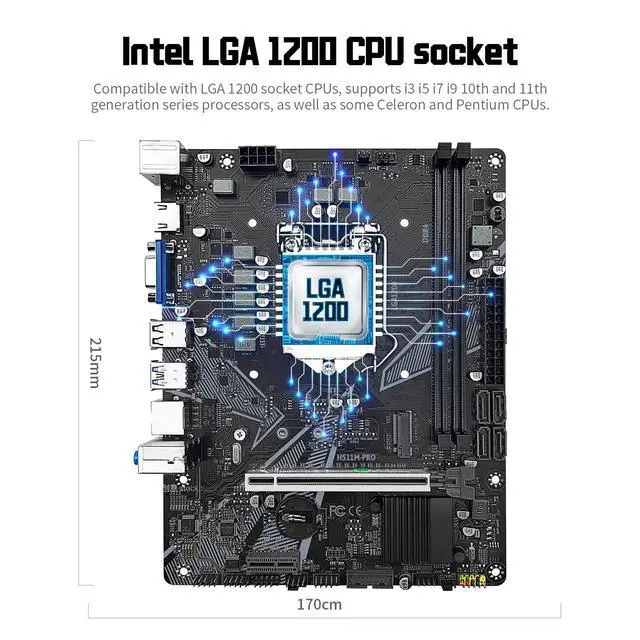
Motherboard: Intel series LGA 1200 socket design, support 10th and 11th gen Core i9/i7/i5/i3/Pentium/Celeron series processors. (e. g. Core i9 11900k, i7-11700, i5-11400f, i9 10900k, i7 10700k, i5 10600k, G6600, G5920, etc. )
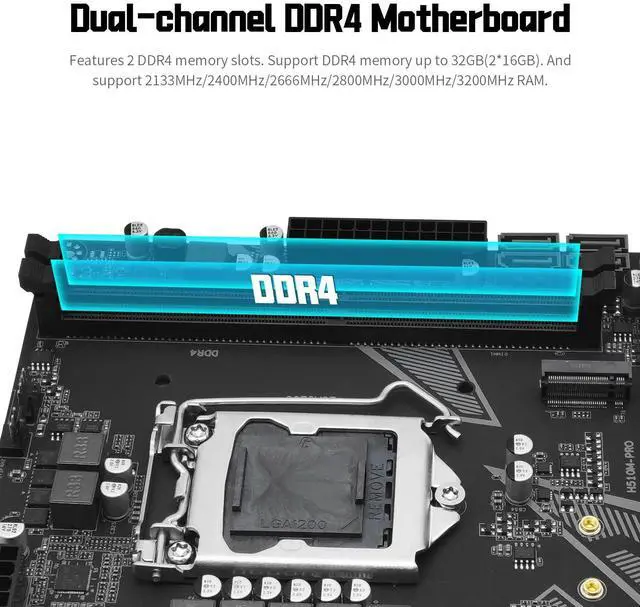
^^ Dual-channel DDR4: The Micro ATX motherboard supports DDR4 memory up to 32GB, support 2133MHz/2400MHz/2666MHz/2800MHz/3000MHz/3200MHz RAM ^^ Stable
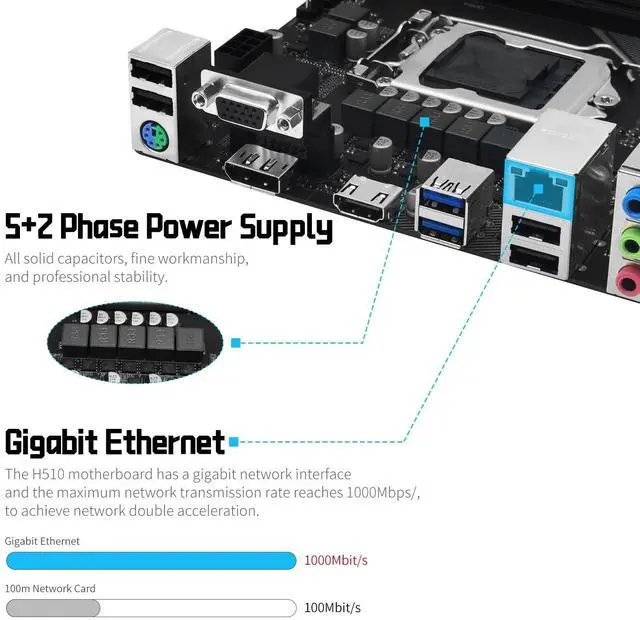
Power Supply: 7-phase power supply, all-solid-state capacitor design, fine workmanship, professional stability. The H511 motherboard features 24+8 pin power interface. (Please use at least a 500W brand power supply. ) ^^
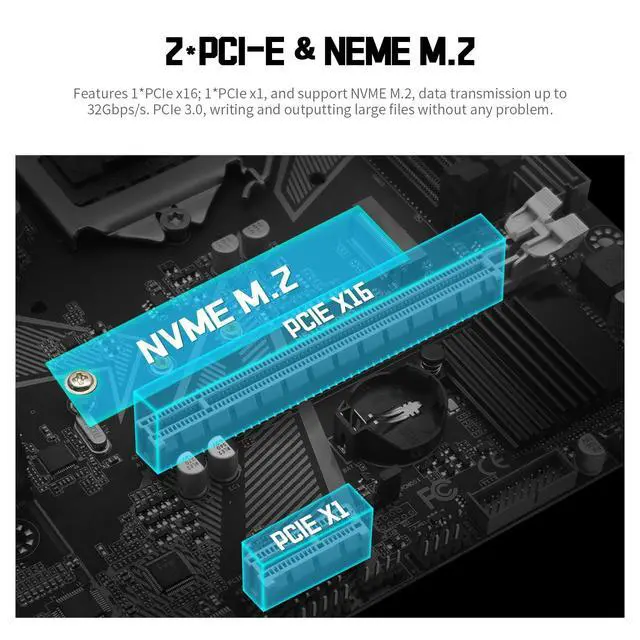
Best Gaming Connectivity: The PC computer motherboard features HDMI-compatible and VGA high-definition multimedia transmission Interfaces, and RJ45 gigabit network interface, M. 2 slots (NVMe SSD), PCIe 3.0 X16, SATA 3.0, USB 3.0, USB 2.0 ^^ High
Performance Mainboard: The Intel LGA1200 motherboard is equipped with h470 chipset, a 10-layer PCB material design, with faster transmission efficiency and longer service life. And the placa madre with Heat dissipation armor protection for strong heat dissipation, to ensure stable bus communication ^^
Package Includes: 1*motherboard, 1*SATA cable, 1*I/0 shield.
IMPORTANT: The package does not contain a user manual. If you need the manual, please download it from the product description page or ask us on to get it. And the motherboard does not include a CR2032 battery, please purchase one yourself ^^
Tips 1: If the motherboard does not boot and the fan does not work, please check whether the motherboard power supply and CPU power supply are correctly connected, whether the CPU model and memory model are compatible or good, and whether the memory module is installed in the correct position. If it still does not start after eliminating the above problems, please clear CMOS ^^
Tips 2: If there is no display (the fan is working, the Caps Lock key on the keyboard is pressed, and the keyboard light is off), please check whether the motherboard power supply and CPU power supply are correctly connected, check whether the memory module is installed in the correct position, and check whether the CPU and memory models are compatible and good. If there is still no display after eliminating the above, please clear CMOS ^^
Tips 3: If there is no display (the fan is working, the Caps Lock key on the keyboard is pressed, and the keyboard light is on). Please check whether the monitor is turned on and whether the display data cable is connected properly. If no external graphics card is installed, please check whether the CPU supports integrated graphics. If an external graphics card is installed, please check whether the data cable is correctly connected to the interface of the external graphics card. Check whether the display data cable, graphics card and monitor are in good condition. If there is still no display after eliminating the above, please clear CMOS