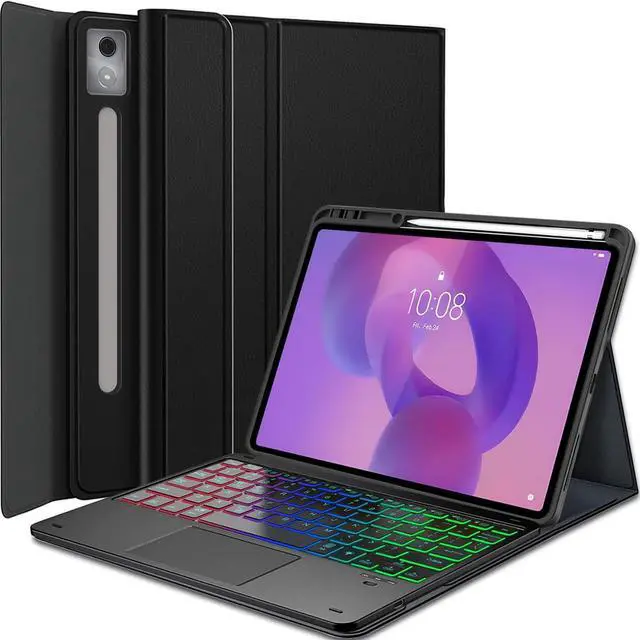
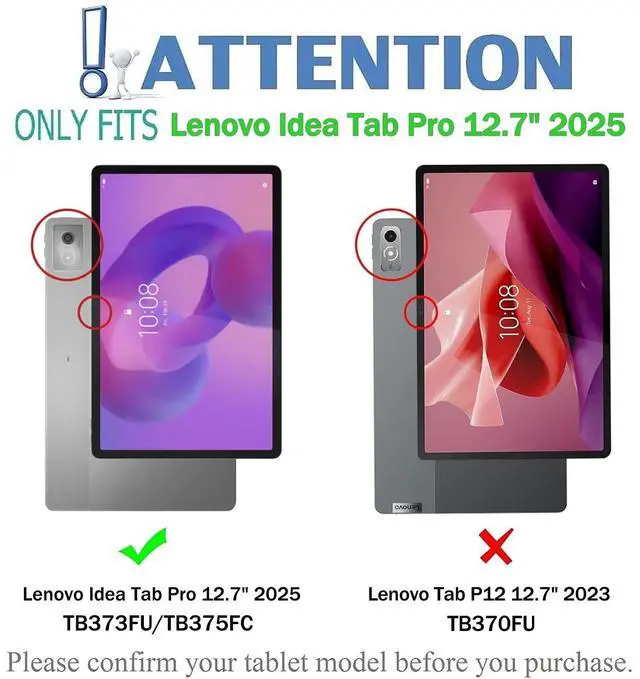
CompatibilityExclusively designed for 12.7 inch Lenovo Idea Tab Pro 2025 TB-373FU TB-375FC tablet. NOT for other Lenovo tablet model. How to connect the keyboard with the tablet? 1. Dial ON/OFF button on right direction for opening keyboard, press "FN+C" for into wireless matching condition. (After connecting, press "FN+C" again to disconnect Bluetooth. )2. Open Bluetooth on device, search
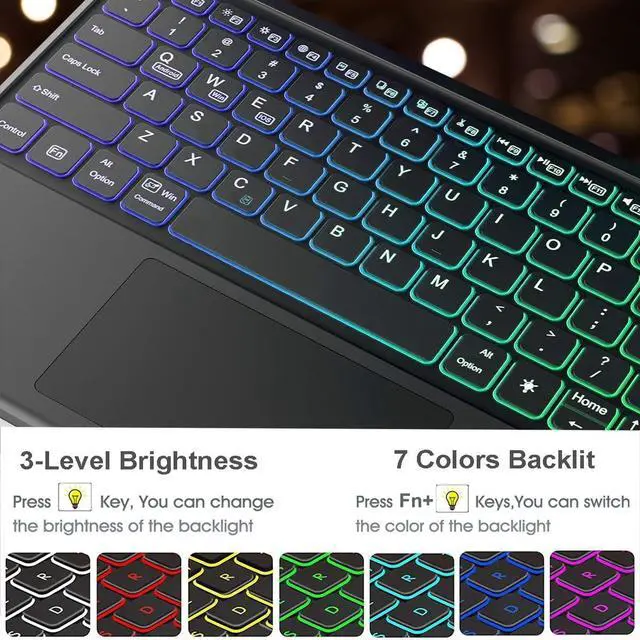
keyboard name: [Keyboard] for matching device to keyboard. 3. Click the "Keyboard" to connect, finish. 4. Press "Fn+Q" to switch to the corresponding Android input system. How to adjusts the colour of the backlight? 1. Click "Bulb" Key to adjust the brightness of the backlight. 2. Click "Fn+Bulb" to switch between 7 color schemes.
Specification: Charging
voltage: 5VBluetooth
version: Bluetooth
5.0T ransmission distance: up to 10 mCapacity of battery: 450
mAHCharging time: 2-3
hoursWorking time: 90
hours without backlightWorking time: 10
hours with backlightStandby time: 180 daysWhat's in the box? Tablet Case * 1Rainbow Backlight Touchpad Keyboard * 1USB-C Charging Cable * 1Product Manual * 1





 here!
here!