

Your Browsing History

Meet Your Seller

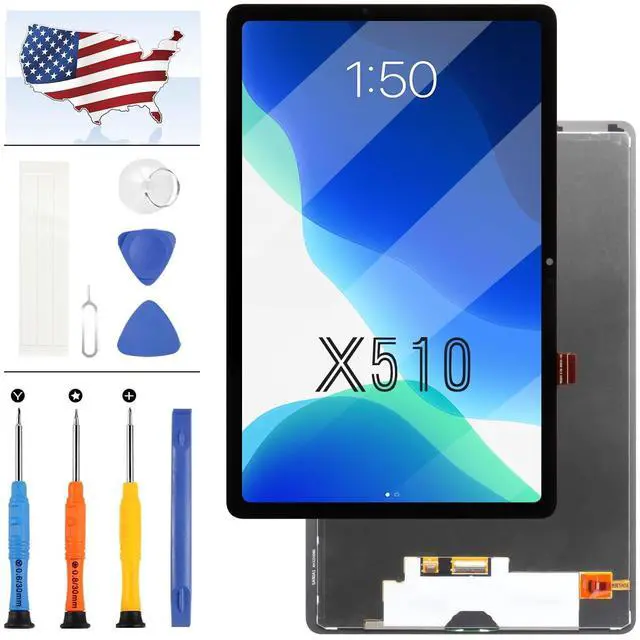
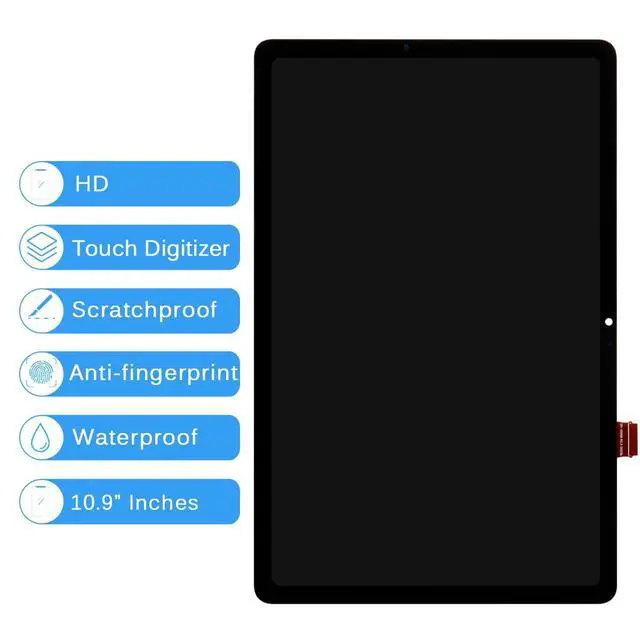
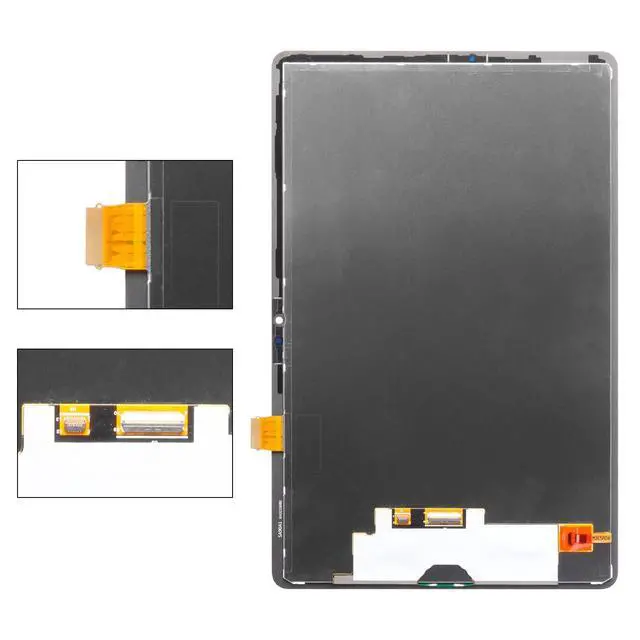
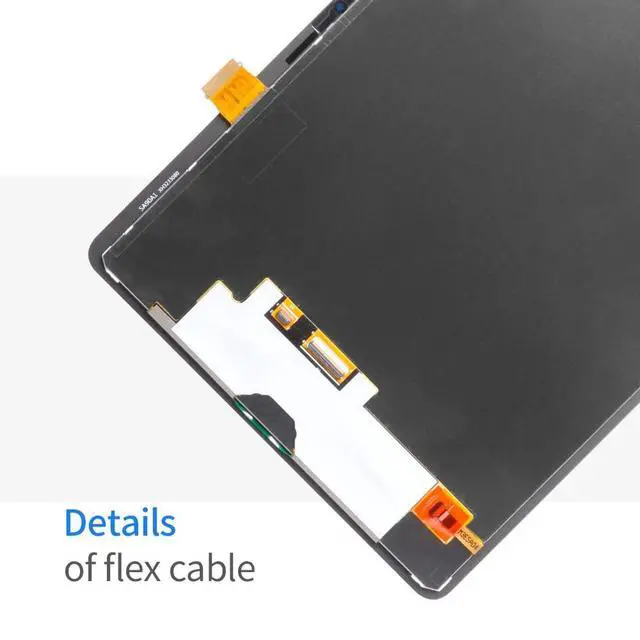


for Samsung Galaxy Tab S9 FE Screen Replacement for Samsung Tab S9 FE 5G SM-X510 SM-X516B LCD Display Touch Screen Digitizer Assembly 10.9 inch Black(Not for S9 FE+)
- Compatible Model === Please check the Model Number before purchasing this Item, you can see it on the back of your tablet PC. This item is compatible with for Samsung Galaxy Tablet Tab S9 FE 10.9" SM-X510 SM-X516B LCD Screen Replacement.(Not for Smaung S9 FE+ Plus)
- Fix phone screen problems=== Used for Samsung Galaxy Tab S9 FE 10.9" SM-X510 SM-X516B lcd screen fix a faulty screen,and cure-replace cracked, broken, dead pixels, touch is not working, touch response issues, display problems,wrong color issues ,non-functioned screen.etc.
- Strict Quality Control=== All products have passed strictly QC double tested and 101% in good condition before shipment.Make sure no scratch/no dead area/ no dot pixel or line in the screen.We refuse any flaw,provide A+ quality products only. Used for fix a faulty screen,and cure-replace cracked, broken, dead pixels, touch is not working, touch response issues, display problems,wrong color issues ,non-functioned screen.etc.
- Package List1x LCD Scree
+
+
Overview
Specs
Reviews

Any questions? Our AI mode will help you find out quickly.
Try me now
PLEASE NOTE: for Samsung Galaxy Tab S9 FE Screen Replacement for Samsung Tab S9 FE 5G SM-X510 SM-X516B LCD Display Touch Screen Digitizer Assembly 10.9 inch
Black(Not For S9 FE+)Installation: Here are some tips during installation: 1. Please disconnect the battery flex cable from the device before installing the new screen. Failure to do will result in the screen not turning on. 2. Do not apply pressure to the corners of the LCD panel. 3. The screws are all different lengths, make sure they are reinstalled back into its original location. 4. Please check the LCD and make sure the flex cable is in good condition and there is no debris on the connector. 5. Be gentle to the flex cable connectors when removing and installing them. DO NOT over-bend or use excessive force which can tear the flex cable.
Problem Solution: If problems occur after installation, for
example: cannot turn on, no touch, no home button function, flashing, lines on screen etc. Please make sure flex cable connectors are properly connected to the logicboard and double check all flex cables is in good condition. Then turn off and on the phone.
Package Include: 1 x for Samsung Galaxy Tab S9 FE SM-X510 SM-X516B LCD Display + Touch Screen Replacement Kit1 x Repair Tools Set1 x Adhesive
Black(Not For S9 FE+)Installation: Here are some tips during installation: 1. Please disconnect the battery flex cable from the device before installing the new screen. Failure to do will result in the screen not turning on. 2. Do not apply pressure to the corners of the LCD panel. 3. The screws are all different lengths, make sure they are reinstalled back into its original location. 4. Please check the LCD and make sure the flex cable is in good condition and there is no debris on the connector. 5. Be gentle to the flex cable connectors when removing and installing them. DO NOT over-bend or use excessive force which can tear the flex cable.
Problem Solution: If problems occur after installation, for
example: cannot turn on, no touch, no home button function, flashing, lines on screen etc. Please make sure flex cable connectors are properly connected to the logicboard and double check all flex cables is in good condition. Then turn off and on the phone.
Package Include: 1 x for Samsung Galaxy Tab S9 FE SM-X510 SM-X516B LCD Display + Touch Screen Replacement Kit1 x Repair Tools Set1 x Adhesive
Warranty & Returns
Warranty, Returns, And Additional Information
Warranty
- Please contact the Seller directly for warranty information. Warranty information may also be found on the Manufacturer's website.
- CONTACT
Return Policies
- Return for refund within: 30 days
- Return for replacement within: 30 days
- This item is covered by kaipuda Return Policy
Manufacturer Contact Info
- For a directory of all our manufacturers, please click below.
- Manufacturers Directory
LOADING...