

Your Browsing History
- Free 30-day Returns
$56.99

Meet Your Seller


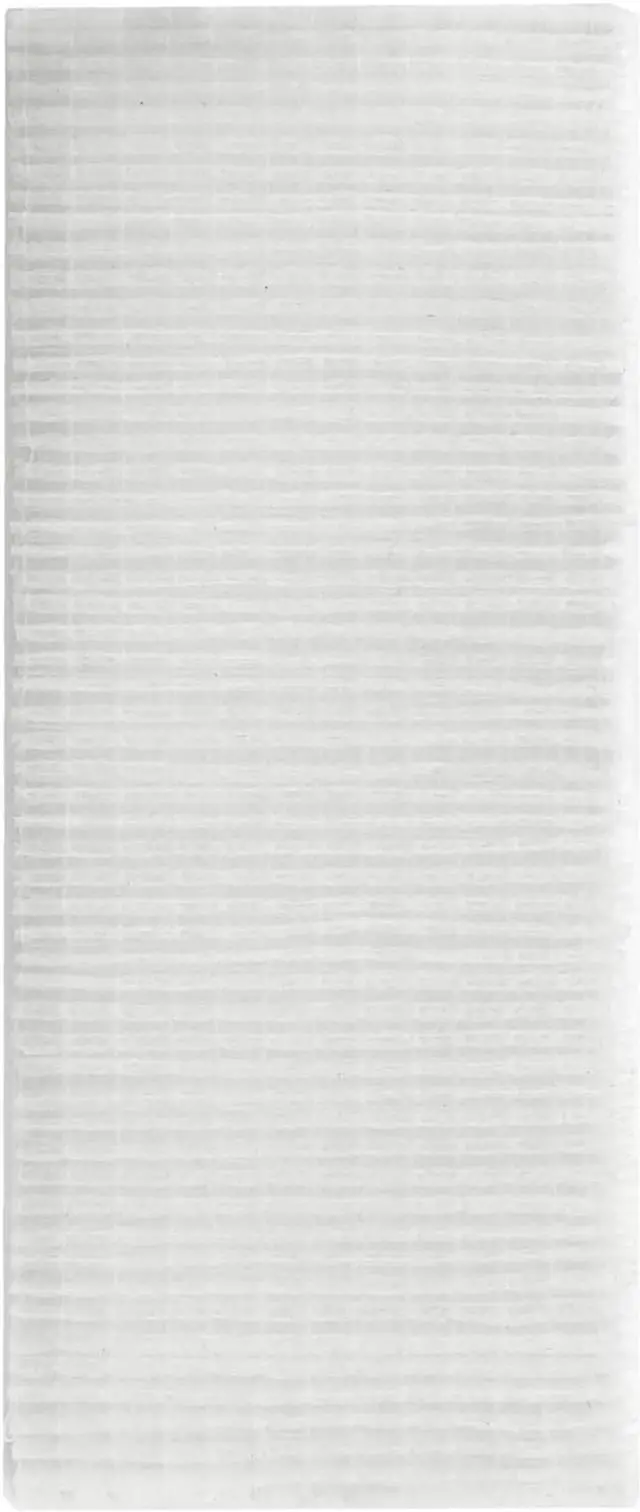
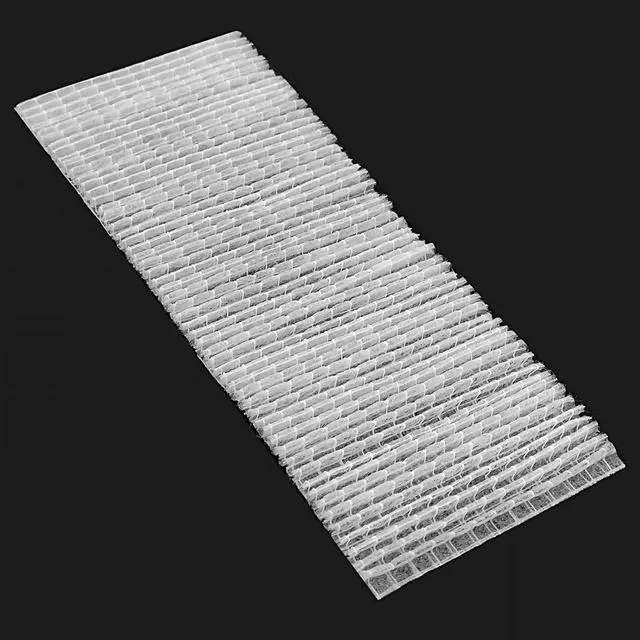
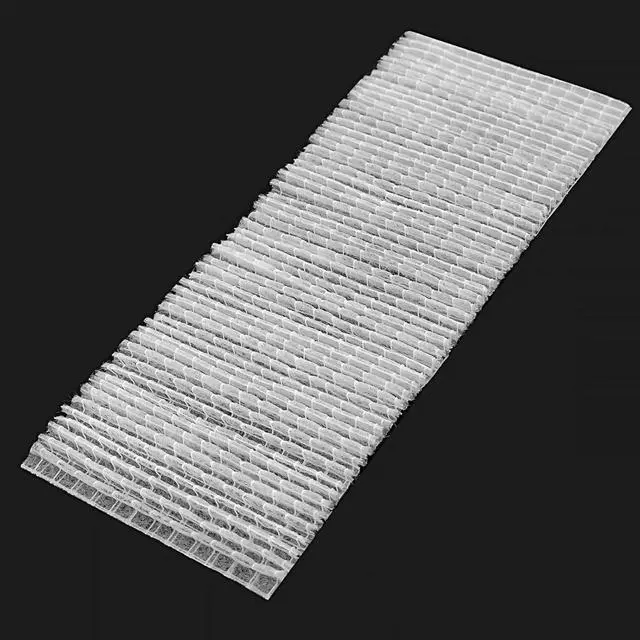


AOERUOW MU03642/MU05661/003-002119-01 Replacement Projector Air Dust Filter for HITACHI CP-SX635,CP-WUX645N,CP-WX625,CP-WX645,CP-X505W,CP-X600,CP-X605,CP-X807,CP-X809 for Christie LW400,LWU420,LX400
- Suitable for MU03642 / MU05661 / 003-002119-01 Replacement Projector Air Dust Fitler DT00771 Filter DT00871 Filter
- Compatible for HITACHI CP-SX635,CP-WUX645N,CP-WX625,CP-WX645,CP-X505,CP-X505W,CP-X600,CP-X605,CP-X608,CP-X615,CP-X705,CP-X807,CP-X809 for CHRISTIE LW400,LWU420,LX400 for 3M X90/W,X95,X95i for ASK C445,C500 for PLANAR PR9020,PR9030 Projectors
- It's Time to Replace the Air Filter When the Air Filter is Ripped or the Message is Displayed Even Though the Air Filter Has Been Cleaned
- After Replace the Air Filter Your Projector will Get Better Cooling and Dust-proof Performance and You will Enjoy the Effect of the Original Lights
- The Air Filter will Wrapped and Packed Securely to Make Sure you Receive the Item in Good Condition,It Comes with 180 Days Warranty and We Supply Excellent Customer Service,If You Have Any Questions About the Product Please Feel Free to Contact Us
+
+
Overview
Specs
Reviews

Any questions? Our AI mode will help you find out quickly.
Try me now
AOERUOW Replacement Projector Air Dust FilterPremium quality, long life replacement projector air filter, installed in your projector, so you appreciate the effect of the original lights. This will be your best choice at work, so you and your family to experience a better entertainment. When You Need Clean or Replace Your FilterThe projector air filters prevent dust from accumulating on the surface of the optical elements inside the projector. If a message is frequently displayed "The projector is overheating. Make sure nothing is blocking the air vent, and clean or replace the air filter", even after cleaning, it is time to replace the air filter.
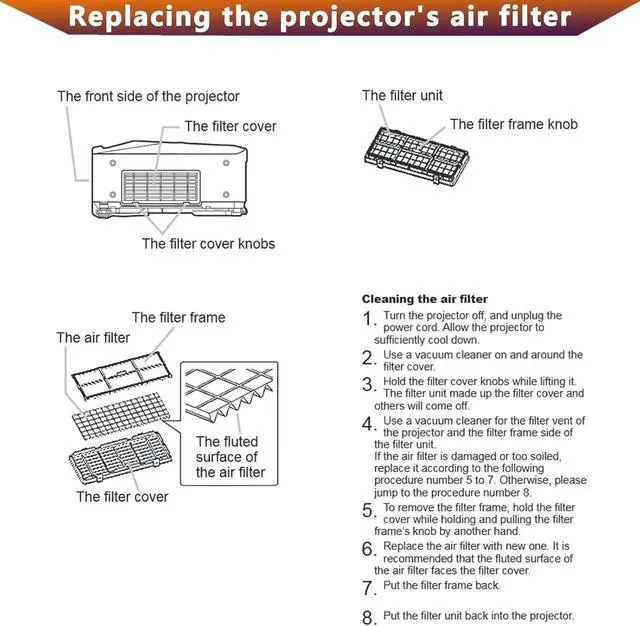
Replace it with a new air filter. How to Replace the Air Filter1. After you turn off the projector's power and the confirmation buzzer beeps twice, disconnect the power cord. 2. Open the air filter cover, slide the air filter cover operation knob and open the air filter cover. 3. Remove the air filter, grip the tab in the center of the air filter and pull it straight out. 4. Install the new air filter, press until it clicks into place. 5. Close the air filter cover.
Filter Part NumberMU03642 / MU05661 / 003-002119-01Compatible with Projector Modelfor HITACHI CP-SX635, CP-WUX645N, CP-WX625, CP-WX645, CP-X505, CP-X505W, CP-X600, CP-X605, CP-X608, CP-X615, CP-X705, CP-X807, CP-X809 for CHRISTIE LW400, LWU420, LX400 for 3M X90/W, X95, X95i for ASK C445, C500 for PLANAR PR9020, PR9030 Projectors
Replace it with a new air filter. How to Replace the Air Filter1. After you turn off the projector's power and the confirmation buzzer beeps twice, disconnect the power cord. 2. Open the air filter cover, slide the air filter cover operation knob and open the air filter cover. 3. Remove the air filter, grip the tab in the center of the air filter and pull it straight out. 4. Install the new air filter, press until it clicks into place. 5. Close the air filter cover.
Filter Part NumberMU03642 / MU05661 / 003-002119-01Compatible with Projector Modelfor HITACHI CP-SX635, CP-WUX645N, CP-WX625, CP-WX645, CP-X505, CP-X505W, CP-X600, CP-X605, CP-X608, CP-X615, CP-X705, CP-X807, CP-X809 for CHRISTIE LW400, LWU420, LX400 for 3M X90/W, X95, X95i for ASK C445, C500 for PLANAR PR9020, PR9030 Projectors
Warranty & Returns
Warranty, Returns, And Additional Information
Warranty
- Please contact the Seller directly for warranty information. Warranty information may also be found on the Manufacturer's website.
- CONTACT
Return Policies
- Return for refund within: 30 days
- Return for replacement within: 30 days
- This item is covered by DuronTechnologies Return Policy
Manufacturer Contact Info
- For a directory of all our manufacturers, please click below.
- Manufacturers Directory
LOADING...