Your Browsing History
Meet Your Seller
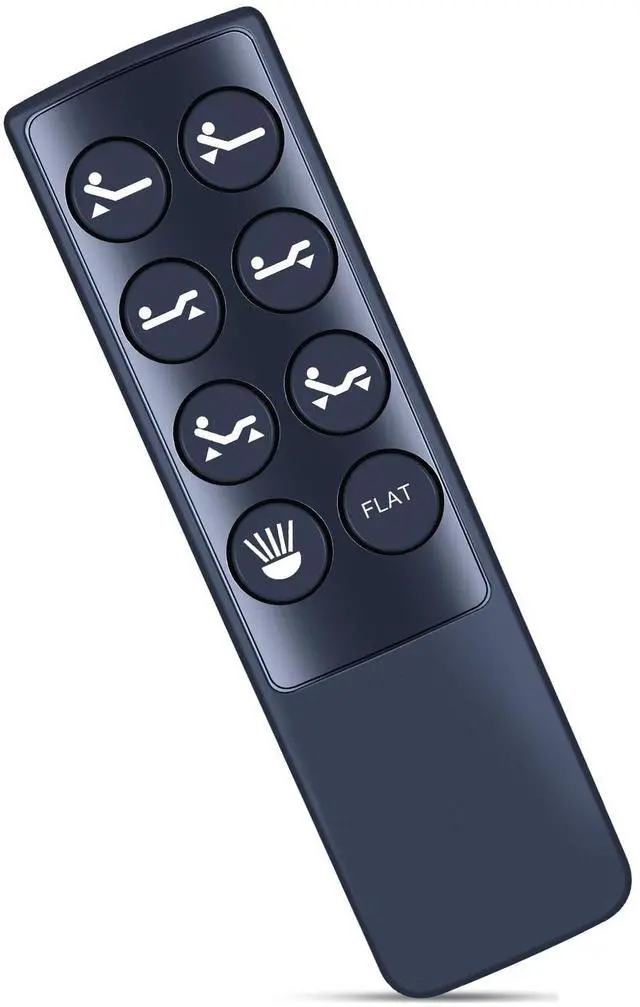
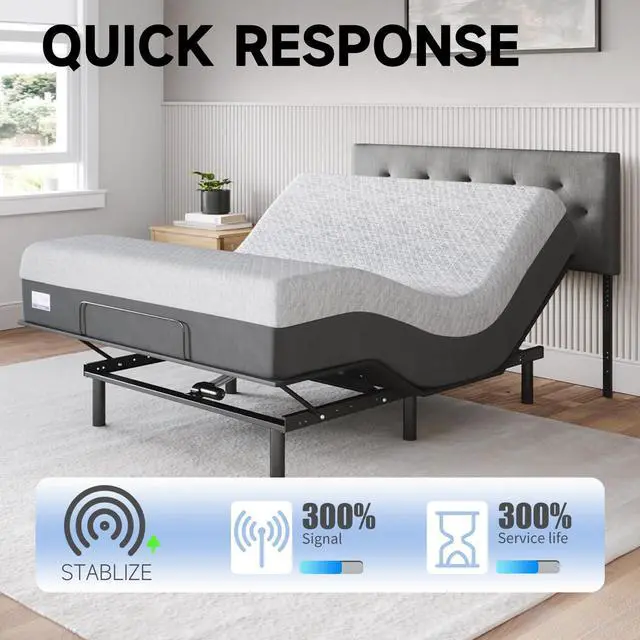
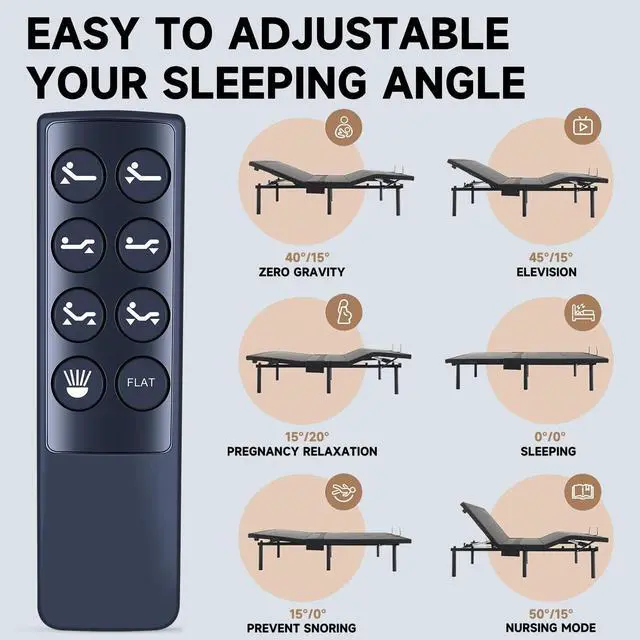
ZWP Replacement Remote Control Compatible for Richmat Control Box NU202U 127780C180346 1277800C90016B,for Ergo-Pedic Solutions II Adjustable Bed Base
- Compatible with Richmat Control box NU202U 127780C180346 1277800C90016B ,for Ergo-Pedic Solutions II Adjustable Bed Base
- Pairing method 1 Step 1:Ensure the remote batteries are functioning.Replace if necessary. Step 2:Unplug power cord from wall, wait a few seconds and then plug back in. Step 3:Within 10 seconds, press and hold the Head down and Foot Up buttons simultaneously until LED light on the control box fashes
- Pairing method 2 Step 1:Ensure the remote batteries are functioning, Replace if necessary. Step 2:Ensure the power cord is plugged into a powered source. Step 3:Press and hold the HEAD down and FOOT UP buttons simultaneously. Then ALS0 press and hold the blue button on the control boxcord until you hear 2 beeps.The remote is now paired.
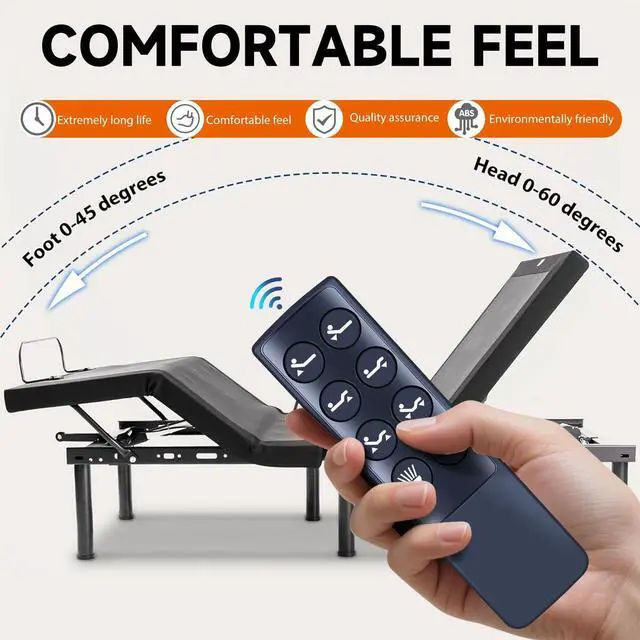
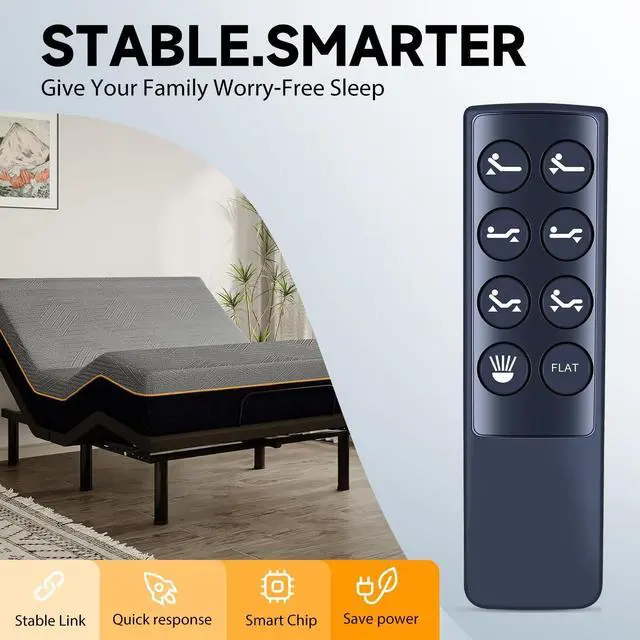
- Brand new Remote Control Made of high-quality ABS, which is wear-resisting and durable, comfortable hand feeling,Package Included:1 x Remote Controller (not include the battery)
- Any question, Please do not hesitate to contact us
+
+
Overview
Specs
Reviews
Any questions? Our AI mode will help you find out quickly.
Try me now
Pairing method 1
Step 1: Ensure the remote batteries are functioning. Replace if necessary.
Step 2: Unplug power cord from wall, wait a few seconds and then plug back in.
Step 3: Within 10 seconds, press and hold the Head down and Foot Up buttons simultaneously until LED light on the control box fashes Pairing method 2
Step 1: Ensure the remote batteries are functioning, Replace if necessary.
Step 2: Ensure the power cord is plugged into a powered source.
Step 3: Press and hold the HEAD down and FOOT UP buttons simultaneously. Then ALS0 press and hold the blue button on the control boxcord until you hear 2 beeps. The remote is now paired.

Step 1: Ensure the remote batteries are functioning. Replace if necessary.
Step 2: Unplug power cord from wall, wait a few seconds and then plug back in.
Step 3: Within 10 seconds, press and hold the Head down and Foot Up buttons simultaneously until LED light on the control box fashes Pairing method 2
Step 1: Ensure the remote batteries are functioning, Replace if necessary.
Step 2: Ensure the power cord is plugged into a powered source.
Step 3: Press and hold the HEAD down and FOOT UP buttons simultaneously. Then ALS0 press and hold the blue button on the control boxcord until you hear 2 beeps. The remote is now paired.
Warranty & Returns
Warranty, Returns, And Additional Information
Warranty
- Please contact the Seller directly for warranty information. Warranty information may also be found on the Manufacturer's website.
- CONTACT
Return Policies
- Return for refund within: 30 days
- Return for replacement within: 30 days
- This item is covered by UsaLogic Return Policy
Manufacturer Contact Info
- For a directory of all our manufacturers, please click below.
- Manufacturers Directory
LOADING...