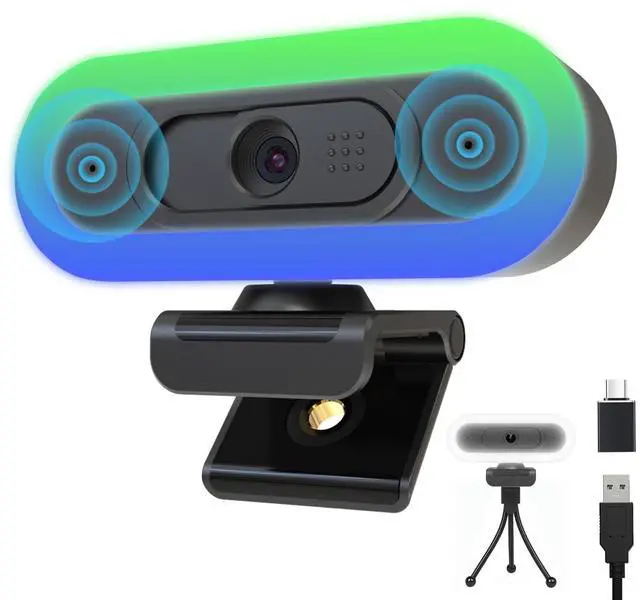
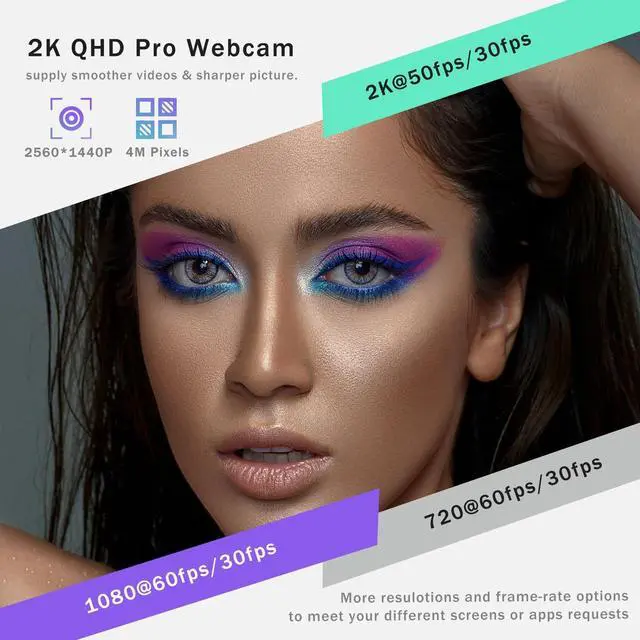
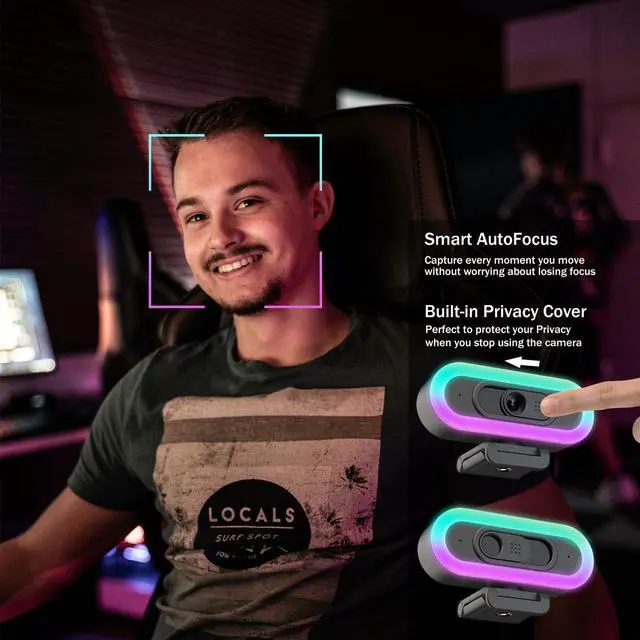
Pro 2K webcam /50fps: QHD Webcam with 4 megapixel sensor, supply 3 different resolutions( 2K, 1080p, 720p): 2k@50fps, 1080p@60fps, 720p@60fps, Fast 50fps/60fps frame rate for smooth live footage, improved video performance, According your computer/laptop system & apps, this webcam also can supply 30fps (1440P/30fps, 1080p/30fps and 720p/30fps), create crystal-clear image, Hrayzan 2k webcam, 65Field of View, Autofocus lens, No distortion, enhance users'video calling/recording/streaming/Conferencing experiences ^^
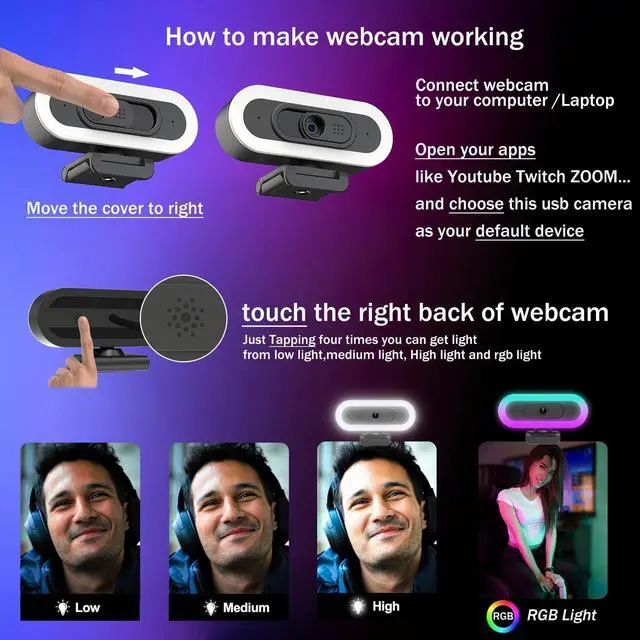
Webcam with Light: This Computer Camera has Fill RGB light, adds colorful atmosphere, elevate your gaming /Youtube/Twitch streaming experiences, When switching to white light with 3 Levels of brightness (low light/medium light/High light), it will become a ring white light for a professional, well-lit look during business meeting, online learning or video calls, adjustable via one-touch button (on the right back of the webcam) ^^ Webcam with Dual
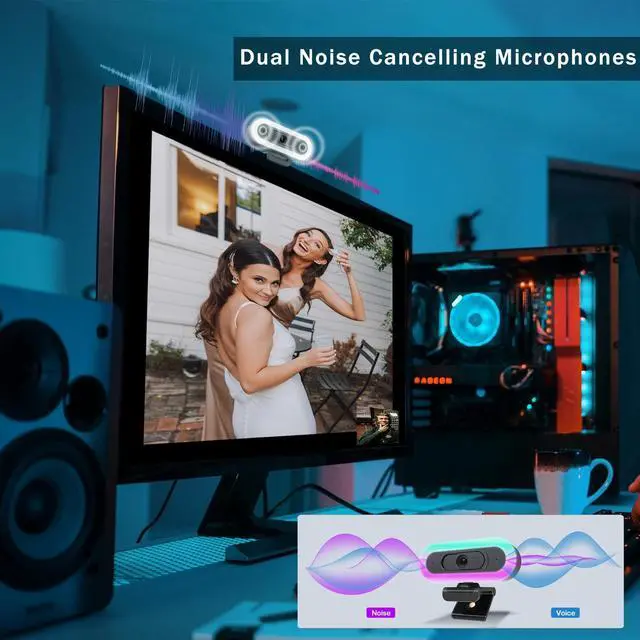
Noise Cancelling Microphone: PC Camera with Dual Stereo Microphone reduces ambient noise to enhance the sound quality of your video, This webcam can pick up your voice even at 16.4 ft, Great for Zoom/Teams/Facetime/Skype/OBS ^^
Convenient Installation: plug-and-play USB Gaming Camera, No driver required, with Usb C to USB Adapter, Cable Length 5.9 ft, Compability with Windows 7/8/10/11 or above, macOS 10.10 or above with UVC support, Chrome OS with UVC support, Android 5.0 or above, Operating systems with standard UVC/UAC drivers ^^ Wide
Compatibility & Convenience: 1. This webcam for pc with build-in privacy cover / tripod, protect your privacy when not in use, never worrying about some creep peeping through your camera. Works seamlessly with Zoom, WebEx, MS Teams, Google Meet, OBS Studio, YouTube, FaceTime, Skype, XSplit, Facebook, Tiktok, Twitch, and more. please noteif your computer/laptop screen device or streaming apps limit your streaming resolution to 1080p or 720p, this webcam with light only have to supply 1080p or 720p. ^^ How to make my webcam to work or detected? (1) Please connect the Hrayzan webcam directly to a USB port of computer /Laptop, not hubs, (2) Enable Camera Permissions in your computer system (3) Select this external webcam as Default camera in your apps like Zoom, Teams, Twitch ^^ How to make my webcam with light to working? (1) plug the 2k webcam to your computer/laptop, touch the right back of the webcam to change white light from low light to High light (2) Click video streaming or calling apps, when the video show your face, continuing to touch the right back of this USB Webcam, then you can get rgb light and adds colorful atmosphere ^^ Hrayzan 2k Webcam has autofocus lens, working together with the 50fps capture for smooth, sharp video.
Webcam with Automatic low light correction, produce a more true-to-life look even in dim light. with Auto light balance so you're always looking fabulous.





 here!
here!