RAID Configuration RequiredPOWER OFF TO CHANGE RAID: Toggling the switch while powered on won't take effect. To apply a new
RAID mode:
1. Power off the device.
2. Toggle the RAID switch.
3. Power it back on. The new mode only works after a restart.
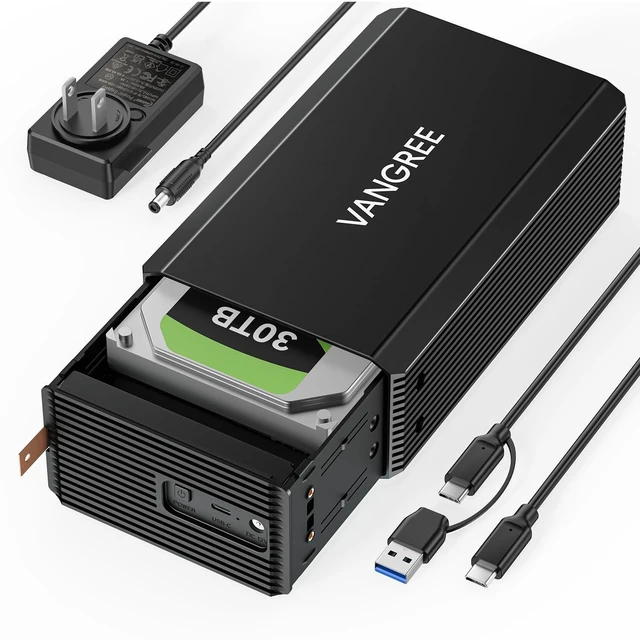
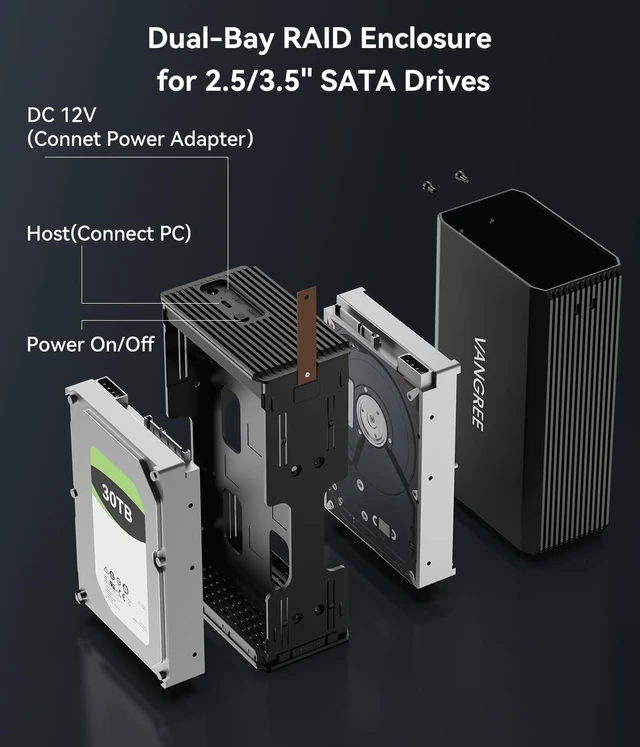
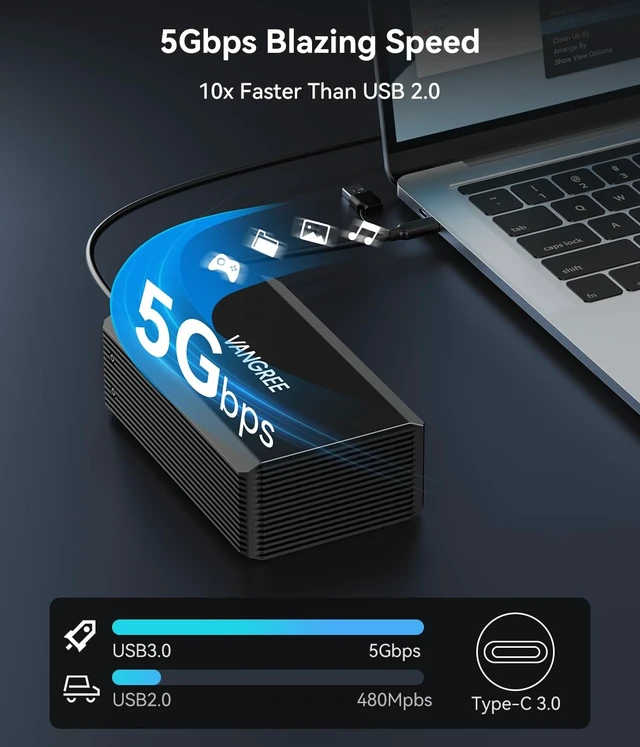
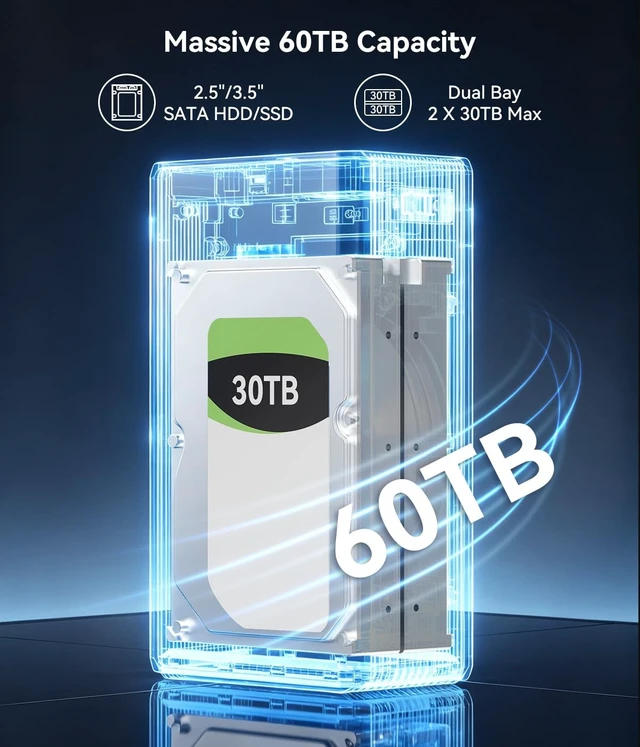
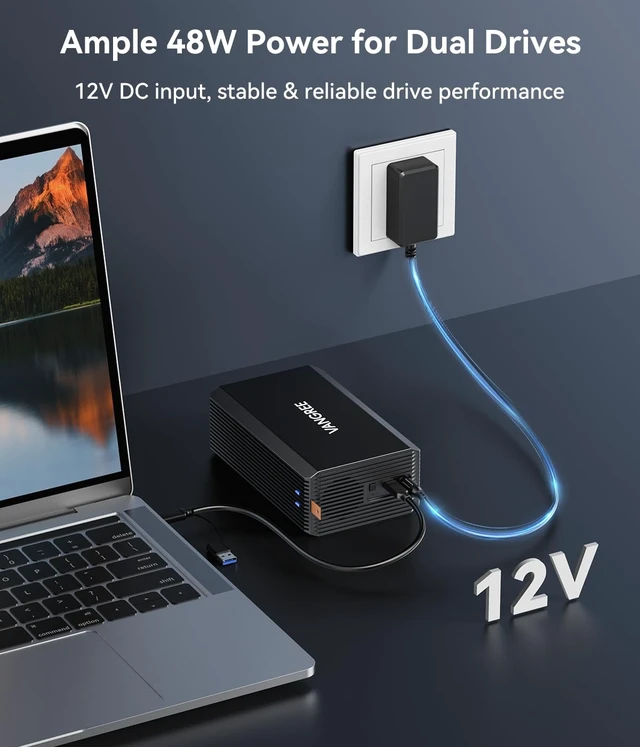
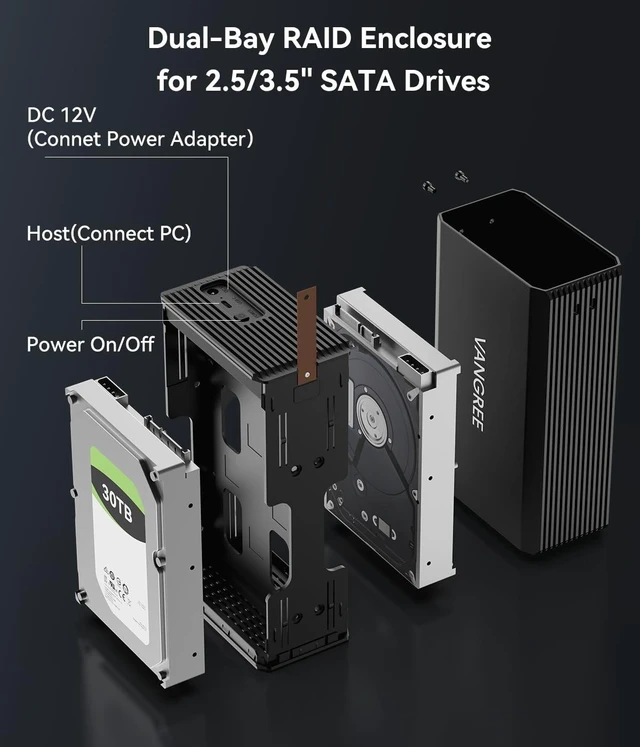
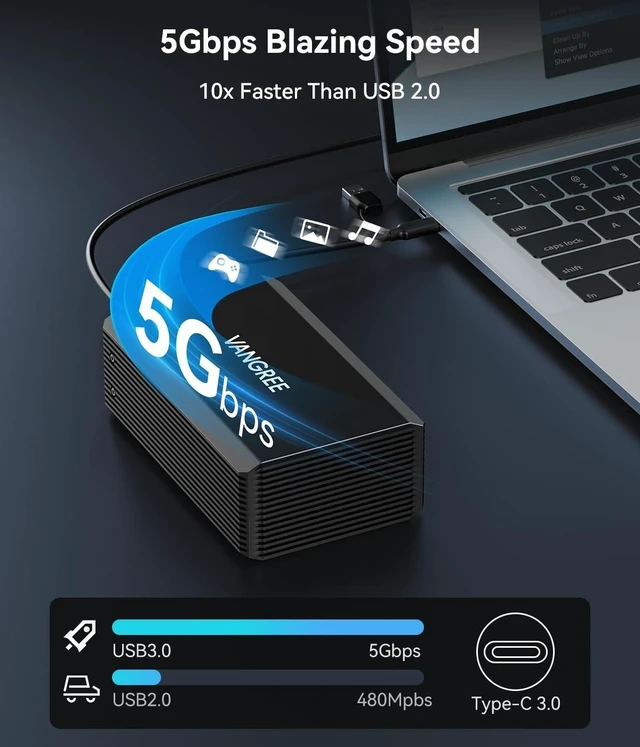
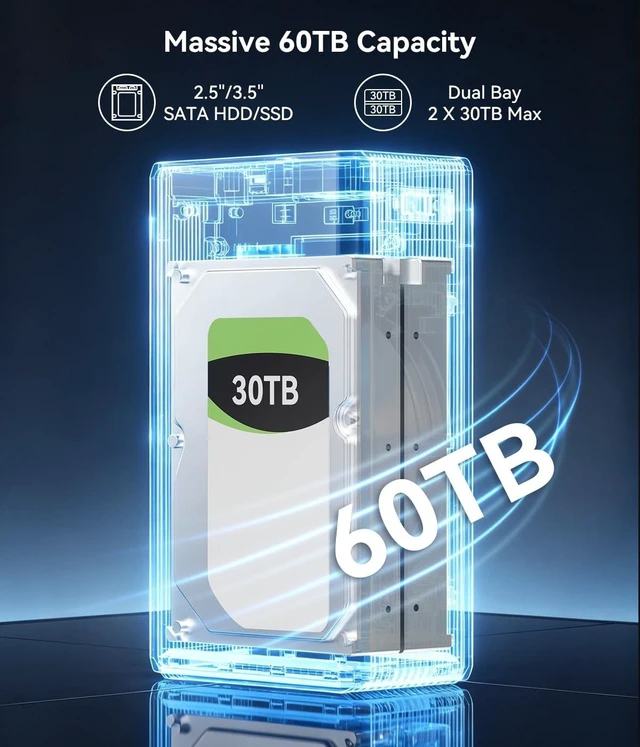
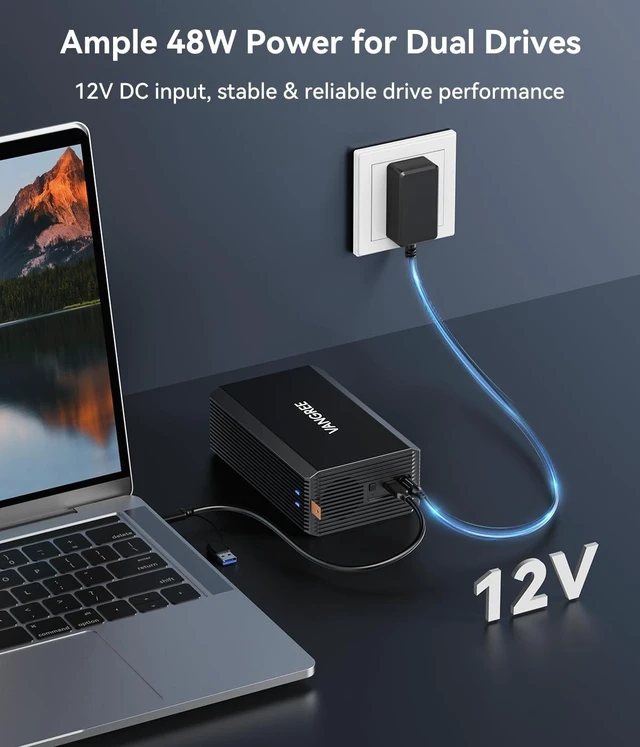
DATA WARNING: Switching RAID modes will erase all data. Please back up your files before changing the configuration. ^^ Premium Storage SolutionIdeal for video editing, gaming, and backups. This aluminum enclosure consolidates drives into one compact unit, saving desktop space while delivering reliable external storage for personal or business use. ^^ Massive CapacitySupports 2.5 / 3.5 inch SATA HDDs & SSDs, up to 30TB per bay. Ideal for archiving large media libraries, project files, and enterprise databases with scalable, reliable storage expansion. ^^ 4 Versatile RAID ModesEasily switch between RAID 0, RAID 1, Normal, and JBOD. Optimize for max speed, secure mirroring, or independent drives. Always backup critical data before switching RAID arrays. ^^ 5Gbps High-Speed TransferFeatures USB 3.0 interface with UASP protocol. Delivers up to 5Gbps speeds, drastically reducing load times for 4K editing, bulk backups, and fast large file transfers. ^^ Active Cooling & Stable PowerFeatures a built-in 2-inch fan and aluminum shell for optimal heat dissipation. Includes a 48W (12V/4A) adapter for reliable 24/7 operation.
Note: Fan noise ~40-50dB. ^^ Wide Compatibility & PackageDriver-free for Win 7+/macOS 9.1 +/Linux.
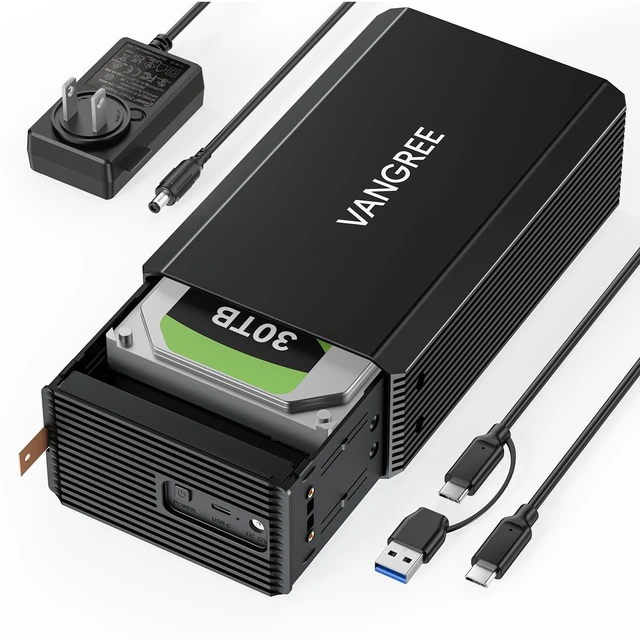
Includes: 1x 2-Bay RAID Enclosure, 1x USB-C to A/C Cable, 1x 12V/4A Adapter, 1x Screwdriver, 1x Screw Kit, 1x Manual. ^^ LED
Status GuideSolid blue: drive detected and ready.
Flashing blue: data transfer in progress.
Solid red: drive not detected or not functioning. If the red light stays on, please reconnect or reinstall the drive.





 here!
here!