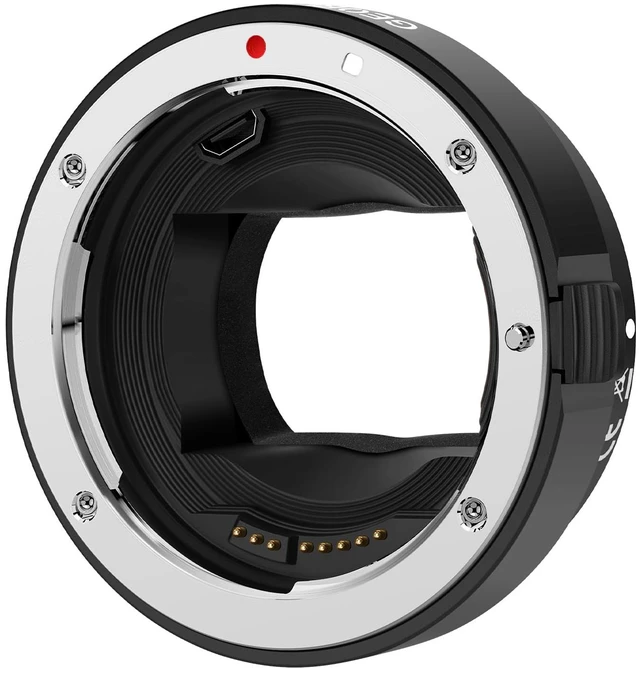
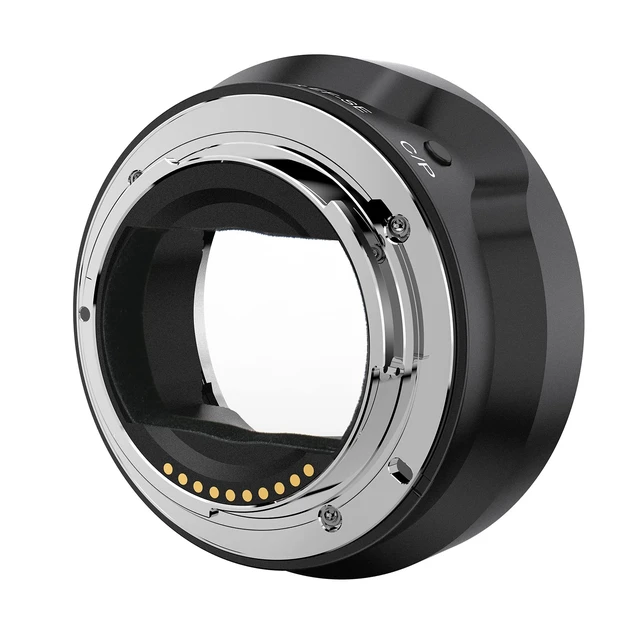
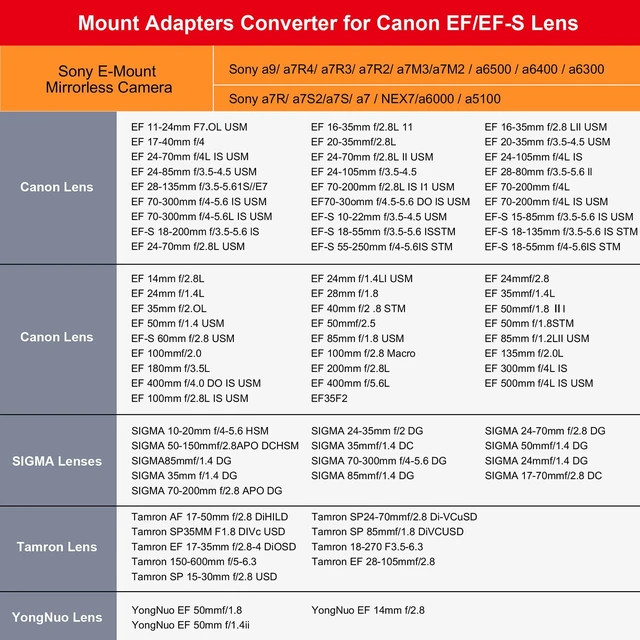
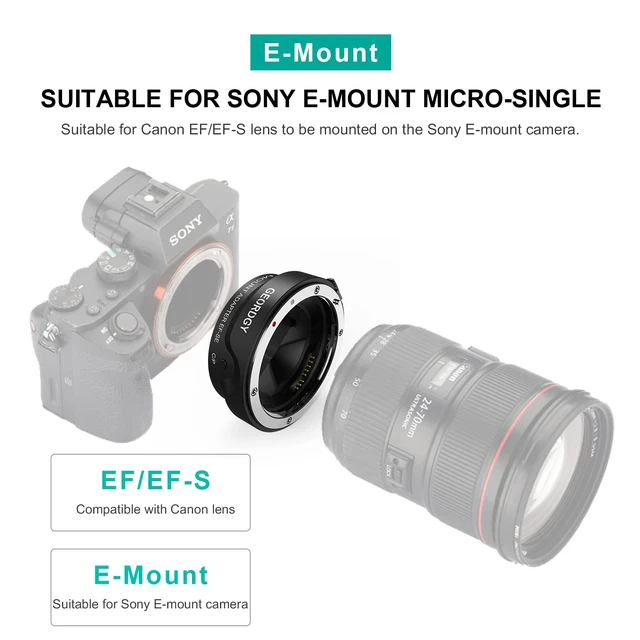
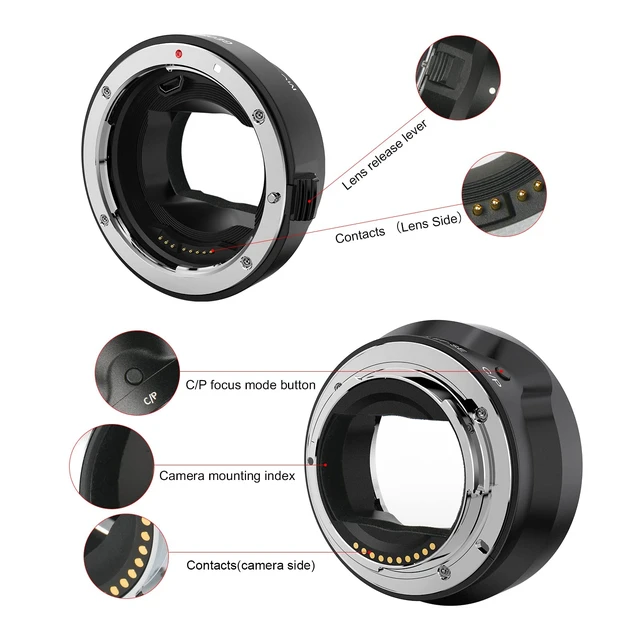
Broad Compatibility with Cameras & LensesPerfectly bridges your Canon gear to Sony system. Compatible with all Canon EF and EF-S mount lenses. Designed for Sony E-mount mirrorless cameras including Alpha A9 series (A9, A9II), A7 series (A7IV, A7III, A7RIV, A7RIII, A7C, A7SIII), and A6000 series (A6600, A6400, A6100). (Please check full list in description) ^^ Auto Focus in Video1. Turn tahe camera on. Attach the adapter; 2. Hold down the "C/P" button while attaching the lens; 3. When you do this, camera now understands that the lens is attached and will give you the option for autofocus in both photo and video mode.
How to change the default focus mode. 1. Attach the adapter when the camera turned off and then turn on the camera; 2. Press and hold the C/P button and then attach the lens; 3. Press the and hold the C/P button and turn off the camera ^^ Dual Auto Focusing FunctionSwitch C/P mode. Mode "C" Contrast-detect auto focus. Mode "P" Phase detection auto focus. In "CDAF" is made from, you can move the lens to improve the images of the focusing area, making your pictures cleaner, and inceasing focus success rate higher; In "PDAF" mode, you can Shorten the focus distance to speed up focusing process, focus speed is faster.
NOTE: C/P button in the shooting is not valid, dont worry about accidentally pressed ^^ Preserve EXIF Data & Enhanced StabilityMaximize your workflow efficiency. The adapter transmits vital EXIF data (shutter speed, aperture, ISO) to your camera, ensuring your metadata is fully recorded. Built with a premium high-strength metal alloy for a secure, wobble-free connection that protects your valuable equipment ^^ No Optics, No Loss of QualityMaintain the exceptional image quality your Canon lenses are renowned for. This adapter is a pure electronic converter with no glass elements inside, ensuring zero degradation of sharpness, clarity, or light transmission. Your lens's original optical performance is perfectly preserved




 here!