Your Browsing History
Meet Your Seller
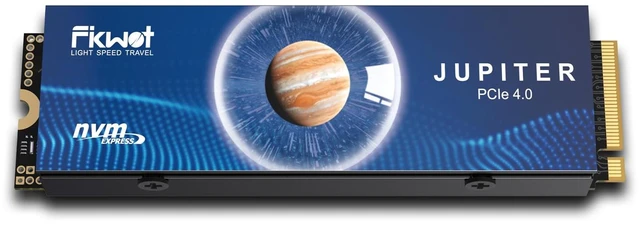
FIKWOT FX910 4TB M.2 NVMe SSD for PS5, PCIe Gen4x4 2280, Aluminum Heatsink
- EXPAND YOUR PS5 GAME LIBRARYAdd 4TB of internal storage for PS5 gamers. Store and play PS5 and PS4 games directly from the M.2 SSD, with more room for your game library. Usable capacity is lower after formatting.
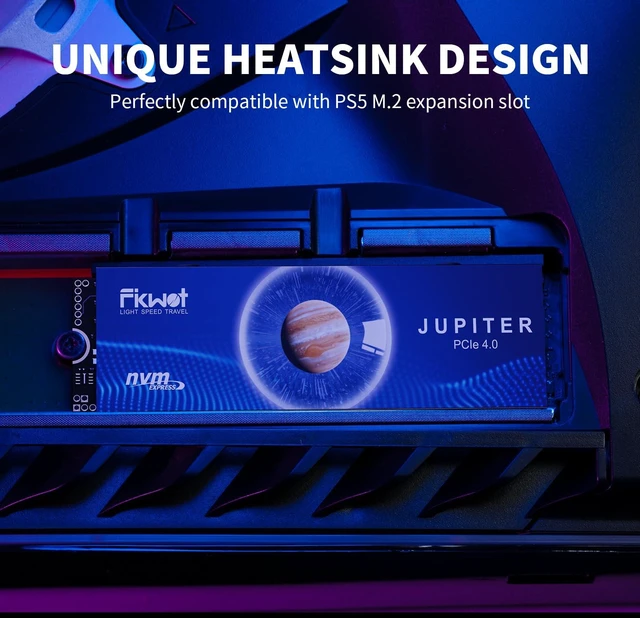
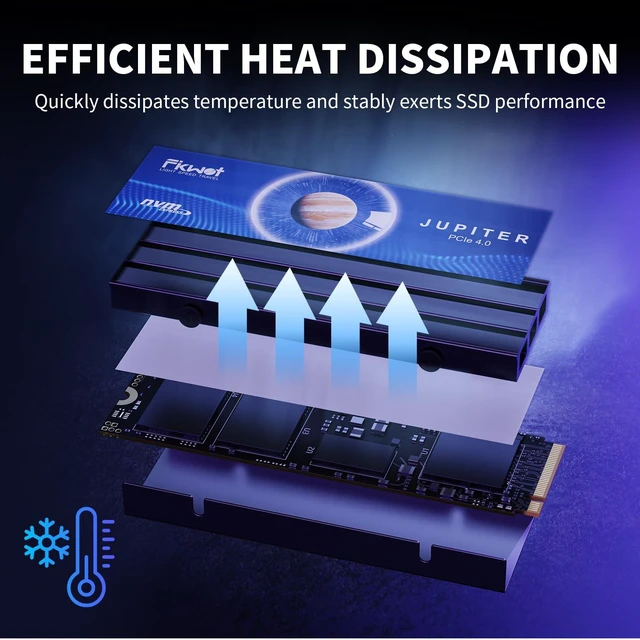
- PREINSTALLED ALUMINUM HEATSINKThe included aluminum heatsink helps dissipate heat during gaming, with no separate heatsink assembly needed. Designed for the PS5 M.2 expansion slot; follow console installation requirements.
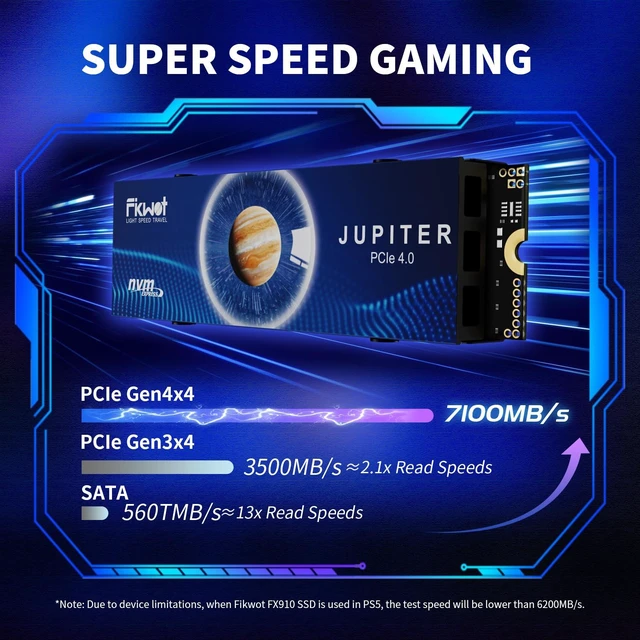
- GEN4 NVME PERFORMANCEPCIe 4.0 x4 NVMe technology delivers sequential read speeds up to 7100MB/s for gaming. Actual speed varies by system and workload; PS5 benchmark results may differ from the advertised peak.
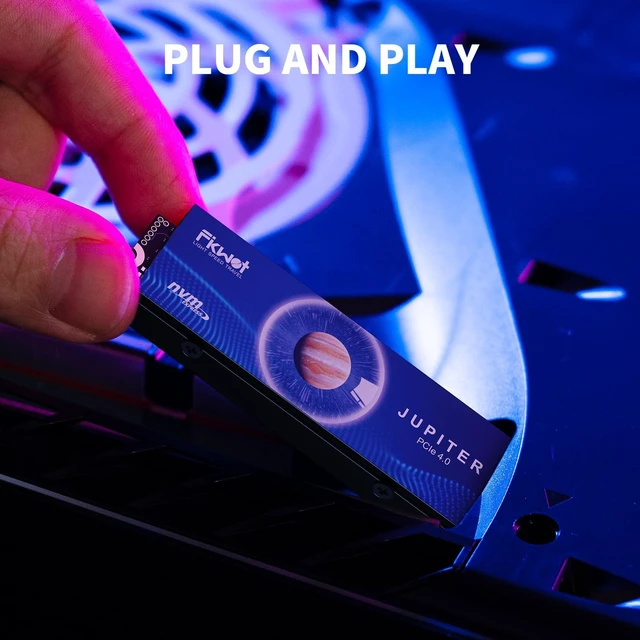
- INSTALL, SECURE, FORMATUpdate PS5 system software, power off the console, then install and secure the M.2 2280 SSD. Follow the on-screen formatting steps before use. Formatting erases existing data on the drive.
- PC COMPATIBILITY & SUPPORTFor compatible desktop PCs, check M.2 2280 PCIe NVMe support and clearance for the preinstalled heatsin
+
+
Overview
Specs
Reviews
Any questions? Ask CelesteSM will help you find out quickly.
Try me now
EXPAND YOUR PS5 GAME LIBRARYAdd 4TB of internal storage for PS5 gamers. Store and play PS5 and PS4 games directly from the M. 2 SSD, with more room for your game library. Usable capacity is lower after formatting. ^^ PREINSTALLED ALUMINUM HEATSINKThe included aluminum heatsink helps dissipate heat during gaming, with no separate heatsink assembly needed. Designed for the PS5 M. 2 expansion slot; follow console installation requirements. ^^ GEN4 NVME PERFORMANCEPCIe 4.0 x4 NVMe technology delivers sequential read speeds up to 7100MB/s for gaming. Actual speed varies by system and workload; PS5 benchmark results may differ from the advertised peak.
^^ INSTALL, SECURE, FORMATUpdate PS5 system software, power off the console, then install and secure the M. 2 2280 SSD. Follow the on-screen formatting steps before use. Formatting erases existing data on the drive. ^^ PC COMPATIBILITY & SUPPORTFor compatible desktop PCs, check M. 2 2280 PCIe NVMe support and clearance for the preinstalled heatsink before upgrading. FIKWOT provides 5-year after-sales service, subject to service terms.
Warranty & Returns
Warranty, Returns, And Additional Information
Warranty
- Please contact the Seller directly for warranty information. Warranty information may also be found on the Manufacturer's website.
- CONTACT
Return Policies
- Return for refund within: 30 days
- Return for replacement within: 30 days
- This item is covered by NorthFlow Smart Store Return Policy
Manufacturer Contact Info
- For a directory of all our manufacturers, please click below.
- Manufacturers Directory
LOADING...