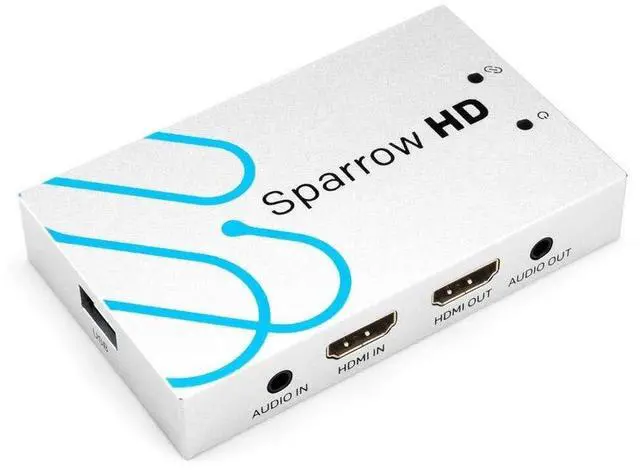
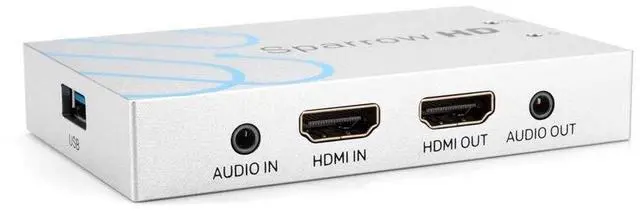
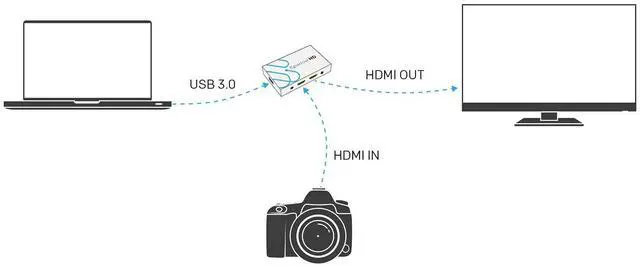
Connect an HDMI cable from your HDMI video source to the input port. ^^Connect an HDMI cable from the HDMI OUT on the Sparrow to an HDMI port on a monitor or TV. ^^Connect the Sparrow to your computer using the included USB 3.0 cable^^Start capturing using your favorite capture software. ^^Supports HDMI video input capture and HDMI loop output^^Supports resolution 480i-1080p60Hz video capture^^Supports resolutions up to 4K2K@60Hz scaled down to^^1080p60Hz for video capture.
(4K2K@50/60Hz 4:2: 2 not supported by downscaling)^^HDMI input and HDMI loop output supports 4K@60Hz^^Supports 4:4: 4 Chroma Subsampling and HDCP 2.2 ^^Support analog stereo audio input^^Supports analog stereo audio extraction^^Windows Linux OS X Compatible^^Supports USB 3.0 transmission up to 300-350 MB/s^^Compatible with VLC OBS XSplit and AMCAP streaming software. ^^Plug and play no driver installation required^^Video capture downscaling done on Sparrow HD so it will not add additional stress to your CPU